Freelance · Sringeri & Bengaluru, Karnataka · Remote across India
Desktop software that replaces spreadsheets and repeated data entry.
Many offices still run on spreadsheets, paper records and retyped data. I build Windows desktop software for inventory, procurement, student records and reporting that runs on an ordinary office PC, for clients in Karnataka, including Sringeri and Bengaluru, and remotely across India.
Replace repetitive manual processes with organised applications.
Many office operations still depend on spreadsheets, paper records and repeated data entry.
Custom desktop applications can turn these tasks into simpler, more organised workflows.
I develop Windows desktop software for internal business and administrative requirements.
What I can develop
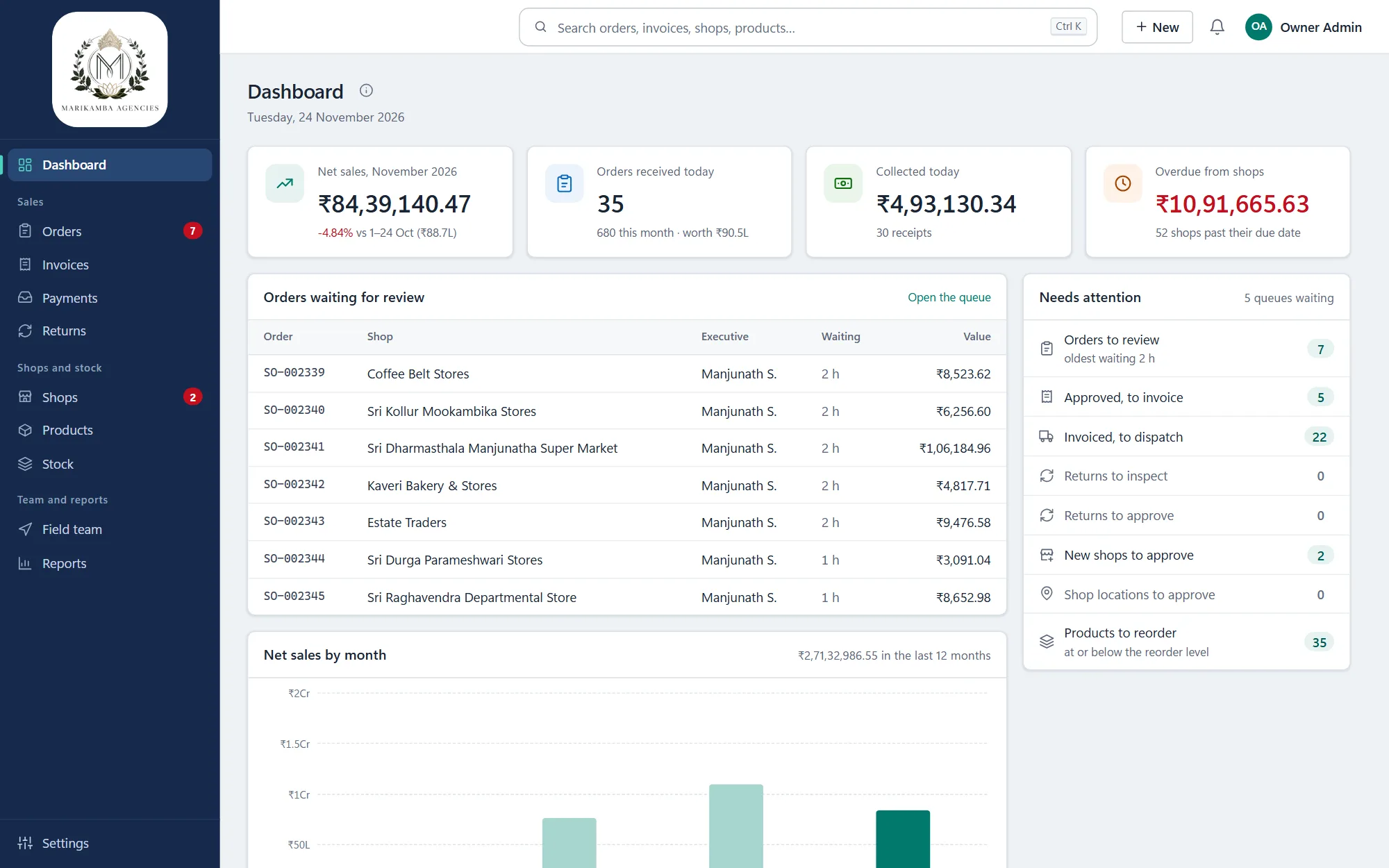
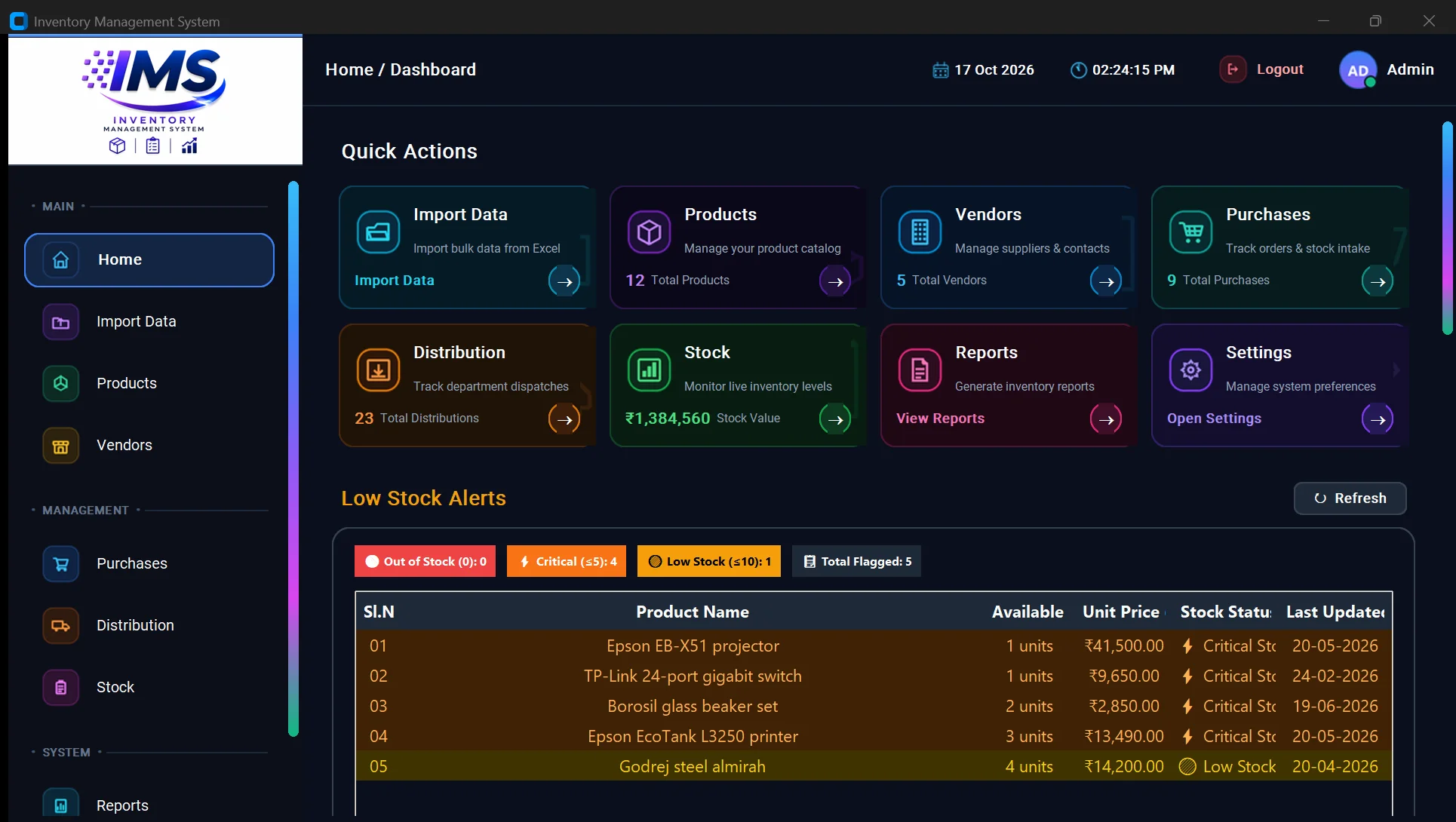
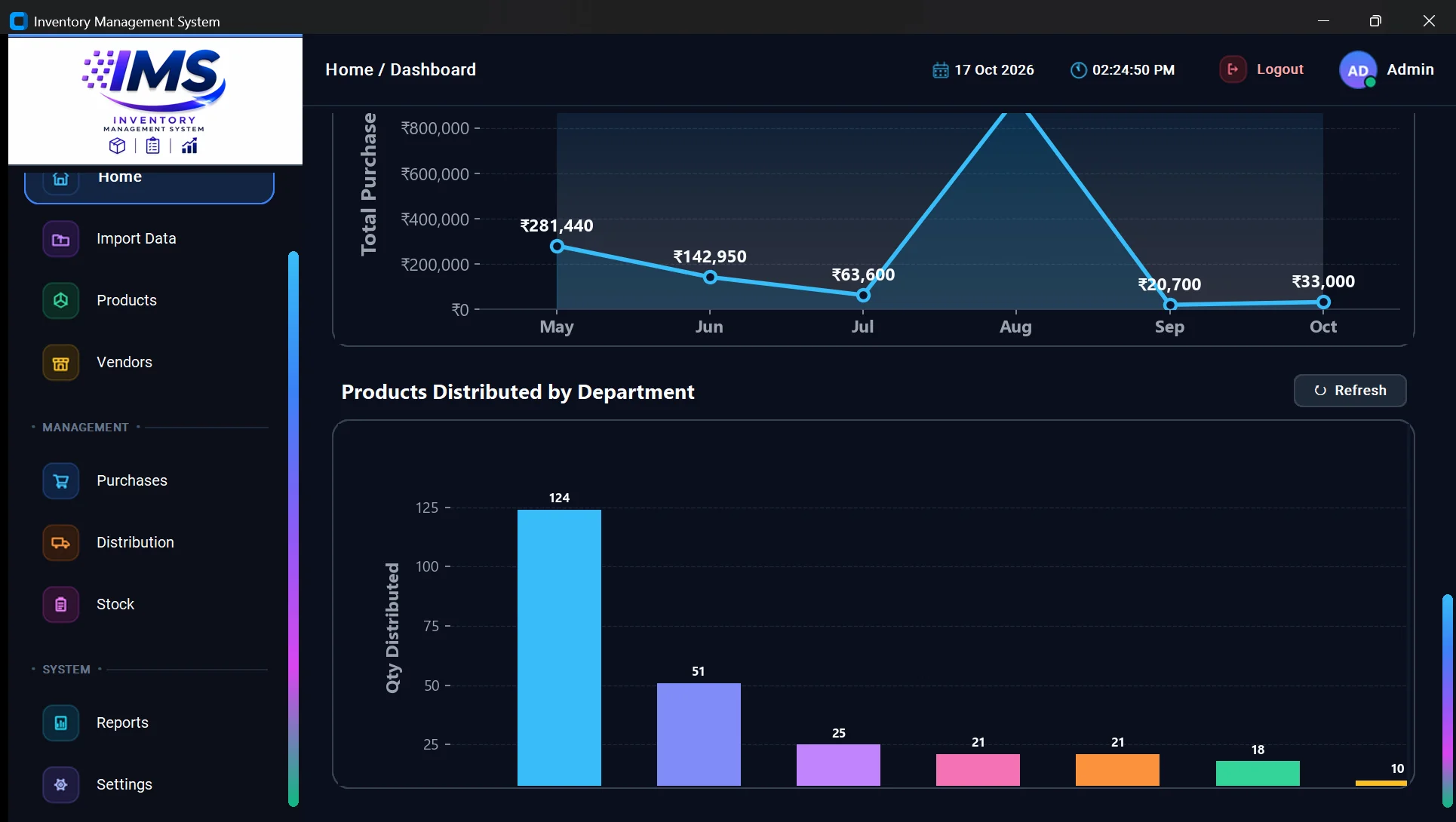
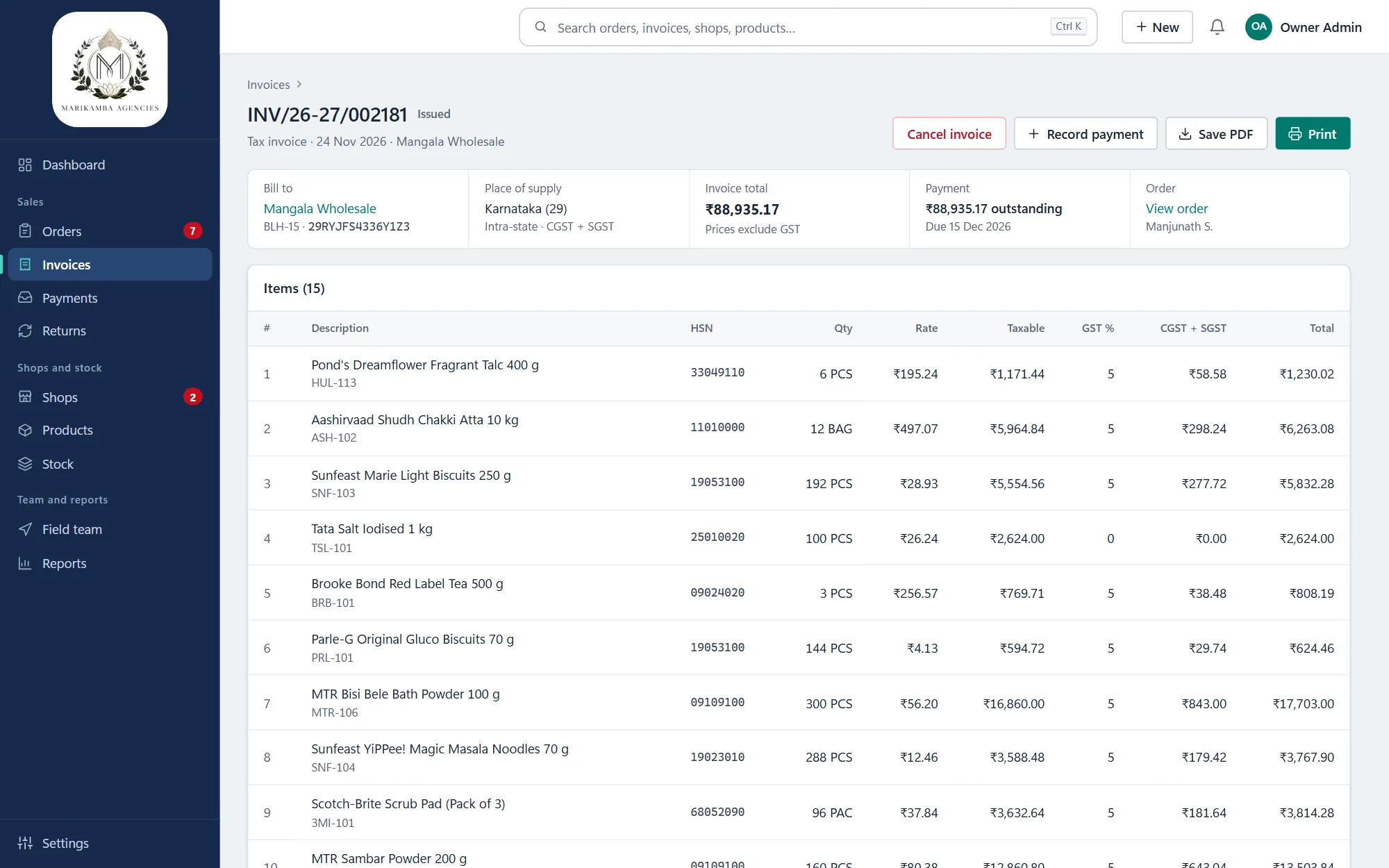
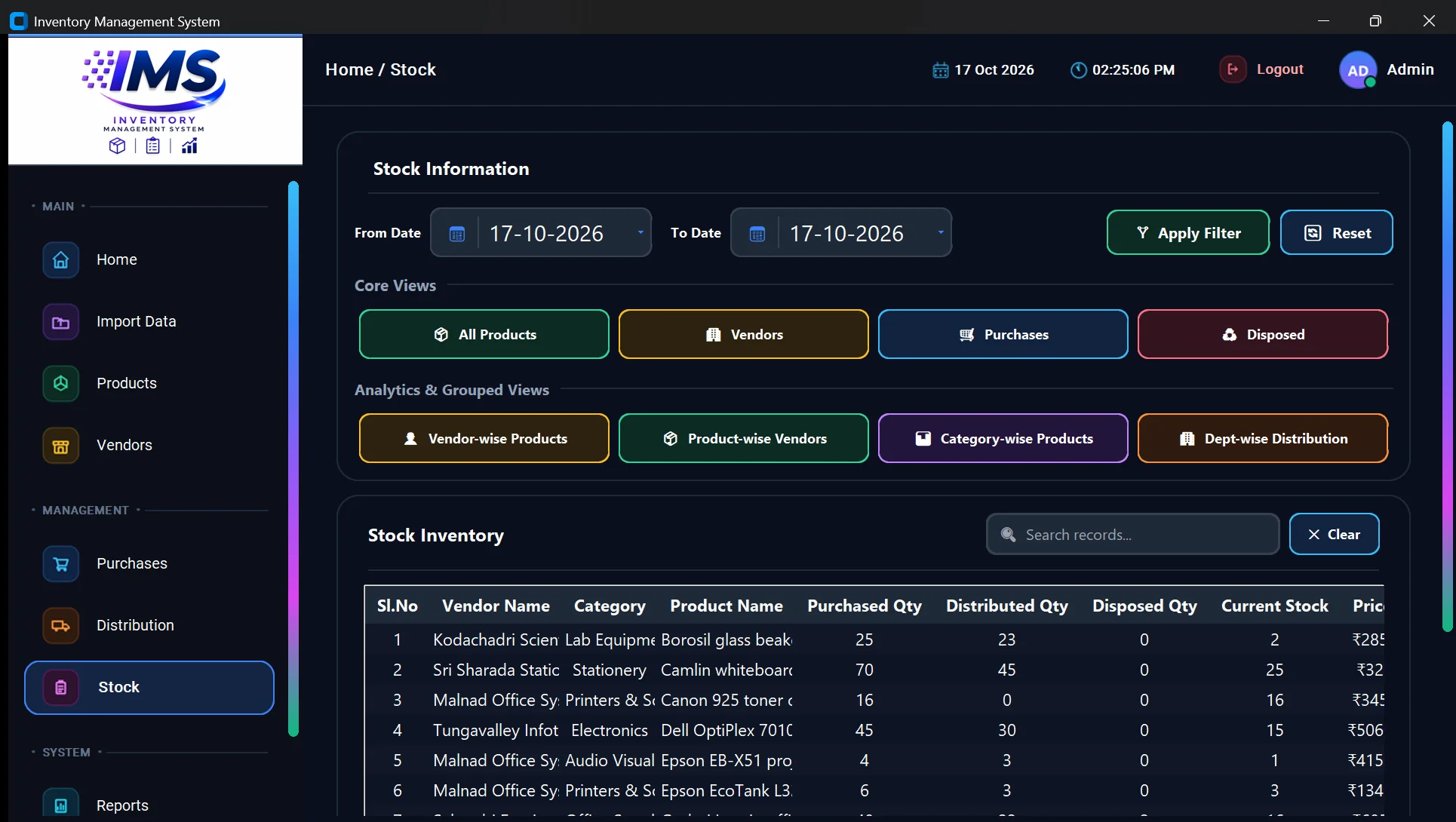
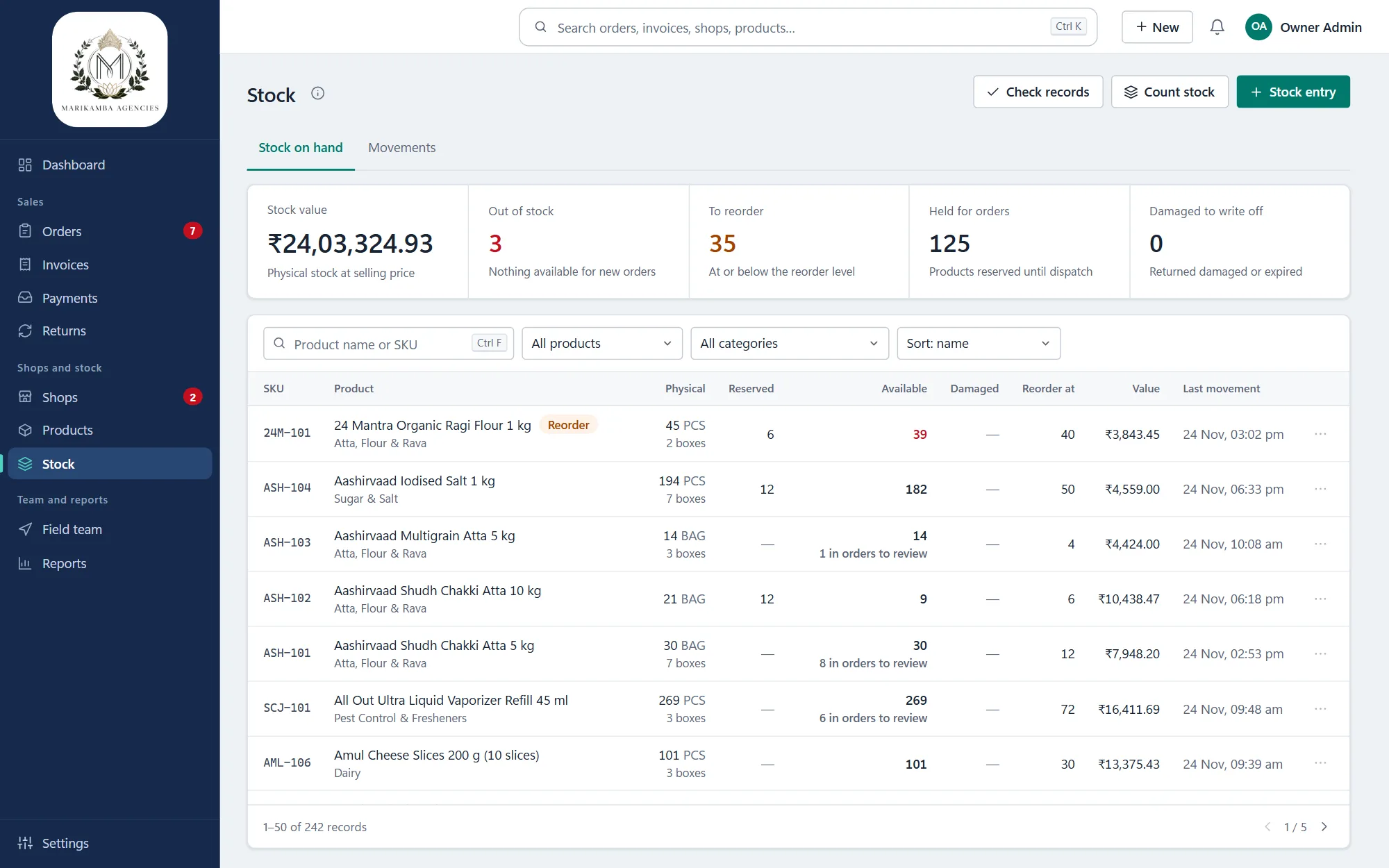
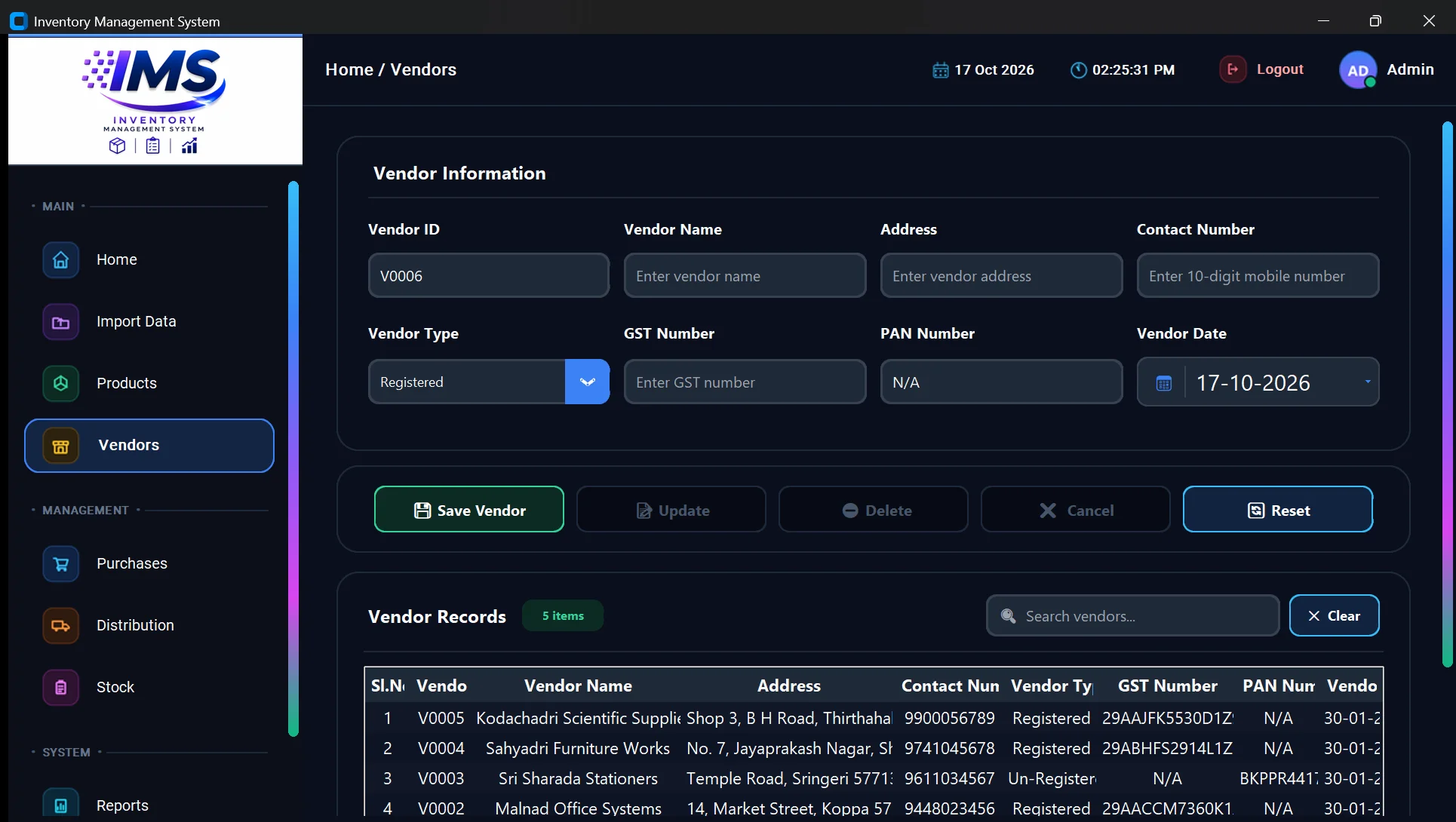
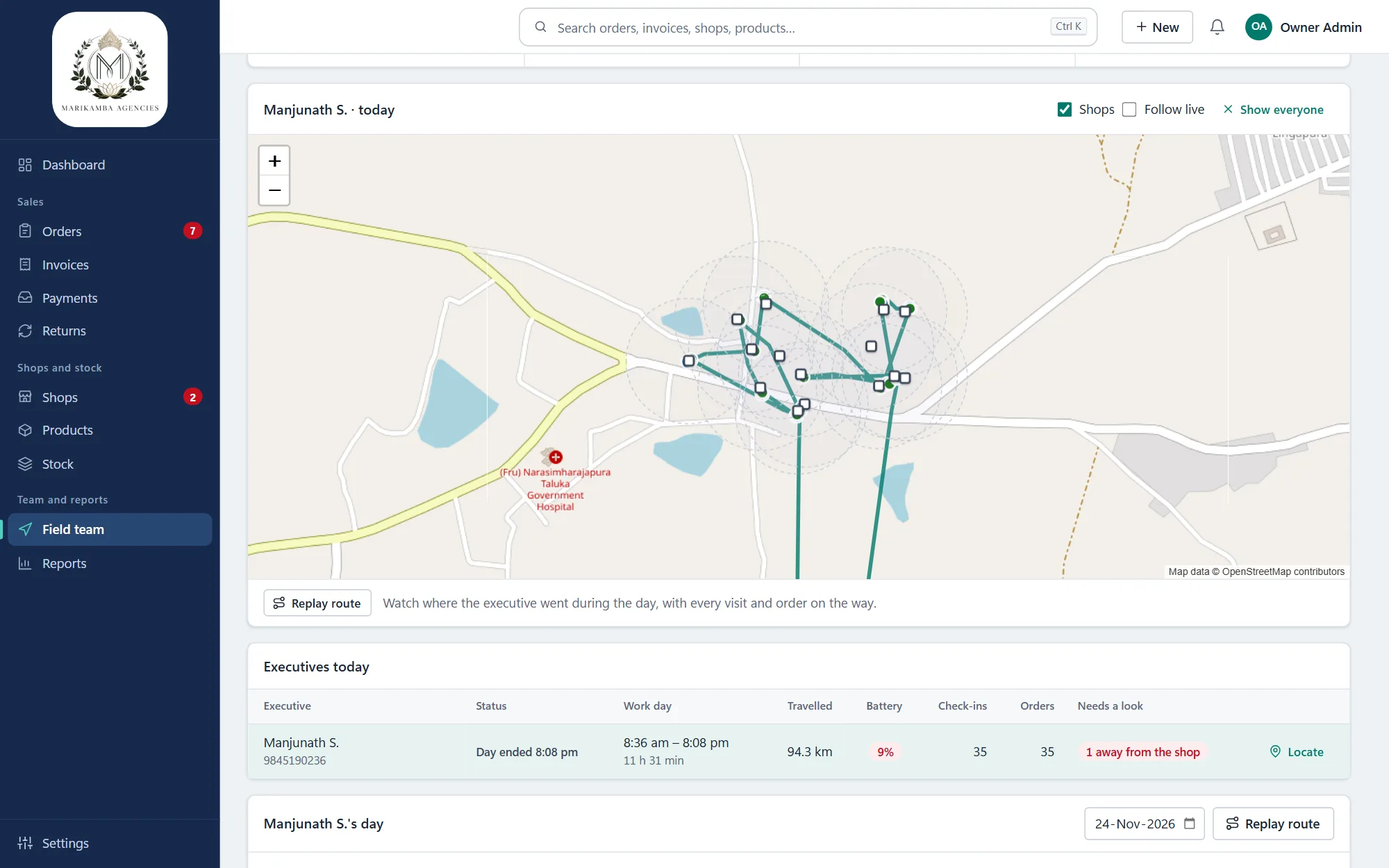
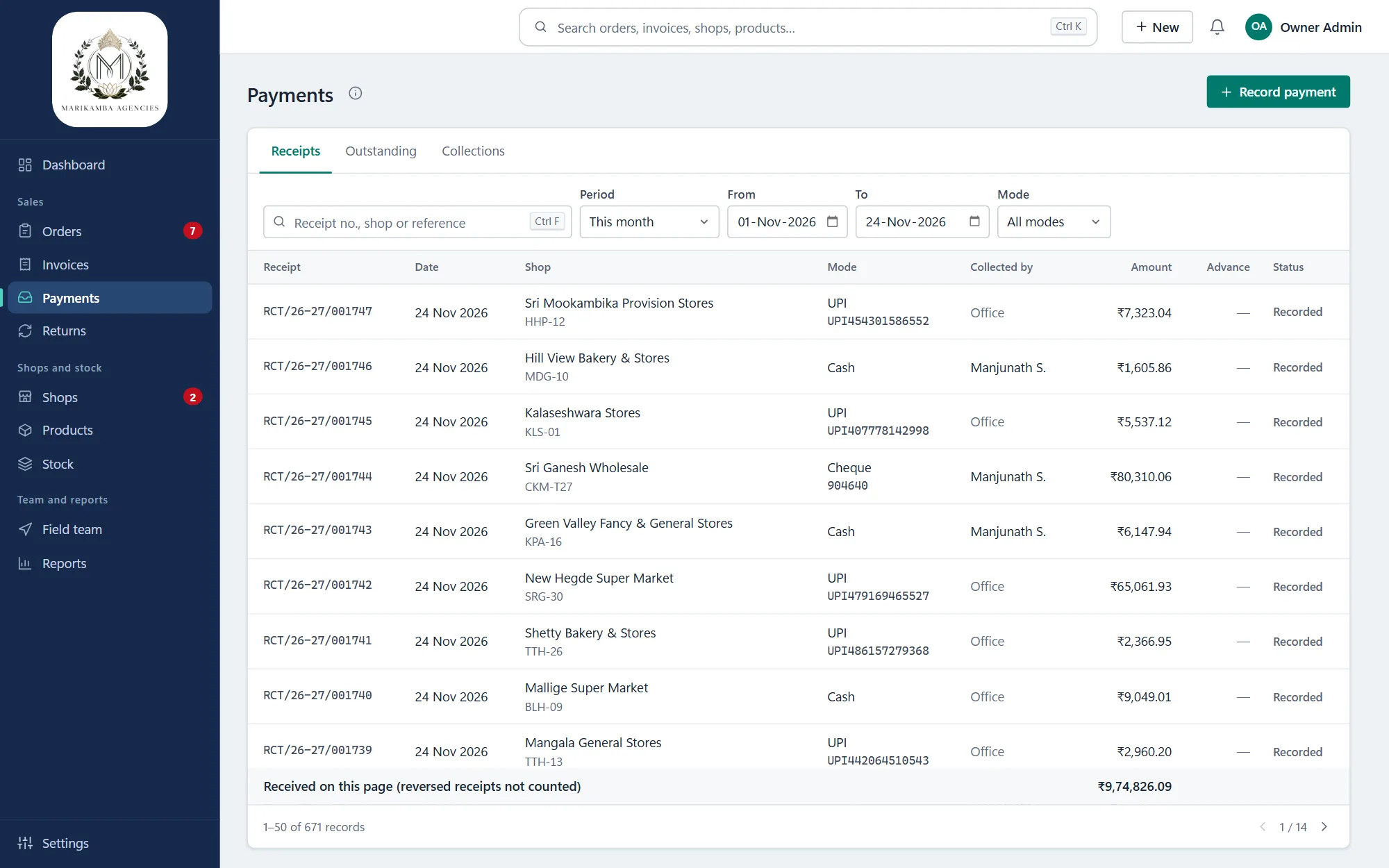
- Inventory and stock management systems
- Purchase and procurement management
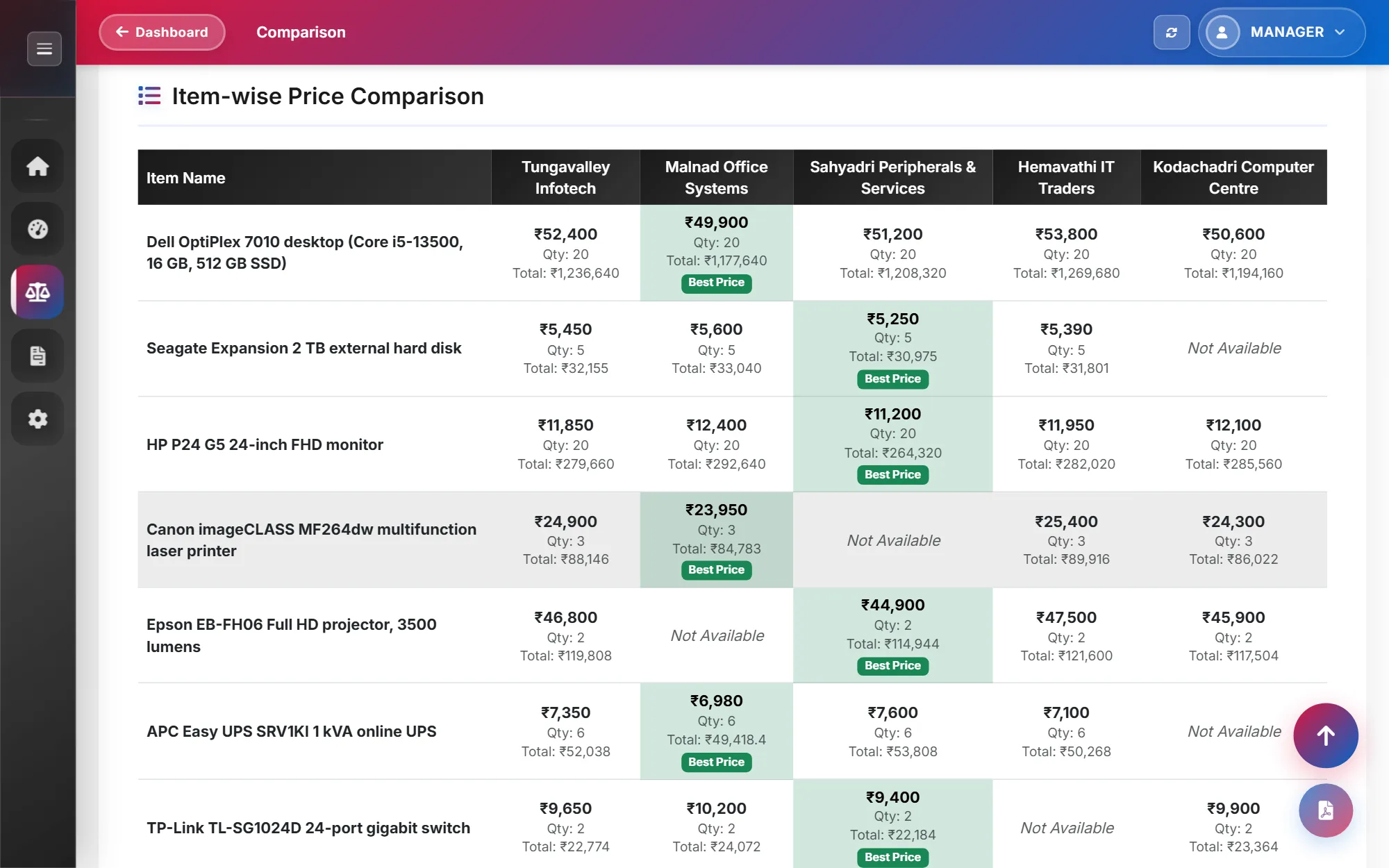
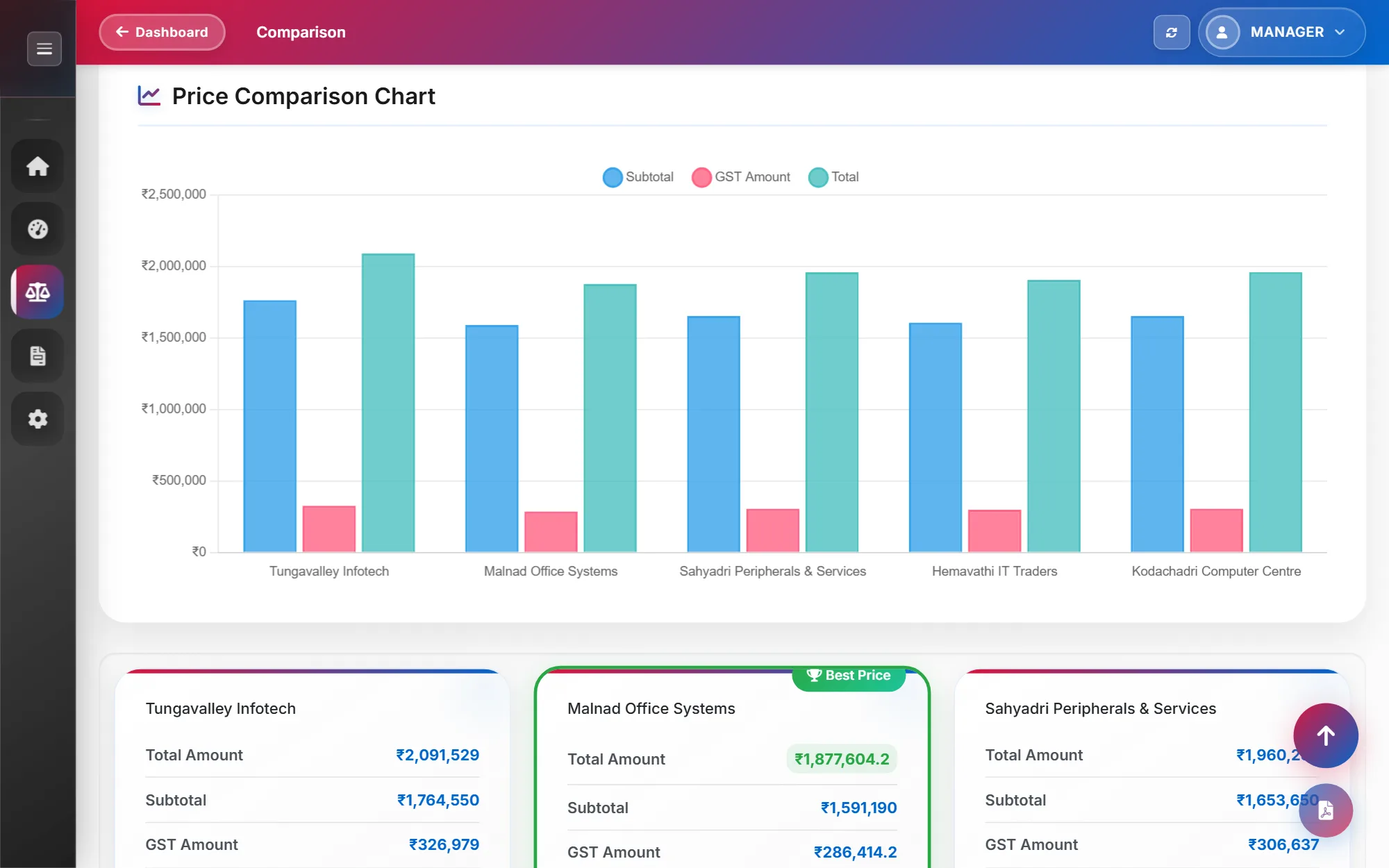
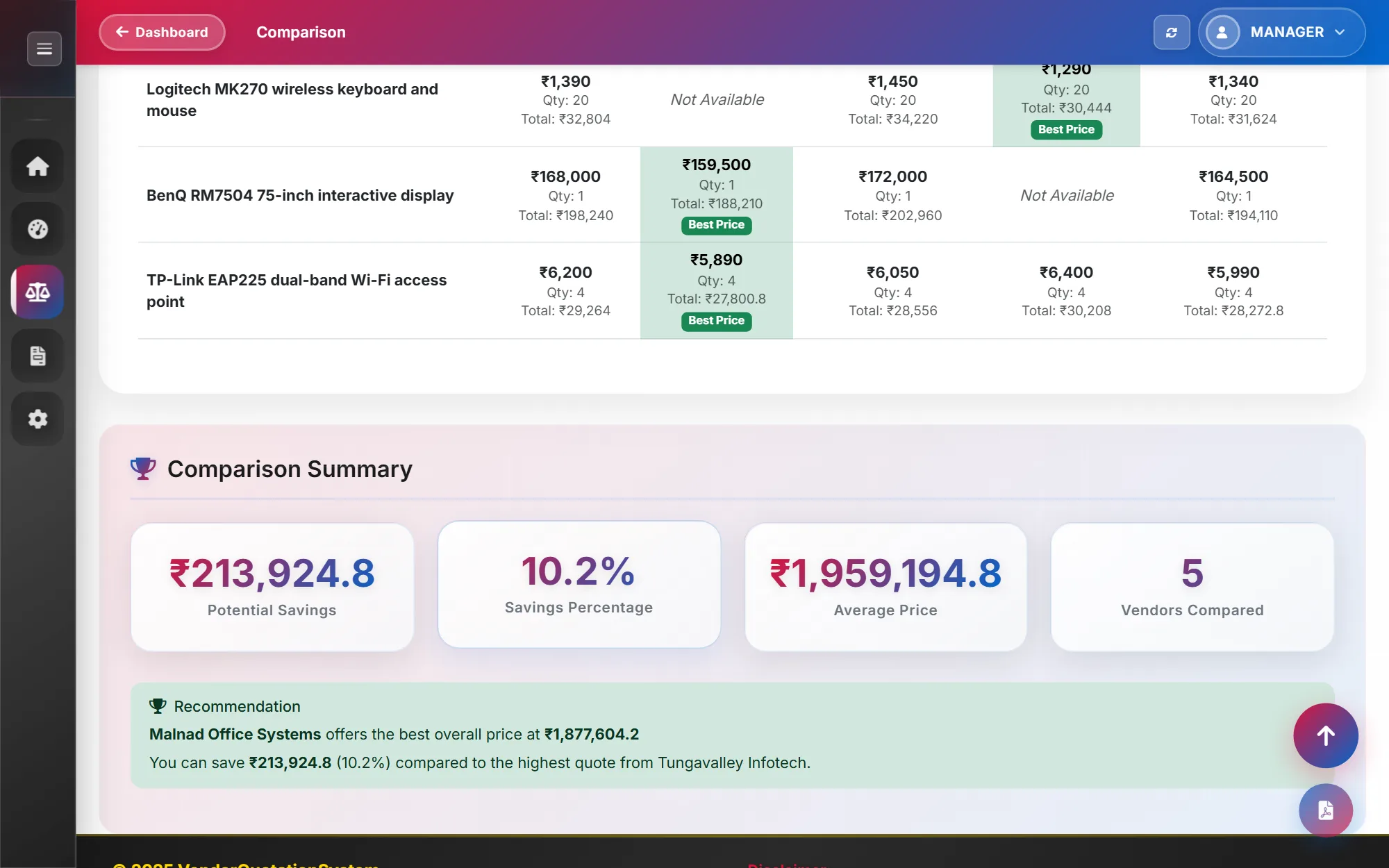
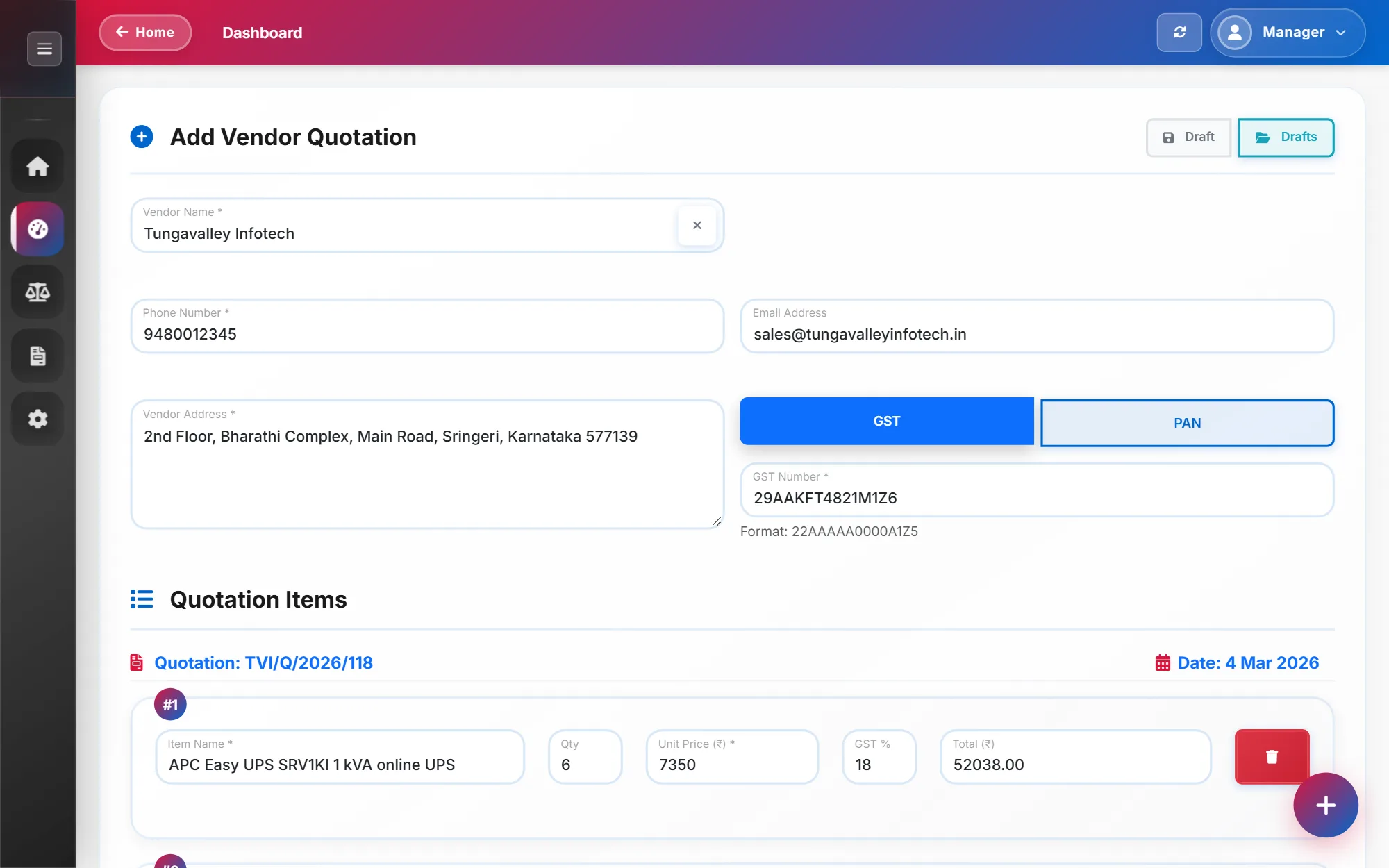
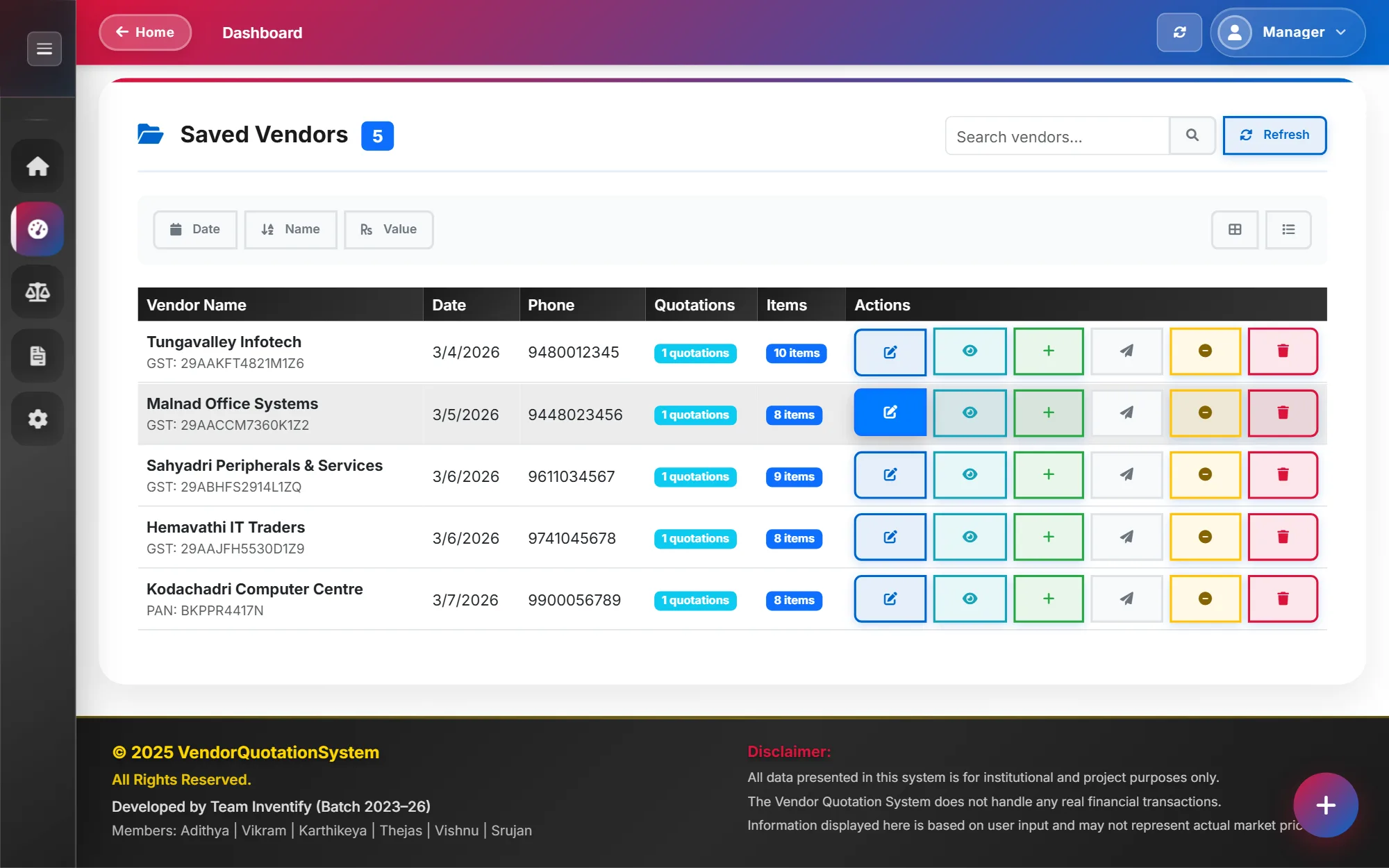
- Vendor quotation comparison tools
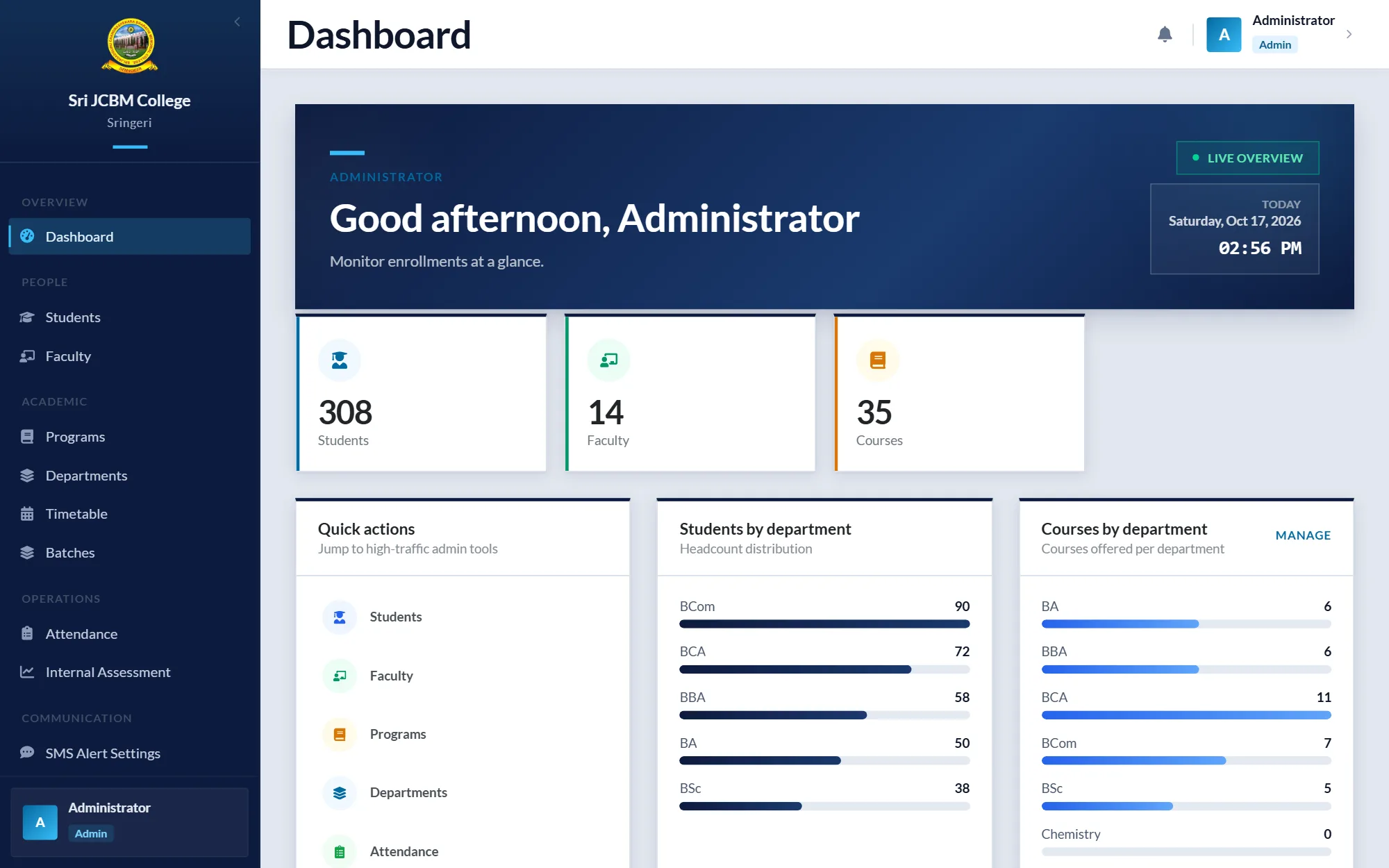
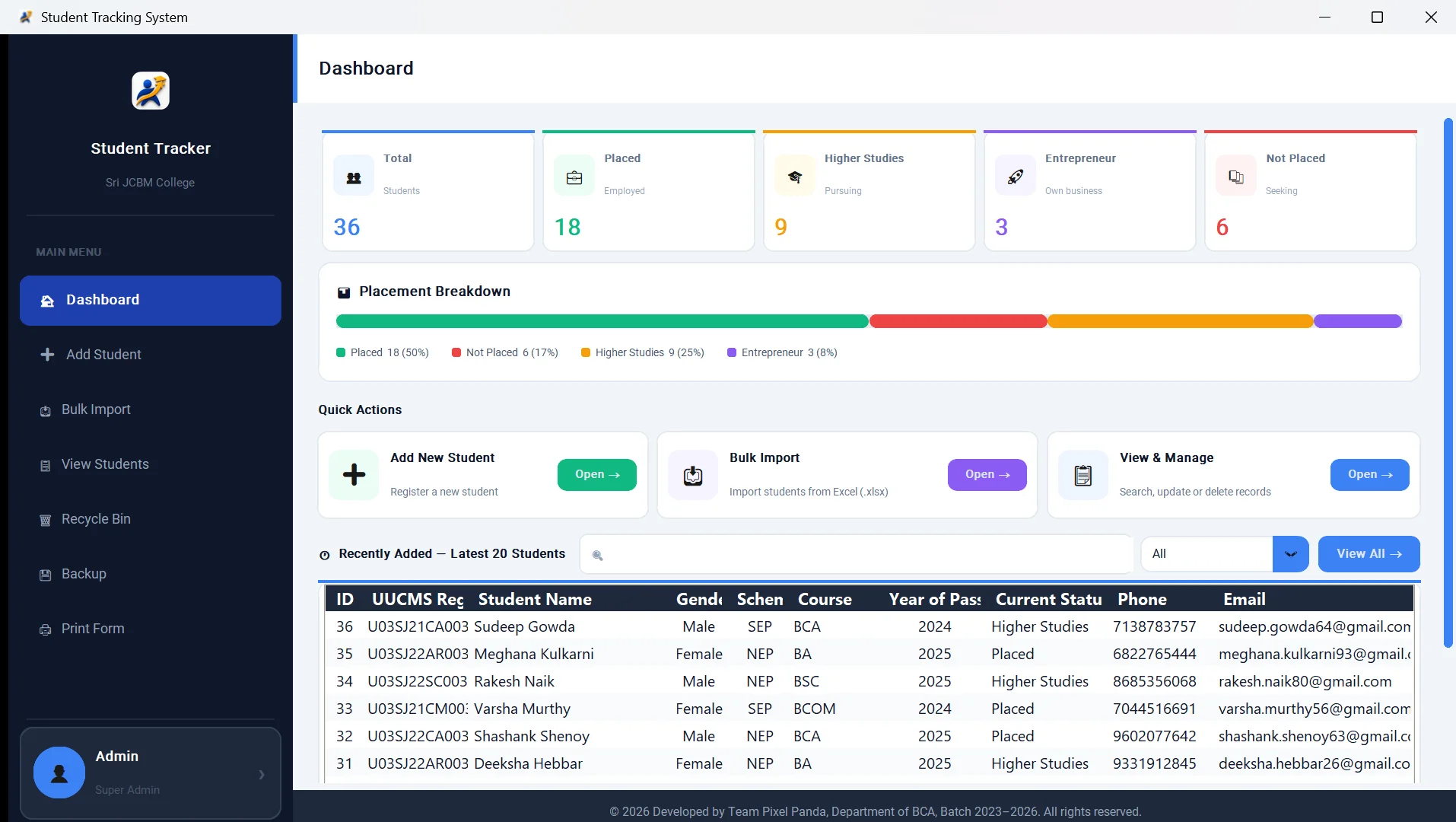
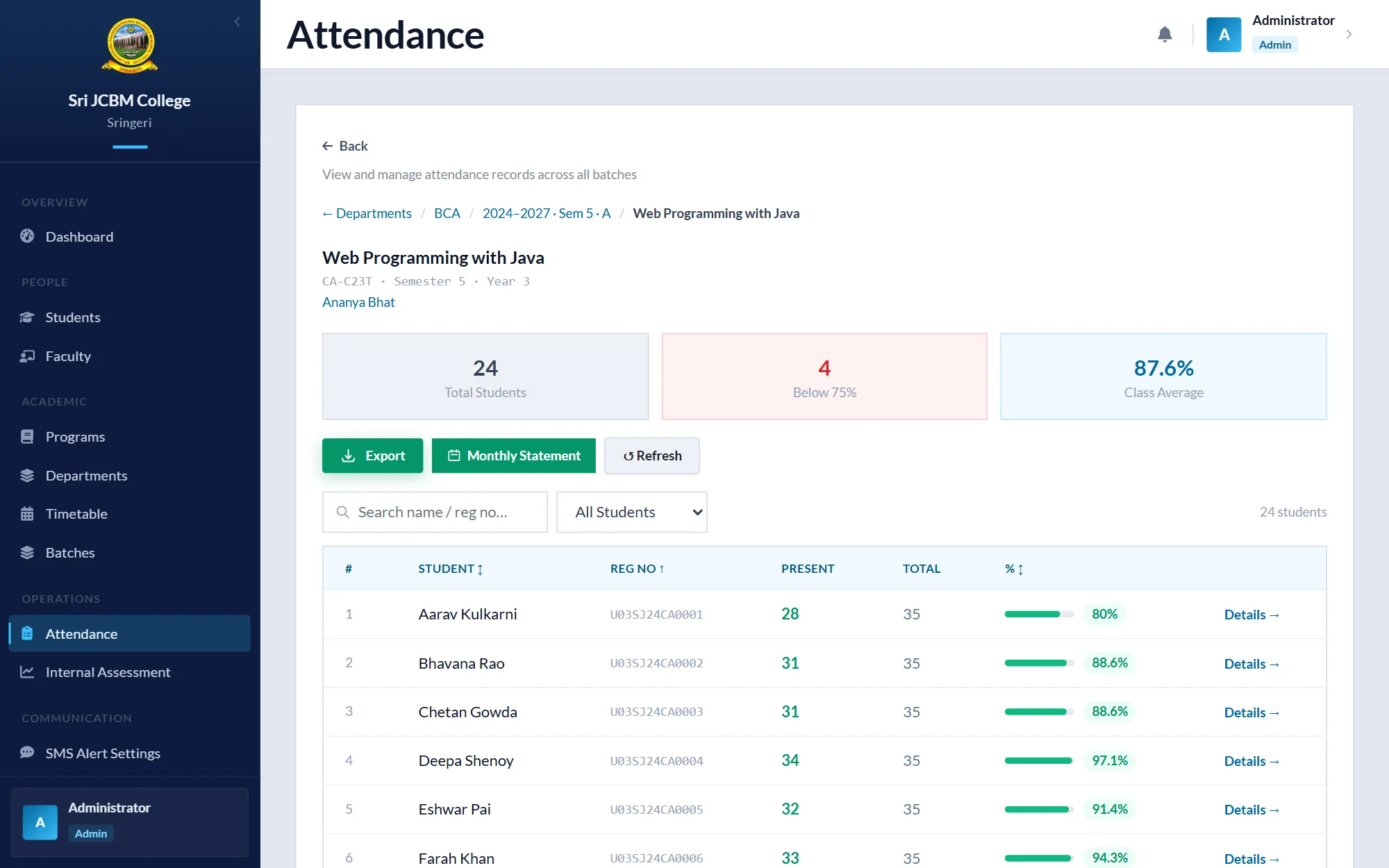
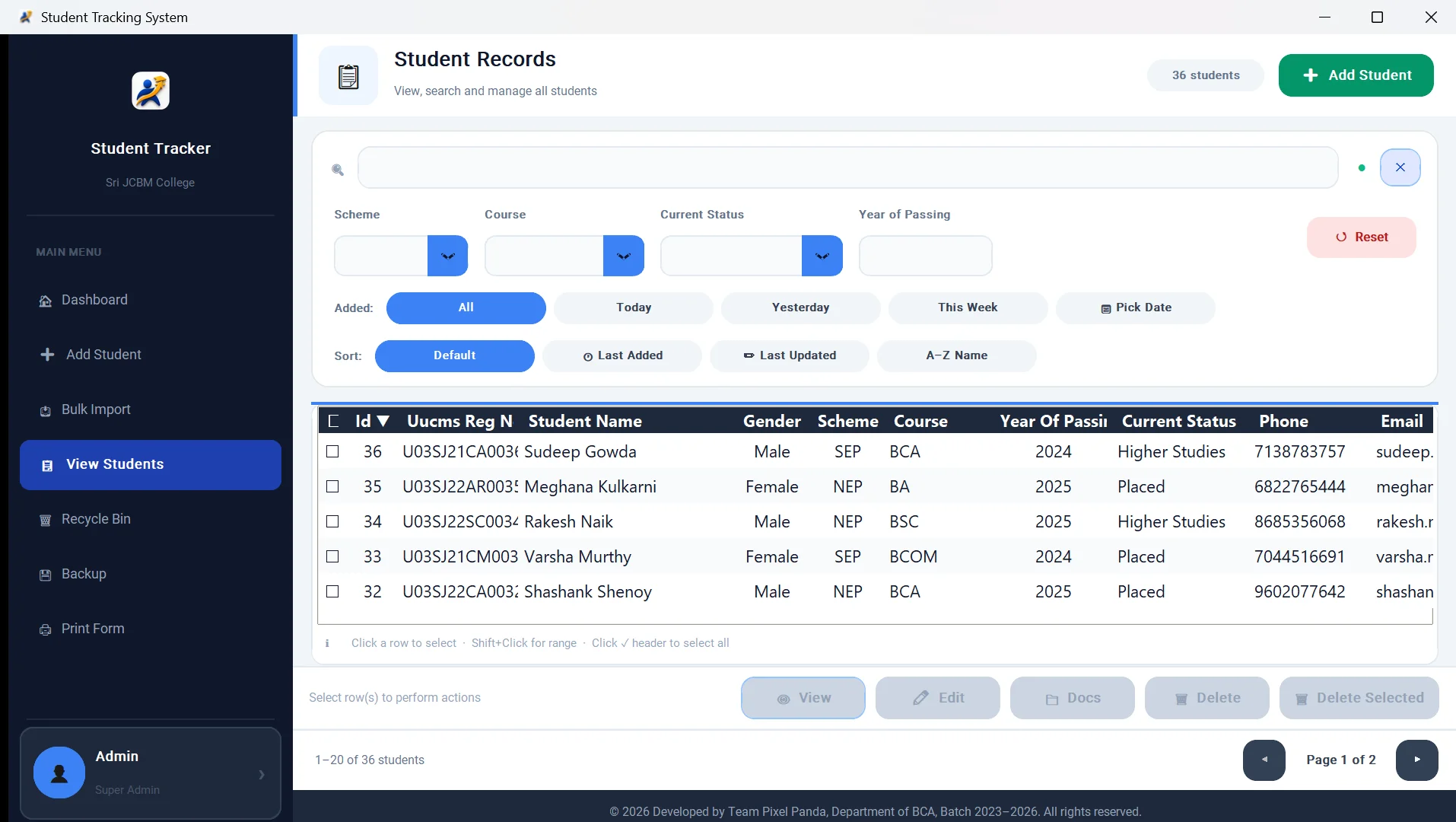
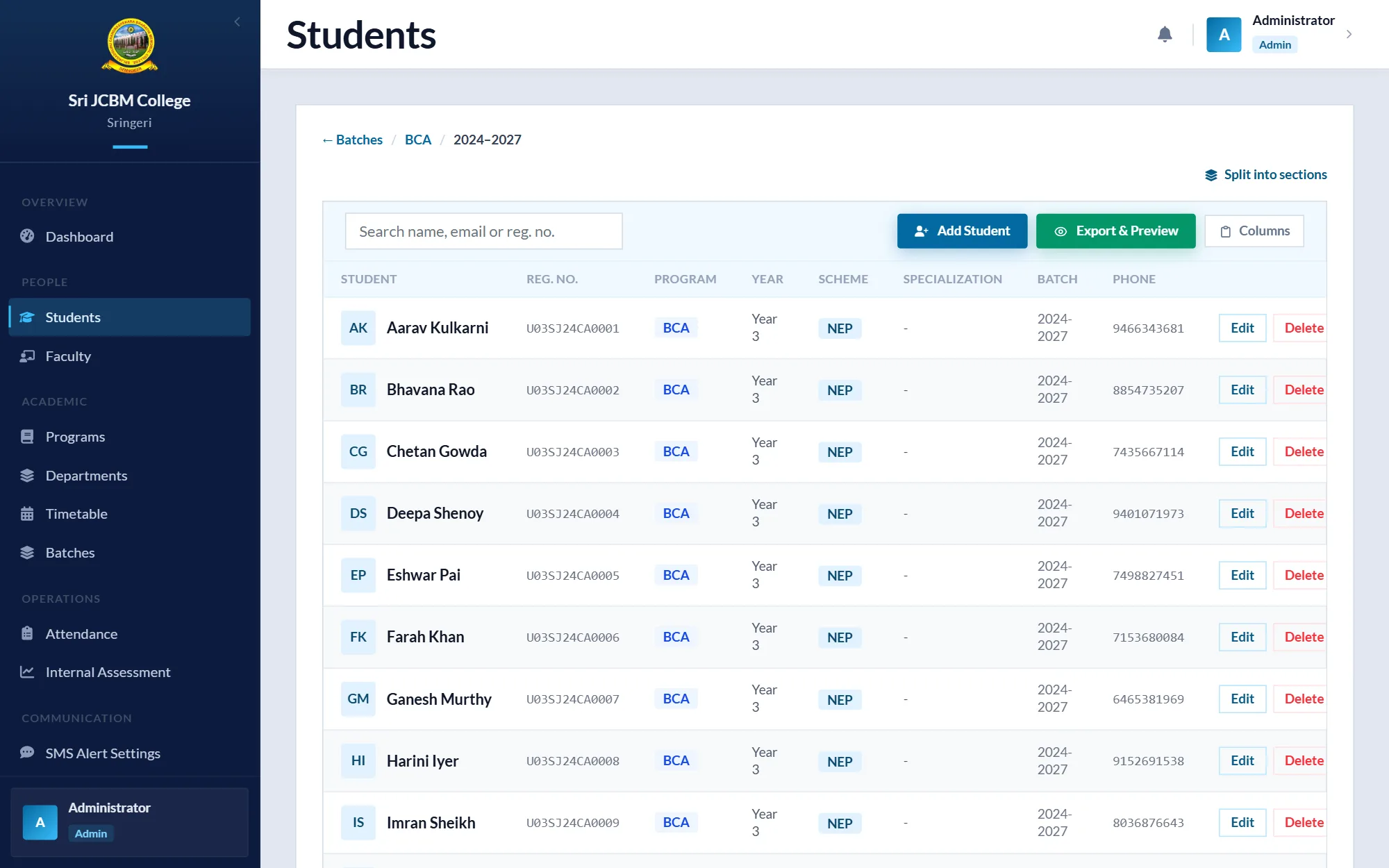
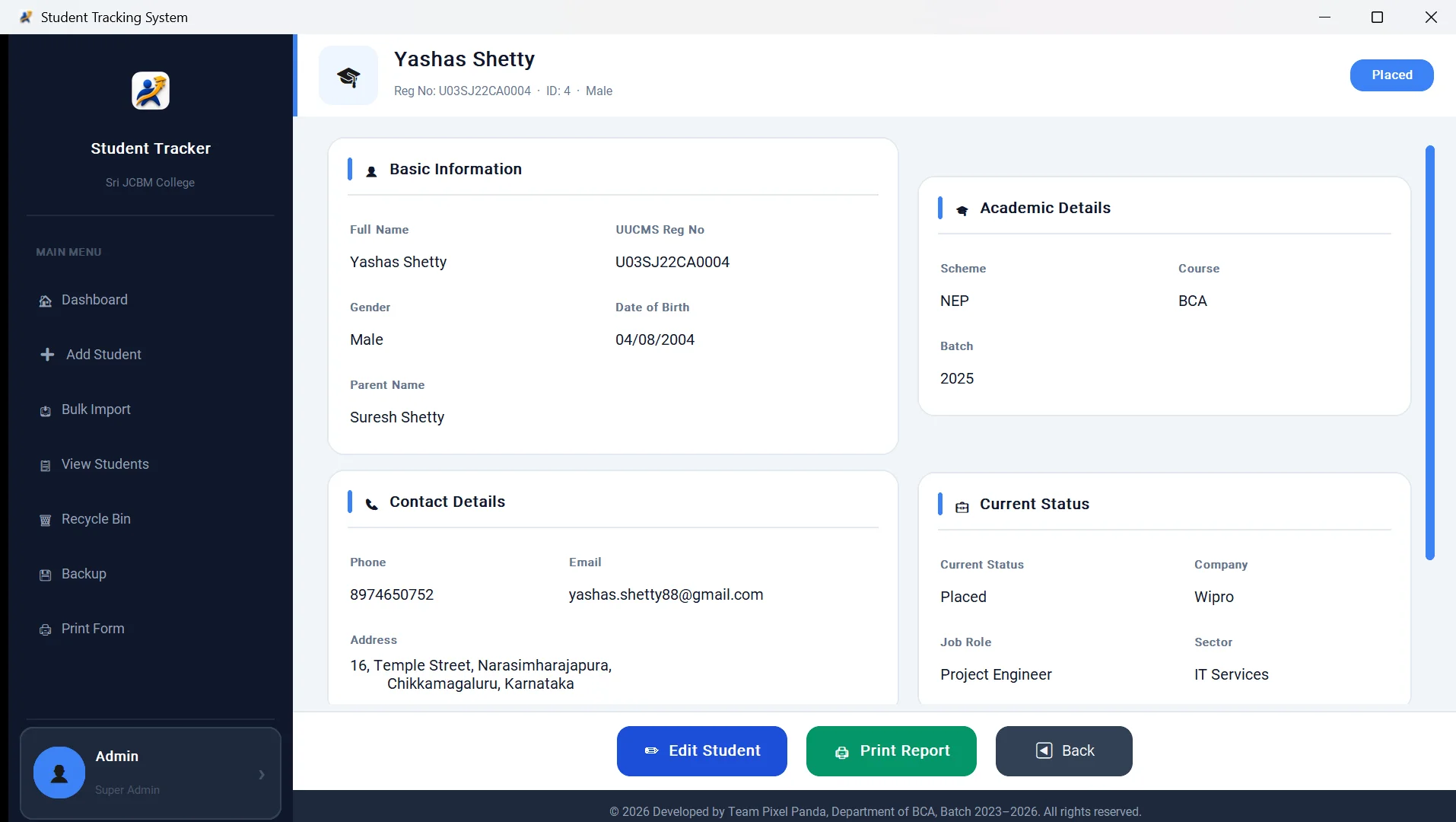
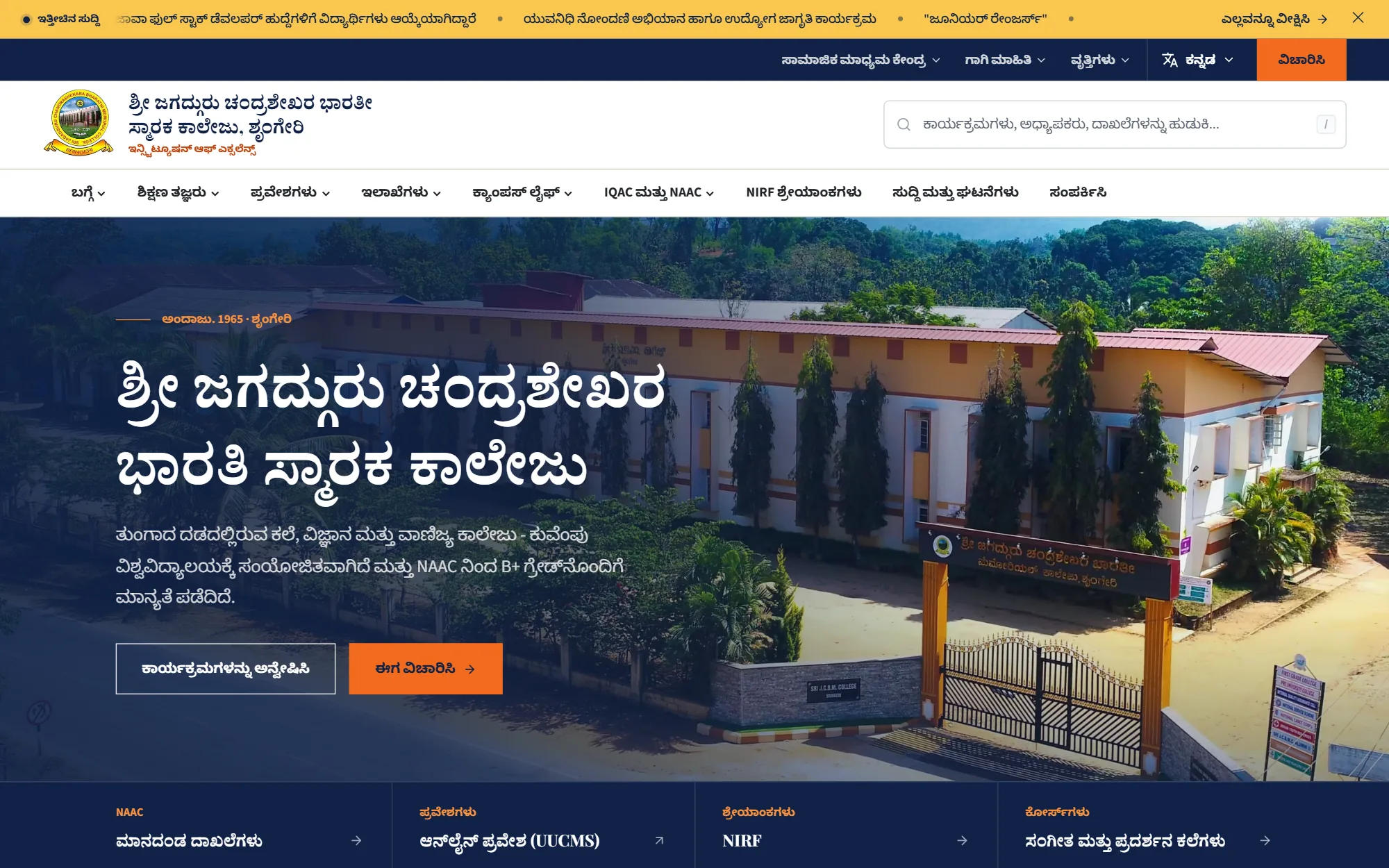
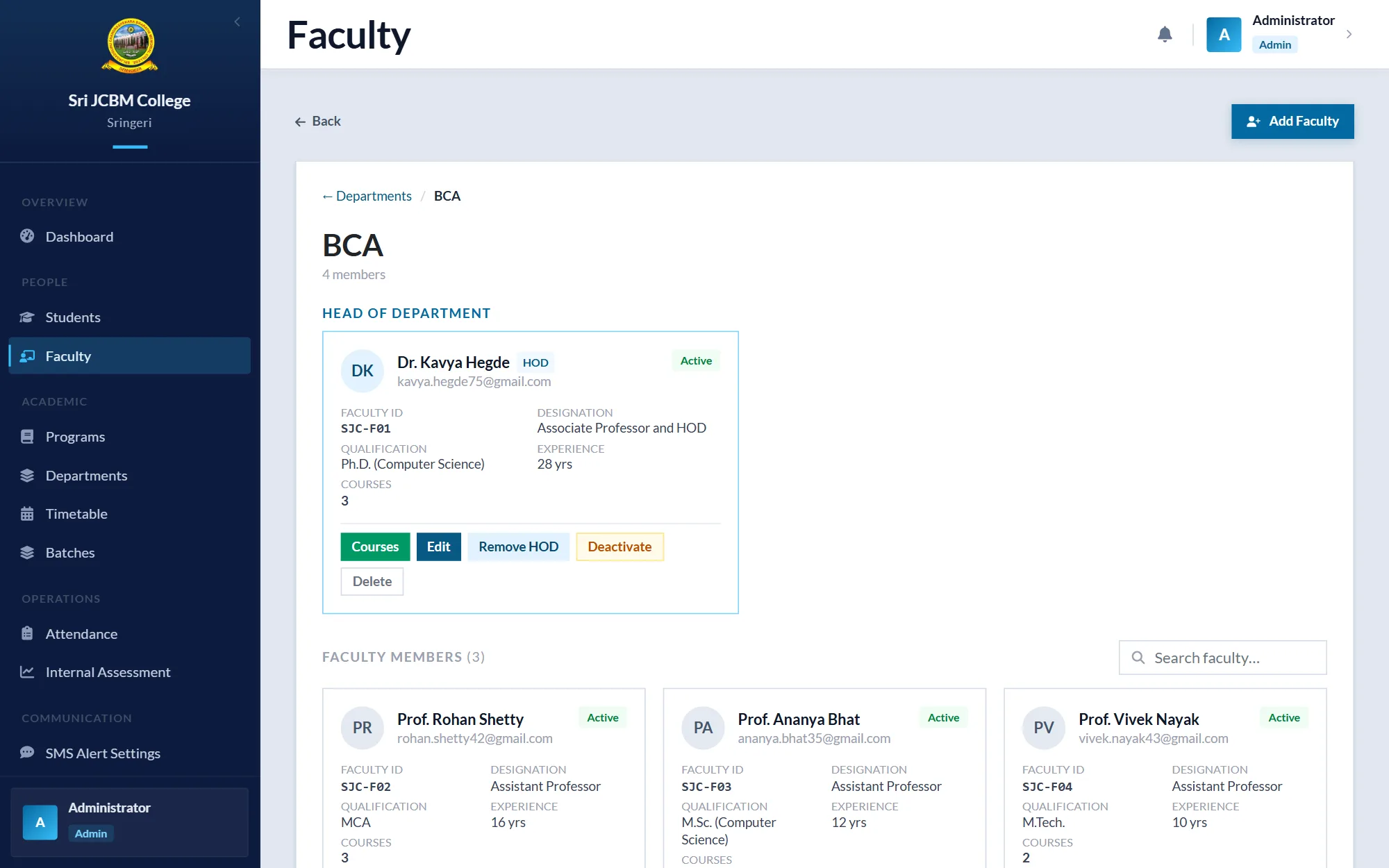
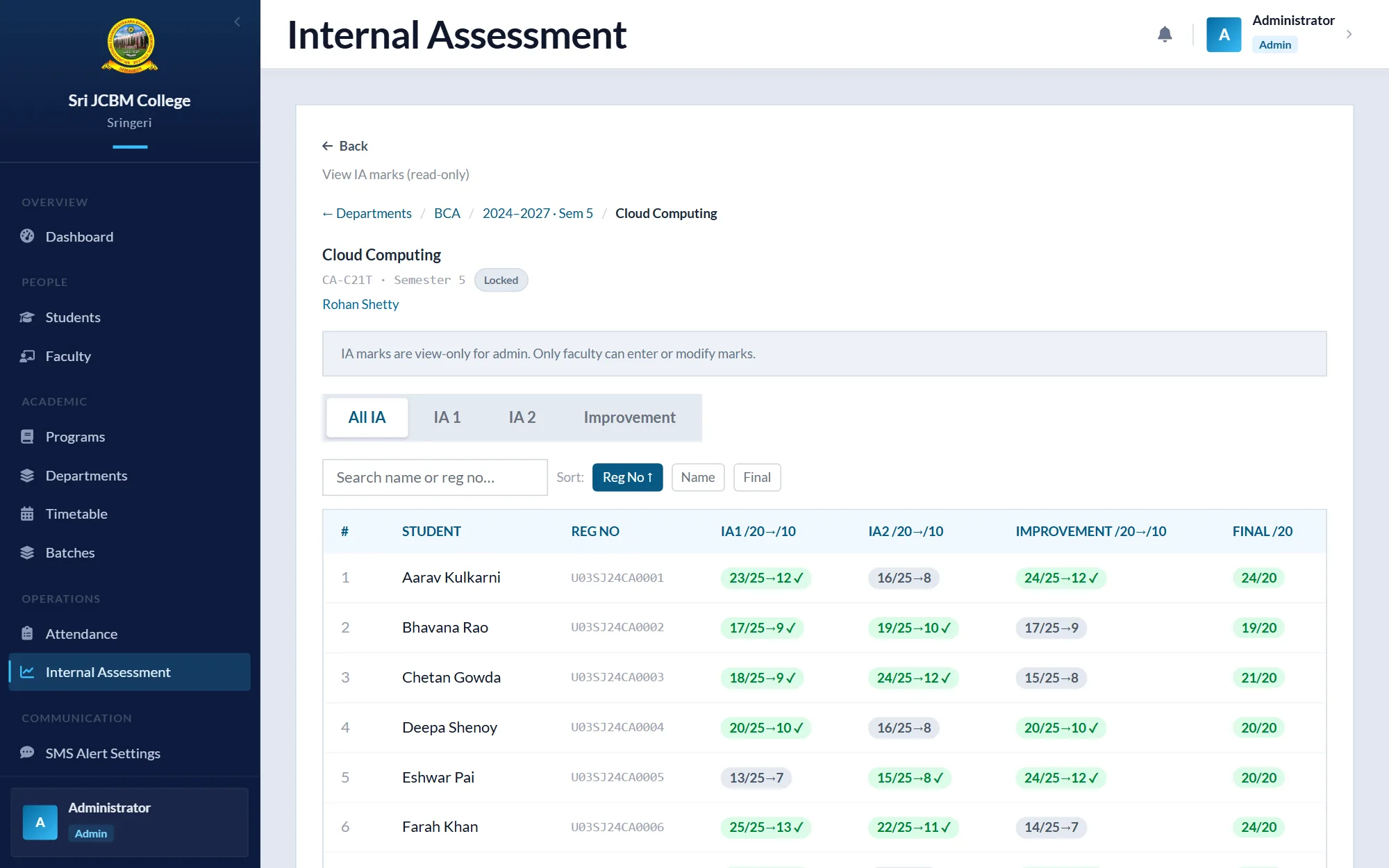
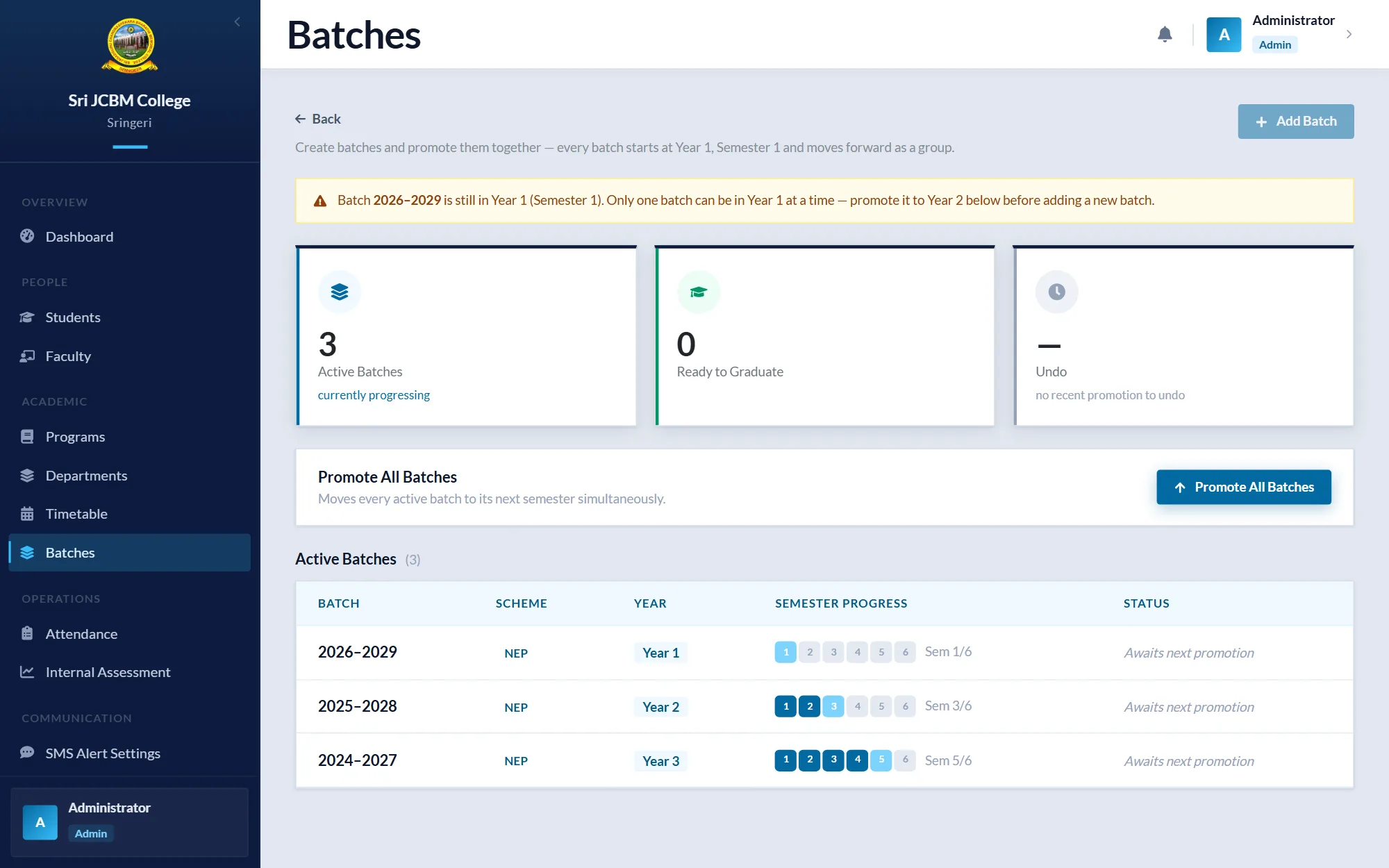
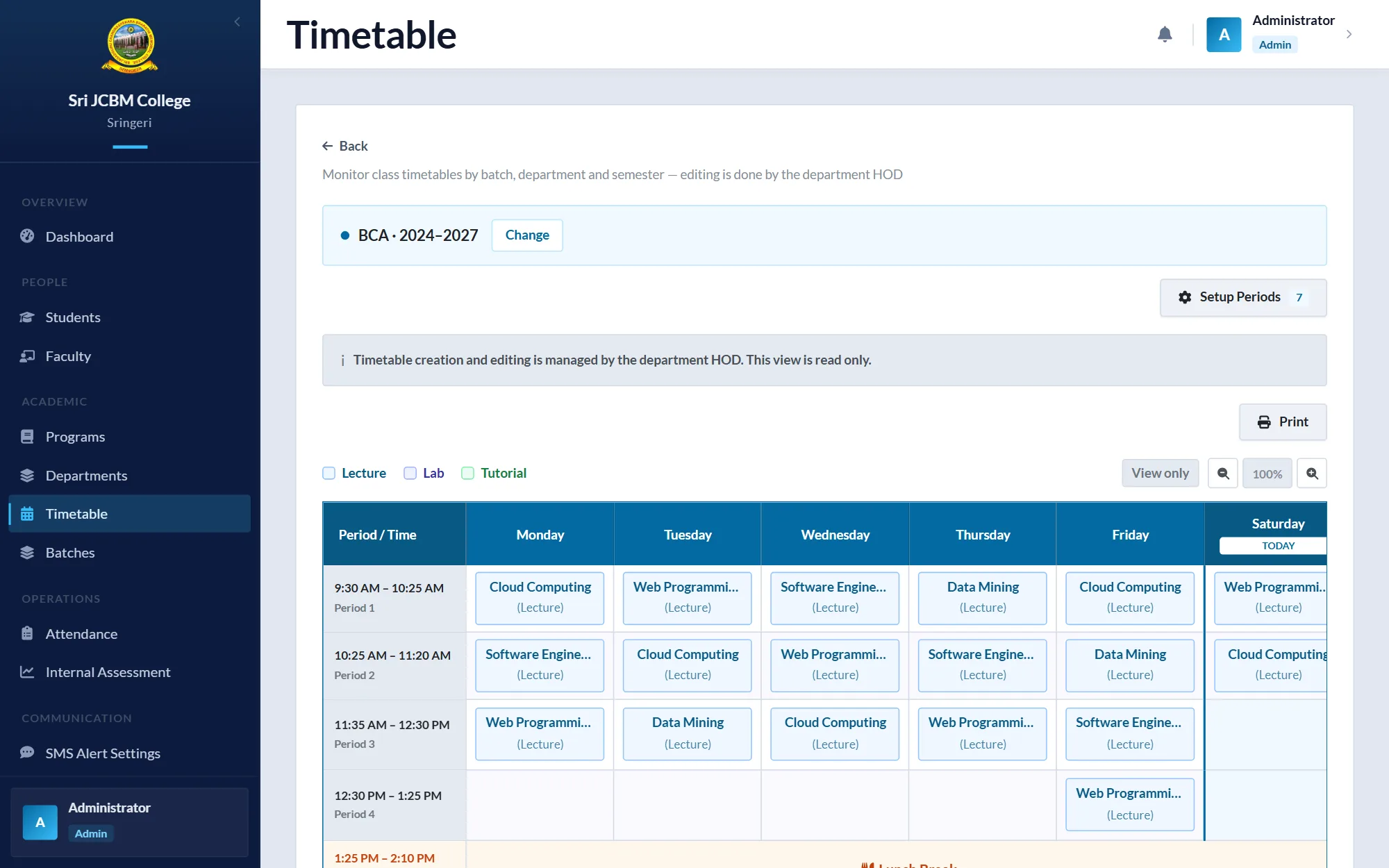
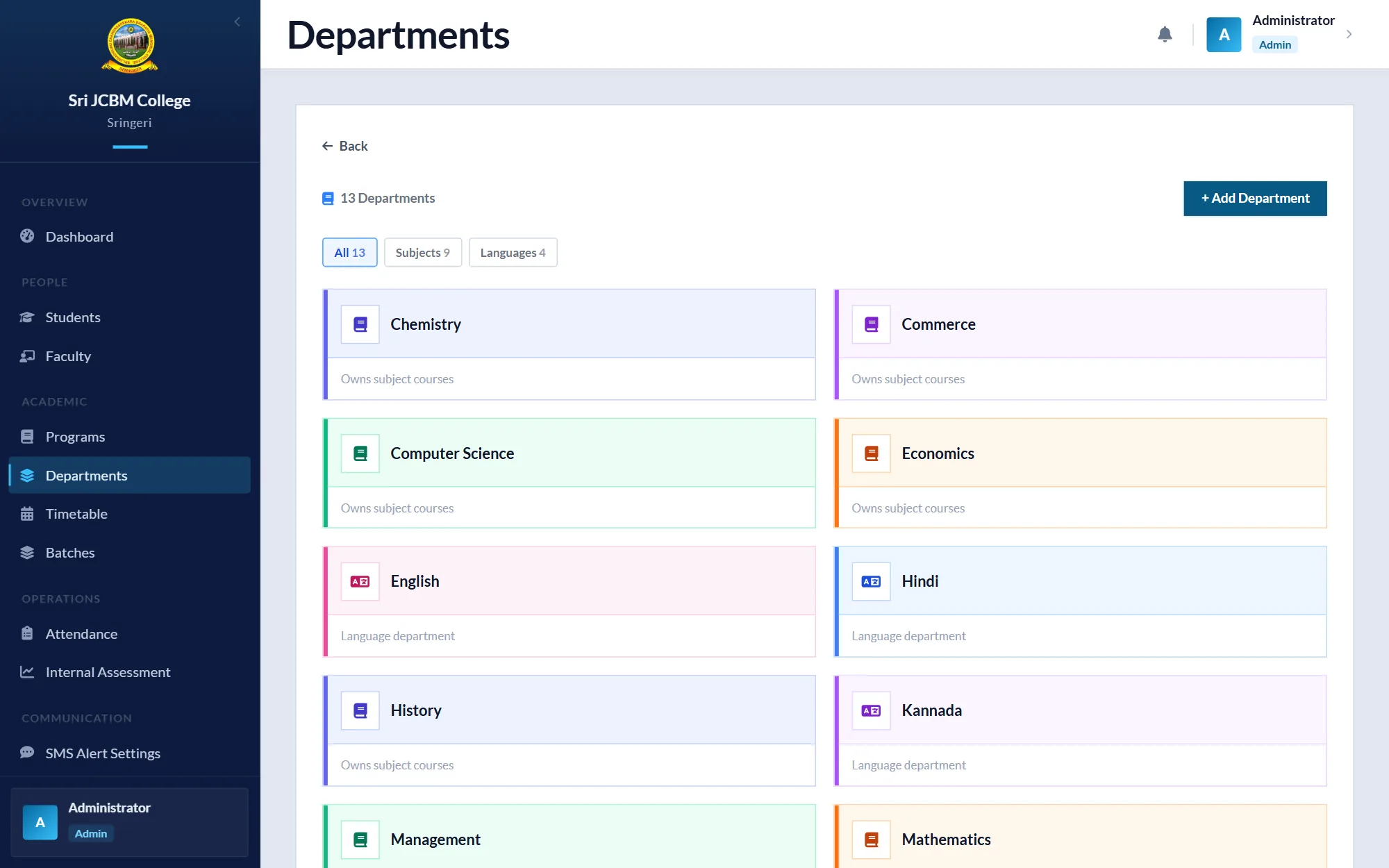
- Student and record management applications
- Excel-based bulk import systems
- Automated document and PDF generation
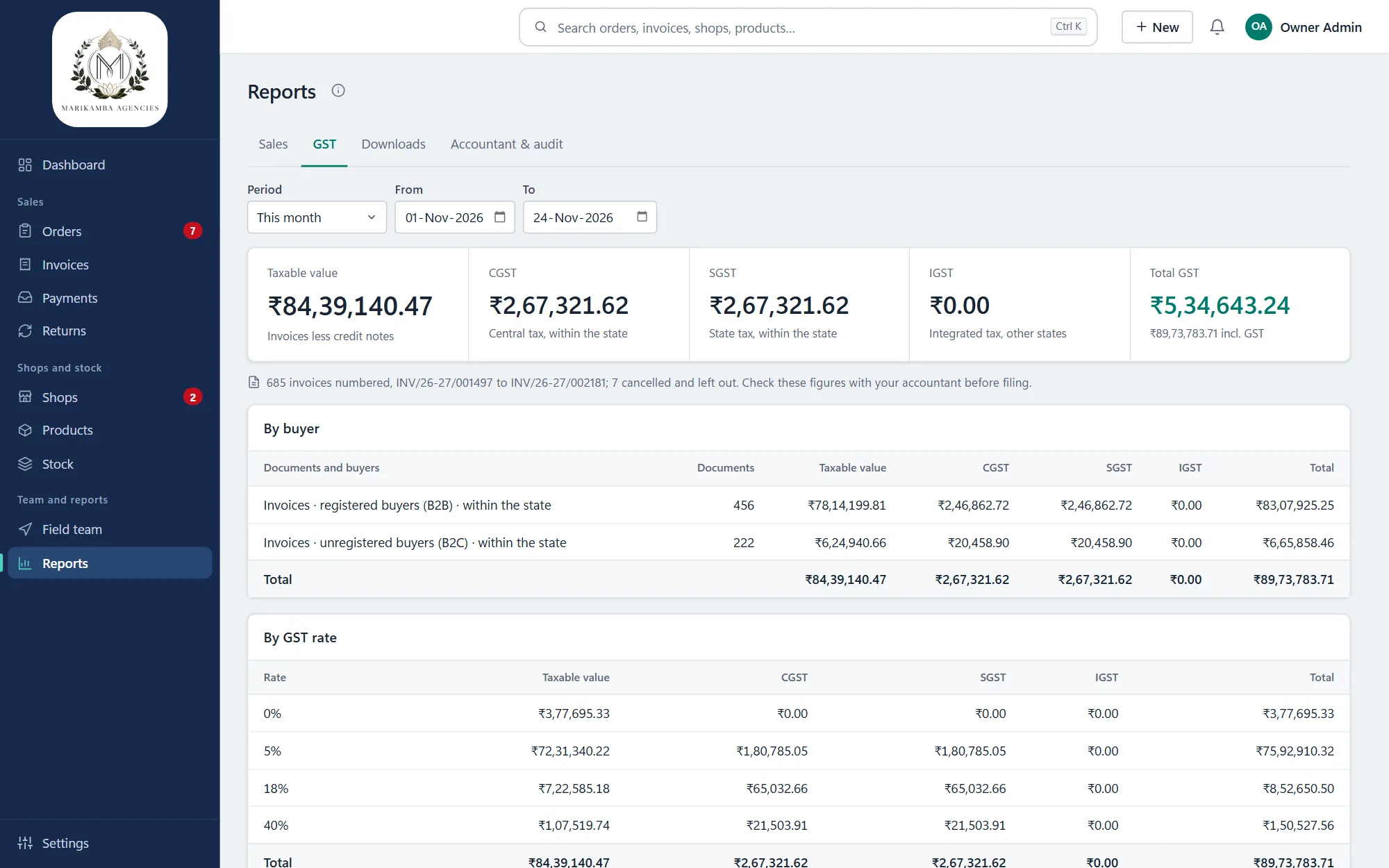
- Business reporting systems
- Data validation and processing tools
- Local database applications
- Backup and restore functionality
- Windows application packaging and installers
Development considerations: Data integrity, application reliability, user-friendly interfaces, database management, document handling, installation and recovery.
Suited to: Offices, educational institutions and businesses that need to replace time-consuming manual procedures with purpose-built desktop software.
Work behind this service
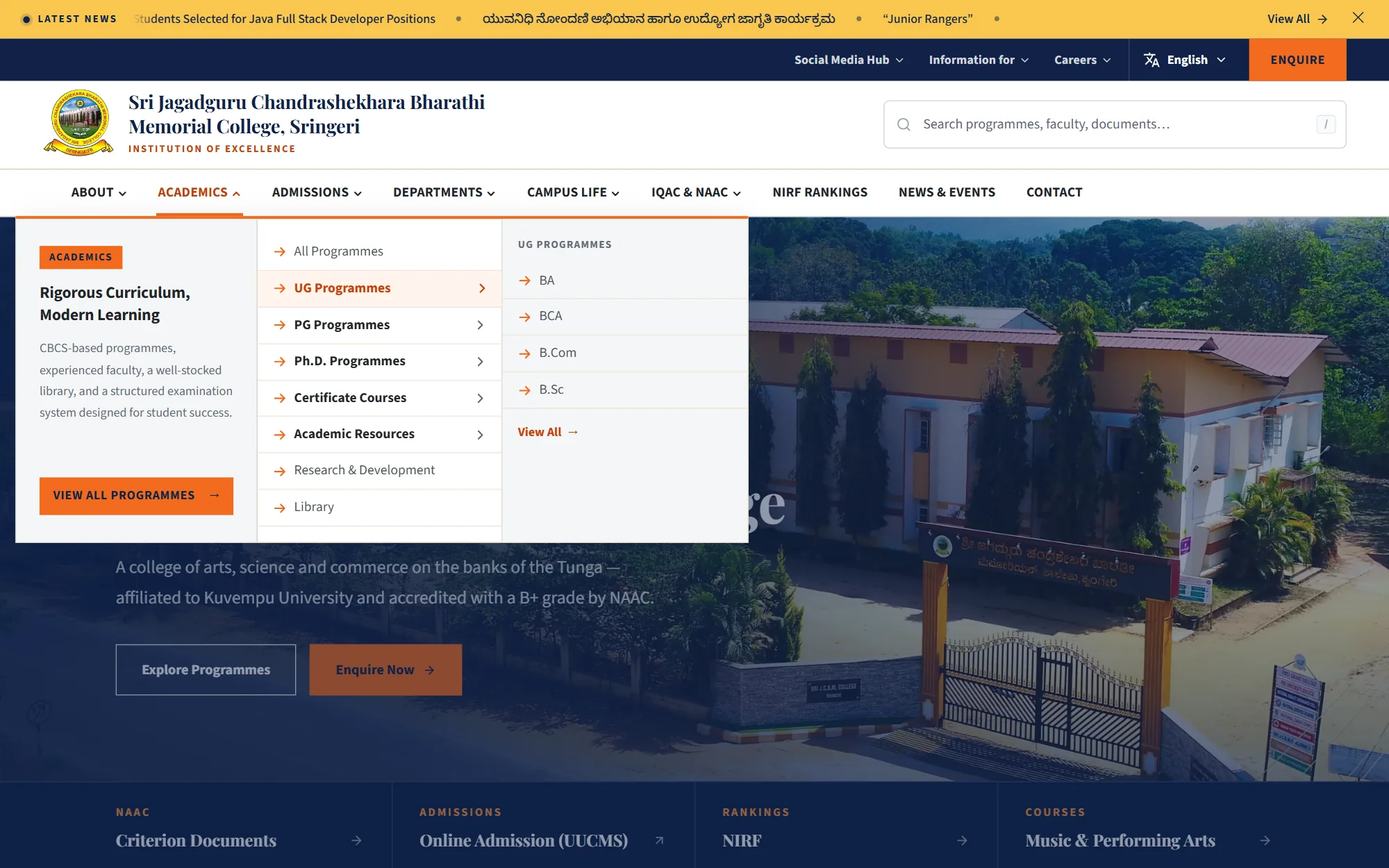
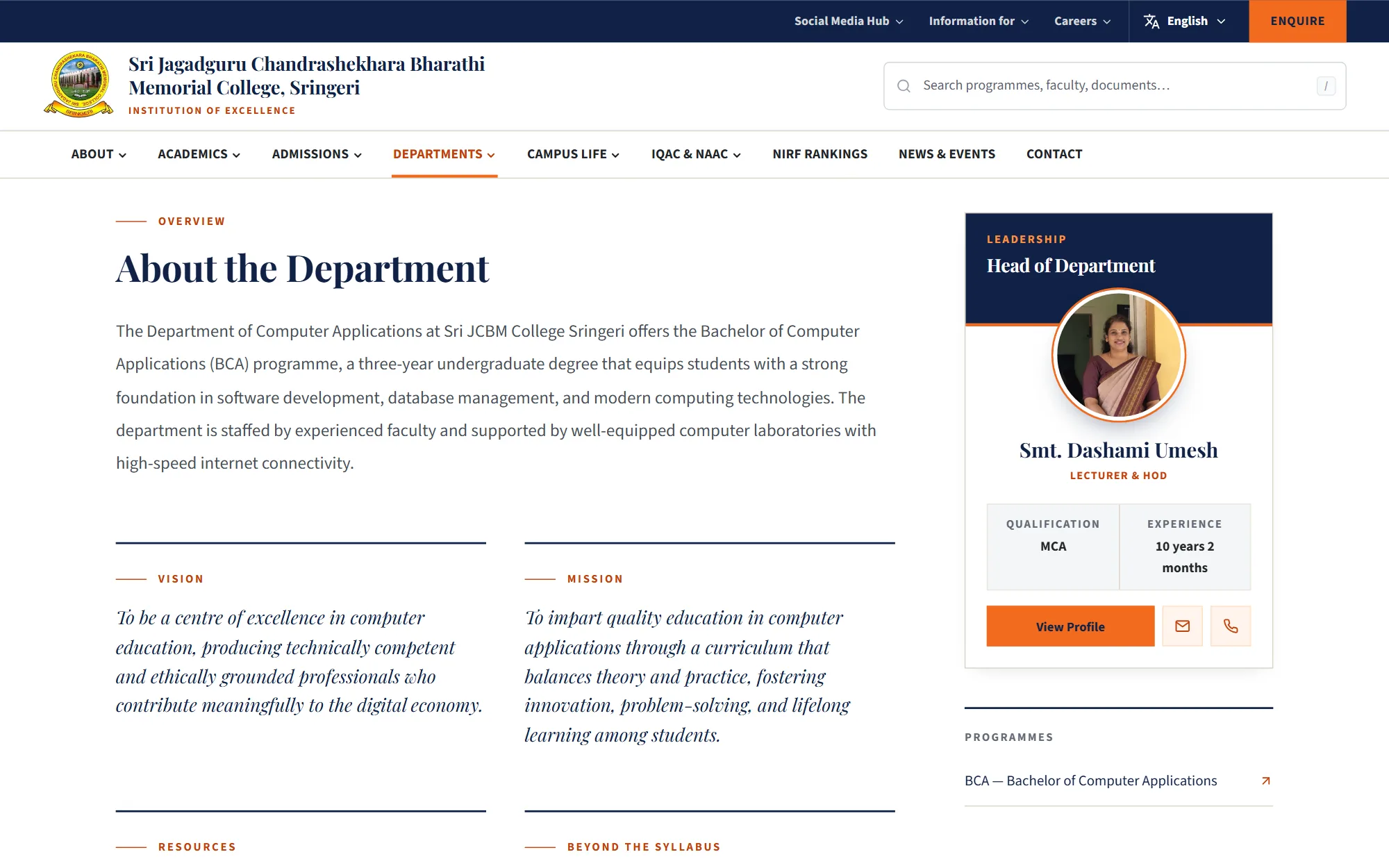
Real, published projects that show what this service looks like in practice.
How a project runs
Requirement discovery
Understand your objectives, users, current workflow and expectations.
Scope and planning
Identify essential features, technical requirements, priorities and delivery expectations.
Development and review
Build the solution in stages, validate functionality and gather feedback.
Testing and deployment
Check the application, resolve identified issues and prepare it for its intended environment.
Handover
Provide the completed system, necessary documentation and usage guidance. Maintenance and ongoing support are arranged according to the agreed scope.
Common questions
- Does it need a server or an internet connection?
- Not necessarily. The vendor quotation system I built runs on a single office PC with no server or internet connection, and is packaged as a Windows installer.
- How is the data kept safe?
- The inventory software I worked on keeps backup archives with checksums and takes an automatic safety snapshot before any restore. The quotation system moves deleted records to a recycle bin first.
- Can it produce reports and documents?
- Yes. The inventory software exports reports to PDF, Excel and HTML, and the quotation system generates printable purchase orders.
- Do you offer support after delivery?
- Deployment assistance and handover are part of the delivery discussion. Ongoing maintenance and additional support can be arranged separately according to the agreed requirements.
Guides on this topic
Other services

Still not sure?
Let's just talk.
Tell me what you're working on, in your own words. I read every message myself and usually reply within two working days.
Contact meEmail, WhatsApp or the form