1 min read · Updated 23 November 2026
How to choose inventory software for a college or small office.
Stock counts kept by hand drift away from reality. Items are bought, handed out to departments, returned and written off, and each step needs a record someone can check later.
Here is what to look for when choosing, or commissioning, inventory software for a college or a small office.
Stock should be calculated, never typed in
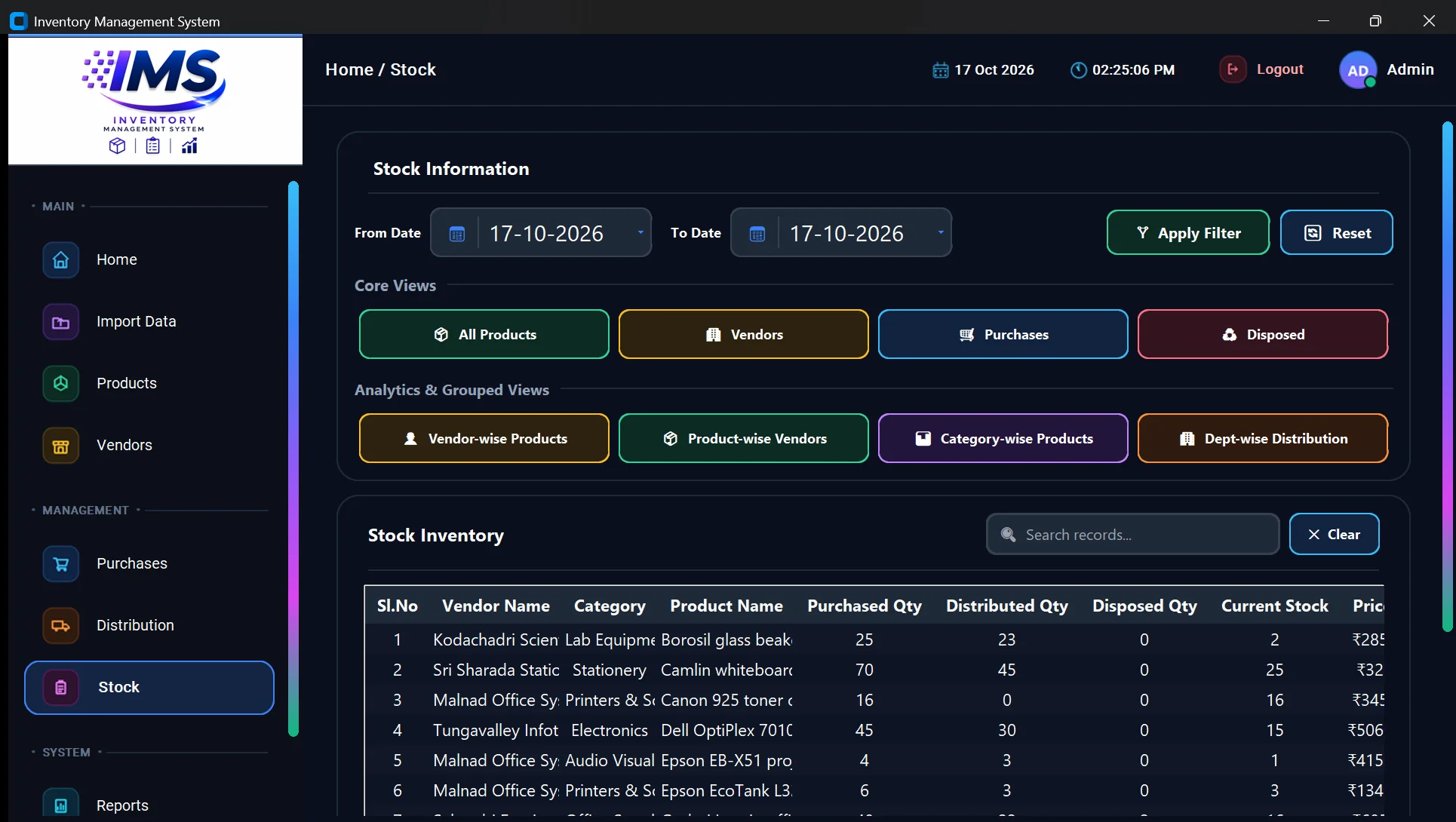
The most important design choice is how the stock figure is produced. Good software records each purchase, each hand-out and each write-off as its own entry, and calculates stock from them: purchased minus distributed minus disposed. Then a mistake is fixed by correcting the entry that caused it, and the stock figure follows. A number someone edits directly will drift again.
Look for these features
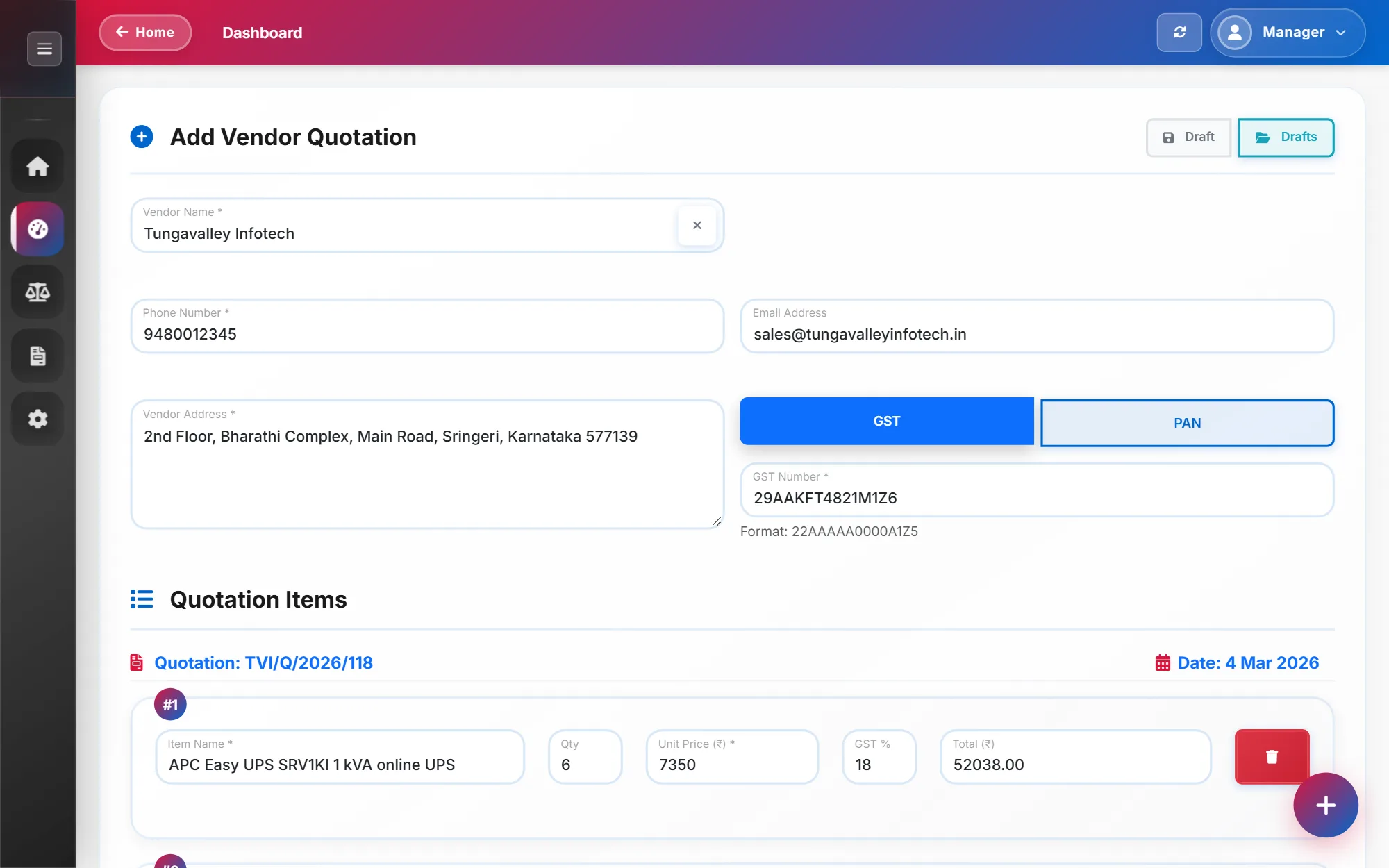
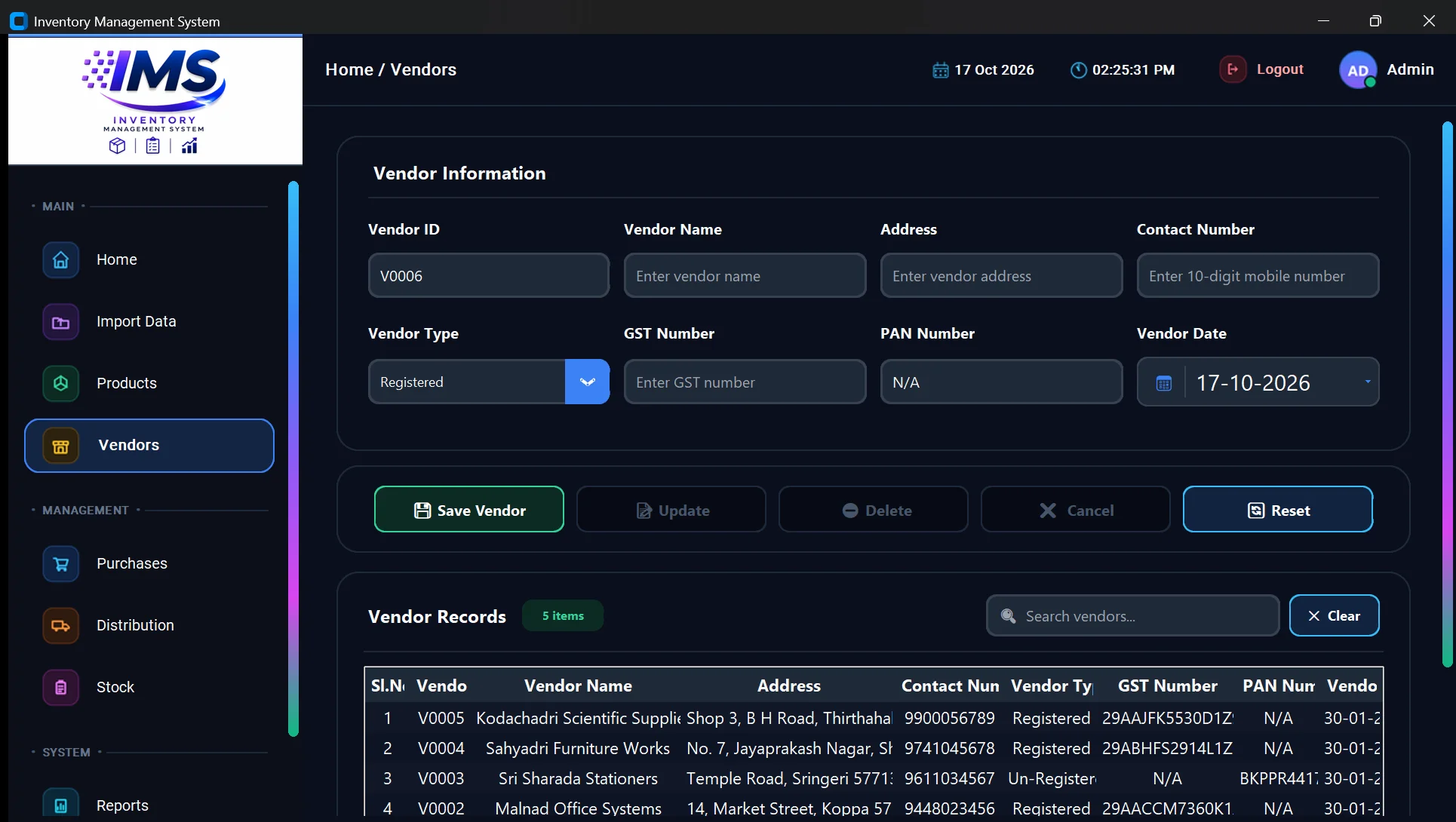
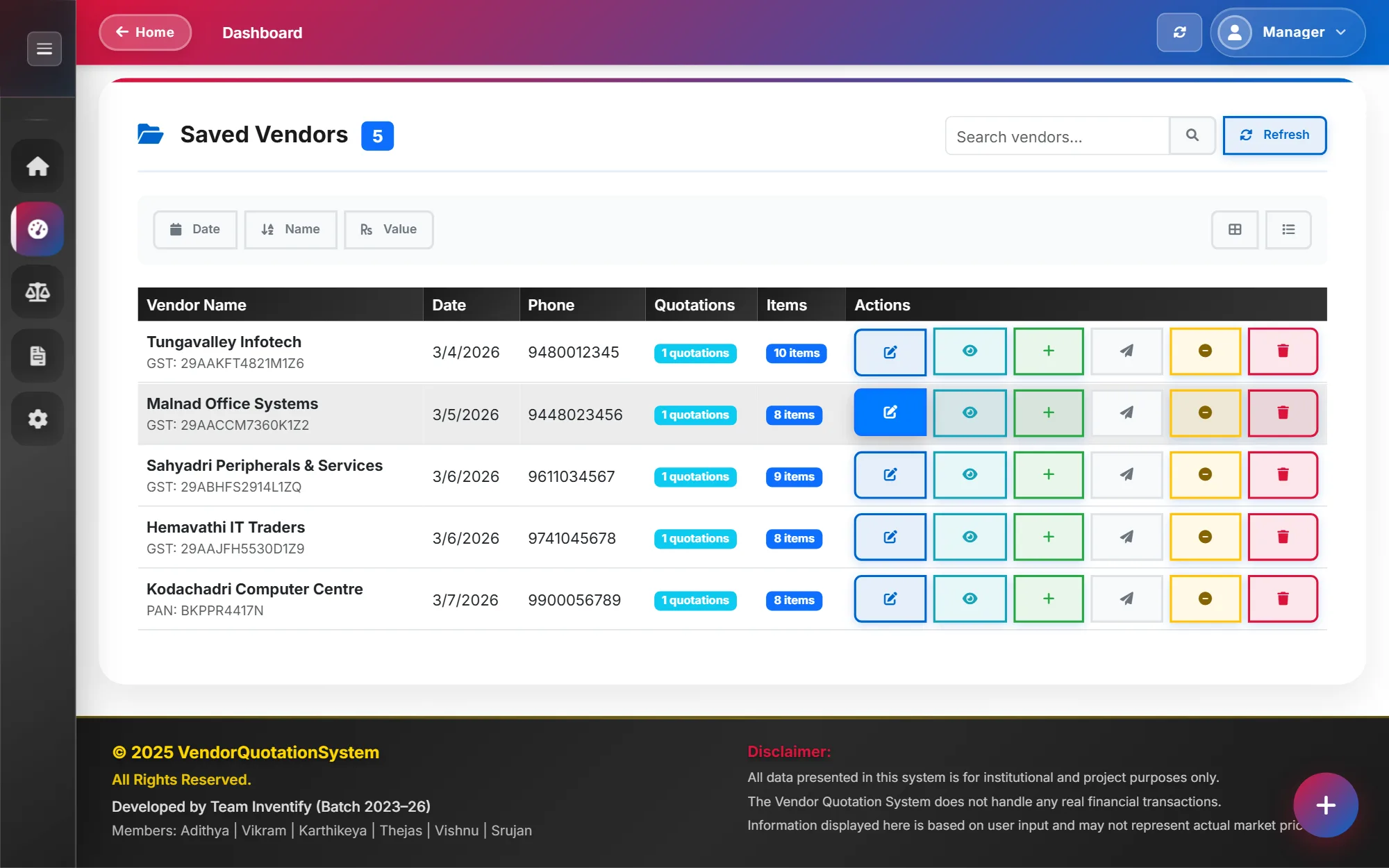
- Vendors, with GST or PAN numbers checked against their official formats.
- Purchases, distribution to departments, returns and disposal.
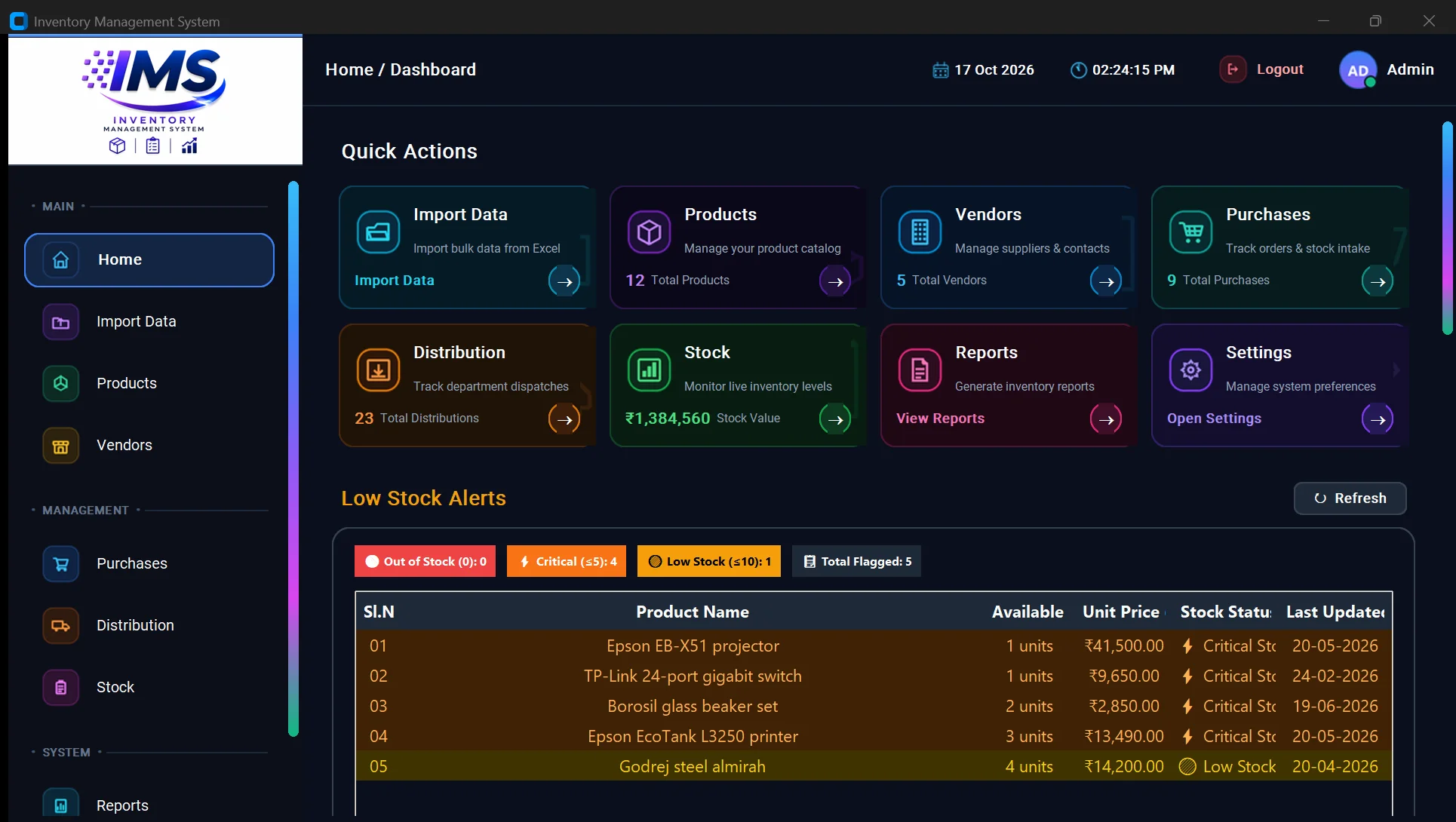
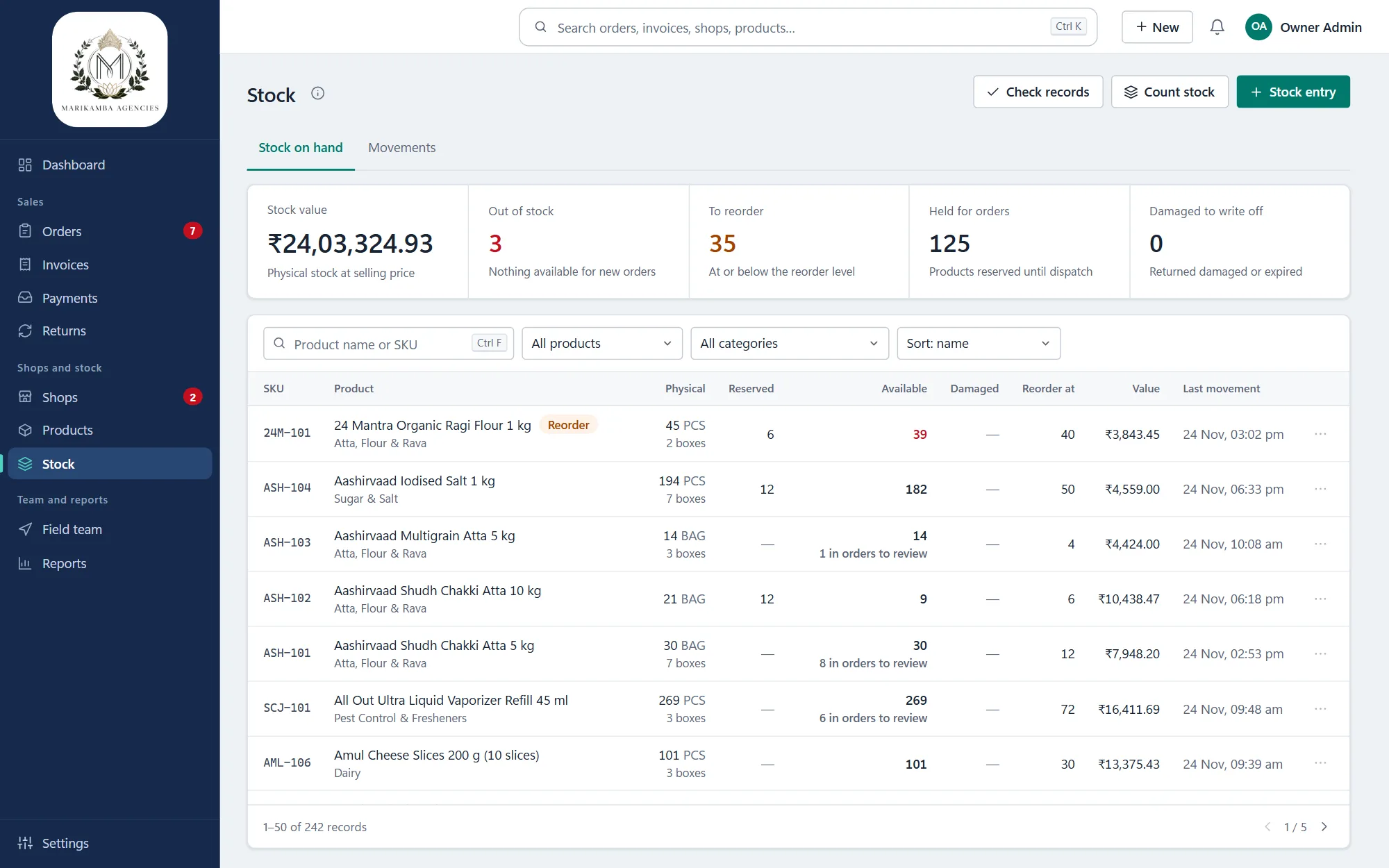
- Low-stock alerts, so shortages are seen before they matter.
- Reports that export to PDF and Excel.
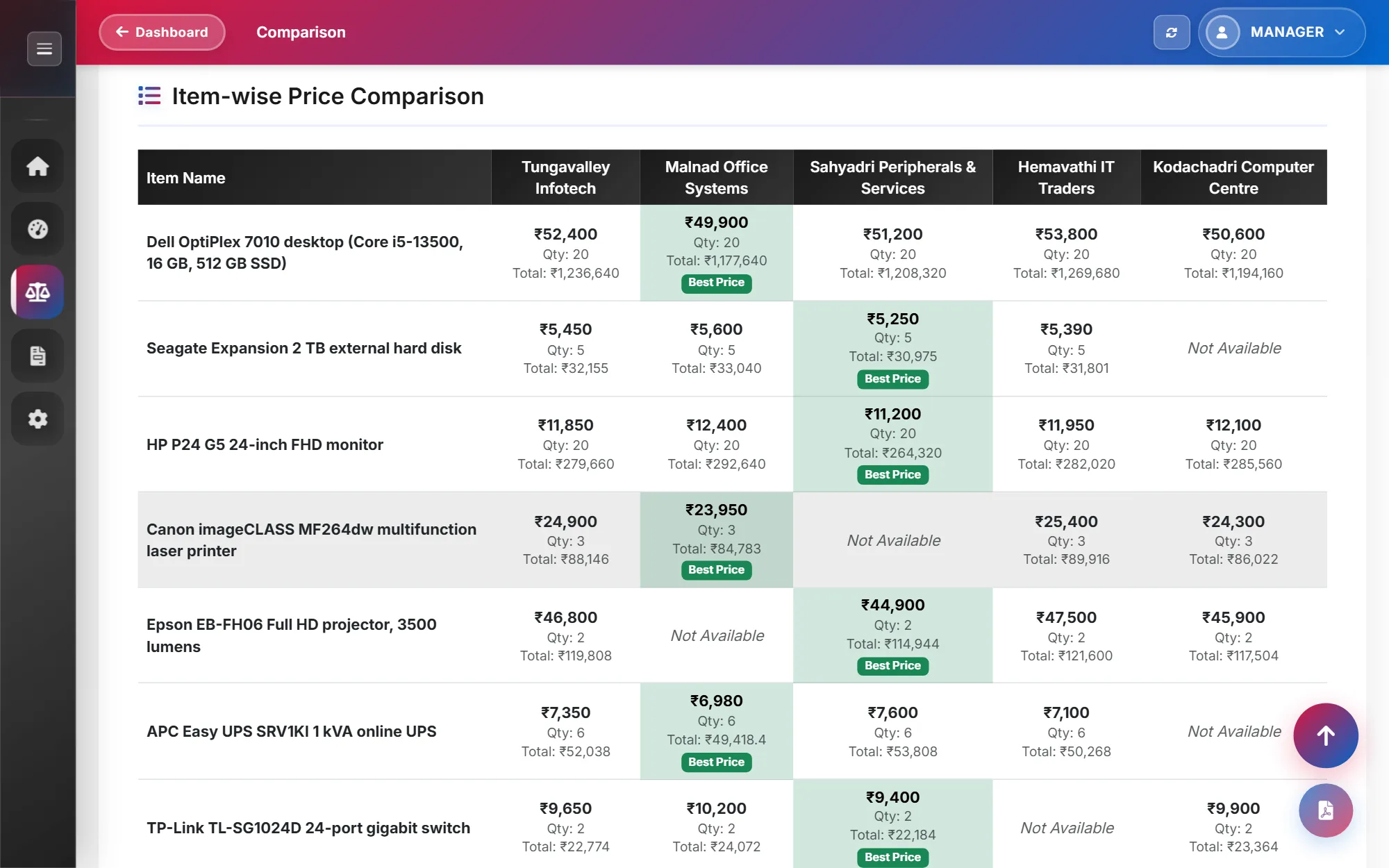
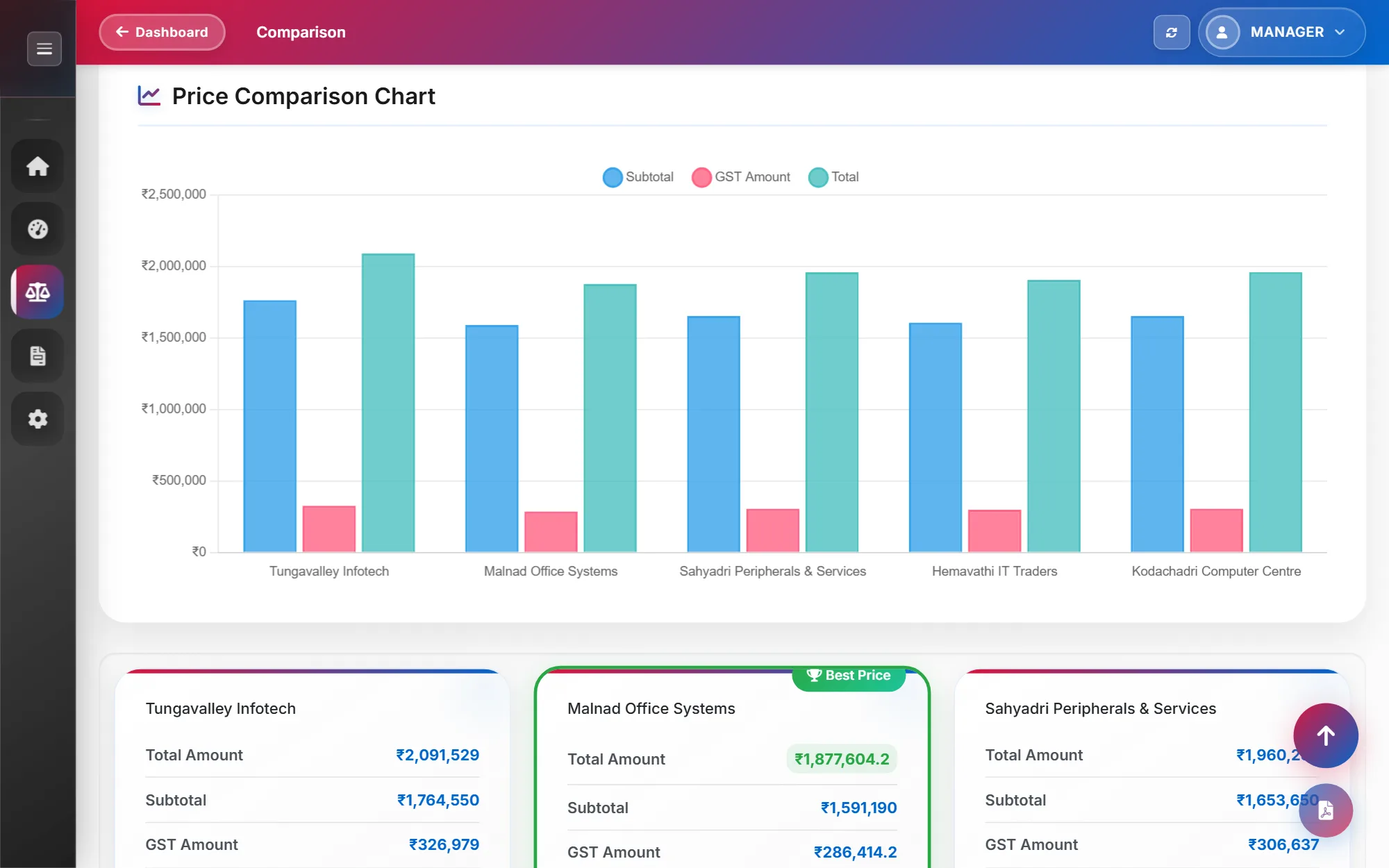
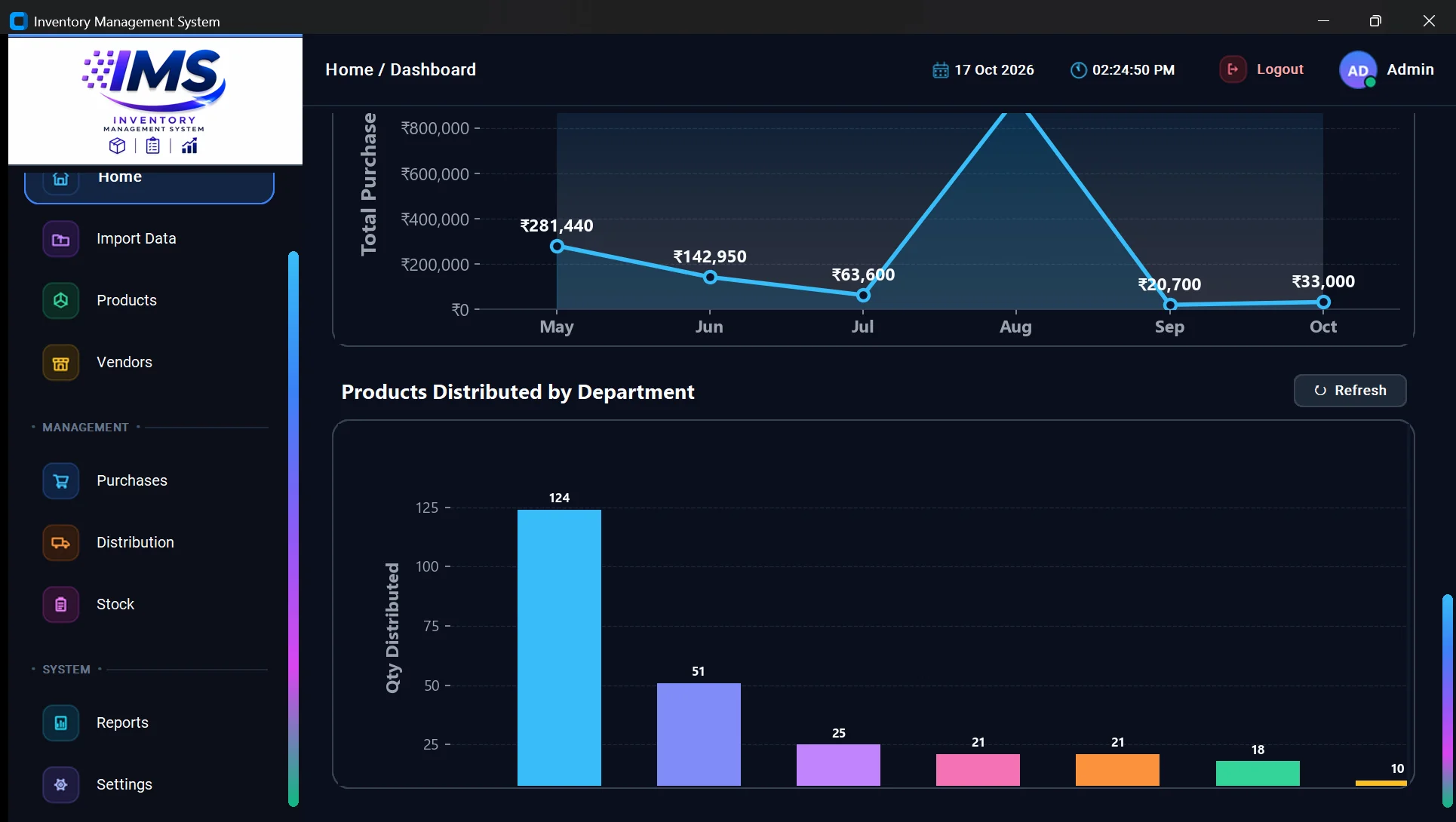
- Charts for purchase spending and what each department received.
- Bulk import from Excel, so existing records can be brought in.
Value stock at what it cost
The same item is often bought at different prices over time. If the software keeps stock separately for each purchase price, items that are handed out or written off are valued at what they actually cost.
Offline and on one PC
Many offices do not need a server. A desktop application that stores its data locally can run on an ordinary office PC with no database server to install and no internet connection to depend on.
Backups are not optional
Ask how backups are made and how they are restored. Look for backup files that can be checked for corruption, and an automatic safety copy taken before any restore, so a restore can never make things worse.