Services
One developer, from first sketch to handover
Web development
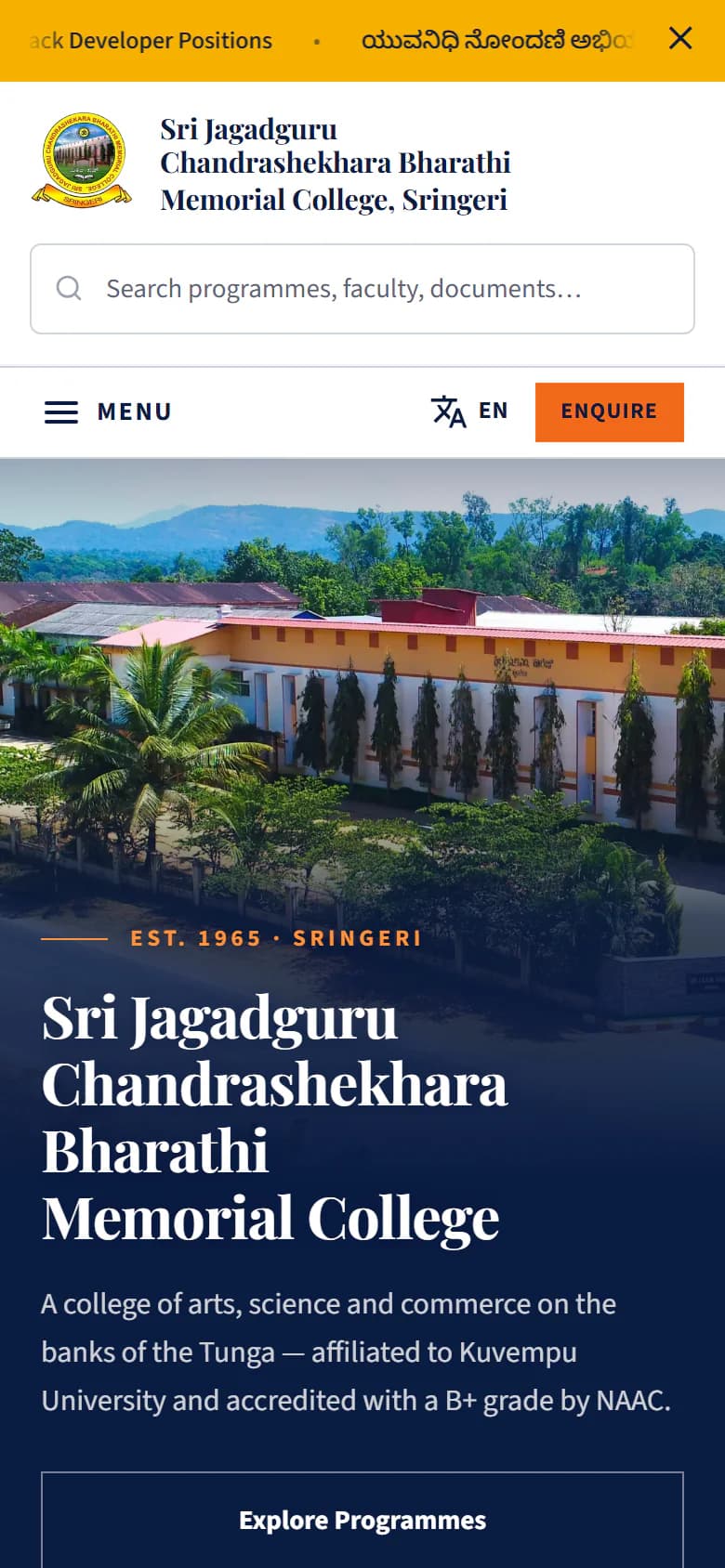
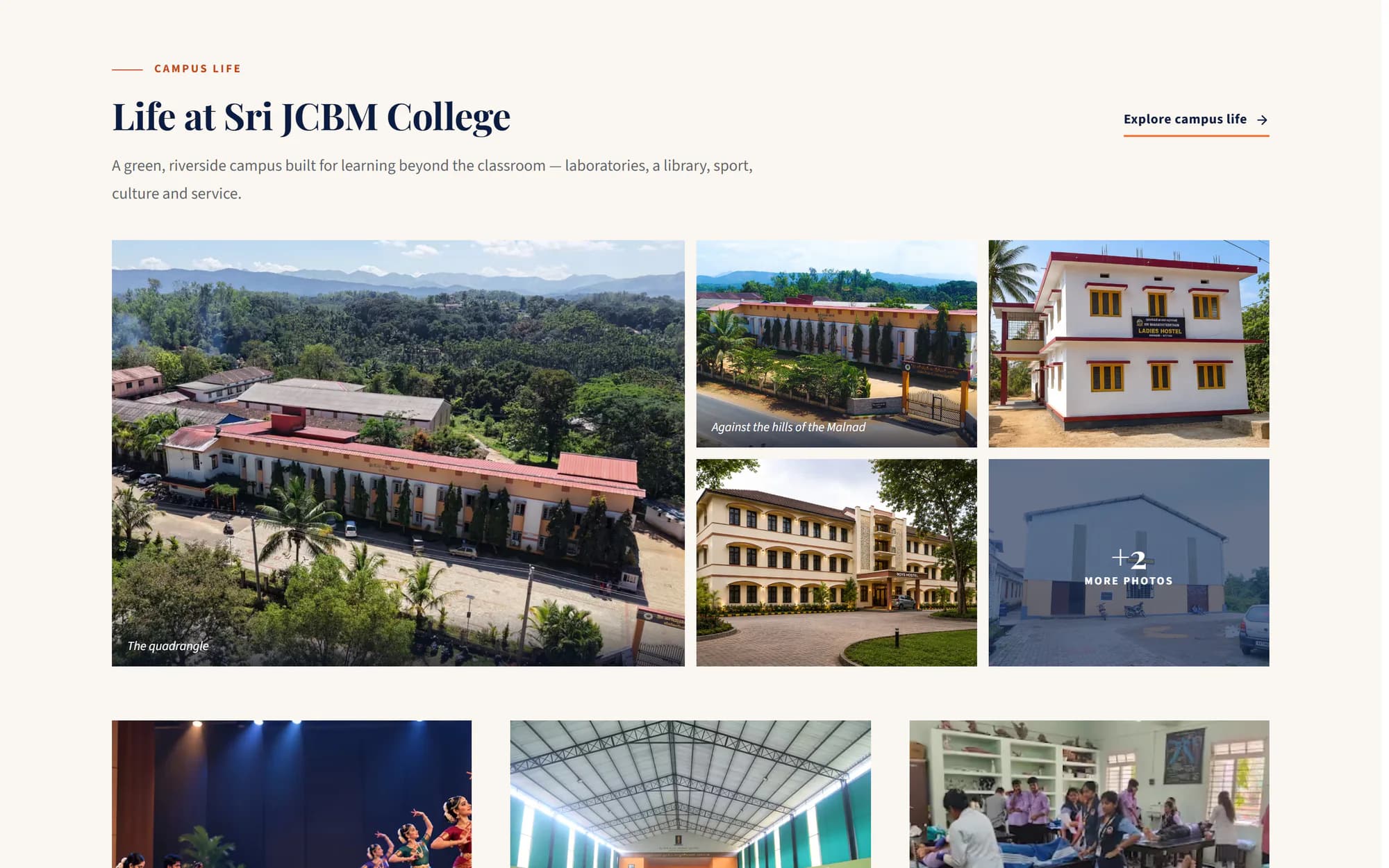
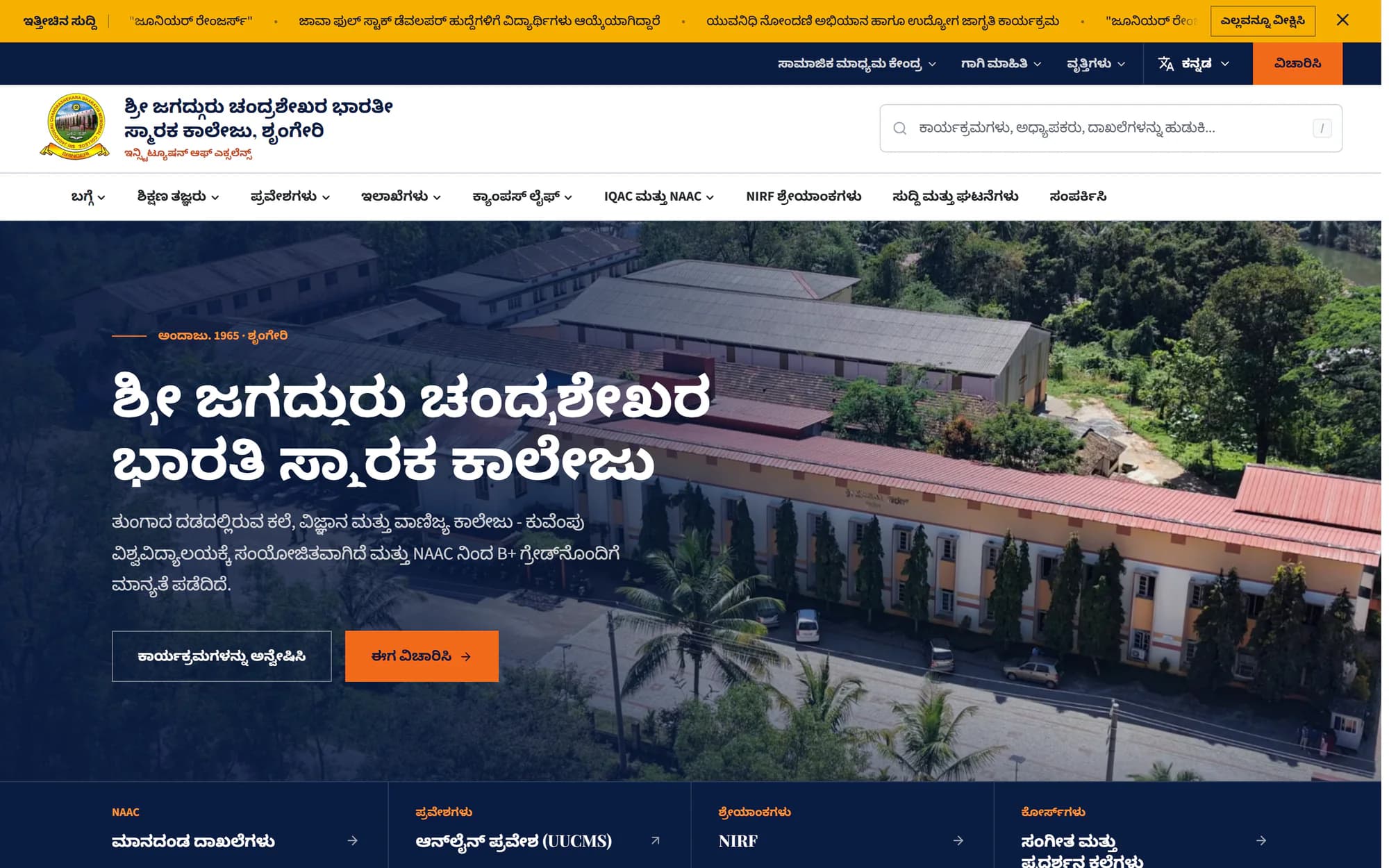
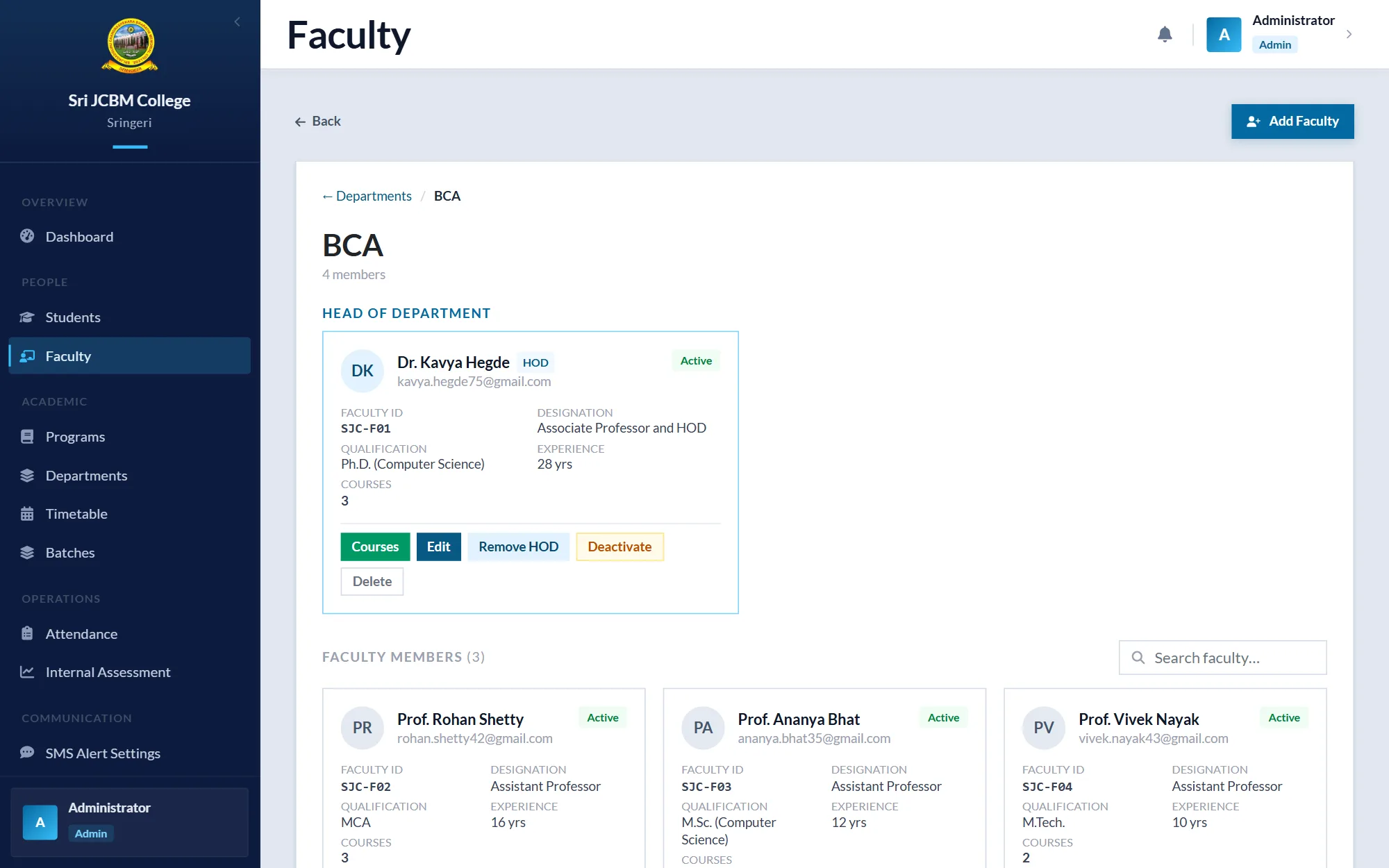
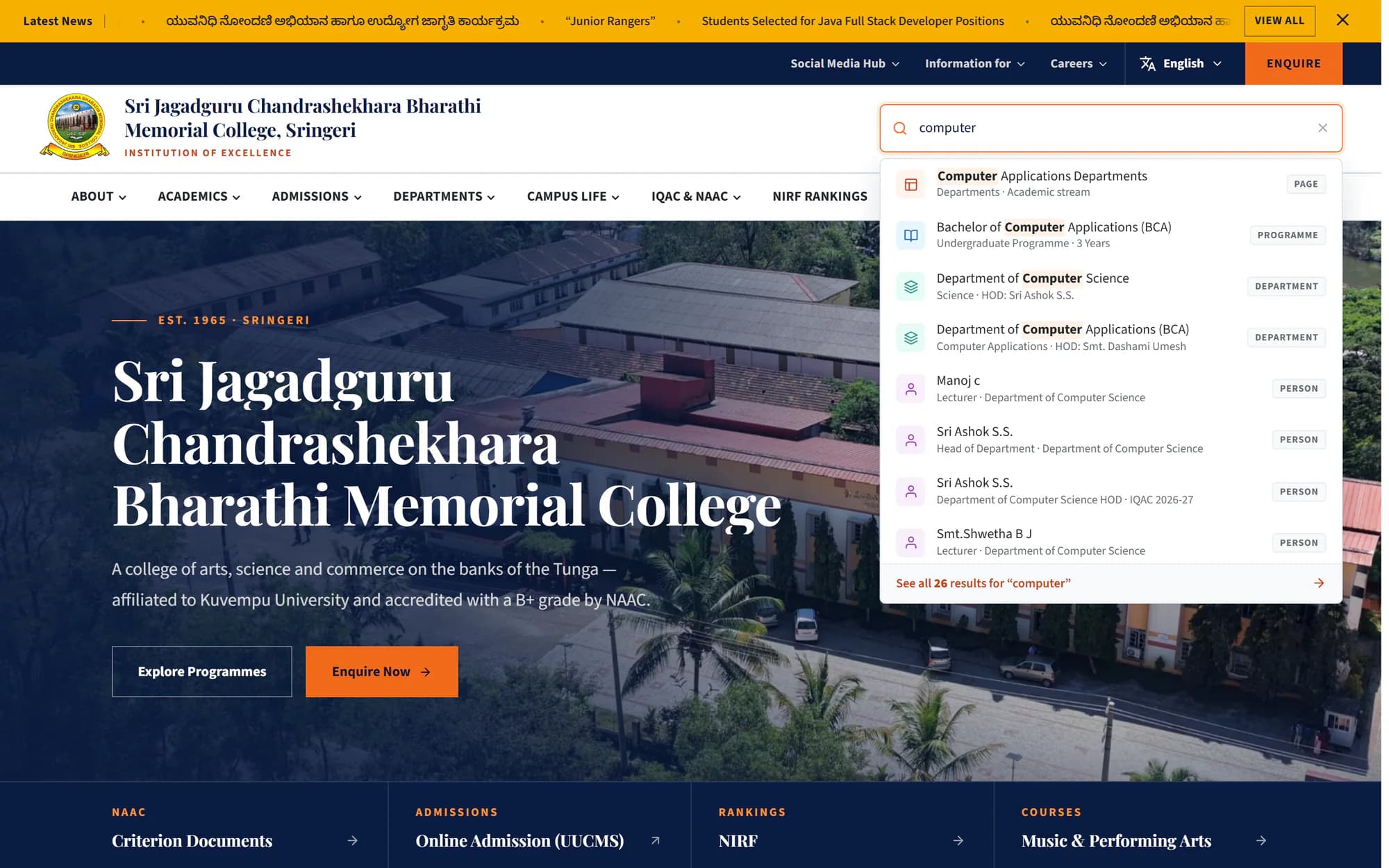
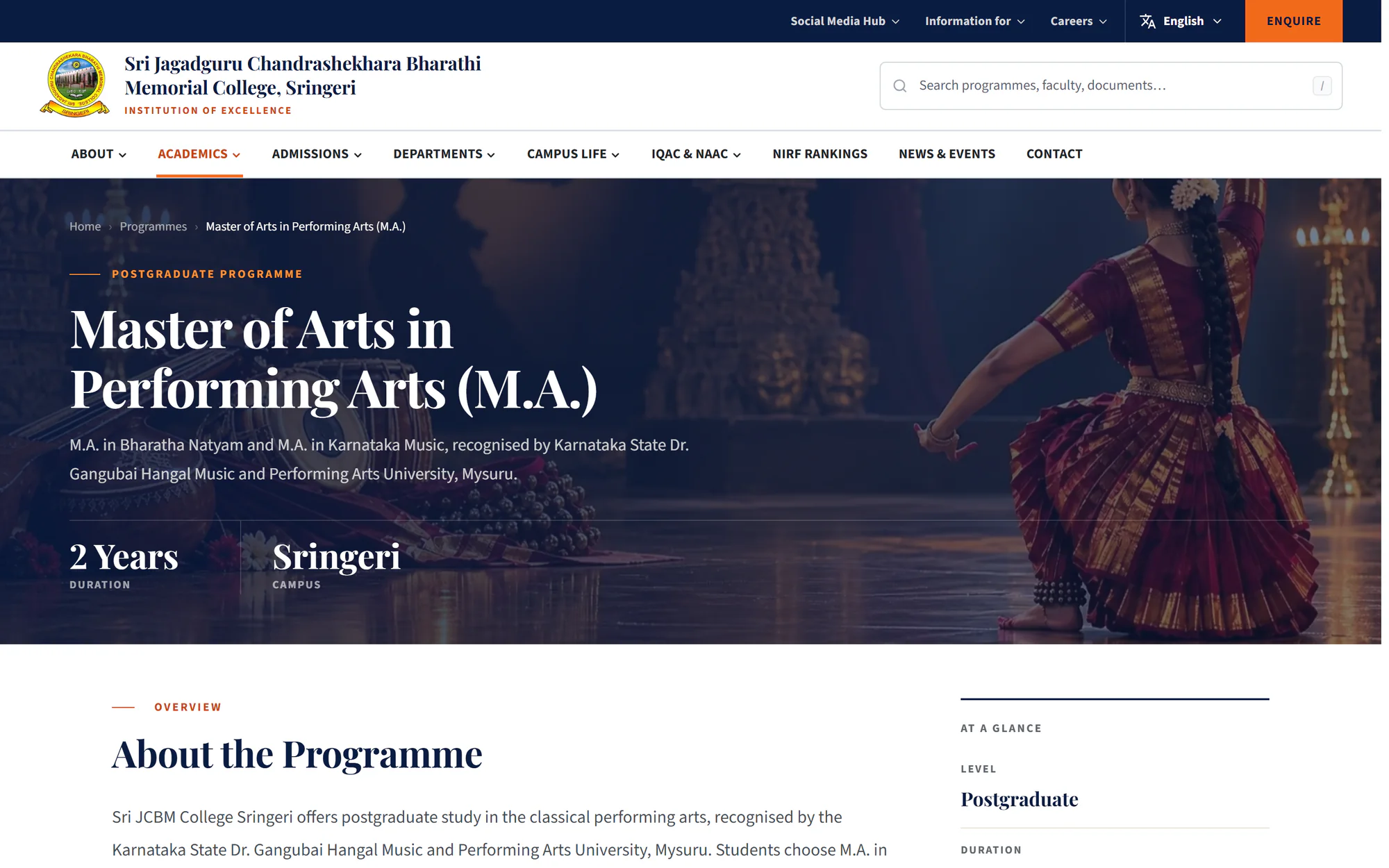
Fast, modern websites and web apps with an admin panel, so your staff can change any page the same day without waiting for a developer.
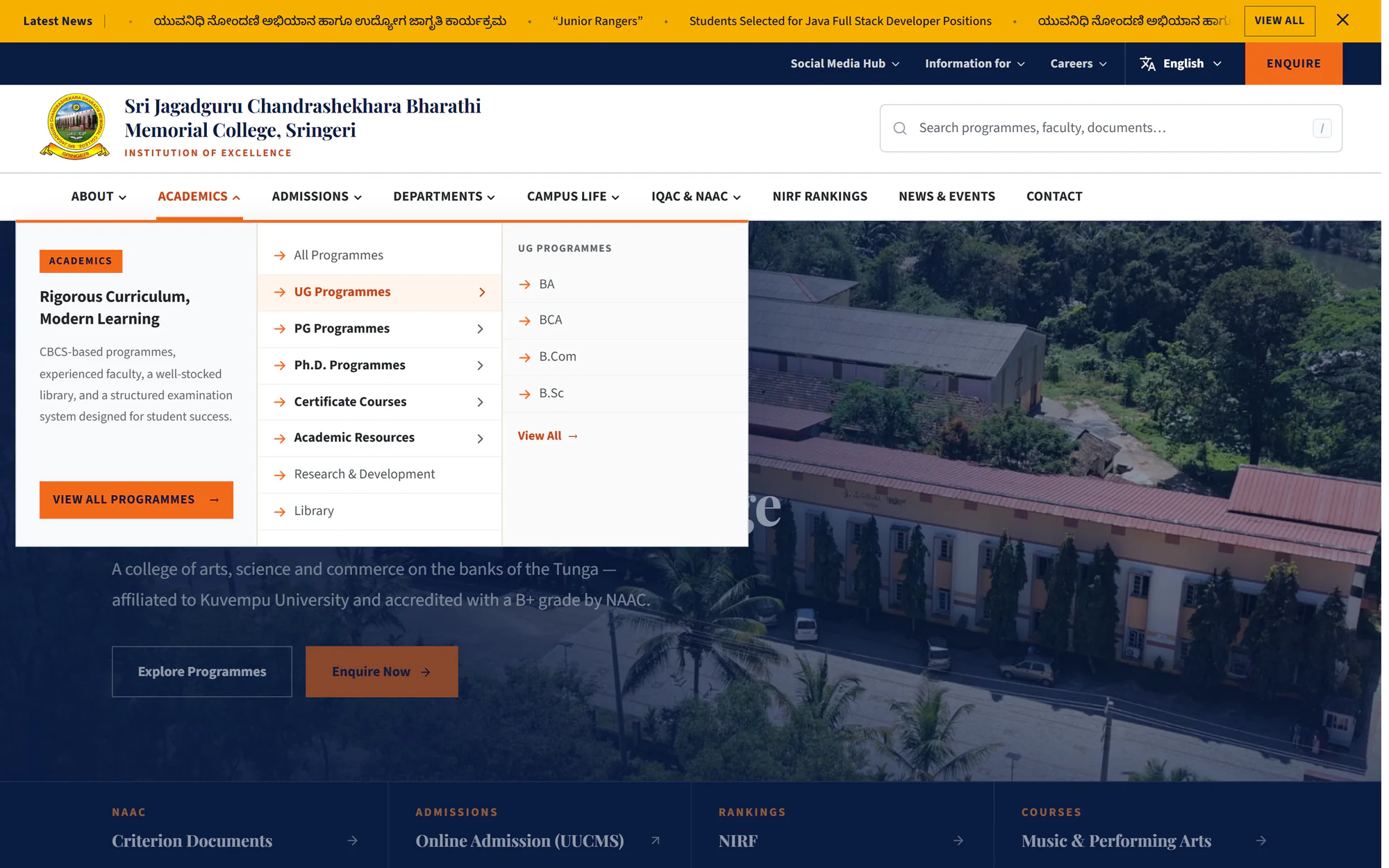
In useSri JCBM College website 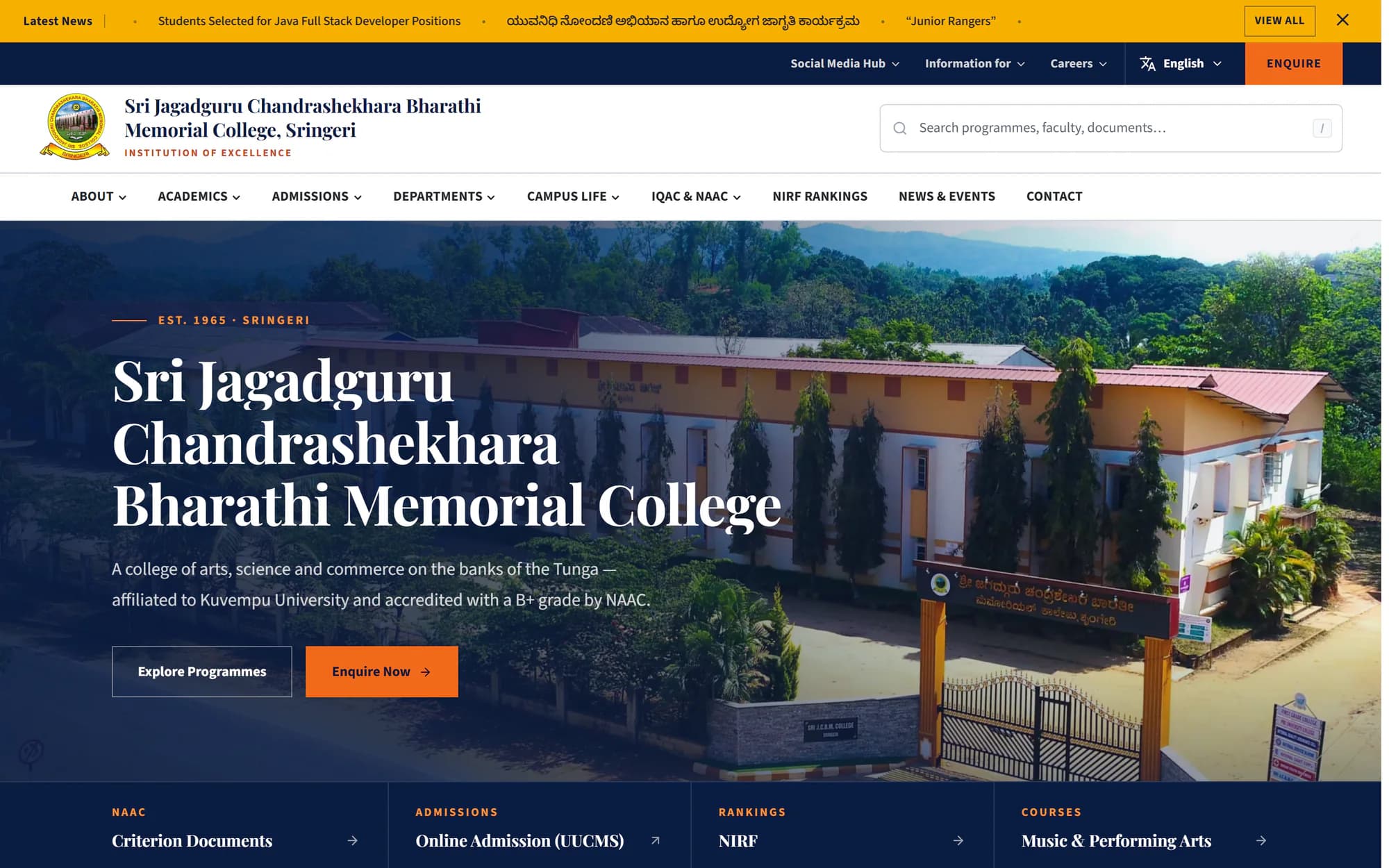
 Ask about a website
- Business and institutional websites
- Content management and admin dashboards
- Custom web applications
- Upgrades and moves to better hosting, without starting over
Good for: Colleges, schools and local businesses whose notices, prices or photos change often.
See: College website
Application development
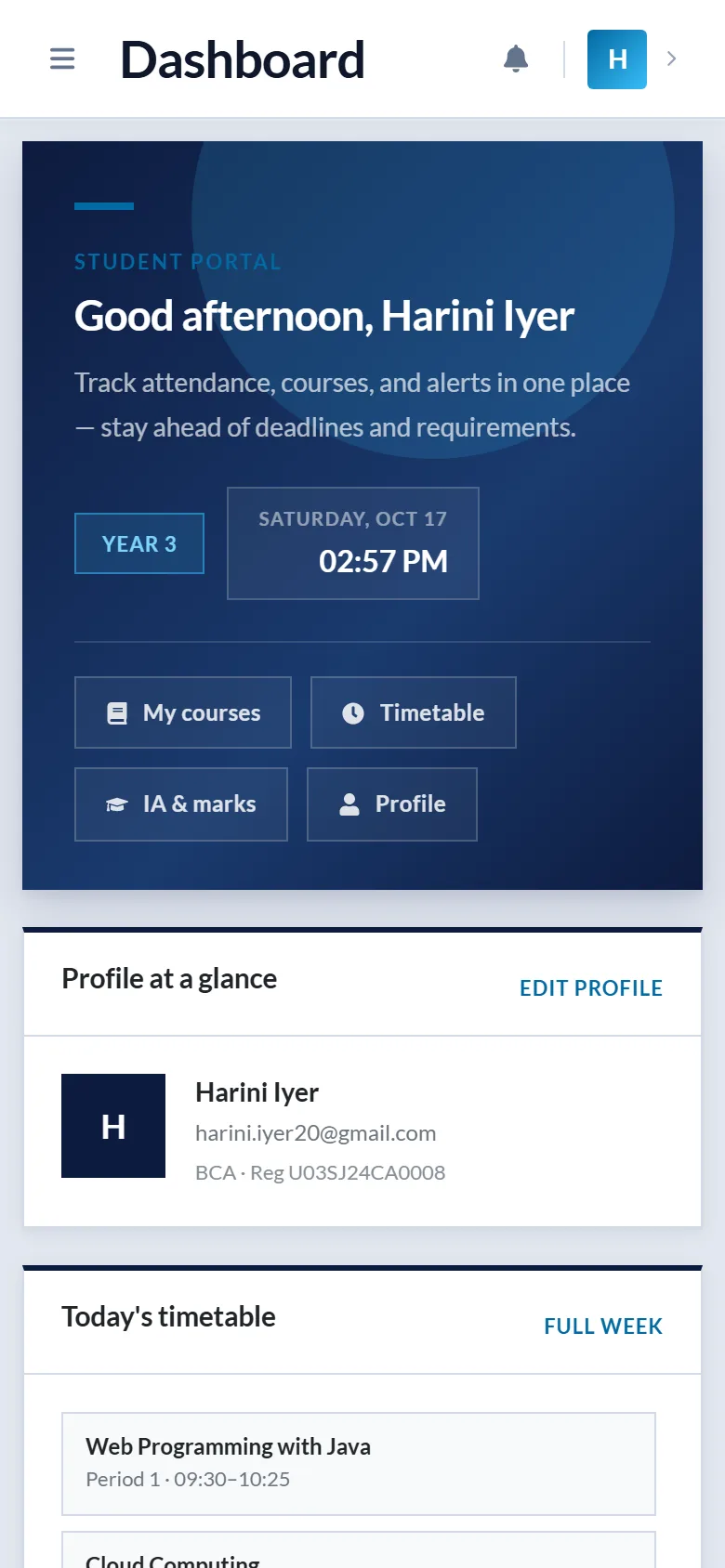
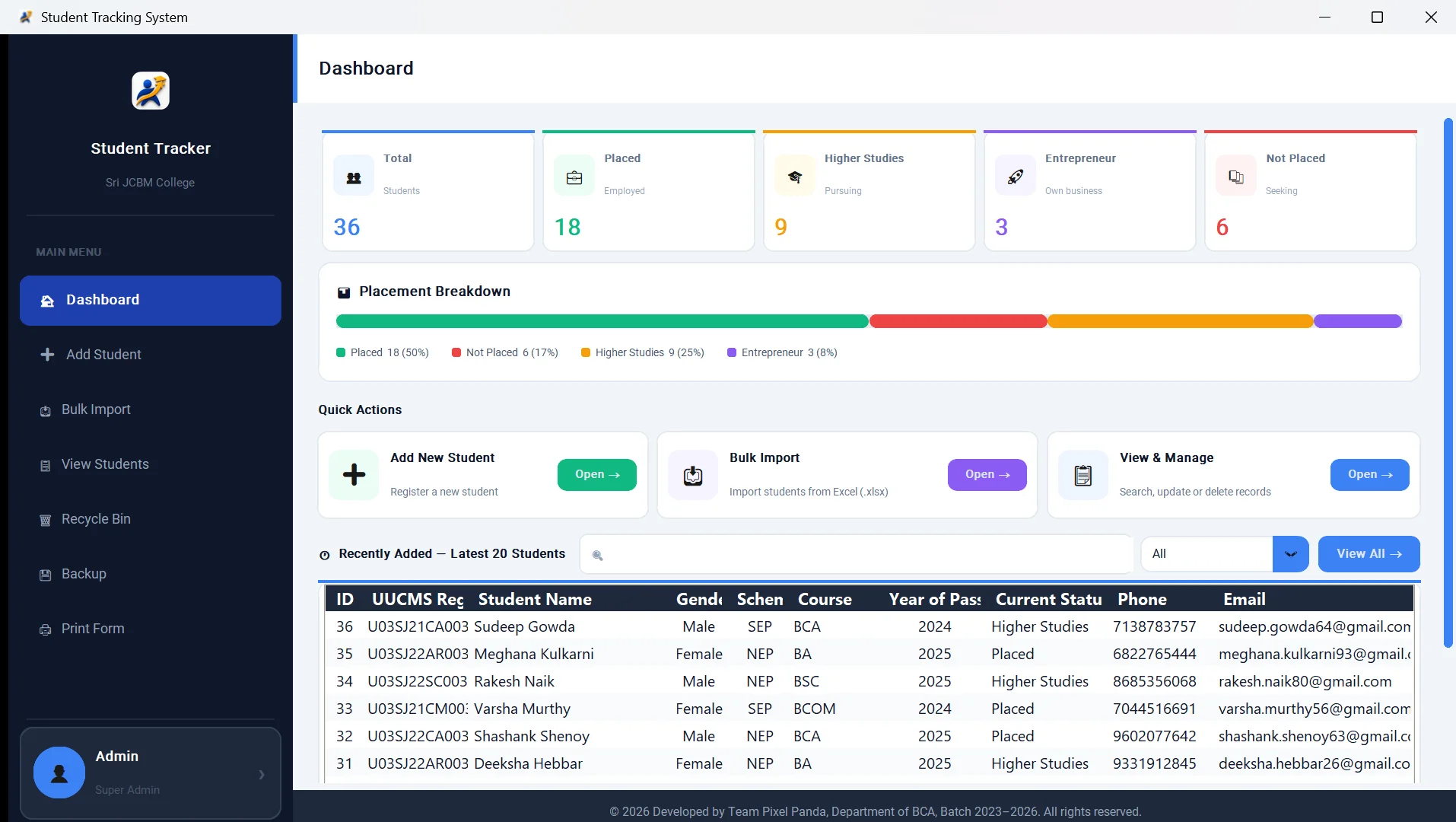
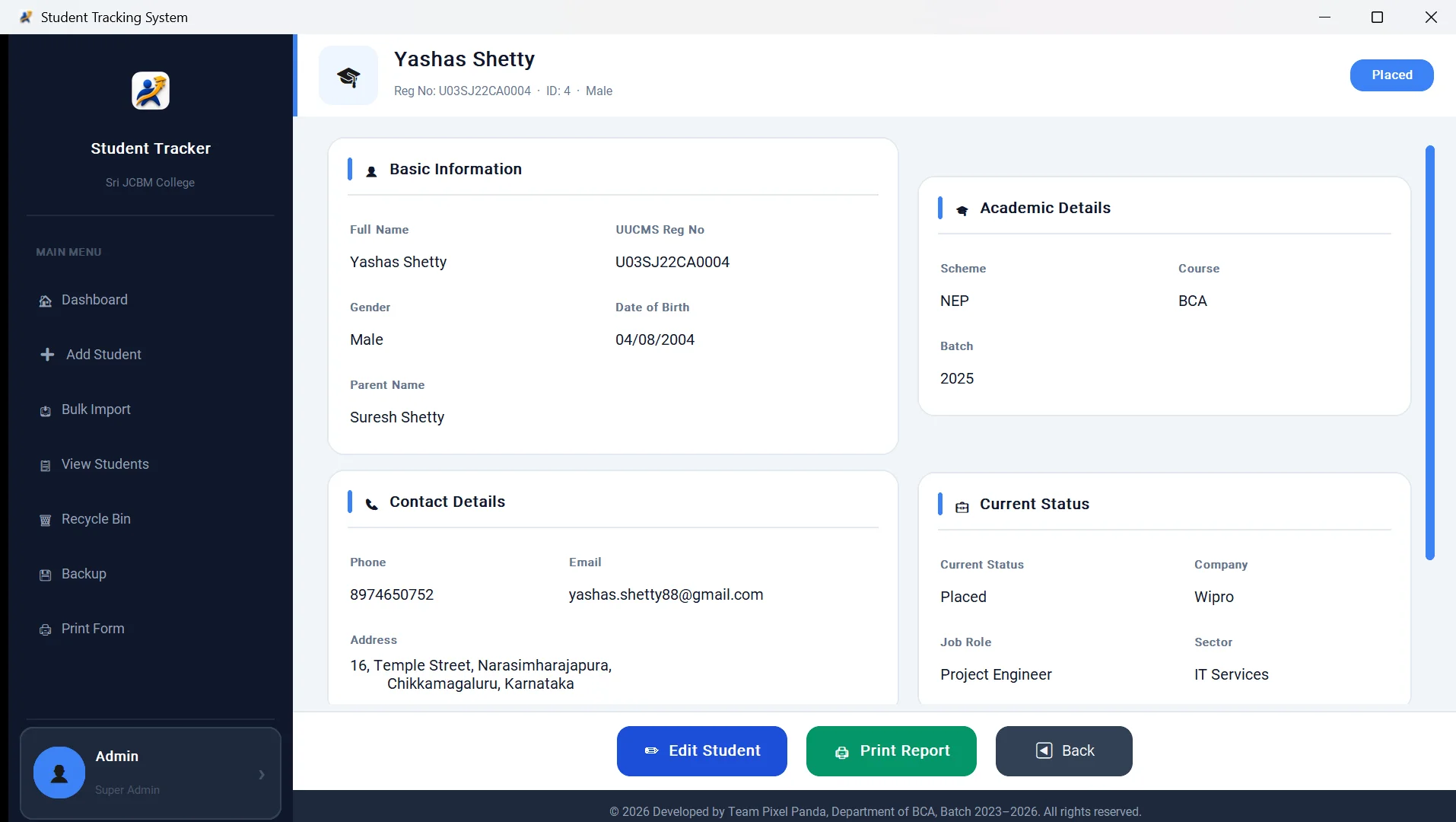
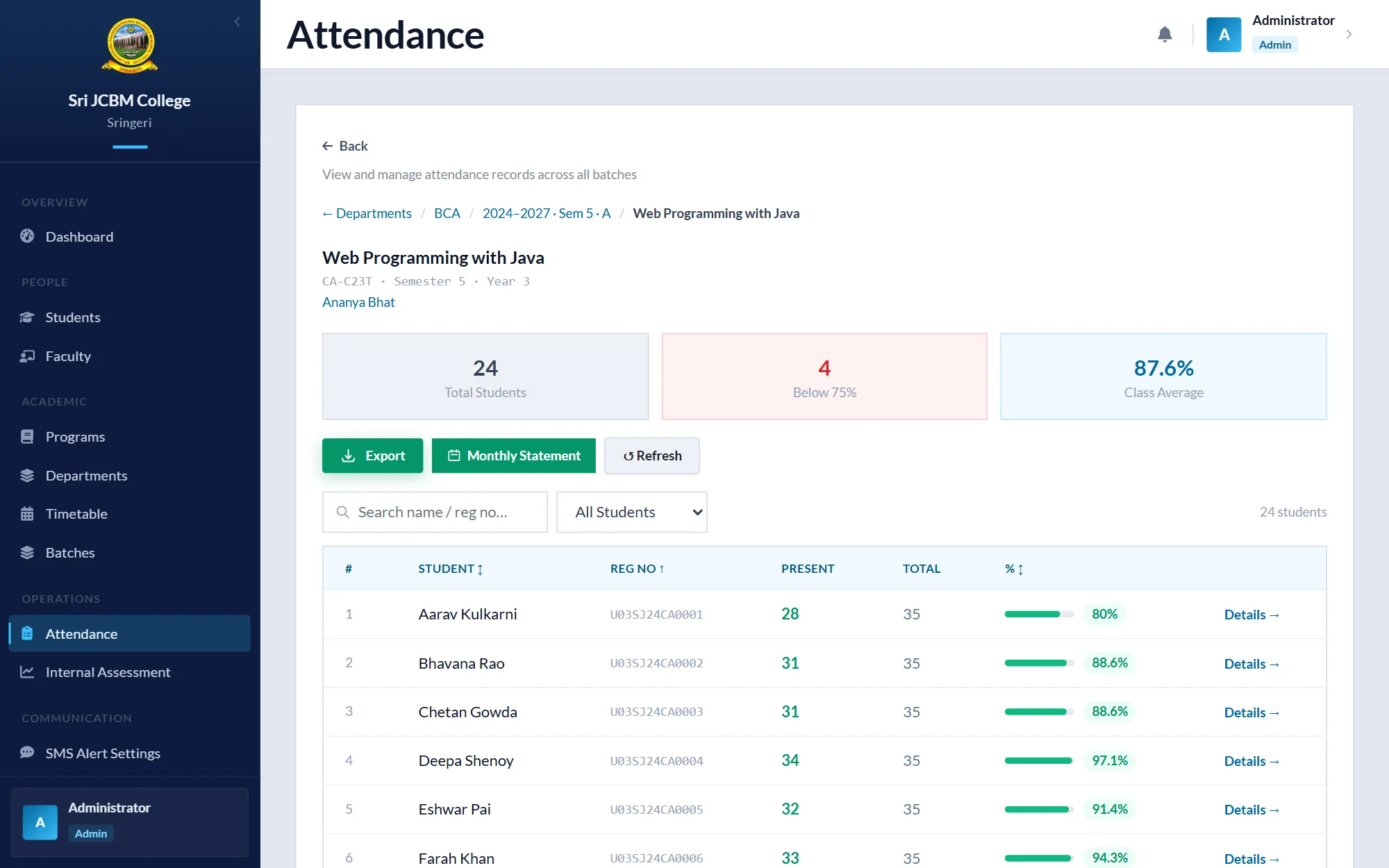
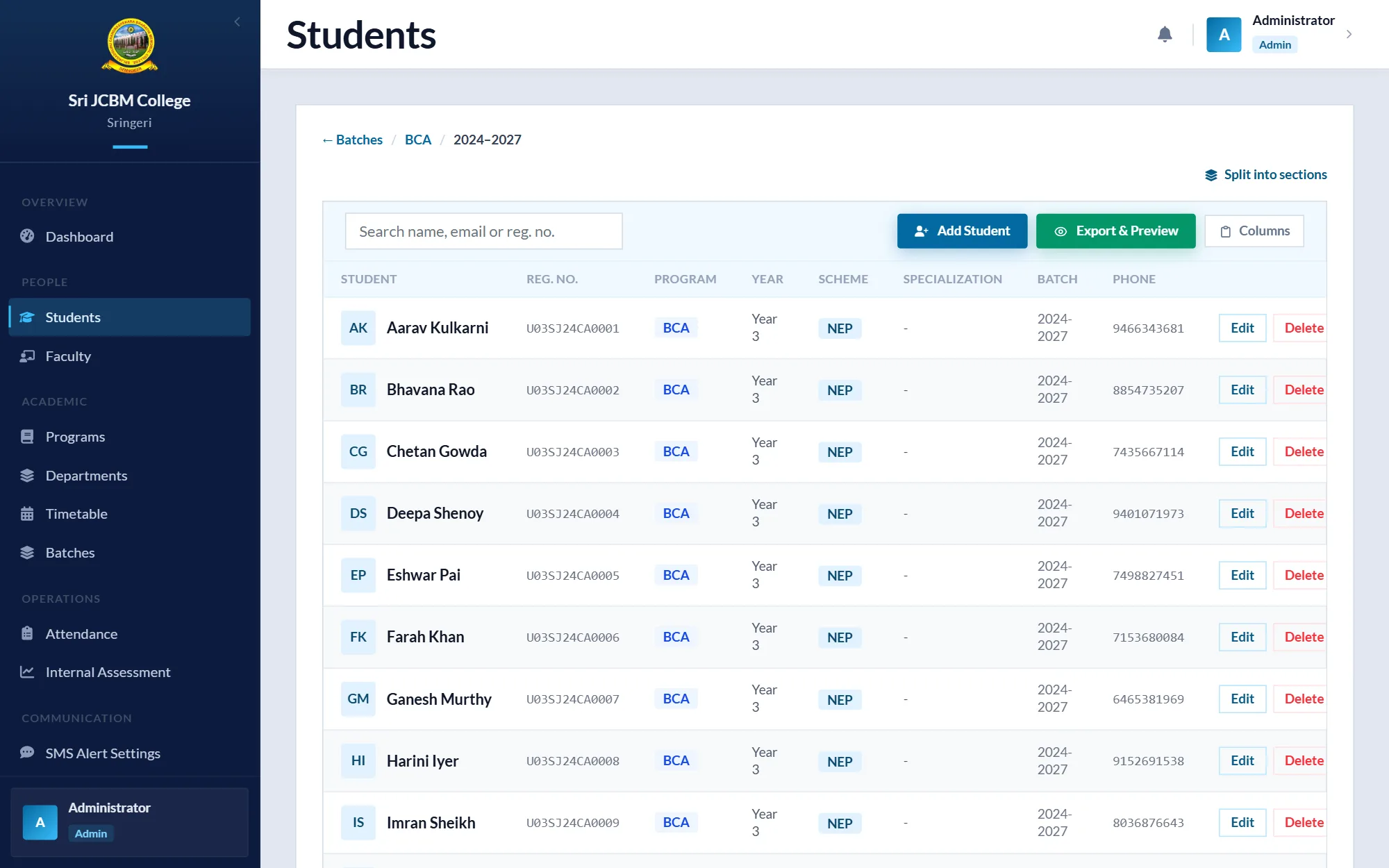
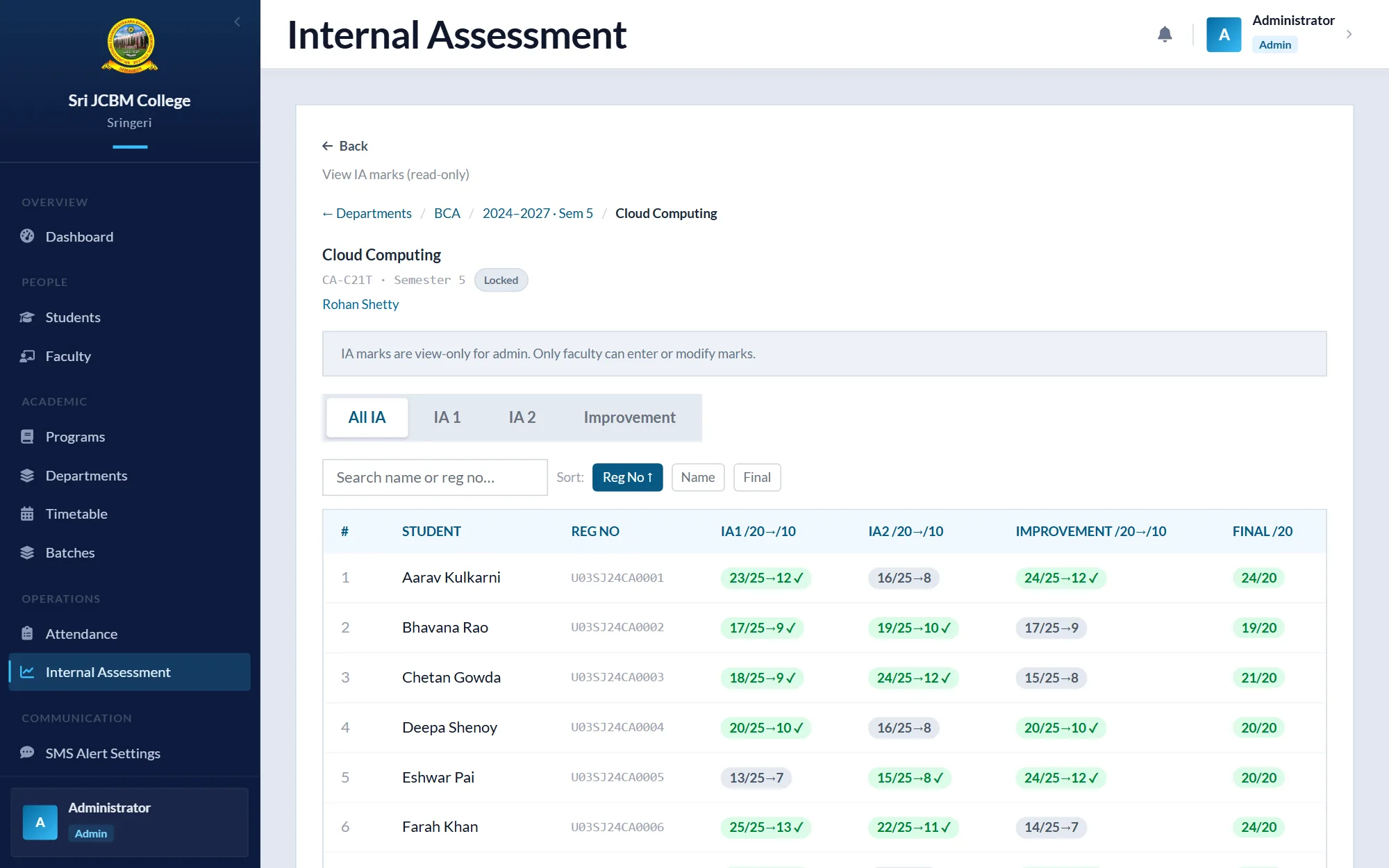
One system for your whole operation, with sign-in and the right view for each person, instead of paper and spreadsheets.
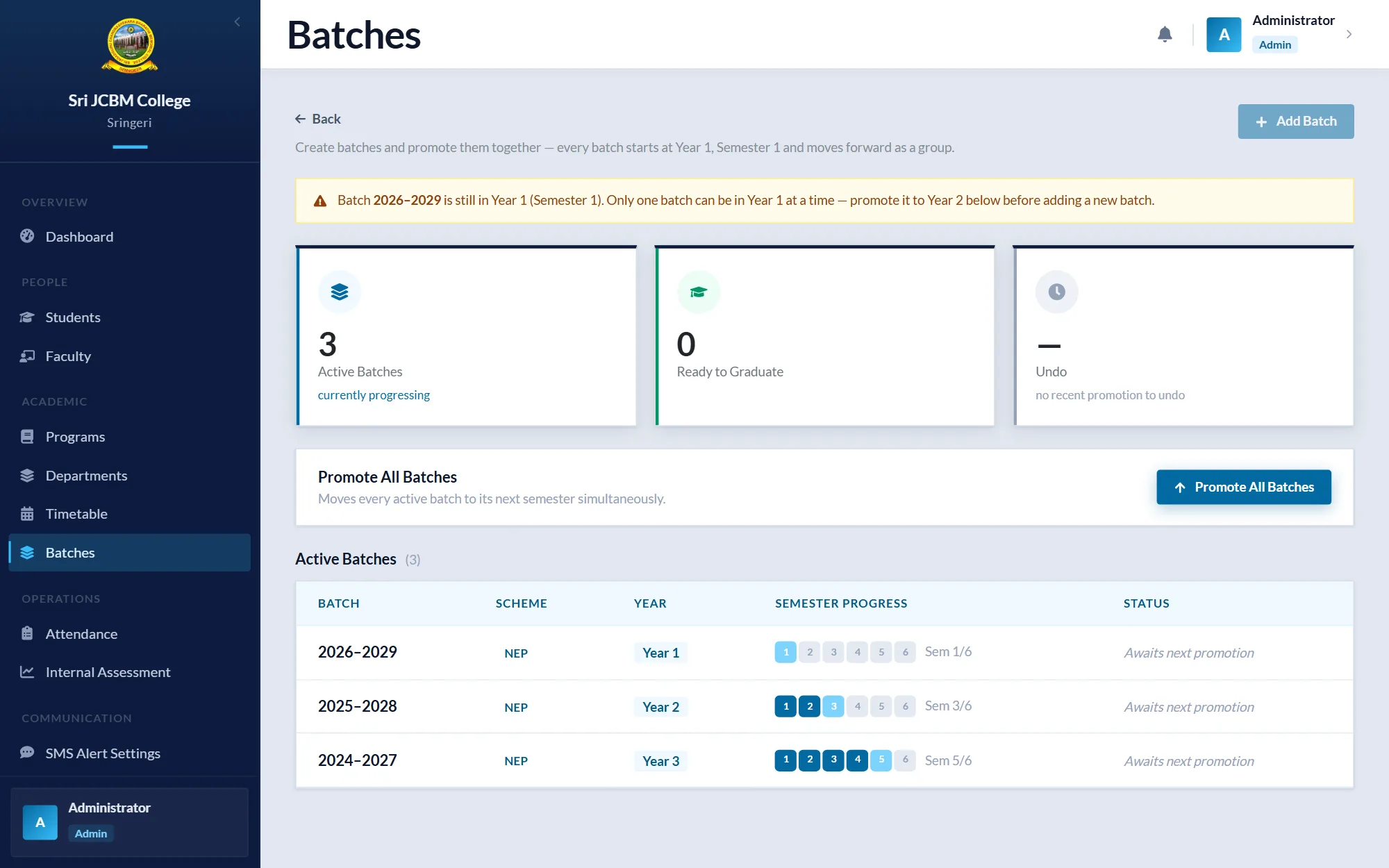
CompletedSri JCBM College ERP 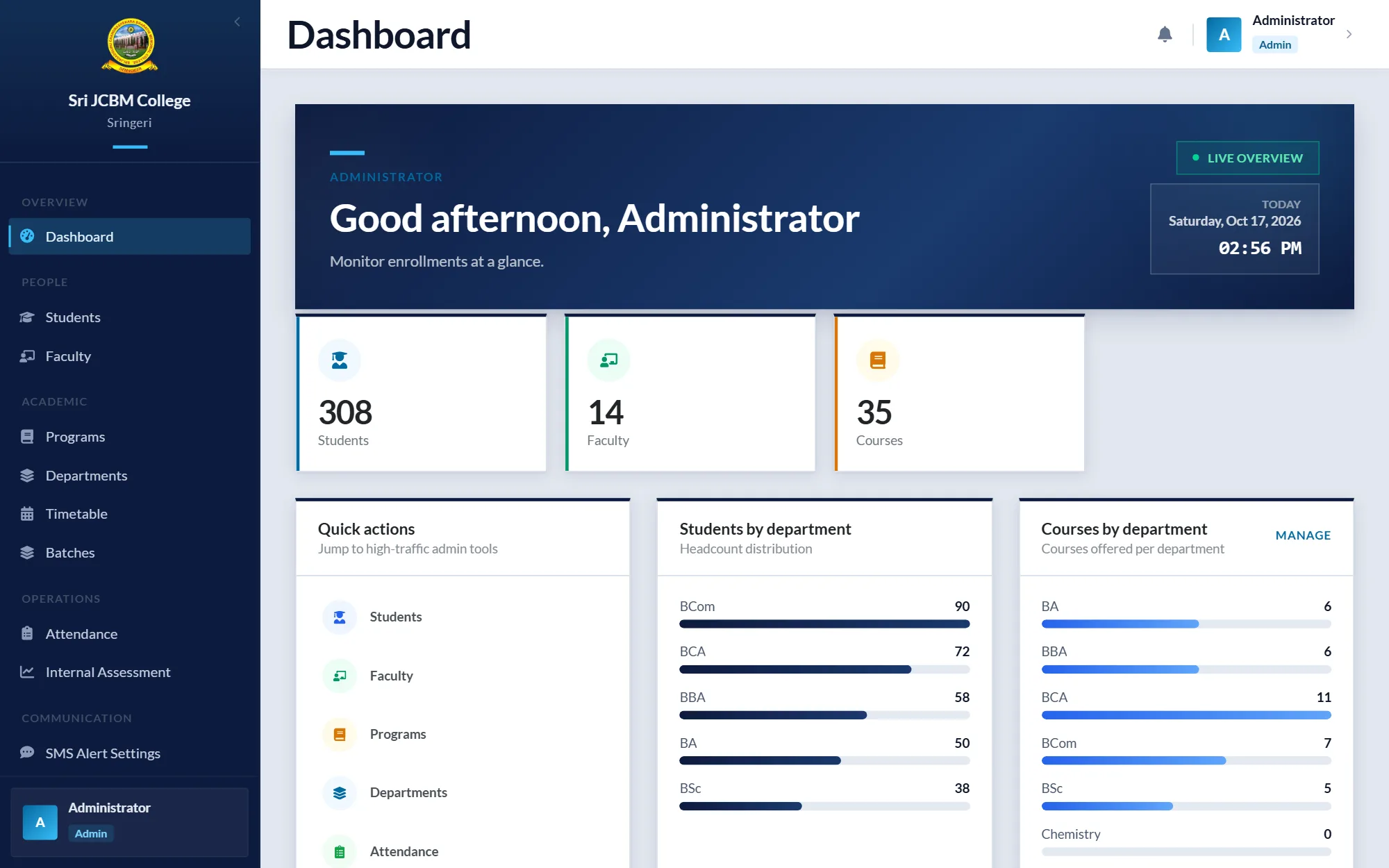
 Ask about an app or ERP
- ERP and management platforms
- Flutter mobile apps that share one backend with the web, so a fix reaches both at once
- Separate screens and permissions for each role
Good for: Colleges and offices where several roles share the same records: attendance, marks, approvals.
See: College ERP
Business automation
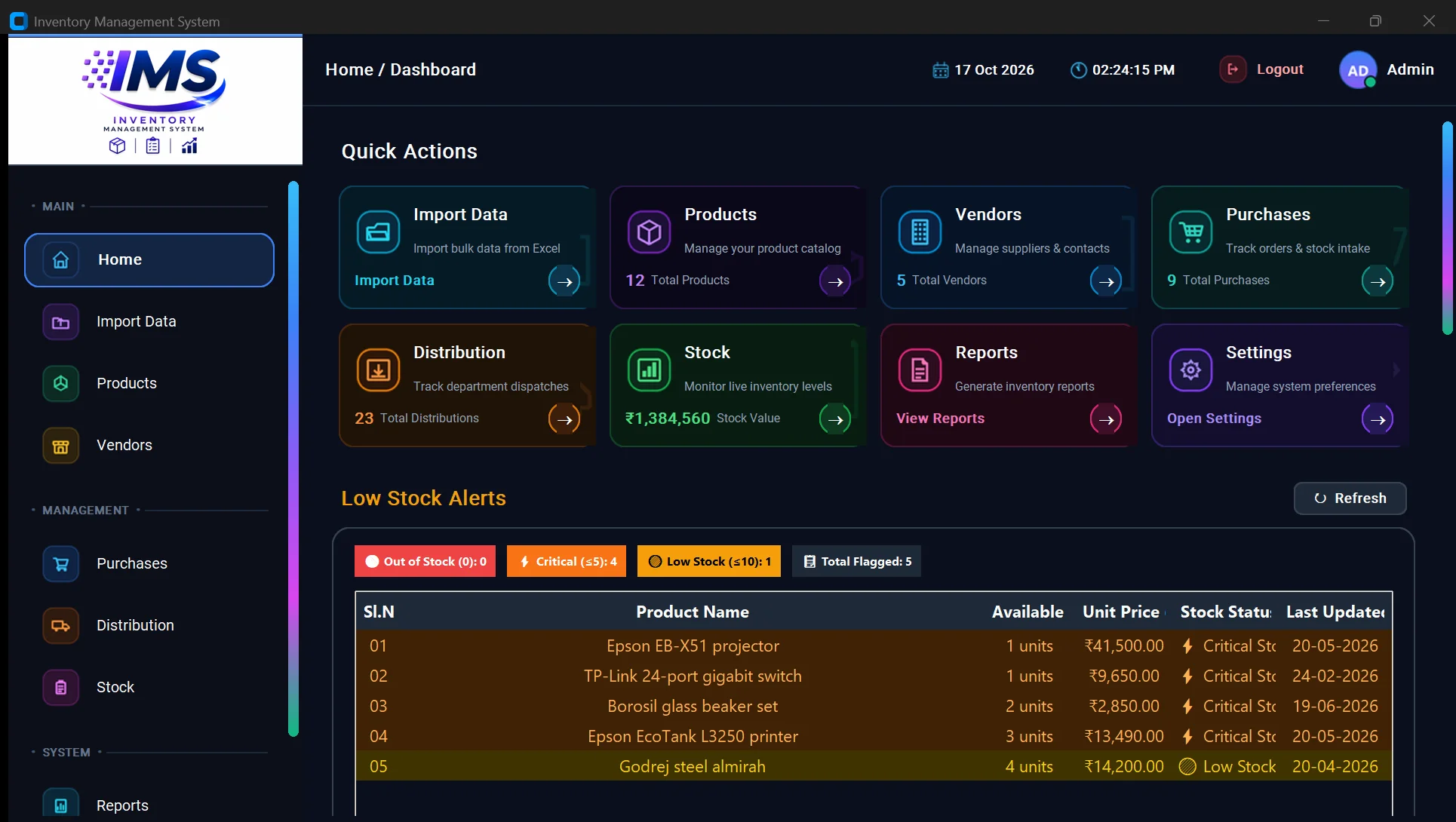
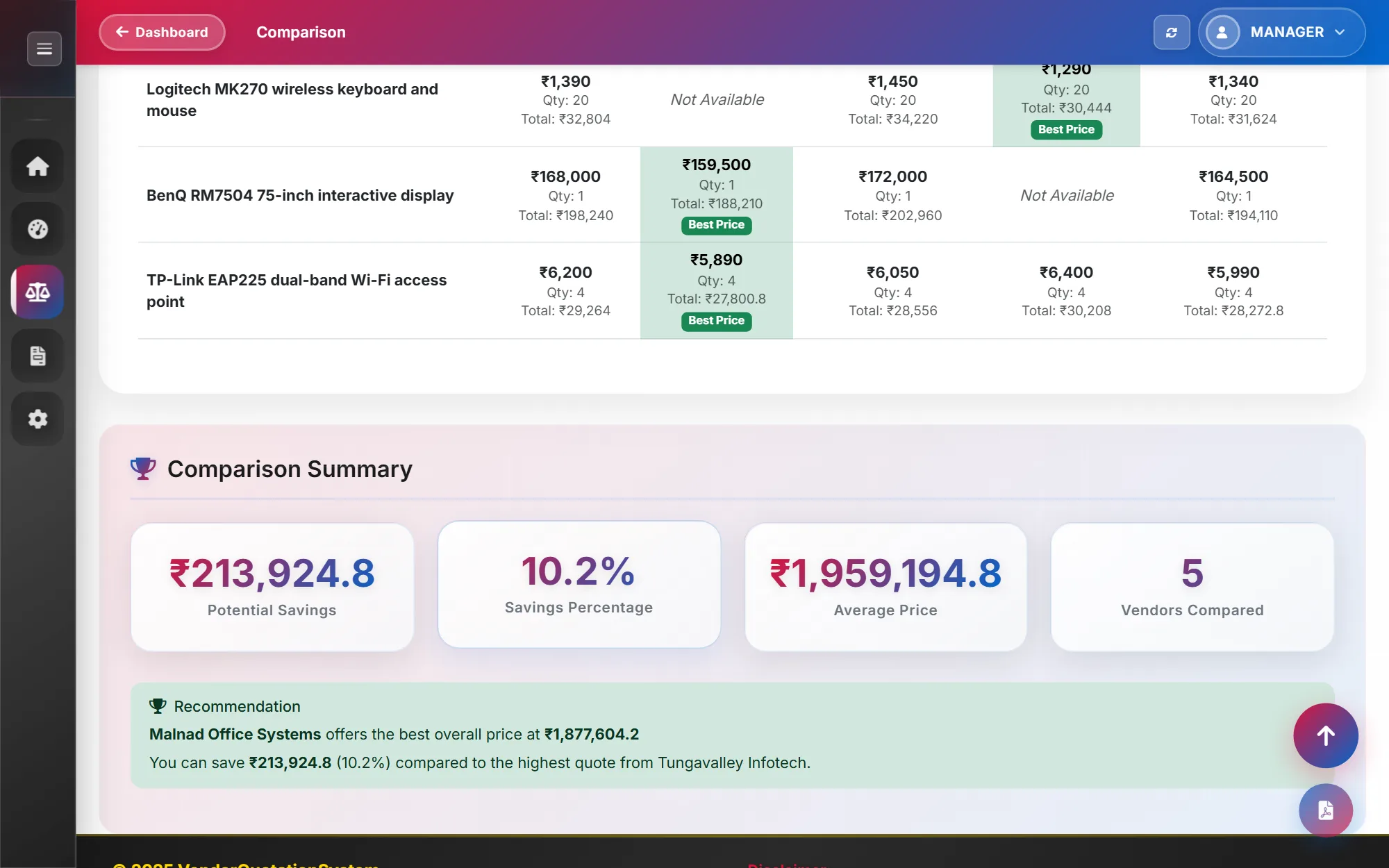
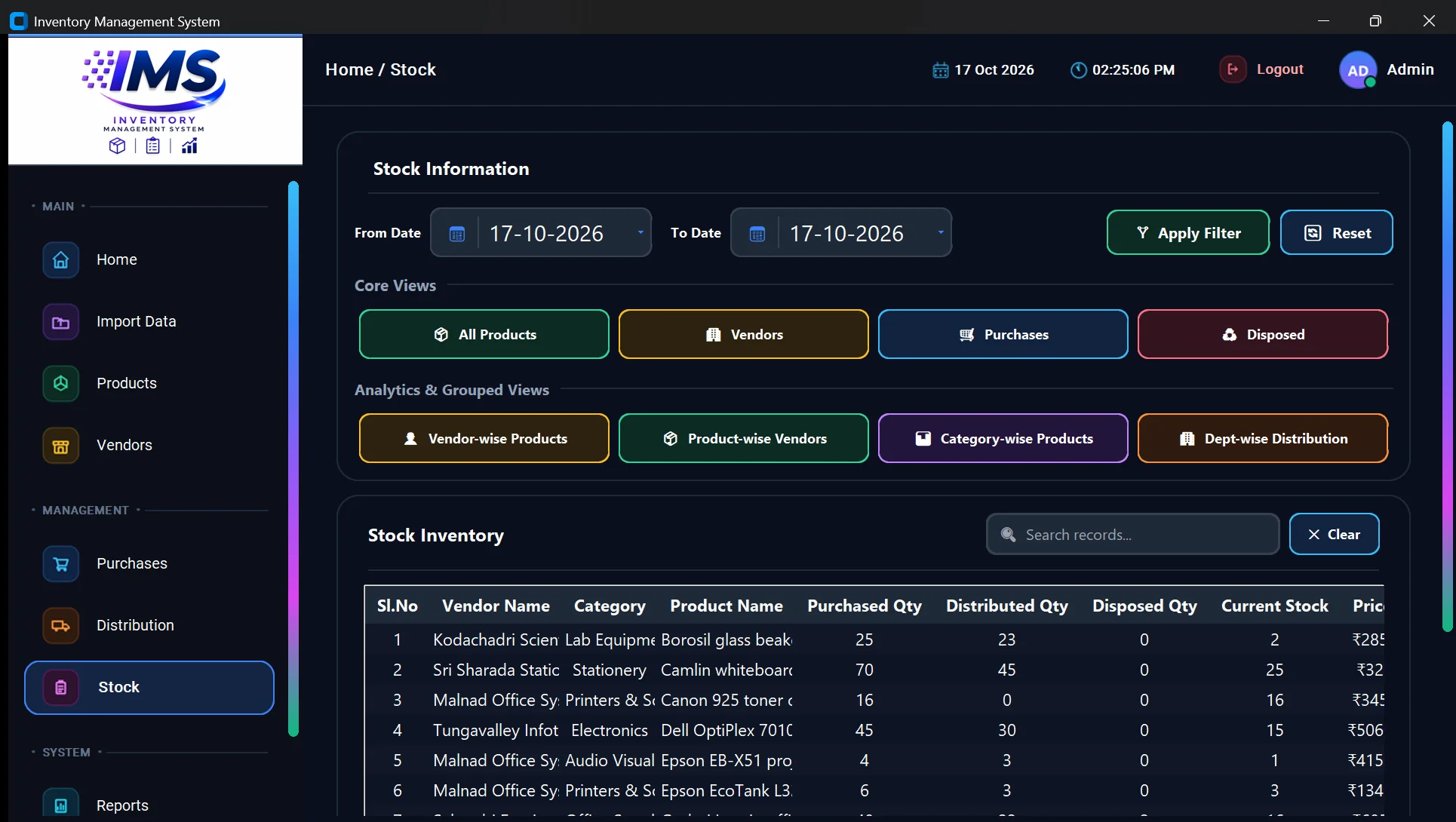
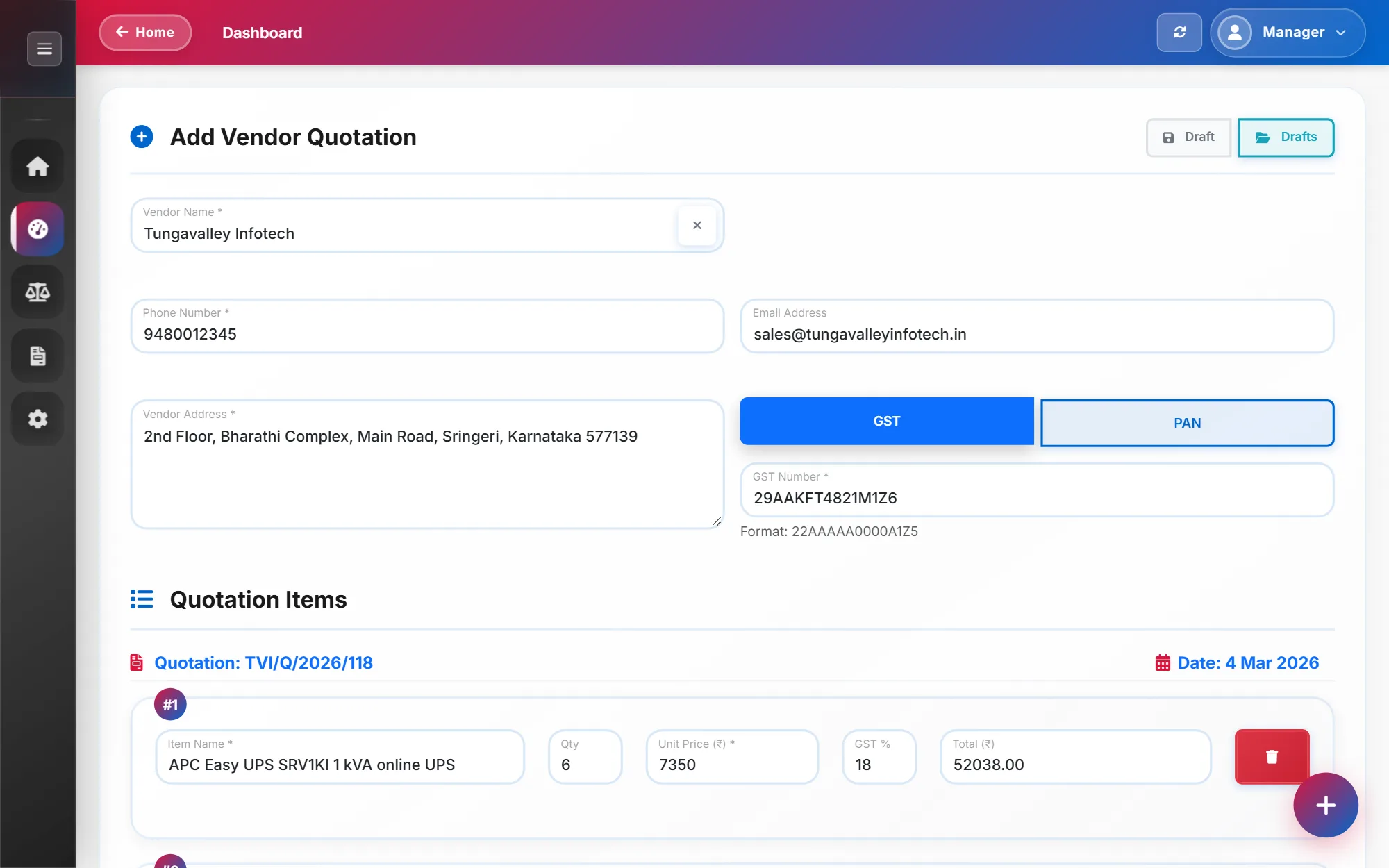
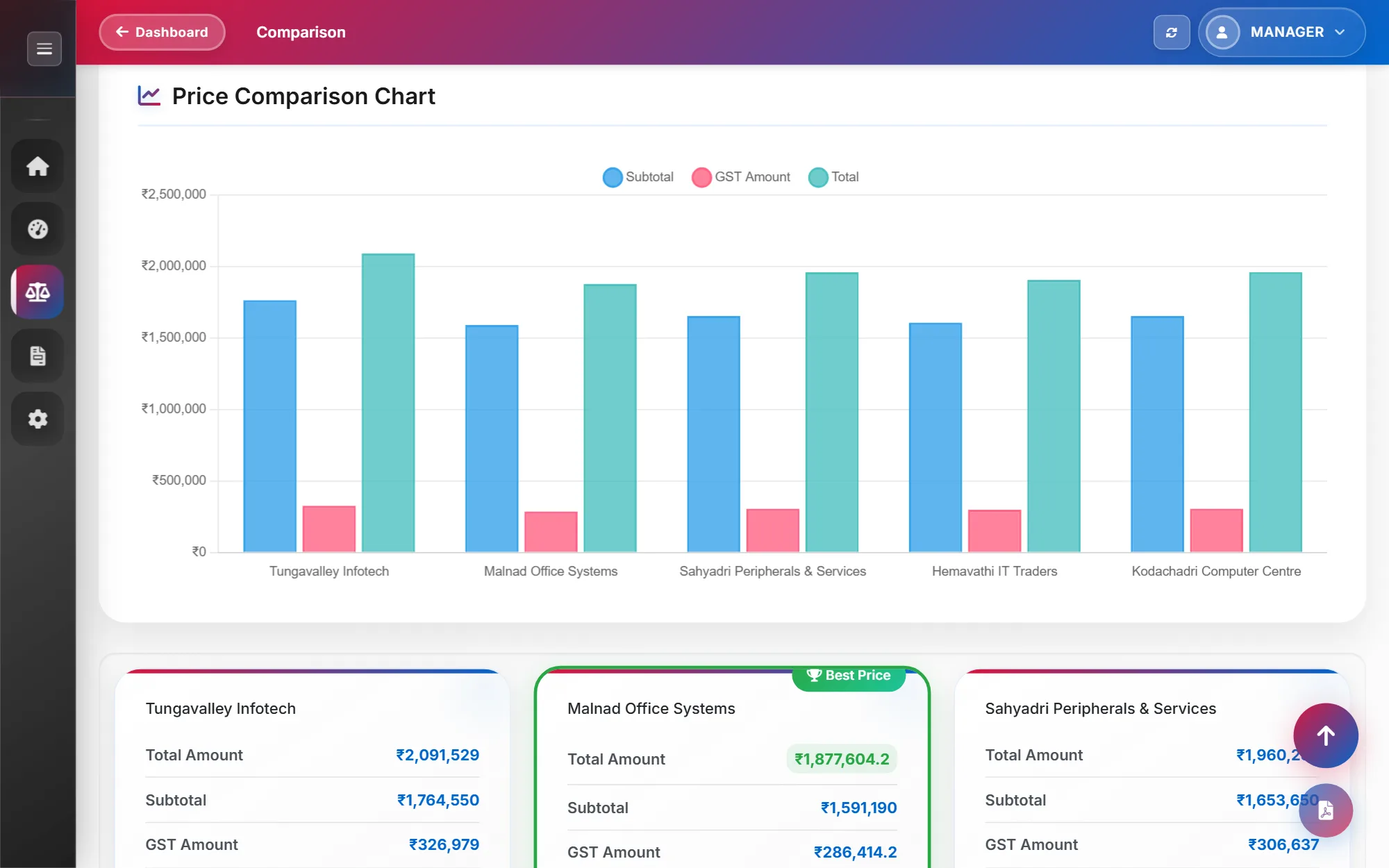
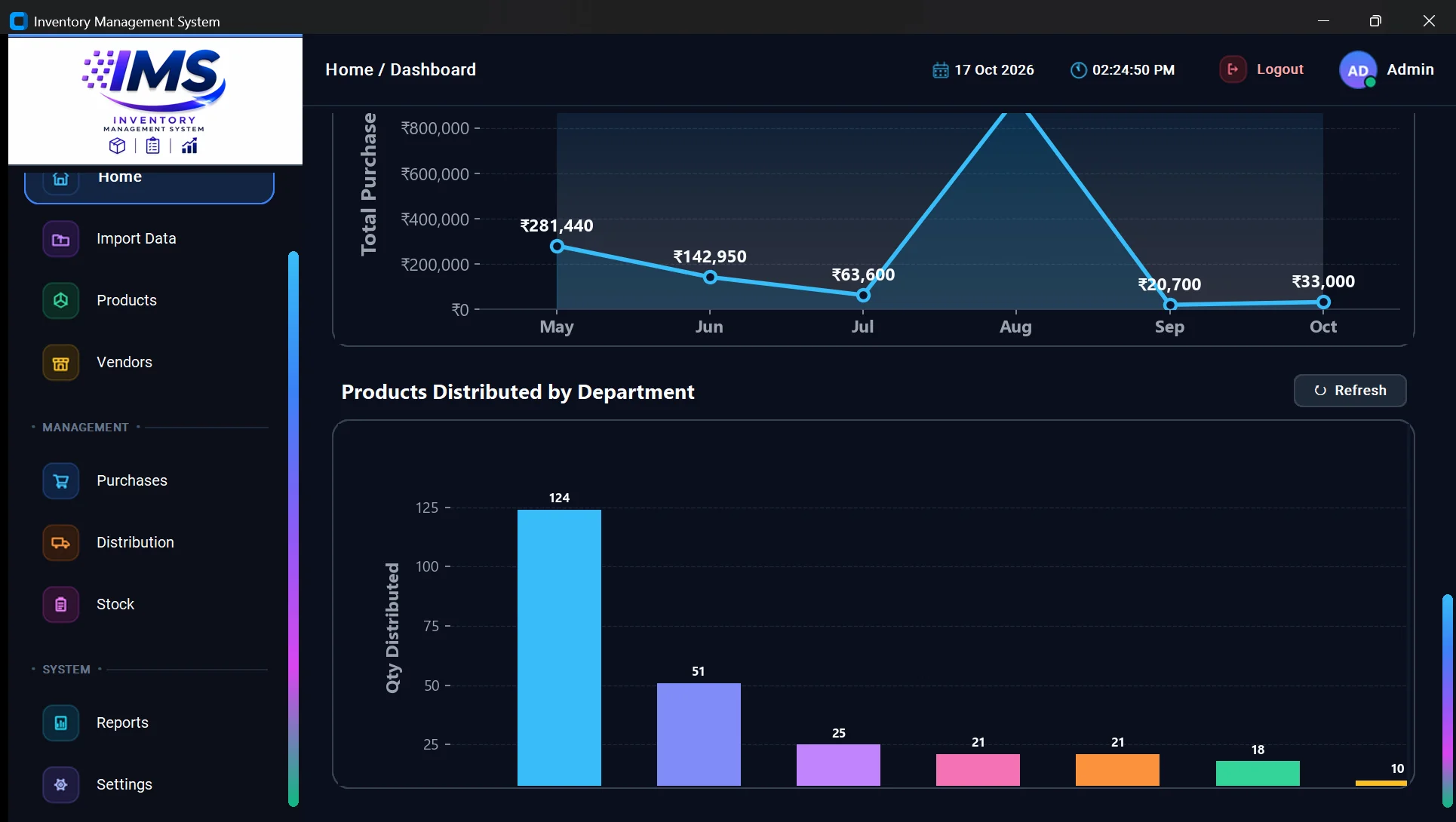
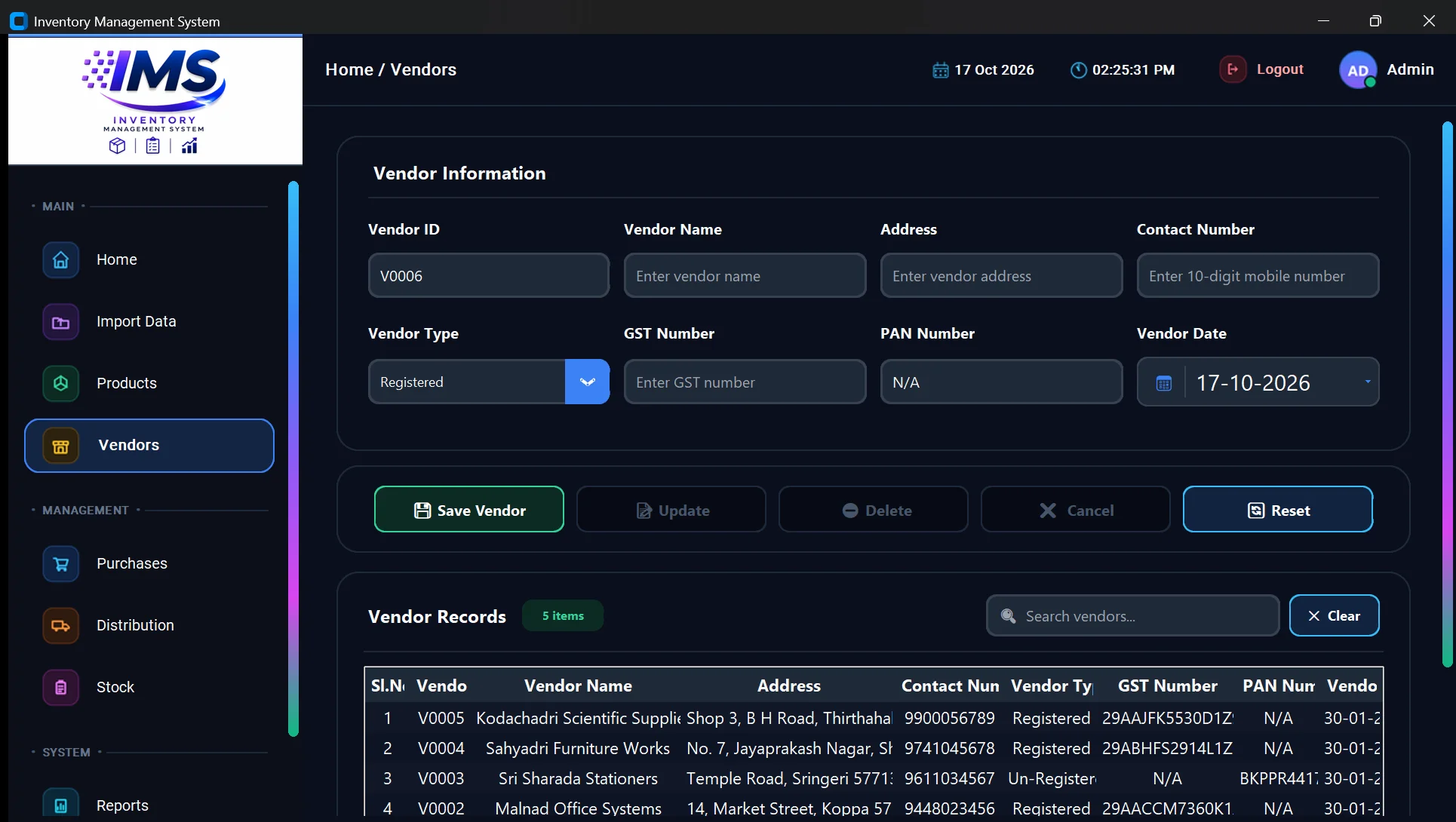
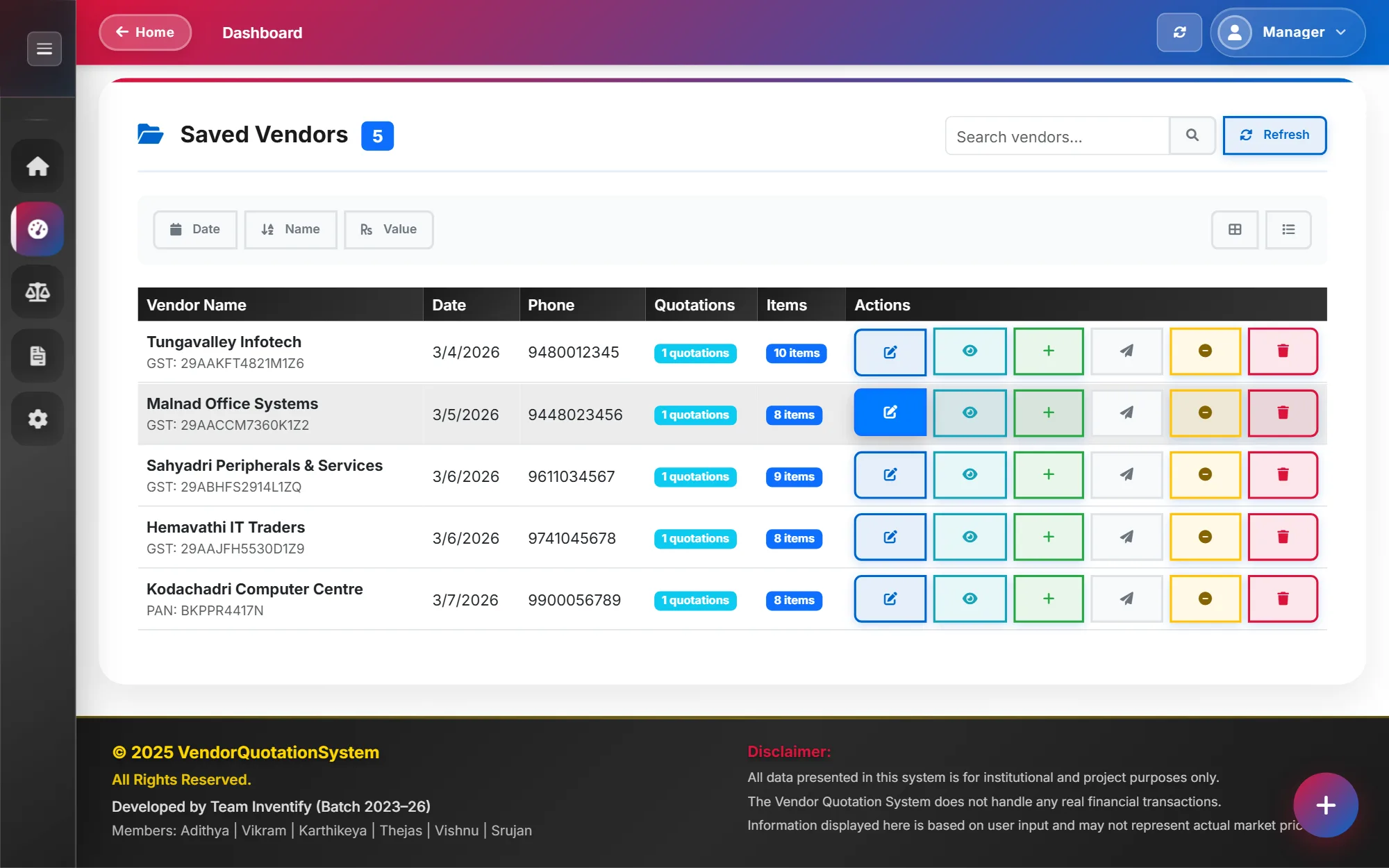
Quotations, stock and records done in a few clicks: a proper database in place of repetitive manual work.
CompletedVendor Quotation Comparison System 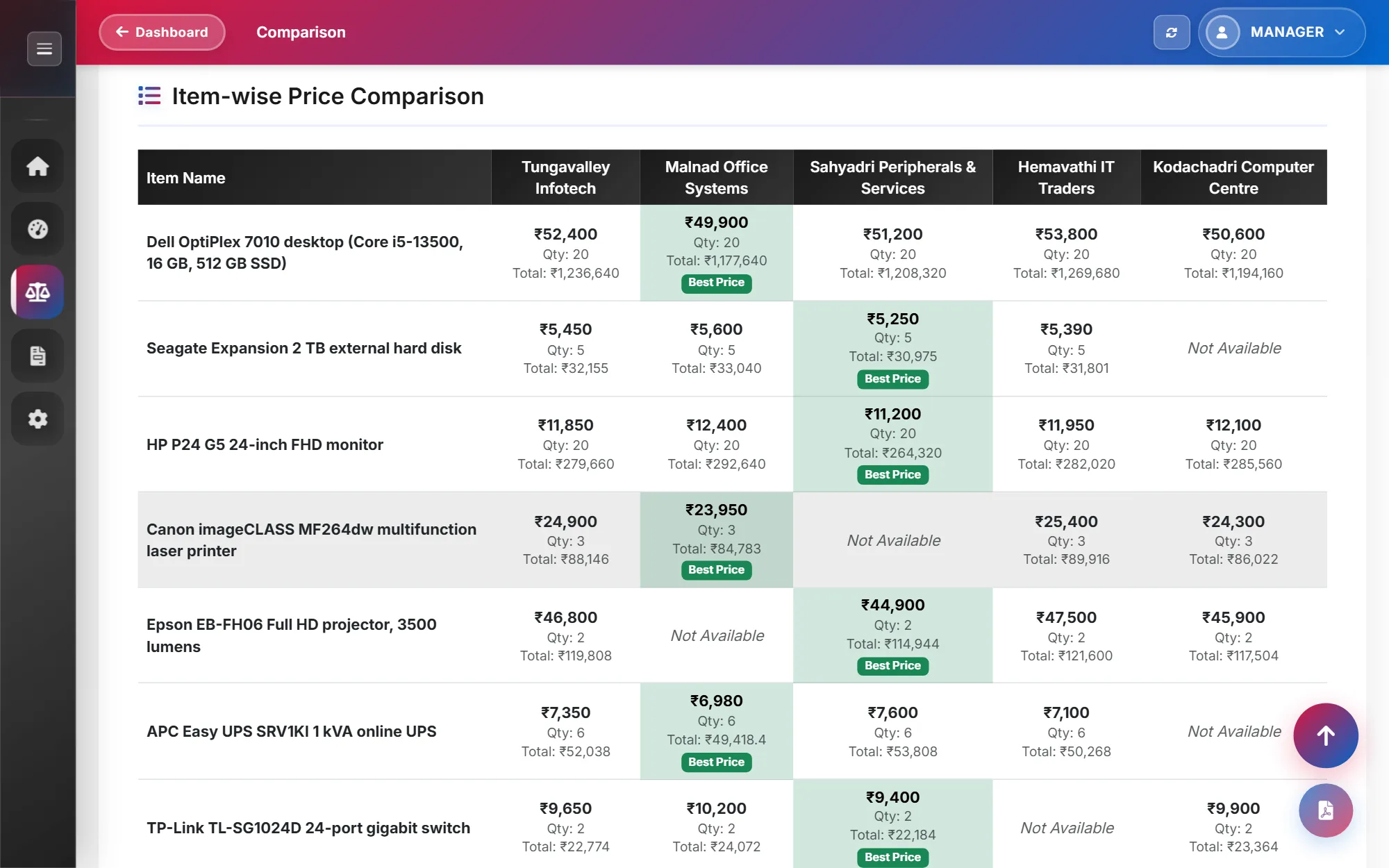 Ask about automating your work
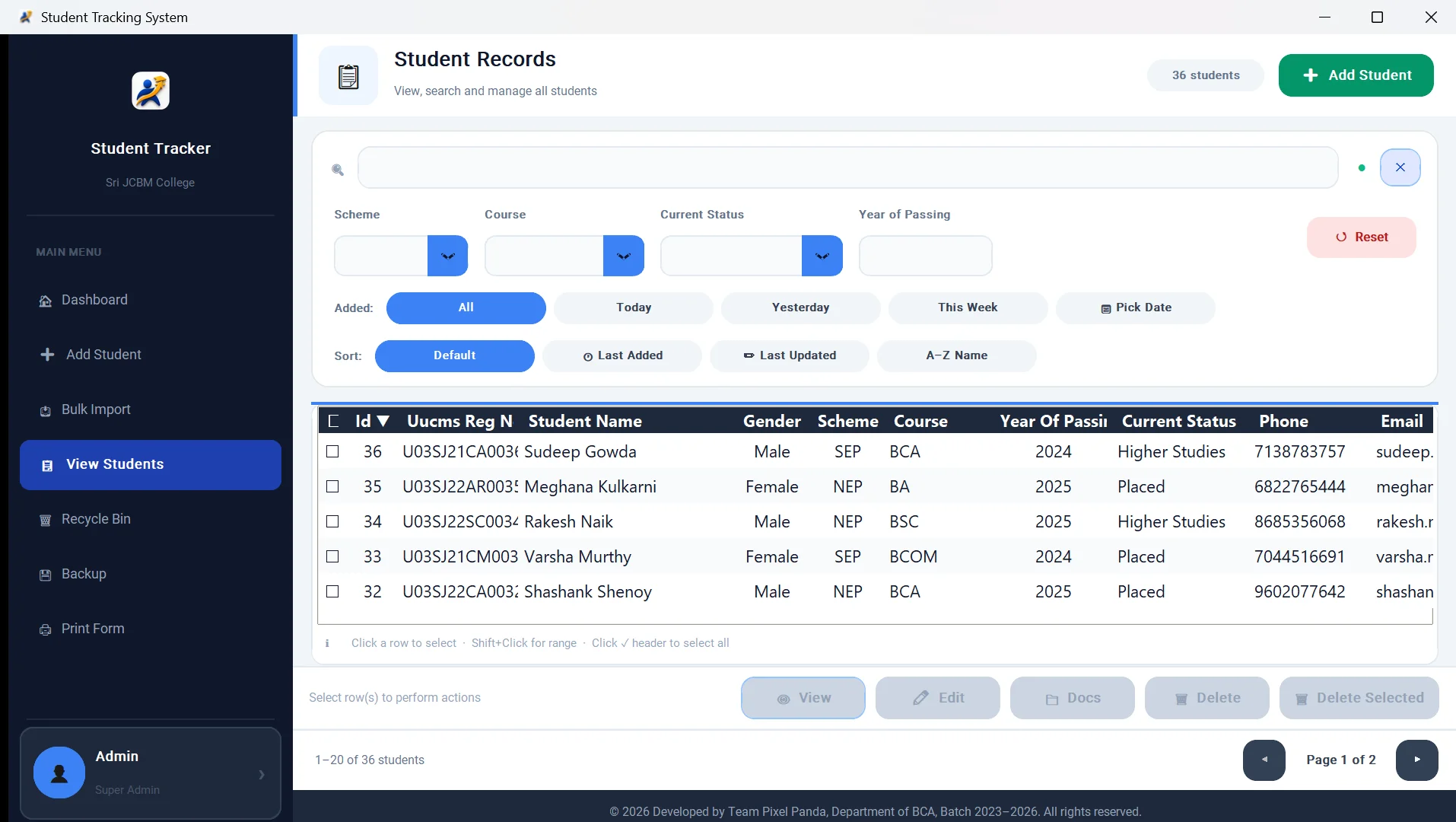
- Windows desktop software with an installer
- Inventory, purchasing and record keeping
- Excel imports and printable reports
- Backups you can restore
Good for: Offices on Windows PCs, and work that lives in spreadsheets, folders and reports copied together by hand.
SEO and optimisation
Clear structure, fast pages and structured data, so Google and AI assistants can read and cite your business. No ranking guarantees, just the work done properly.
This siteadithyacodes.com adithyacodes.com
Adithya M D — Software Developer in Karnataka, India
Adithya M D is a software developer in Karnataka, India, building websites, mobile apps and custom software, with SEO, AEO and GEO built in.
{ "@type": "Person", "name": "Adithya M D", "jobTitle": "Software Developer", "address": { "addressRegion": "Karnataka" } }Ask about SEO- Technical SEO and structured data
- AEO and GEO, for answers in AI search
- Page speed and mobile performance
Good for: New sites, and existing ones that customers can't find by searching for what you do.
Something else? Ask anyway. If it's new to me, I'll say so up front, then prove the hard part with a small working version before you commit. Describe it
Process
No big reveal at the end
Discover
You explain the problem in your own words. A rough idea is enough.
Plan and design
We agree on the approach, the screens, the budget and the scope before I write much code.
Build and test
You try it in small pieces as it's built, while changes are still cheap. Each piece is tested before you see it.
Launch and support
I deploy it and hand it over, with documentation, backups and admin screens your staff can use. Support after launch is agreed up front.
Have an idea or a question?
Ask me in your own words. A half-formed idea is fine; working out the rest is my job. No commitment, and you'll usually hear back within two working days.
hello@adithyacodes.comHiring full-time? View my resume.