College stock and asset records
Inventory Management System
A college buys equipment and supplies, hands them out to departments, and eventually writes some of them off. This desktop application records each of those steps, so current stock is always calculated from the records rather than typed in and left to drift. It was my first project, built in 2024 in C# WinForms with SQL Server; in 2026 a team of six rewrote it in Python, and the college's staff now use that version.
At a glance
- Built by a team of six and handed over to the college, where staff use it.
- I worked on the backend and database: models, services and the local API.
- Stock is derived from purchases, distributions and disposals, never typed in.
- Who it's for
- College staff who manage stock and assets
- Role
- Backend and database developer in a six-person team
- Team
- Team of 6
- When
- 2024 (rewrite: August – September 2026)
- Status
- Status: Completed
Handed over to Sri JCBM College and in use by its staff. Packaged as a Windows installer.
- Built with
Context and problem
Stock records kept by hand drift from reality. Items are bought, handed out to departments, returned and written off, and each step needs a record that someone can check later.
Objectives
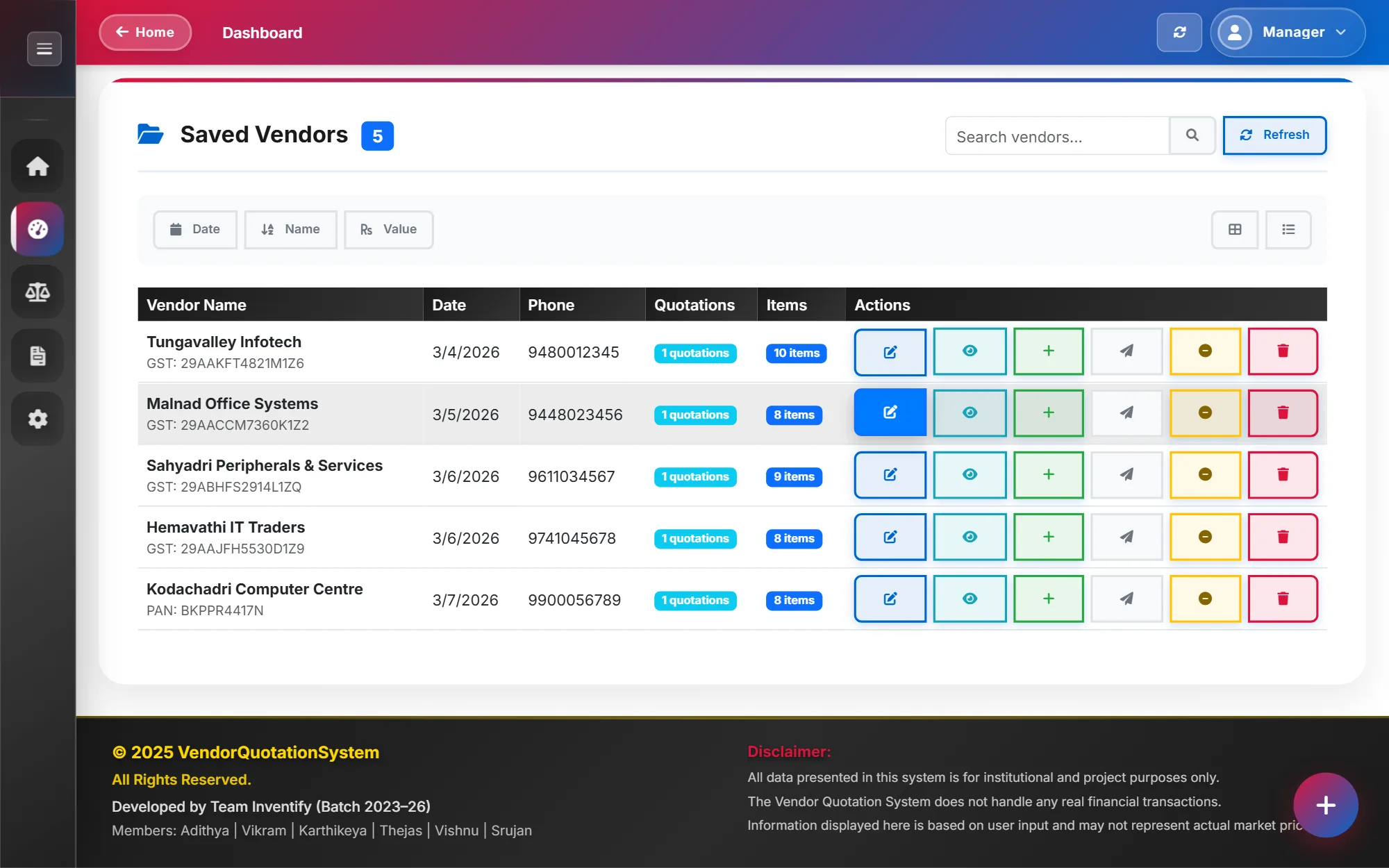
- Record vendors, purchases, distribution to departments and disposal.
- Calculate stock as purchased minus distributed minus disposed.
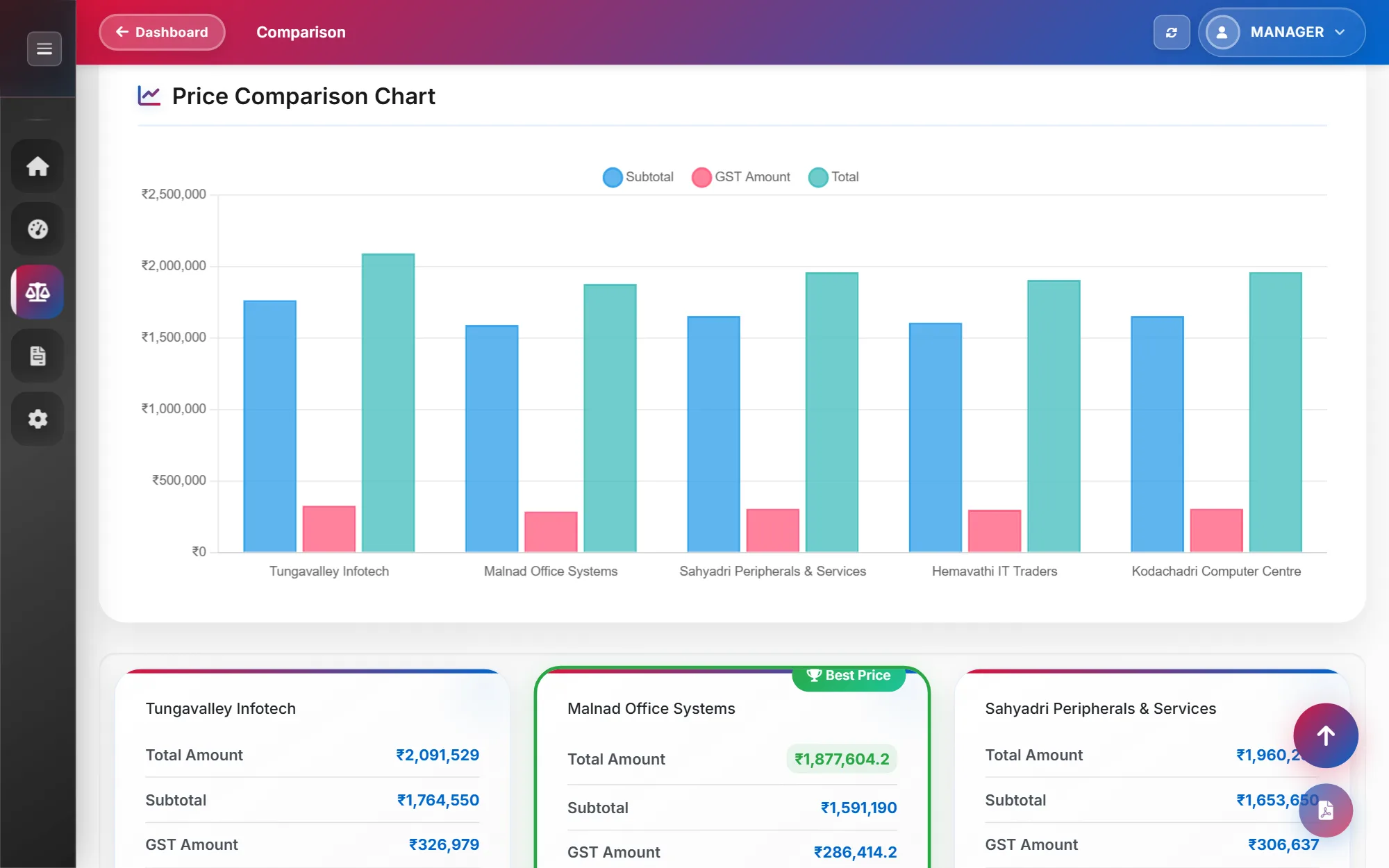
- Warn staff when items run low, and export reports to PDF, Excel and HTML.
- Keep the data safe on a single office PC, with backups that can be restored.
My role
Backend and database developer in a six-person team
- Worked on the backend and database: the SQLAlchemy data model, the service layer that holds the business rules, and the local Flask API.
- Fixed the Windows build and installer (PyInstaller and Inno Setup) for the packaged release.
Approach
The first version, in 2024, was a C# WinForms application with a SQL Server database. The 2026 rewrite moved it to Python and SQLite, so it runs on any office PC without a database server to install.
The desktop interface is written in CustomTkinter. Behind it, a service layer holds the business rules, SQLAlchemy models store the data in SQLite, and an embedded Flask API runs on the same machine.
Every purchase, distribution and disposal is stored as its own record, and stock is recalculated from them. Stock is also kept separately for each purchase price, so an item bought at two different prices is valued correctly.
Architecture
- Interface
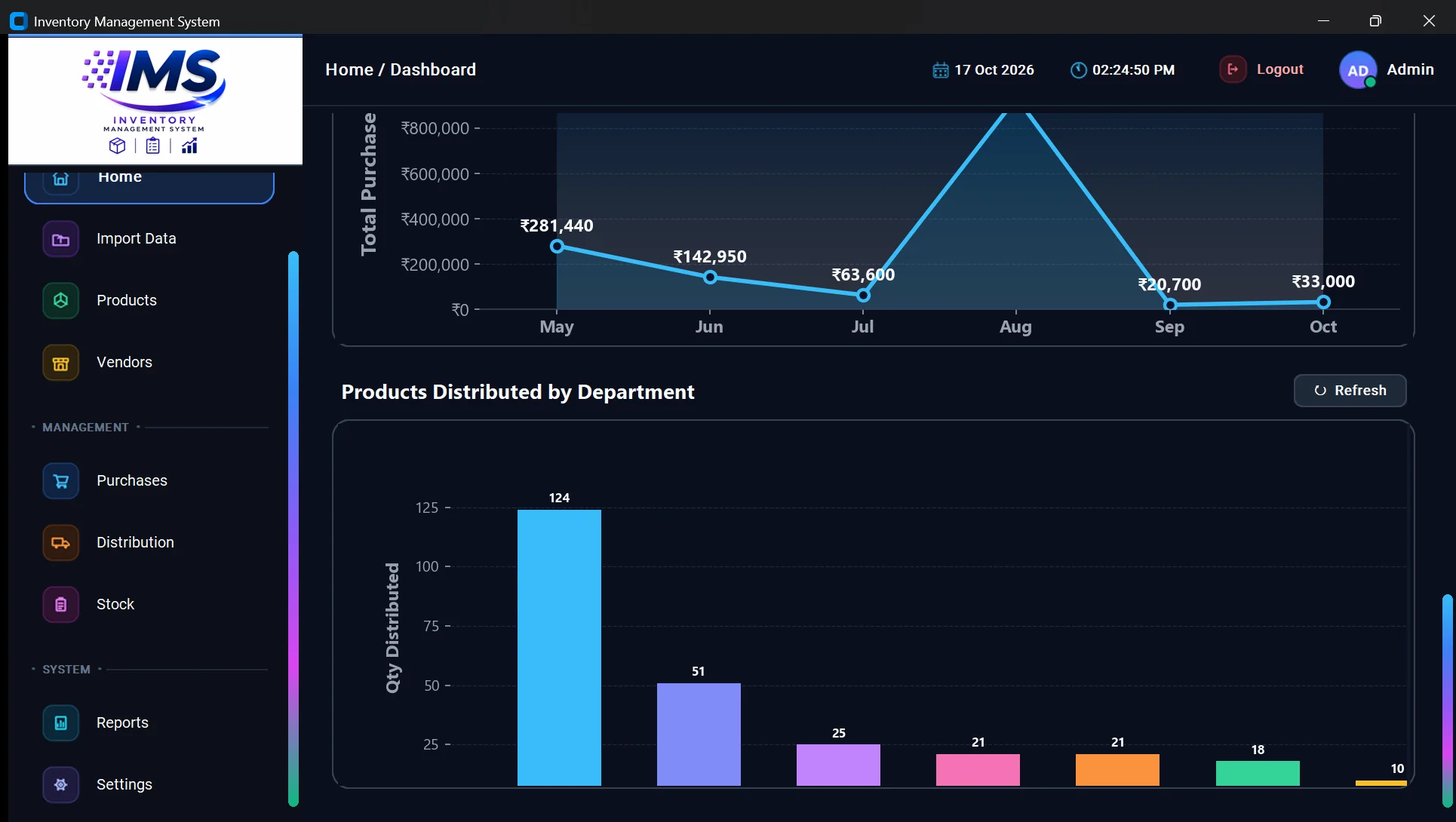
- CustomTkinter, with Matplotlib charts on the dashboard.
- Backend
- A service layer for products, vendors, purchases, stock, distribution and disposal, and an embedded Flask API with one module per area.
- Data
- SQLite through SQLAlchemy, with schema migrations and an audit log.
- Security
- Hashed passwords (PBKDF2) and a temporary lockout after repeated failed sign-ins.
- Backups
- Backup archives with SHA-256 checksums, and an automatic safety snapshot before any restore.
- Distribution
- PyInstaller and an Inno Setup installer for Windows.
Challenges and decisions
Calculated stock
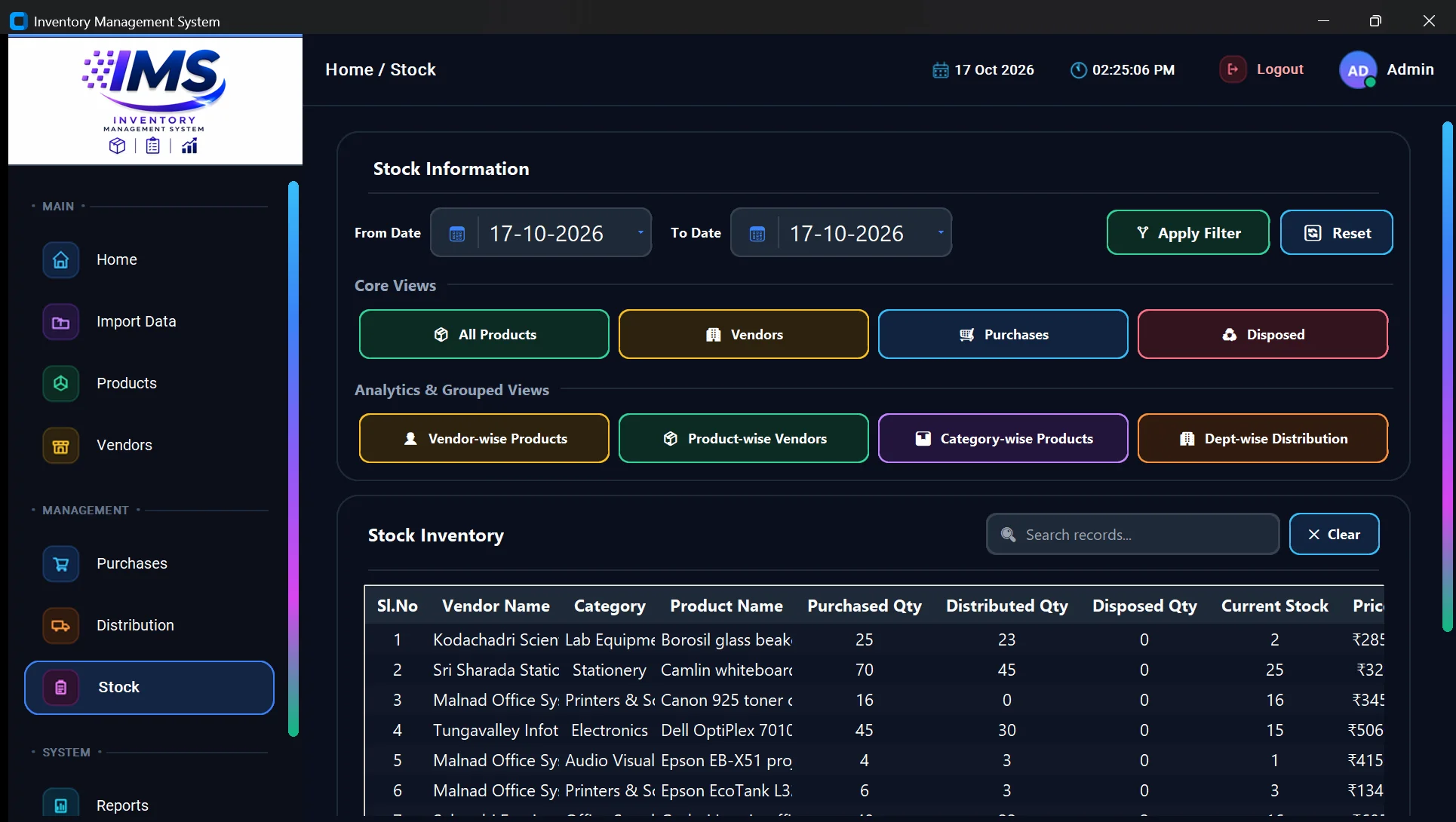
Stock is derived from purchases, distributions and disposals rather than stored as a number someone edits. A mistake is corrected by fixing the record that caused it, and the stock figure follows.
Stock kept per purchase price
The same item is often bought at different prices over time. Keeping stock separately for each price means distributed and disposed items are valued at what they actually cost.
A safety snapshot before every restore
Restoring a backup replaces the live data. The application saves a snapshot of the current database first, so a restore from the wrong file can be undone.
Outcome and status
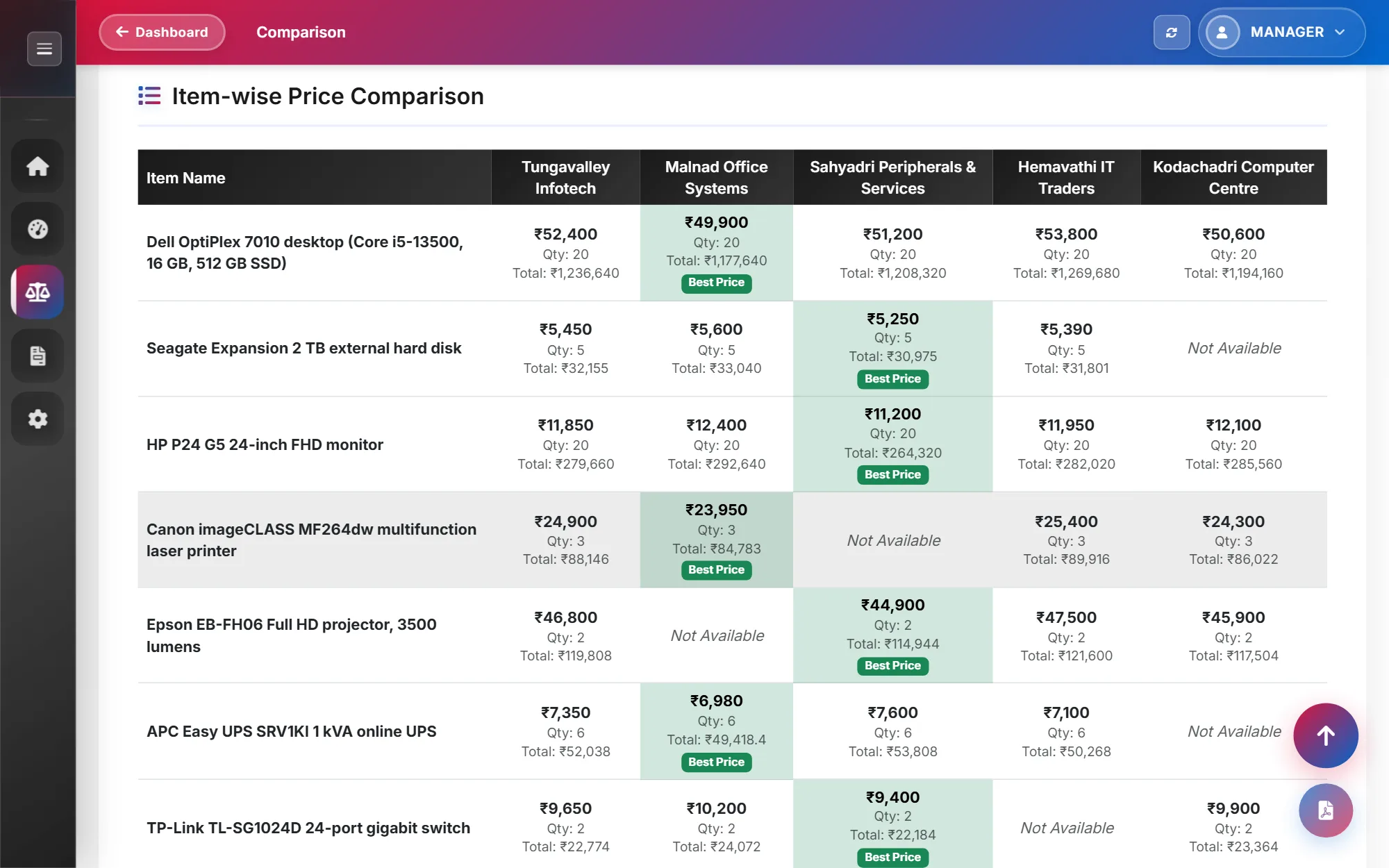
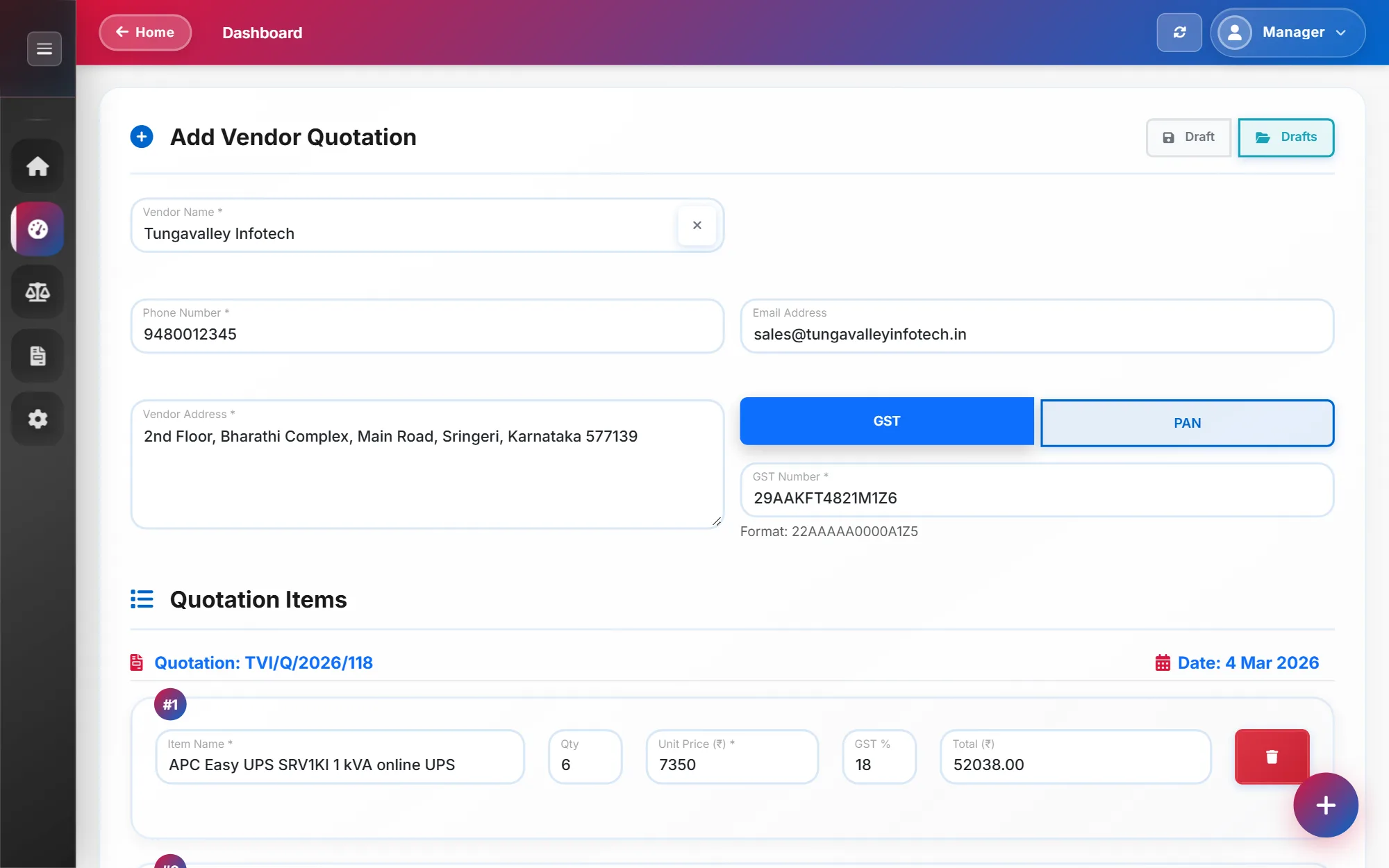
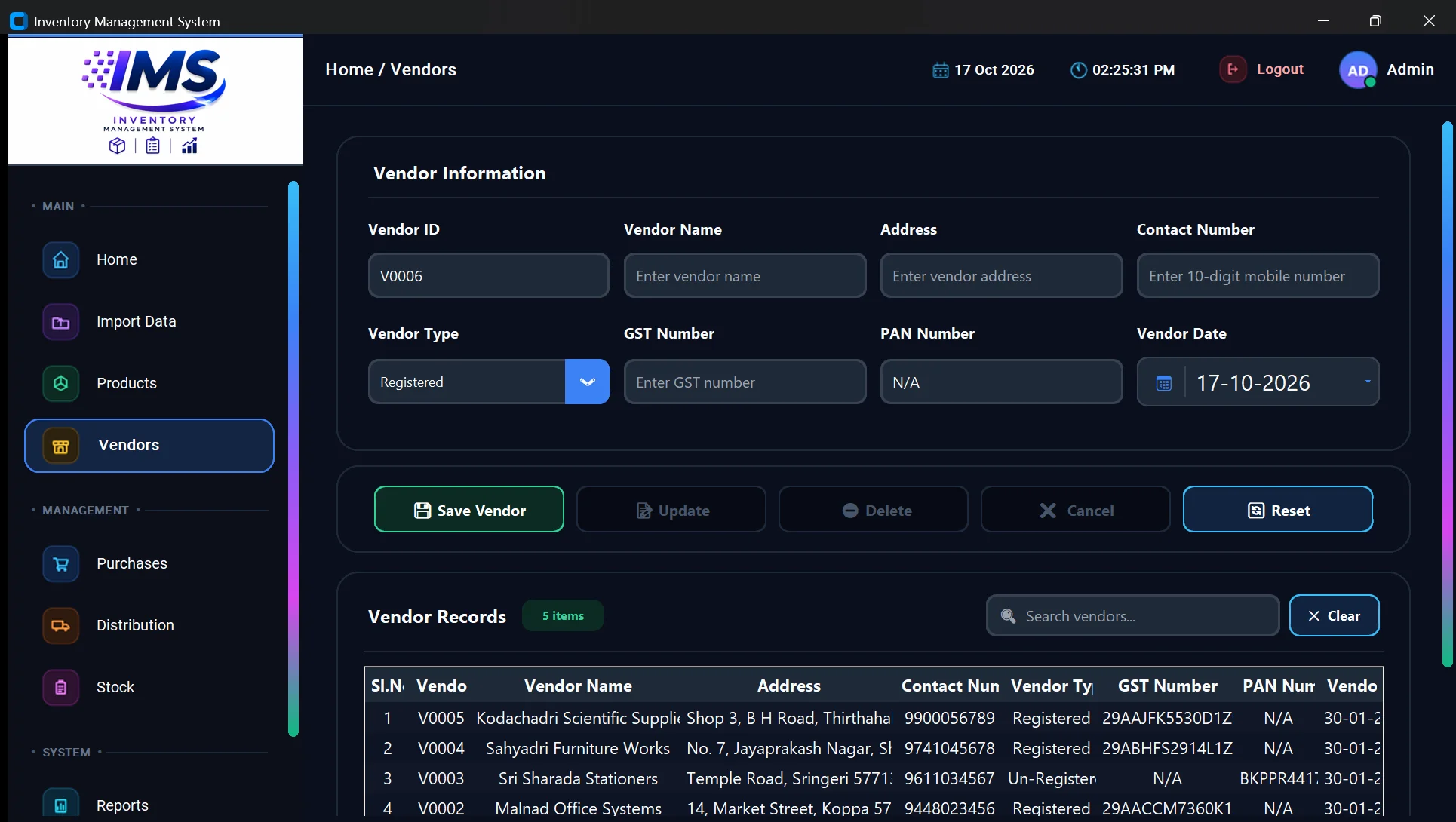
Implemented: vendors with GST or PAN validation, products, multi-item purchases, distribution to departments with returns, disposal, low-stock alerts, dashboard charts, Excel import with a preview, reports in PDF, Excel and HTML, and backup and restore.
Packaged with a Windows installer, handed over to Sri JCBM College, and in use by its staff. I have not measured usage, so I don't quote any numbers here.
Built for internal use, so there is no public demo or repository.
Lessons
What I learned
Storing what happened, and calculating stock from it, is easier to trust than storing the stock itself: when a figure looks wrong, the records show why.