Placement records for Sri JCBM College
Student Tracking System
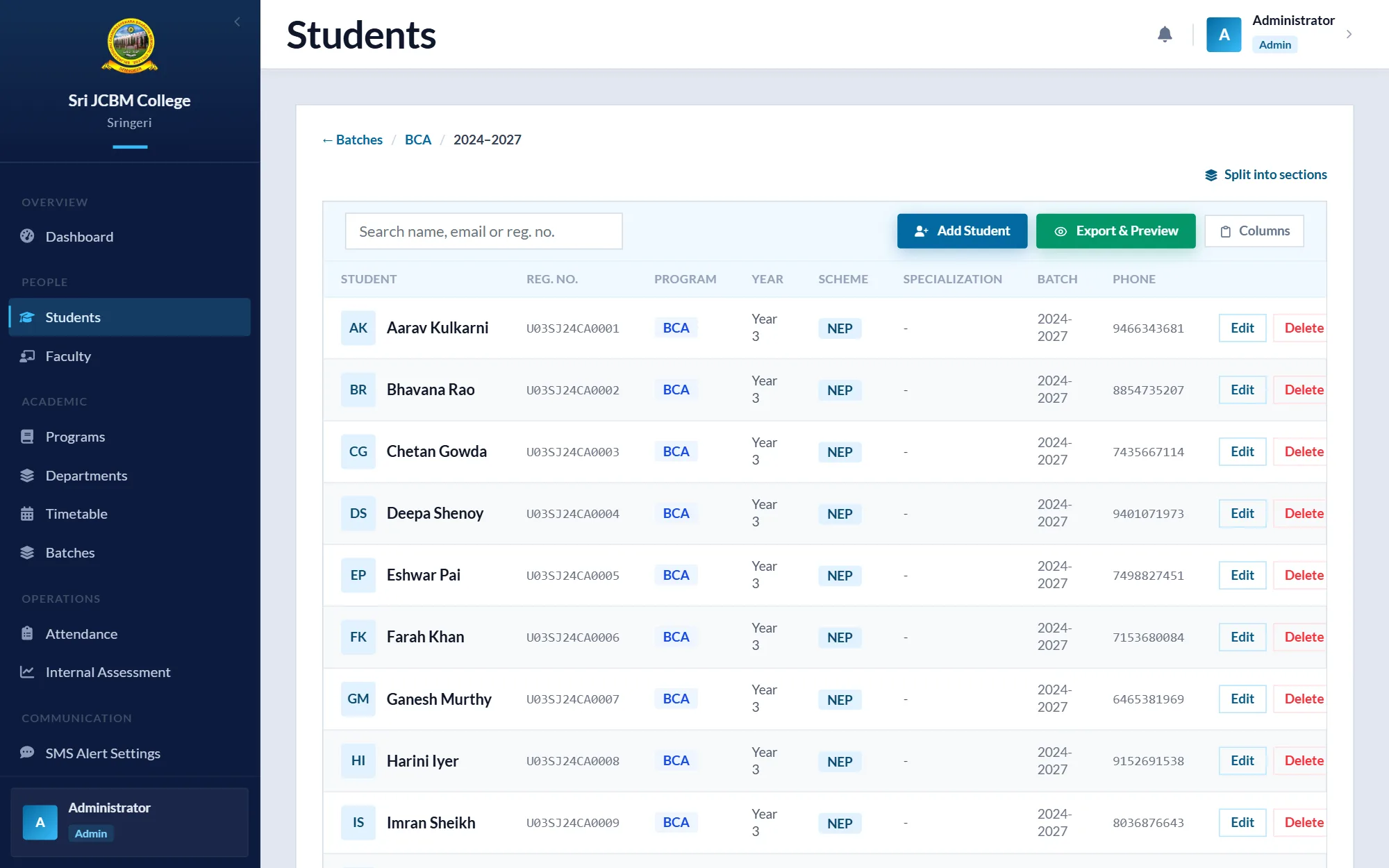
The college keeps track of what its graduates go on to do: placement, higher studies, starting a business, or still looking. This application replaces scattered spreadsheets and folders with one searchable record per student, including their photos and documents.
At a glance
- One searchable record per graduate, replacing scattered spreadsheets and folders.
- I built the student forms, document handling, Excel bulk-import screen and reports.
- Delivered as a Windows installer, with backup and restore built in.
- Who it's for
- College staff who keep placement records
- Role
- Co-developer: student forms, documents, bulk import interface, reports and installer builds
- Team
- Team of 2
- When
- April 2026 – July 2026
- Status
- Status: Completed
Packaged as a Windows installer.
- Built with
Context and problem
Student details, placement outcomes and documents such as resumes and ID cards were kept in different places. Producing a report on one student, or importing a whole batch, meant manual copying.
Objectives
- One record per student with academic, personal and outcome details.
- Store each student's photos and documents in a predictable folder structure.
- Import a whole batch from Excel, with errors shown before anything is saved.
- Print forms and per-student reports.
My role
Co-developer: student forms, documents, bulk import interface, reports and installer builds
- Built and refined the add, update and view student screens and their form helpers.
- Worked on document handling and the student report.
- Redesigned the bulk import interface and its column handling.
- Built installer releases.
Approach
On first launch, a setup wizard asks where to keep data. The database, logs, backups, reports and student files all live under that one folder, arranged by batch, course and registration number, so the data can be moved or backed up as a unit.
Bulk import works in three steps: download a template with instructions, upload the filled sheet, then review a colour-coded preview where invalid rows can be edited inline before only the valid rows are imported.
Architecture
- Interface
- CustomTkinter desktop UI with light and dark themes.
- Data
- SQLite, with a file repository for photos and PDFs.
- Documents
- ReportLab for PDF reports; PyMuPDF and pdf2image for previews.
- Import
- openpyxl reads the Excel template; validation runs per row with duplicate detection.
Challenges and decisions
Soft delete for student data
Deleting a student moves their folder to a recycle bin inside the data directory, so an accidental delete doesn't lose documents.
Outcome-specific fields
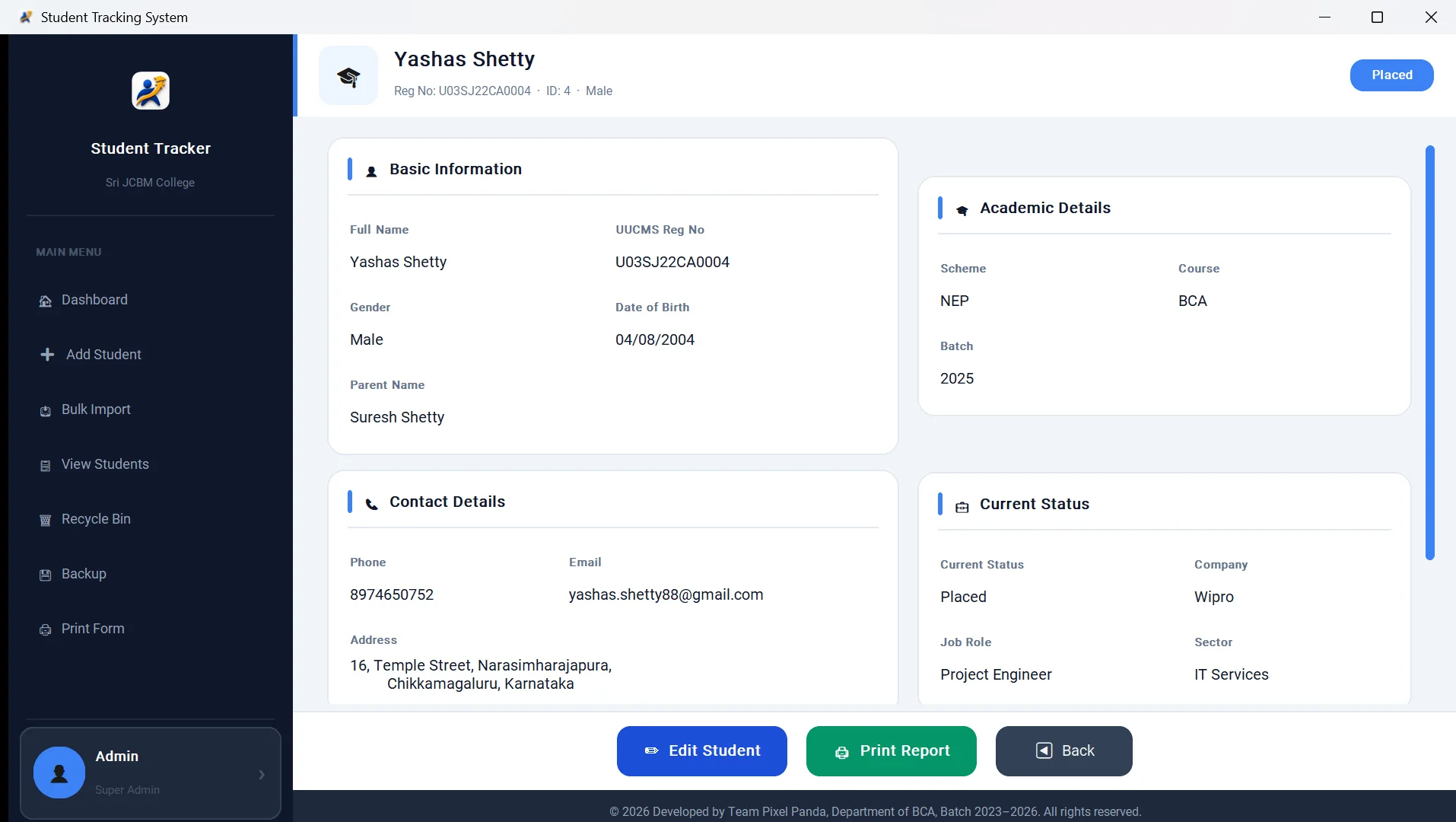
The fields shown depend on the outcome: company and job role for placed students, programme and institution for higher studies, startup details for entrepreneurs.
Outcome and status
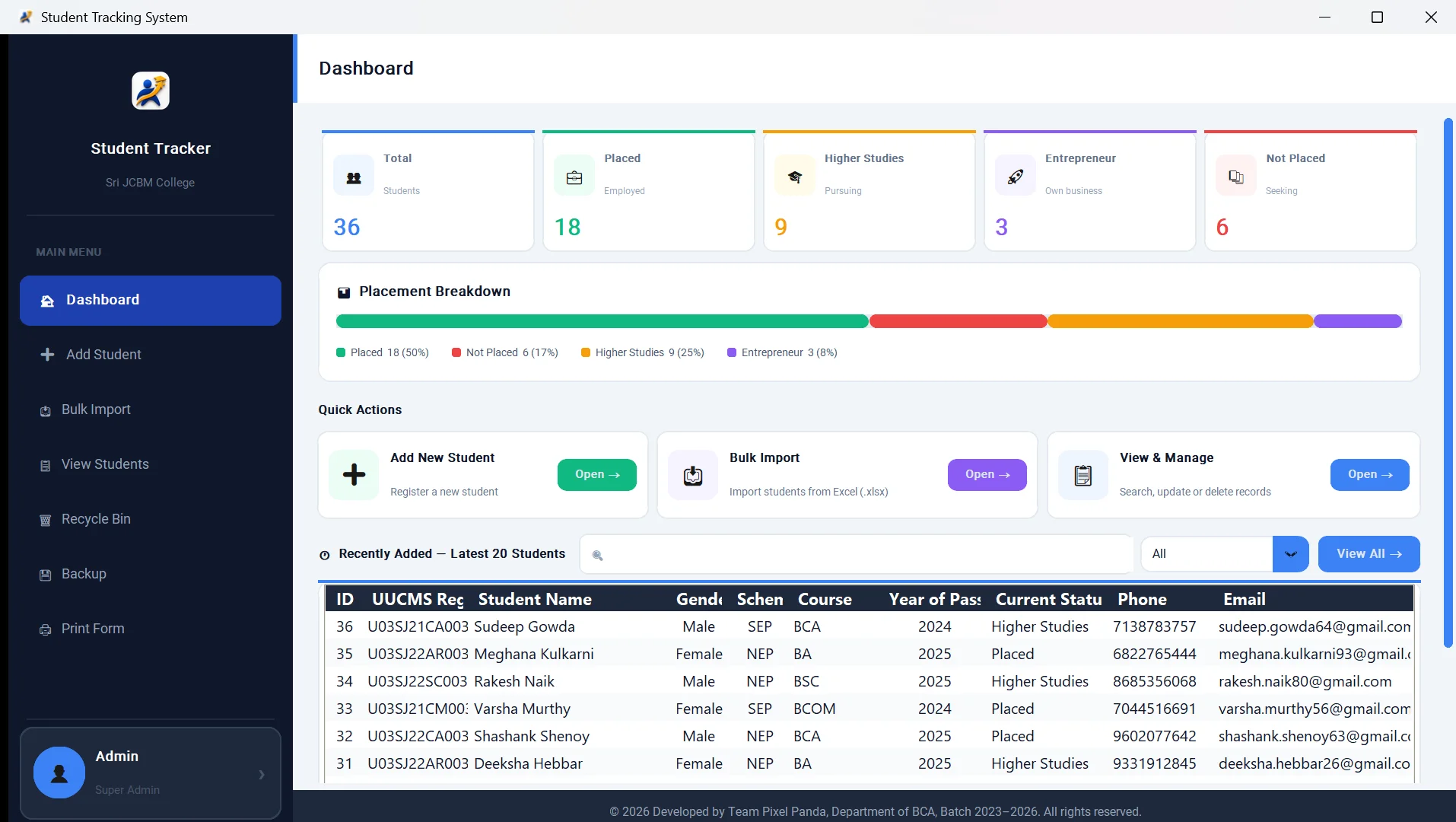
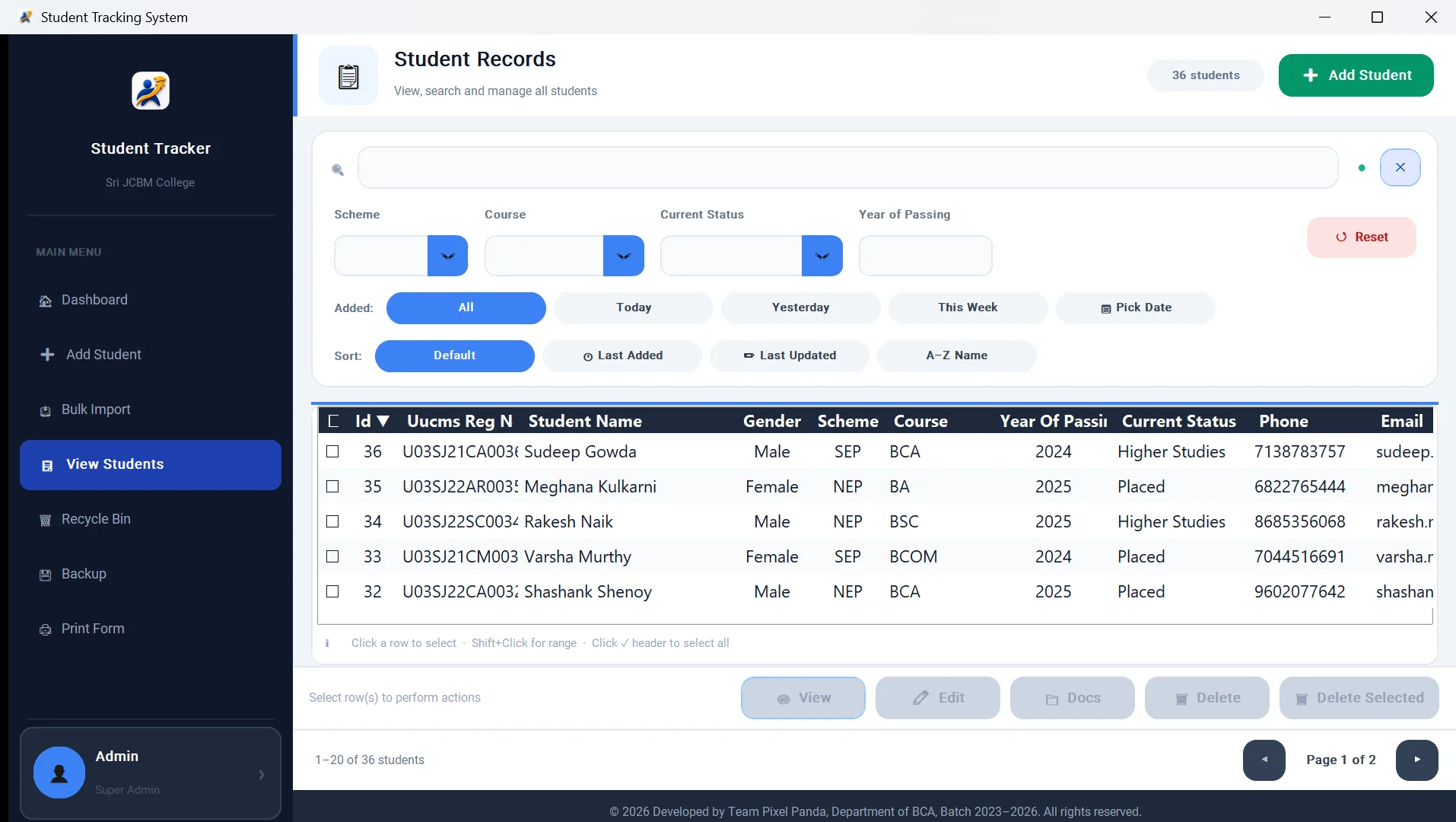
Implemented: dashboard with placement statistics, add, view, search and update, documents, per-student PDF reports, Excel bulk import with preview, backup and restore, printable forms, and a Windows installer.
Built for internal use, so there is no public demo or repository.
Lessons
What I learned
Working in a two-person repository taught me to keep commits focused and to agree on file ownership before larger UI changes.