Sri Jagadguru Chandrashekhara Bharathi Memorial College, Sringeri
Sri JCBM College website
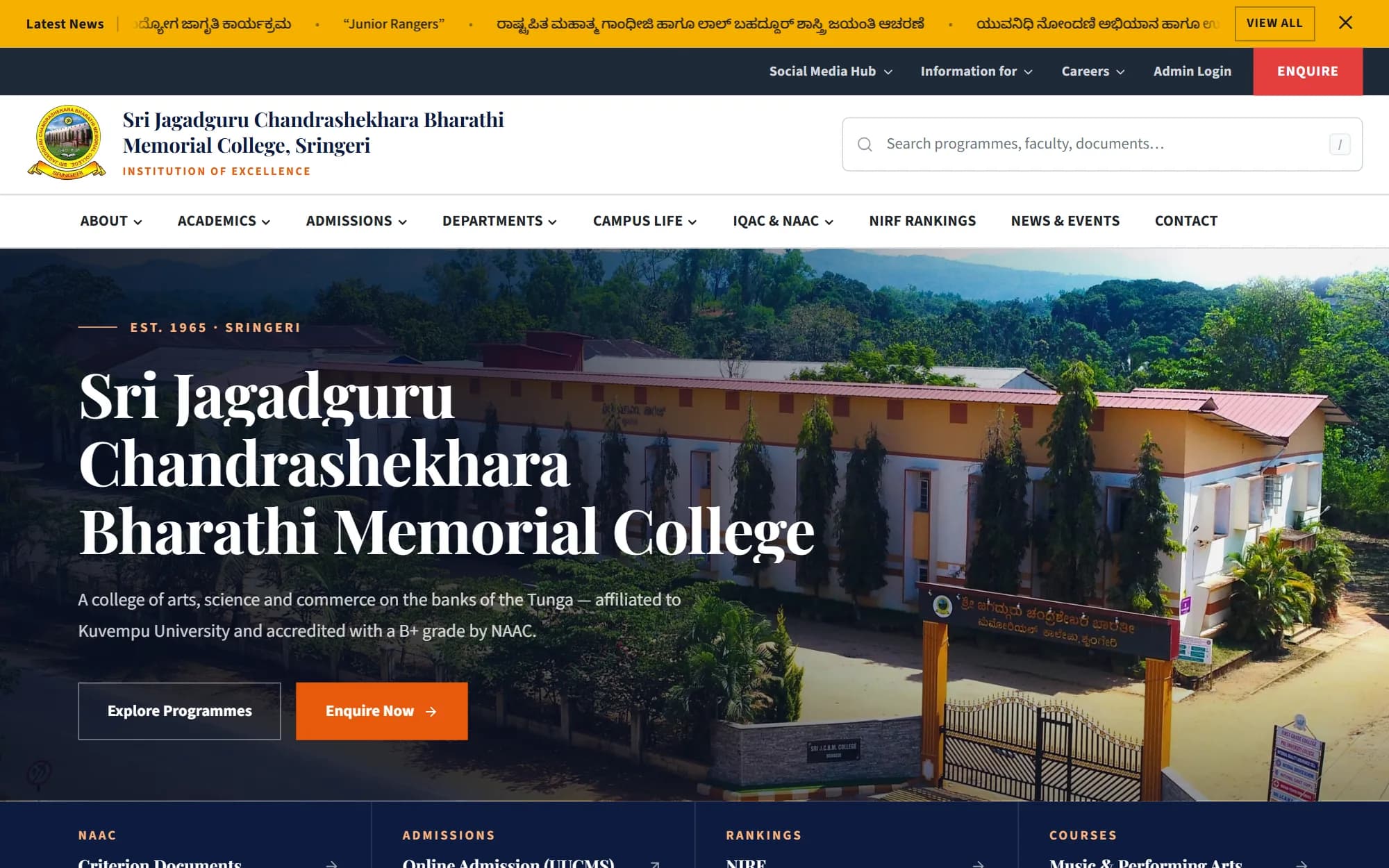
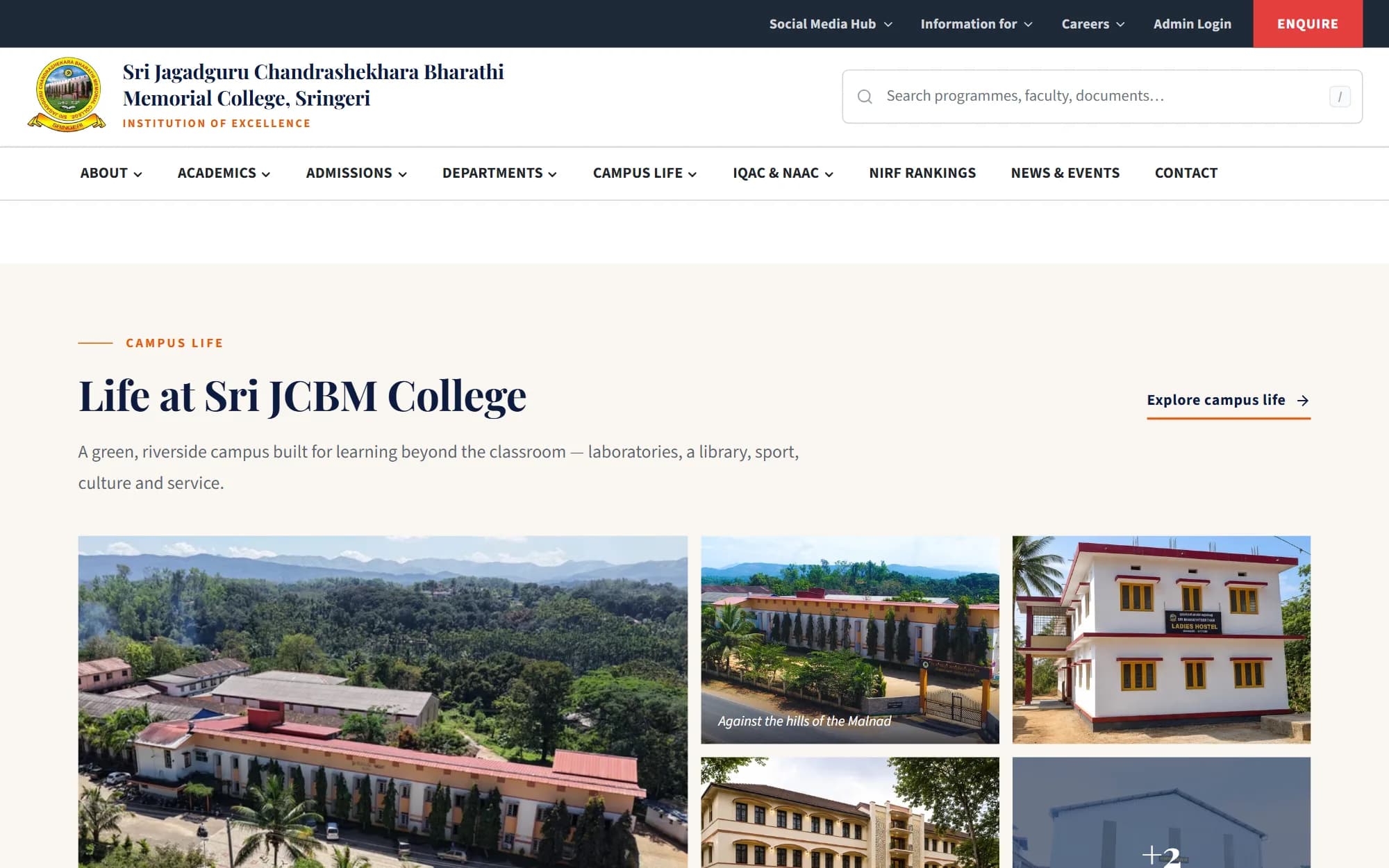
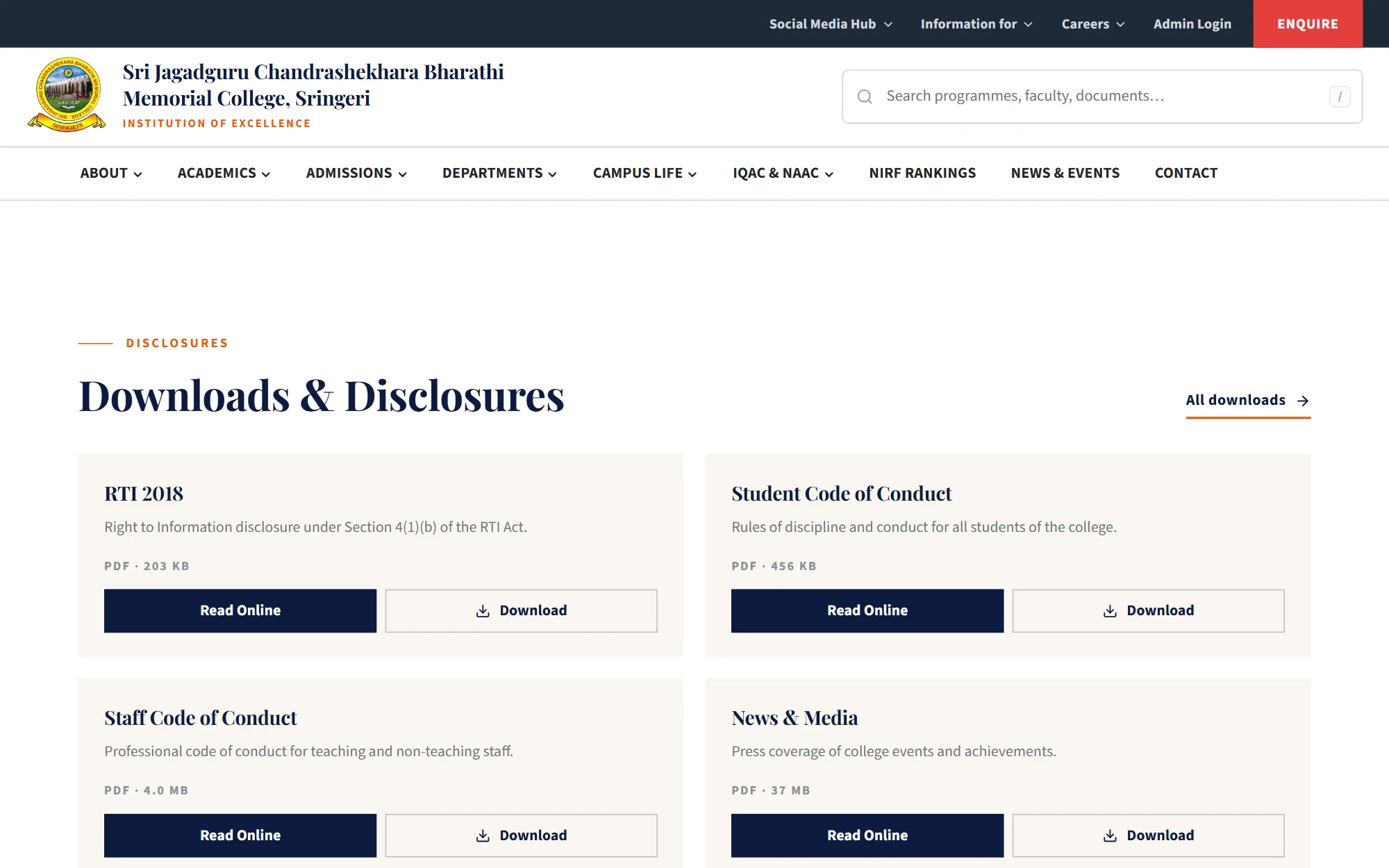
The college needed a website that its own staff could keep up to date: programmes, departments, faculty, accreditation documents, notices and photo albums. I designed and built the site, the admin panel behind it, and the server setup it runs on.
At a glance
- New college website with an admin panel that lets office staff edit every public page.
- Built solo, from design to a Docker Compose production server with full backup and restore.
- Live at jcbmc.ac.in, deployed on the college's own server.
- Who it's for
- Prospective students and parents, current students, accreditation reviewers, and the office staff who keep it up to date
- Role
- Sole developer: design, frontend, backend, deployment
- Team
- Solo, working with college staff
- When
- July 2026 – present
- Status
- Status: Live
Live at jcbmc.ac.in, served from the college's own server.
- Built with
Context and problem
A college website is read by prospective students and parents, by current students looking for a calendar or a form, and by accreditation bodies looking for specific documents. Most of that content changes every term.
If every update needs a developer, the site goes stale. The real requirement was a site that office staff could maintain themselves, with documents and photos that are easy to upload and hard to lose.
Objectives
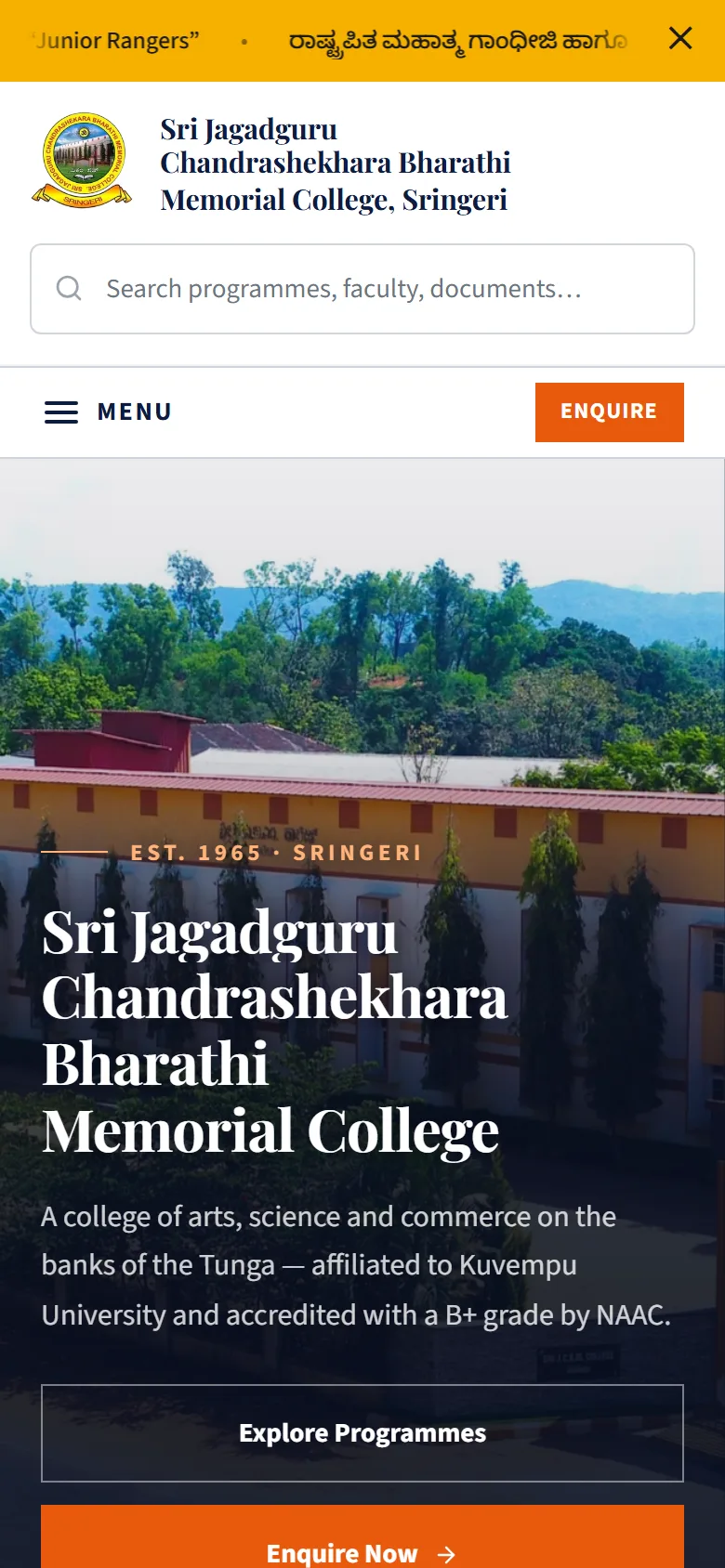
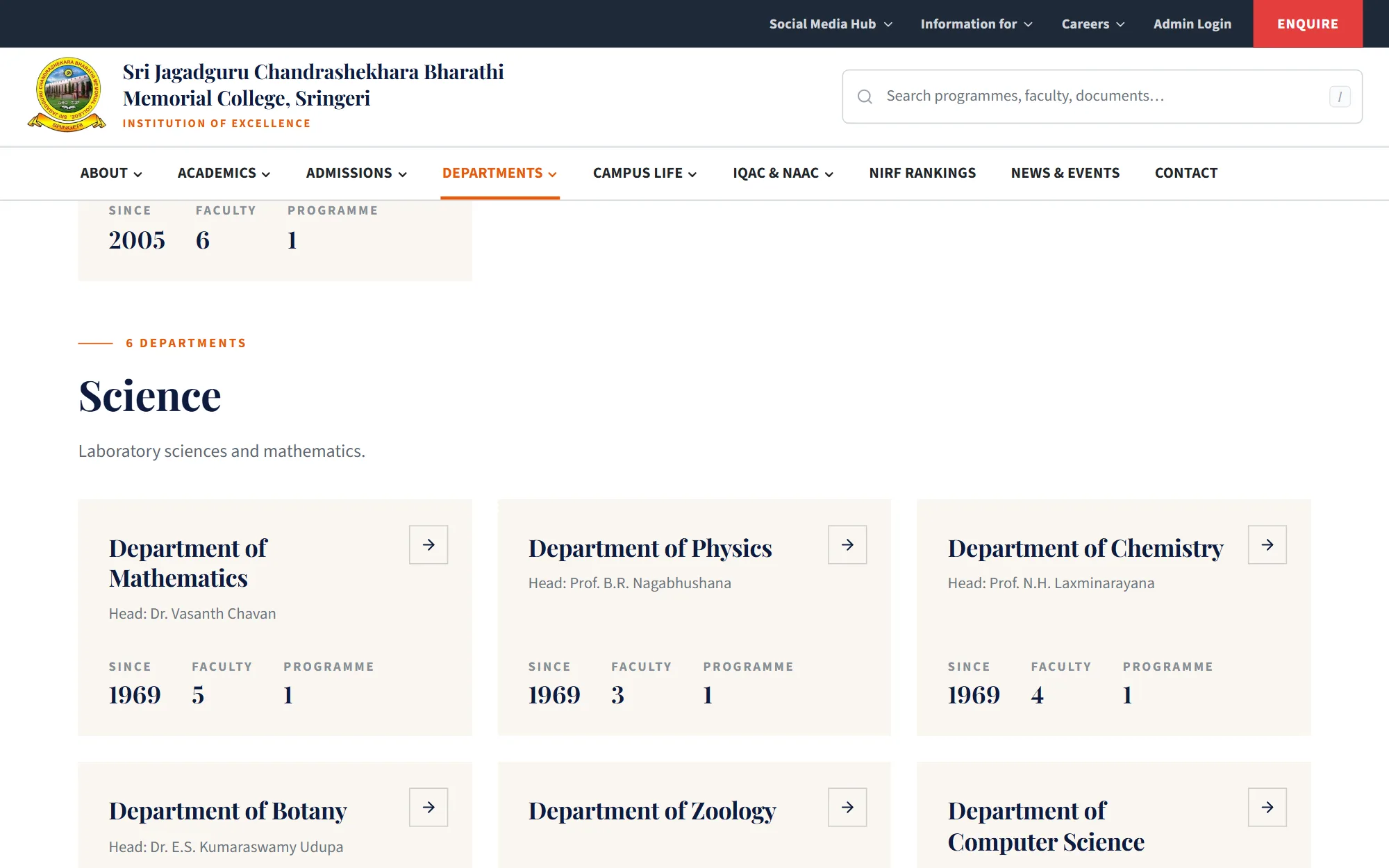
- Present programmes, departments, faculty and campus life clearly on phones as well as desktops.
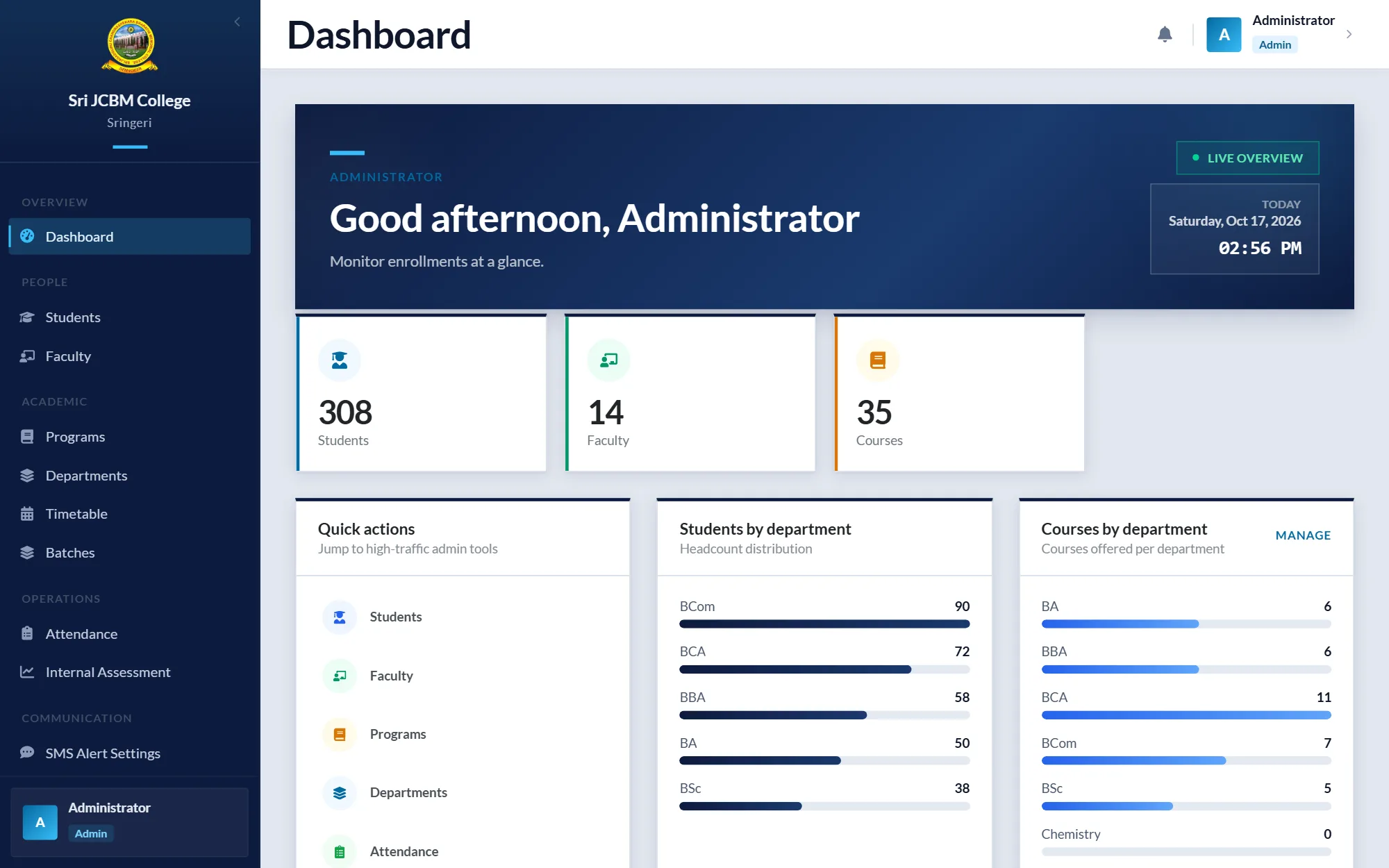
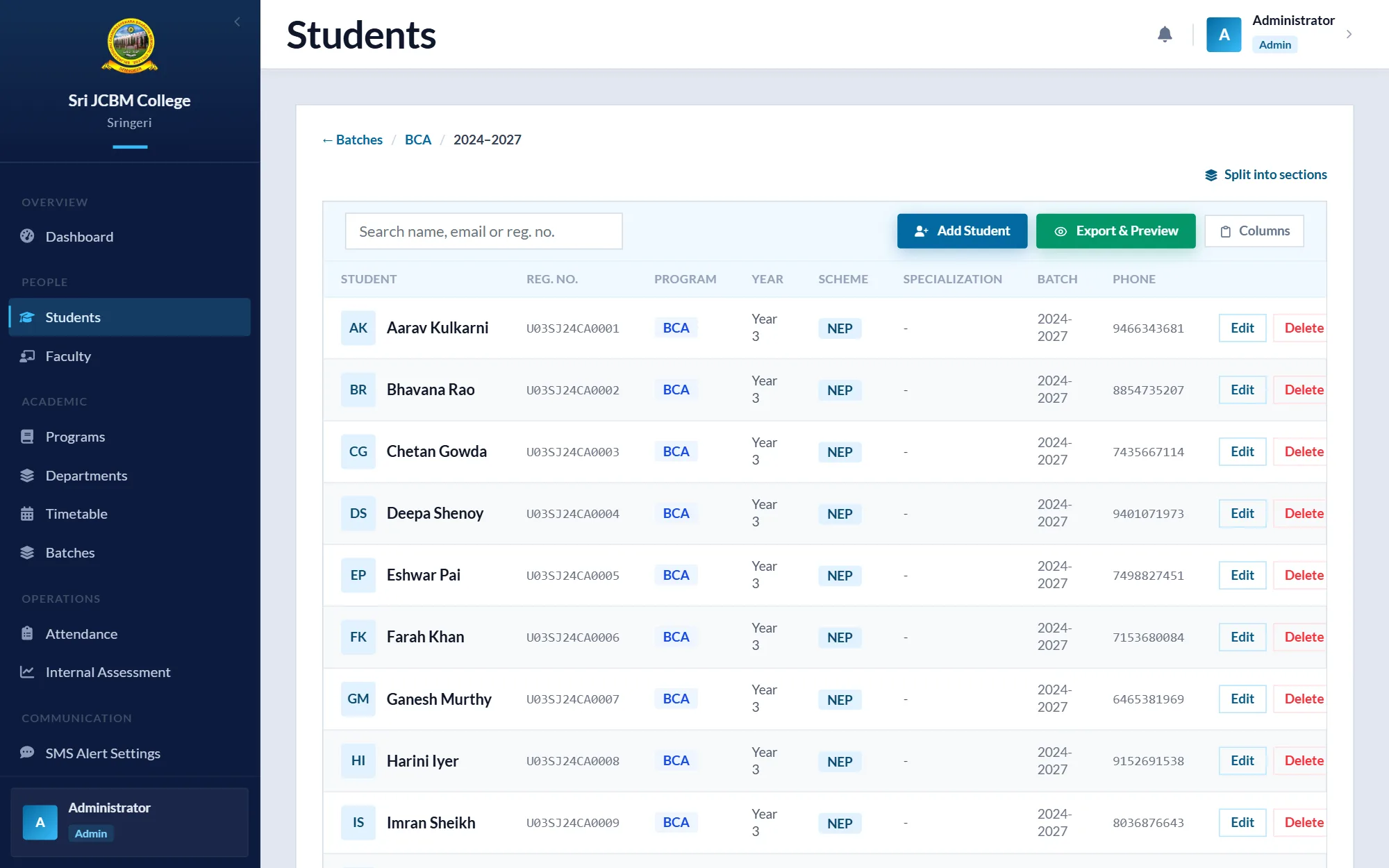
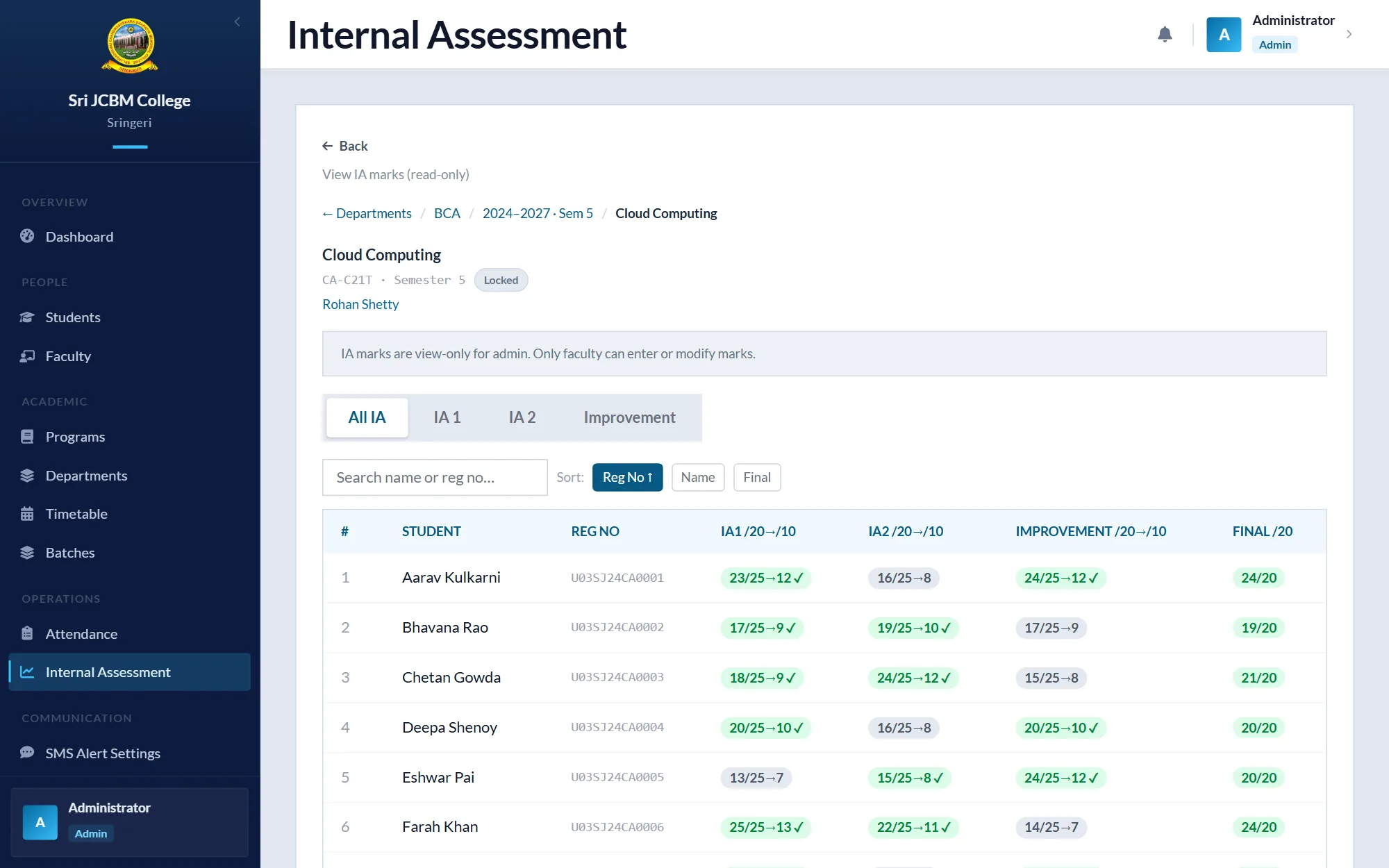
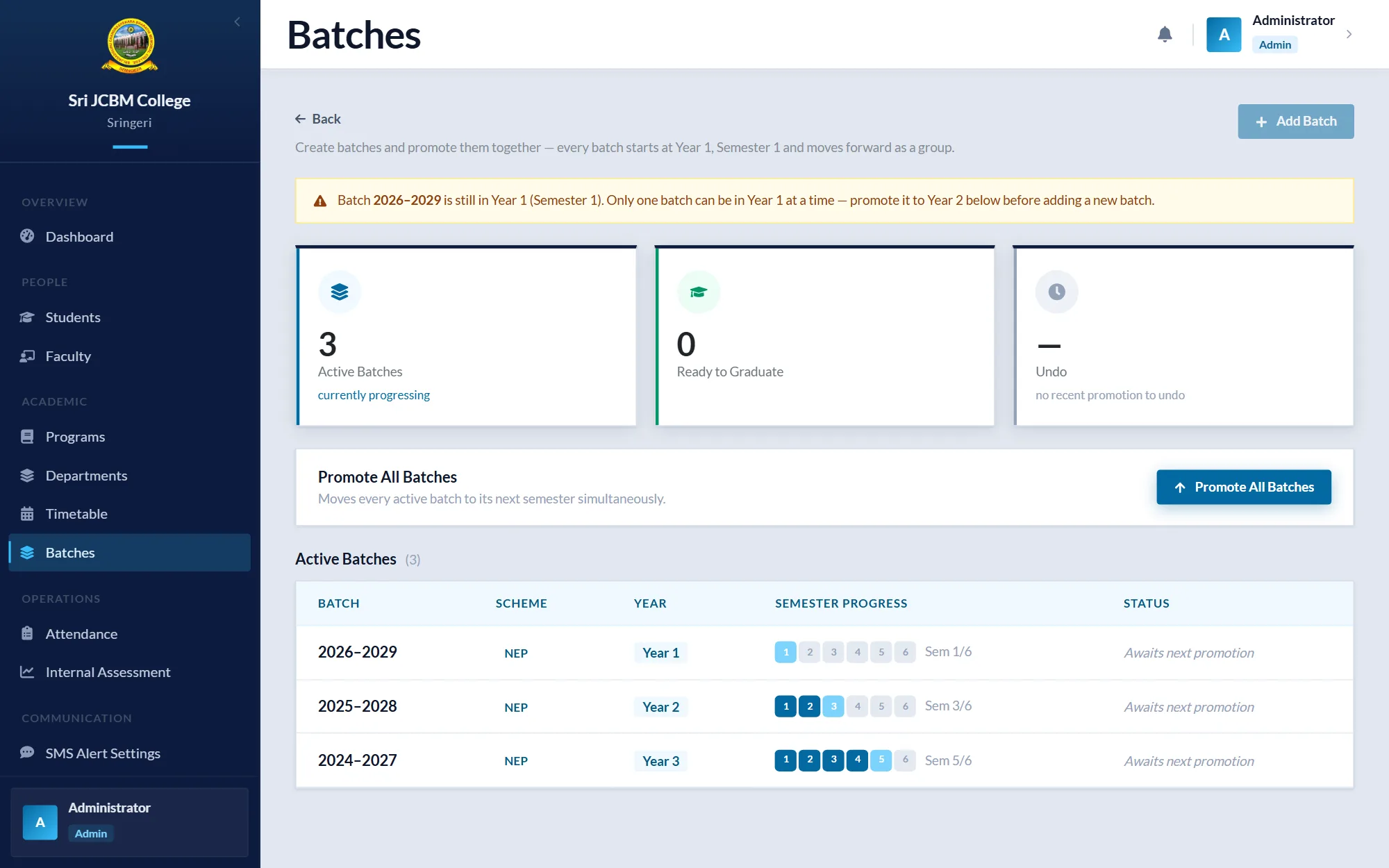
- Give staff an admin panel that edits every public page, without touching code.
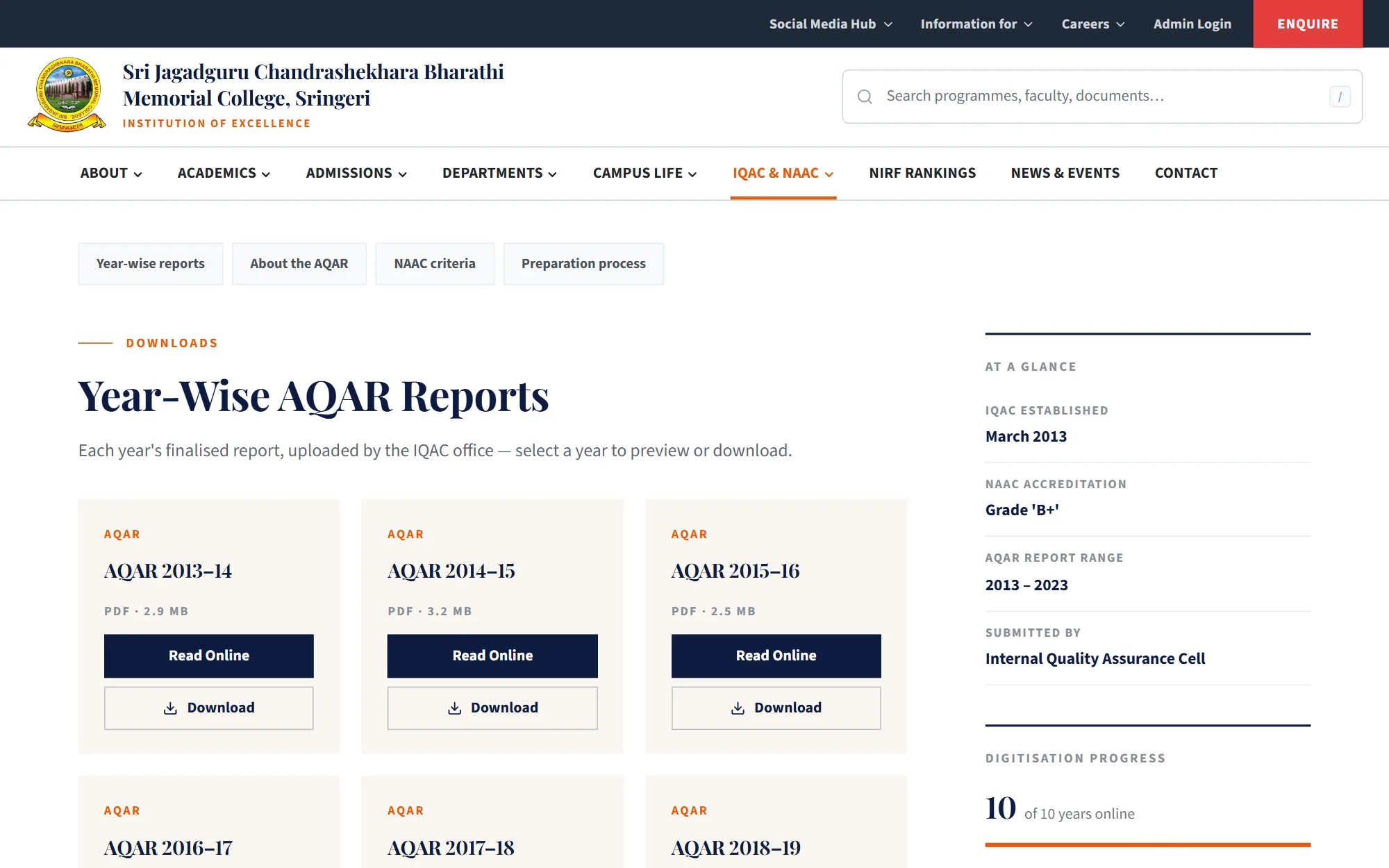
- Publish IQAC and NAAC documents, the academic calendar and policies in a structured, searchable way.
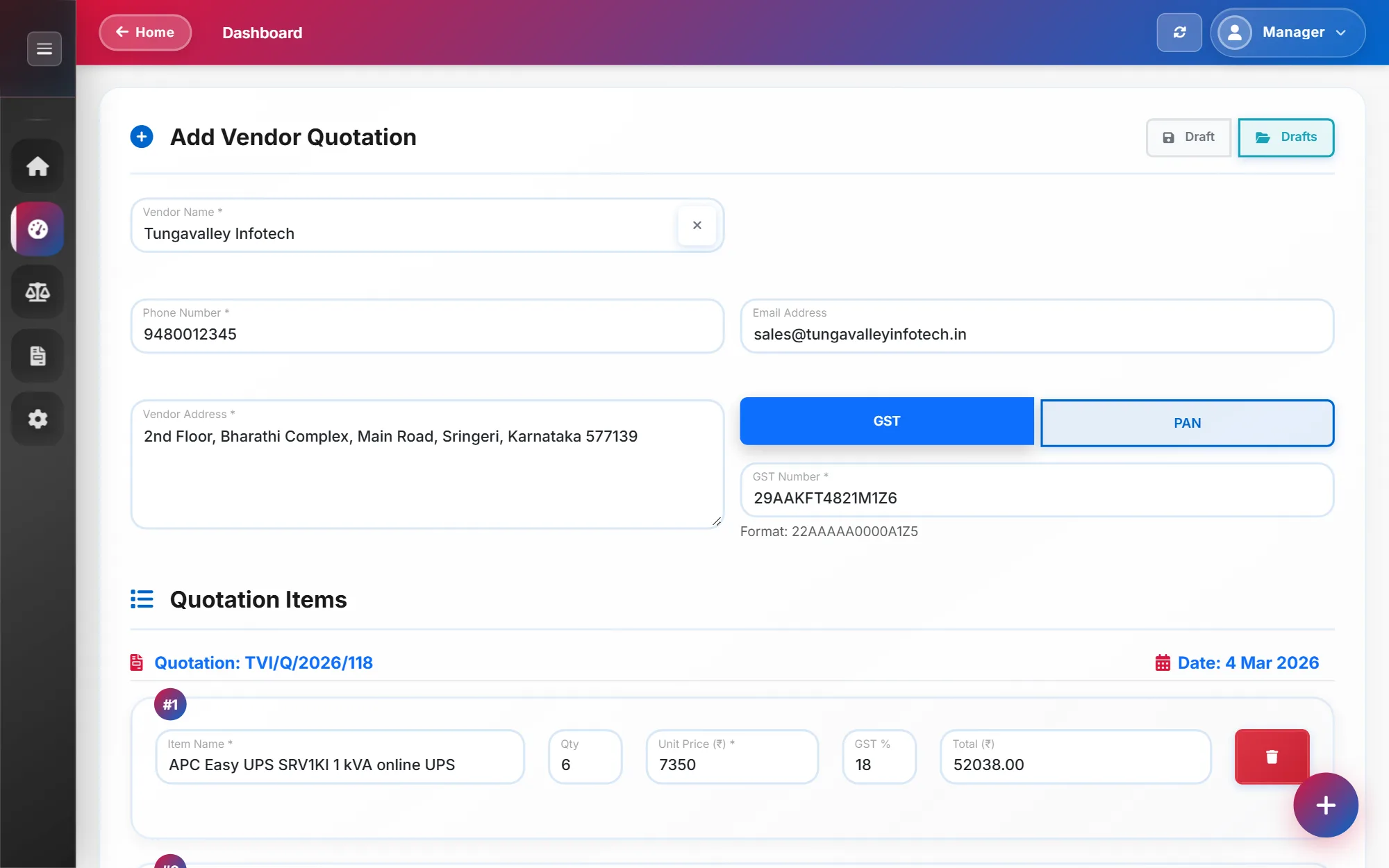
- Handle admission enquiries and contact messages, with replies sent from the admin panel.
- Keep data safe: backups that can be restored on another server, and secure sign-in for the admin account.
My role
Sole developer: design, frontend, backend, deployment
- Gathered requirements with the college and planned the site structure.
- Designed and built the React frontend and the Spring Boot API.
- Designed the PostgreSQL schema and its Flyway migrations.
- Set up file storage, email, push notifications and the production server.
- Wrote the deployment and recovery documentation.
Approach
I started with a working site and admin panel, then iterated page by page as the college reviewed it, rather than designing everything up front.
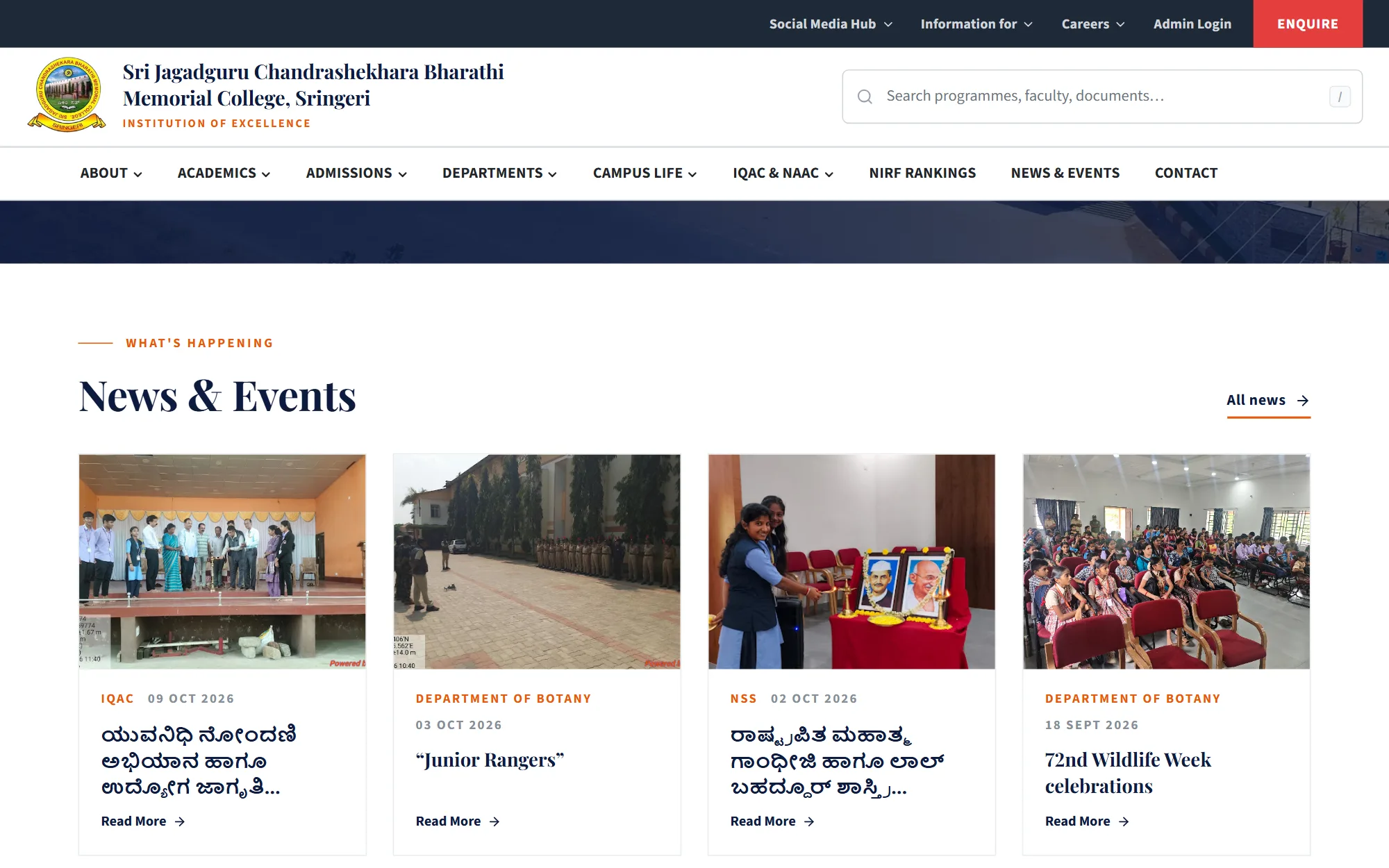
Public pages read structured content from the API. The admin panel edits the same content, so a new notice, document or faculty profile appears on the site without a release.
Photos and PDFs are stored in Cloudflare R2 through its S3-compatible API. Large files are uploaded from the browser straight to the bucket in parallel parts, and fall back to uploading through the API when that isn't available.
Architecture
- Frontend
- React 19, Vite, Tailwind CSS 4, Redux Toolkit and React Router, served by nginx.
- API
- Java 21 and Spring Boot 3.5, organised into feature modules: website content, courses, admission enquiries, contact messages, email, notifications, web push and backup.
- Data
- PostgreSQL with Flyway migrations; Redis backs rate limiting.
- Files
- Cloudflare R2 for every photo and PDF, with time-limited signed links.
- Security
- JWT sign-in with optional Google sign-in, rate limiting, optional Cloudflare Turnstile on public forms, and CSP and HSTS headers.
- Hosting
- Production: Docker Compose on a VPS with Caddy for HTTPS, the web app, the API, PostgreSQL and Redis. Public preview: the web app on Vercel and the API on Render.
Challenges and decisions
Moving off free hosting
The first version ran the API on Render and the frontend on Vercel. As the admin panel and file storage grew, I set up production on one VPS with Docker Compose, so the API, database and backups live in the same place. The same code still deploys to Vercel and Render, which I use for a public preview.
Replacing Cloudinary with Cloudflare R2
The site serves many large PDFs as well as photos. I moved storage to R2 behind an S3-compatible interface, so the same code also works with Amazon S3. The API refuses to start if storage settings are missing, rather than starting with uploads quietly broken.
Backups as a feature, not a script
Staff can download every table and file as one ZIP from the admin panel, and restore it on another server. That made moving between hosts a routine operation instead of a risky one.
Separating the website from the ERP
The website began in the same codebase as the college ERP. In September 2026 I moved the ERP into a project of its own, so the public website can be deployed and maintained without carrying the ERP's roles and data.
Outcome and status
The public website and admin panel are live at jcbmc.ac.in, served from the college's own server.
The API has 24 test files, covering sign-in and security filters, backup round trips, uploads and storage, and search. Usage hasn't been measured yet, so no traffic figures are quoted.
Lessons
What I learned
Moving hosts twice taught me to make the move itself boring: full backups, restore on a fresh server, and a startup check for every required setting.
For an institution, the admin panel matters as much as the public site. Most of the time spent on this project went into making editing safe and obvious for non-developers.