Academic administration for Sri JCBM College, Sringeri
Sri JCBM College ERP
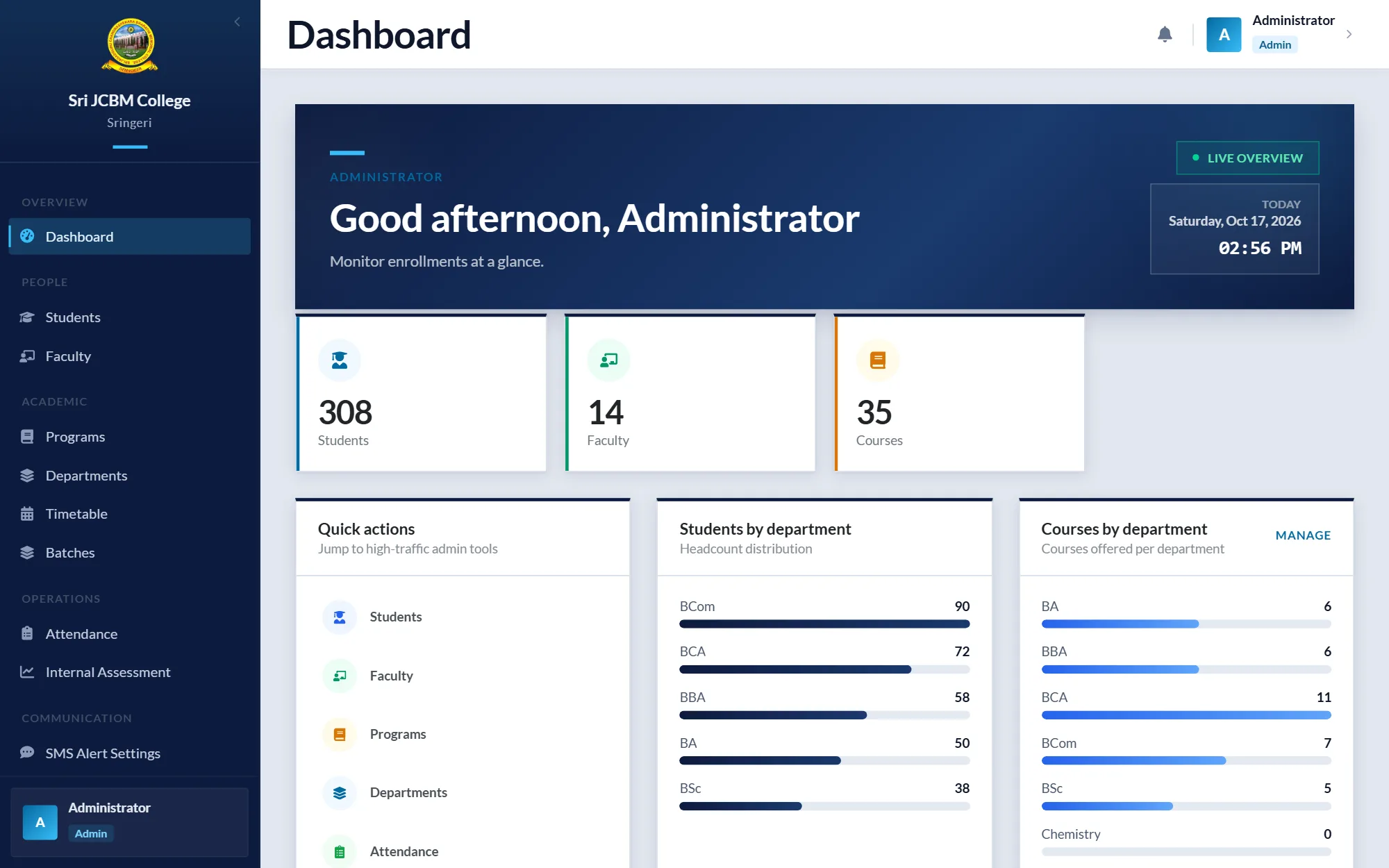
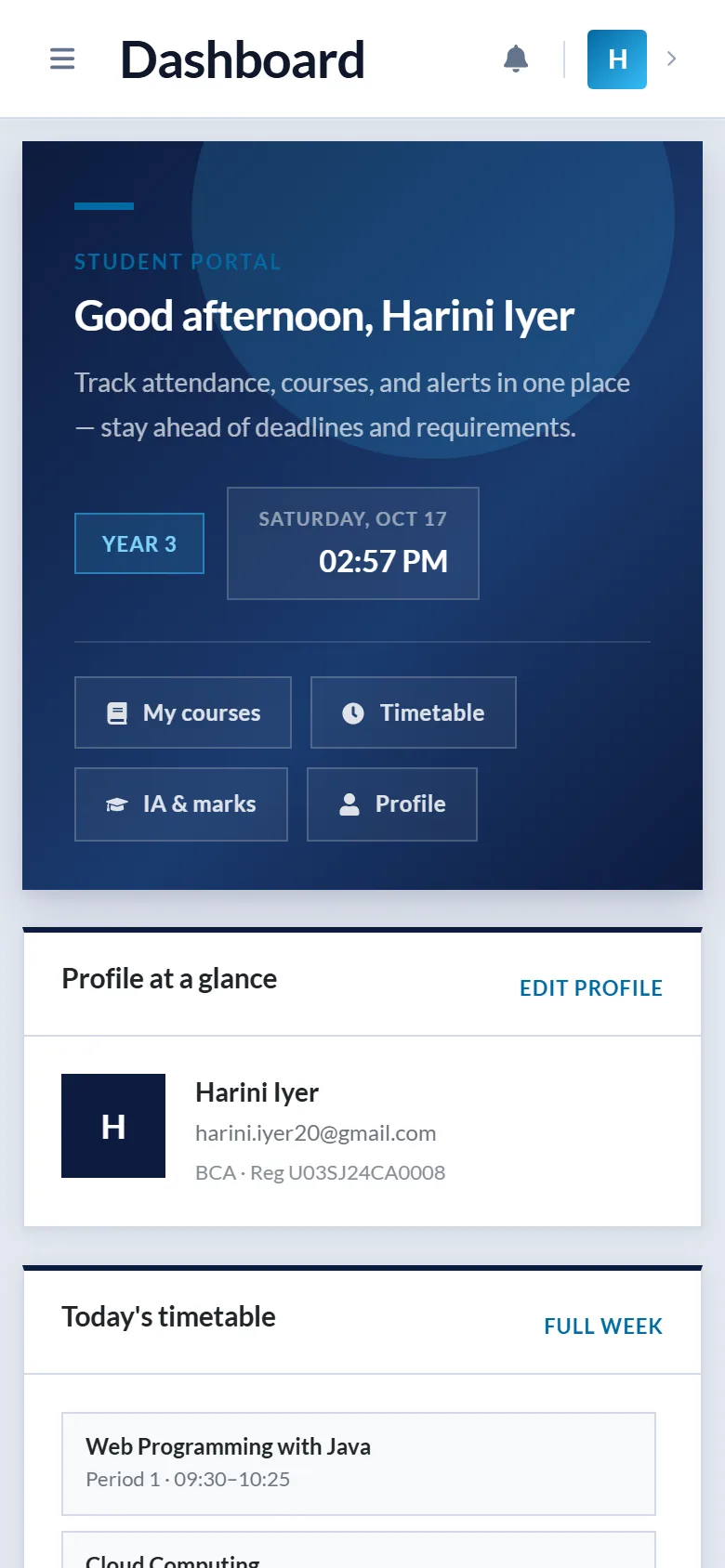
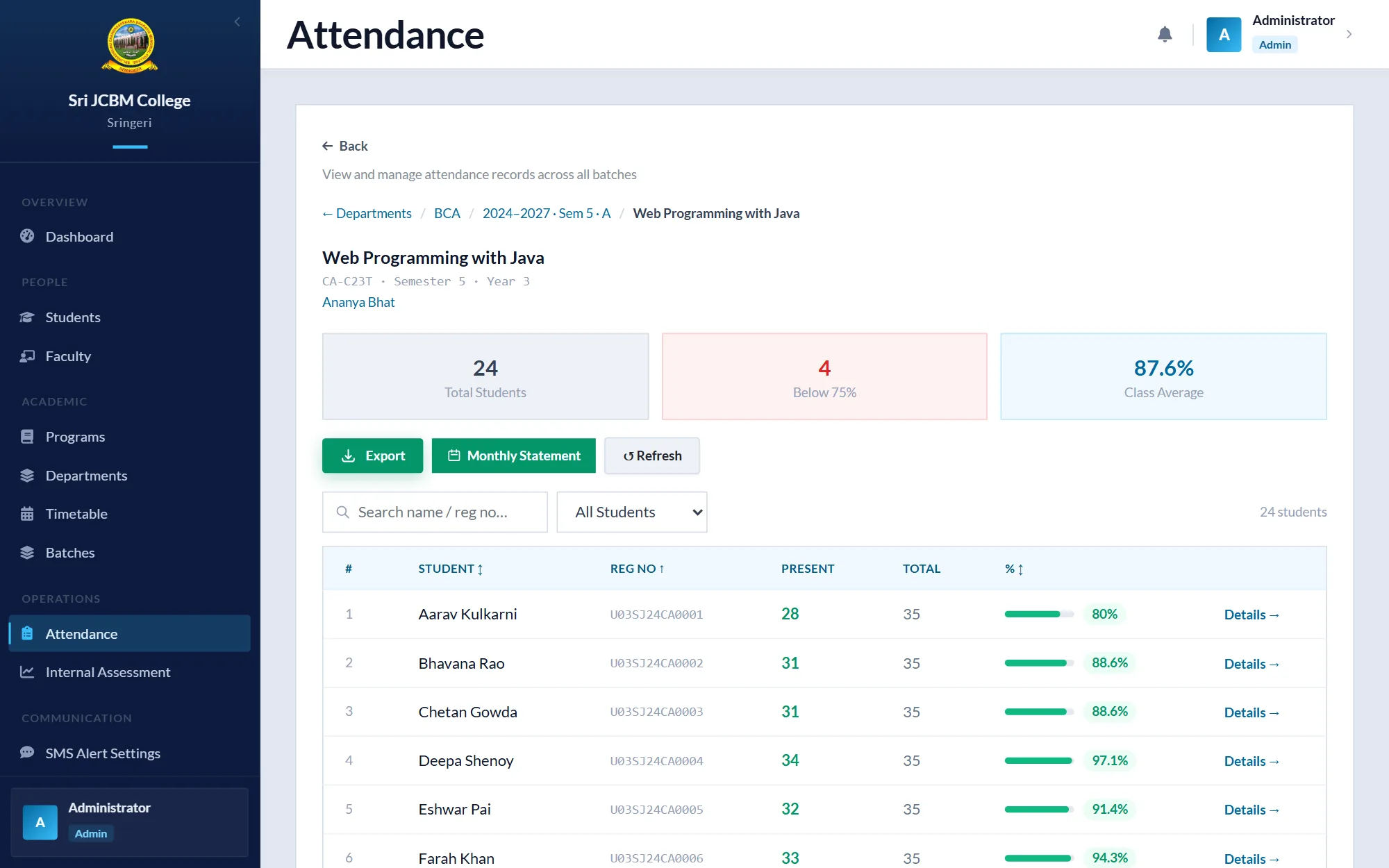
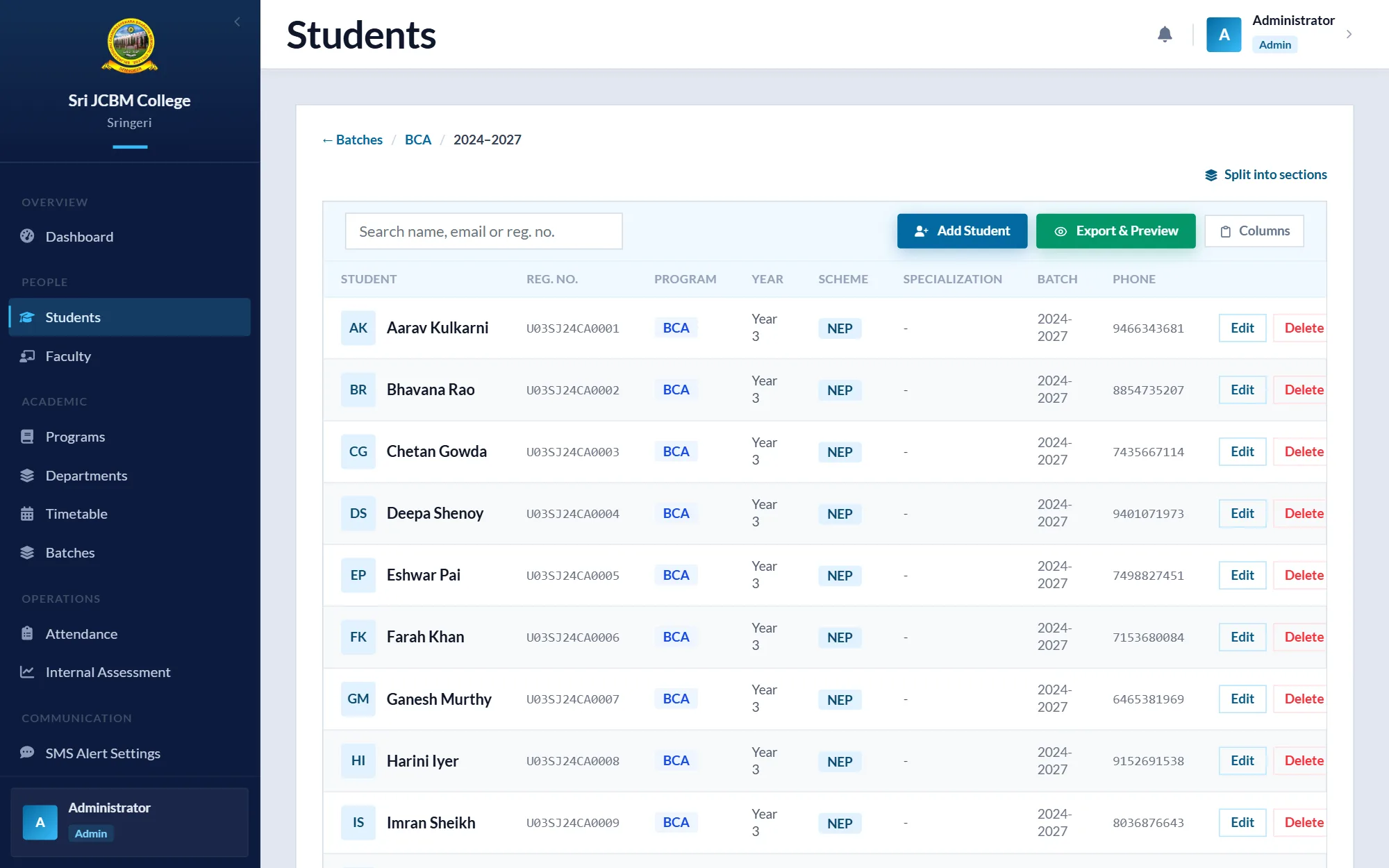
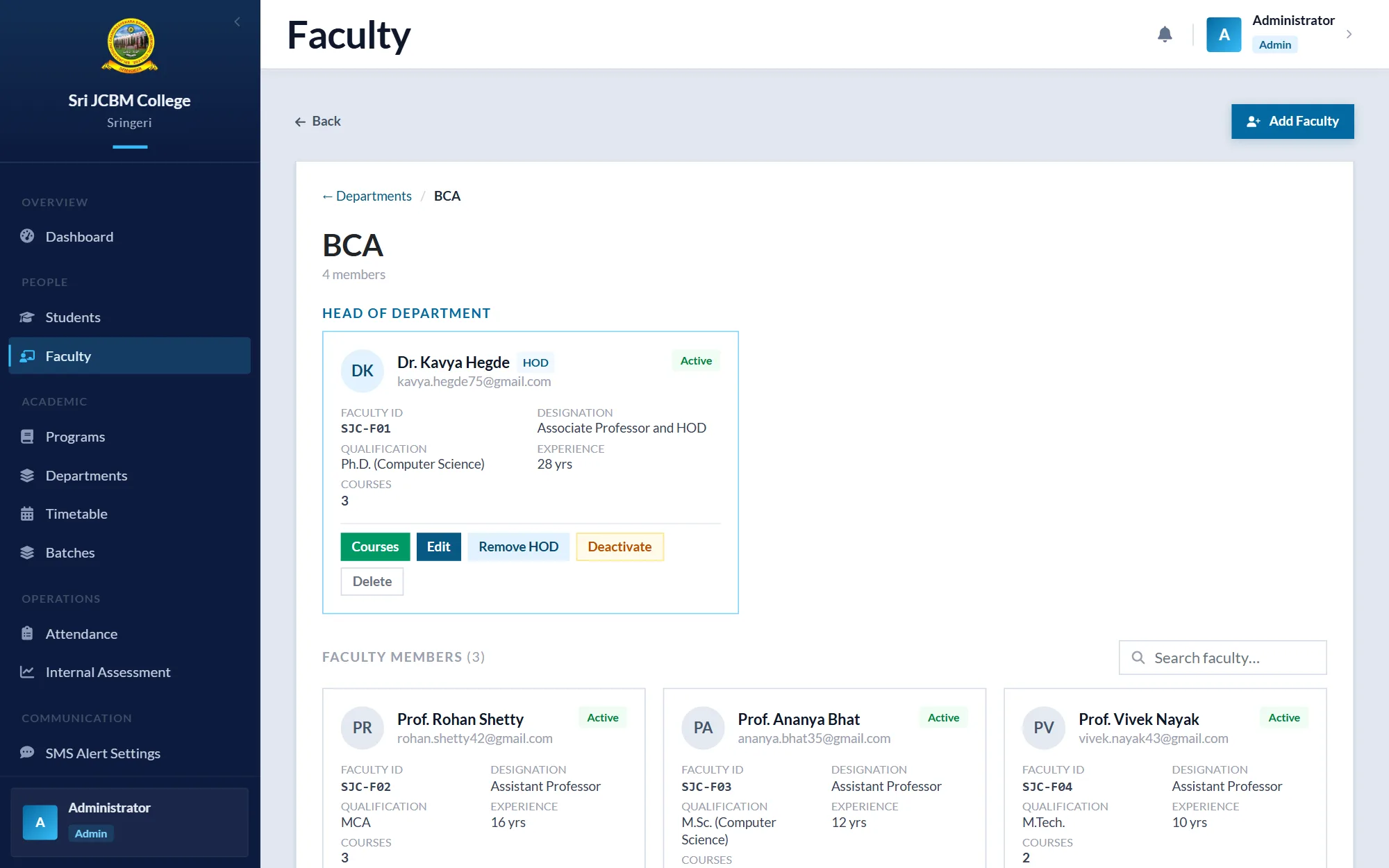
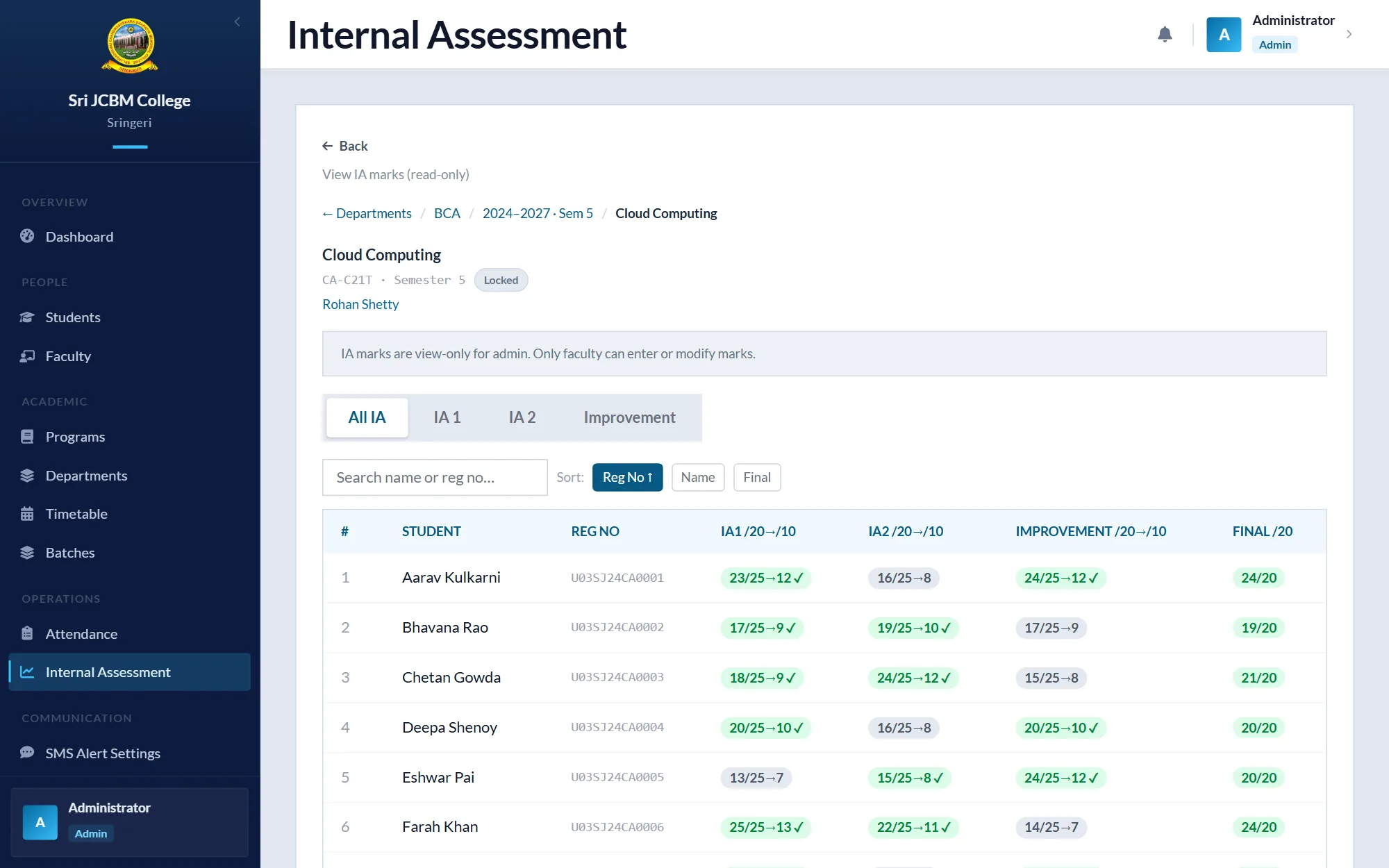
My internship project, a College Management Portal, grew into an ERP for Sri JCBM College's academic work. Faculty mark attendance and enter internal assessment marks, HODs manage their departments' classes and timetables, administrators run batches and semester promotion, and students see their own attendance, marks and timetable. I built the Spring Boot API, the React web app and a Flutter mobile app.
At a glance
- Built solo: a Spring Boot API, a React web app and a Flutter mobile app.
- Separate screens and permissions for Admin, HOD, Faculty and Student roles.
- Attendance with submission deadlines, IA marks, timetables, batches and semester promotion.
- Absence alerts for parents through notifications and SMS.
- Who it's for
- The college's administrators, heads of department, faculty and students
- Role
- Sole developer: backend, web app and mobile app, building on my internship project
- Team
- Solo
- When
- April 2026 – August 2026
- Status
- Status: Completed
Completed in August 2026. In September 2026 I moved it out of the college website's codebase into a project of its own.
- Built with
Context and problem
Attendance, internal assessment marks and timetables are where a college's day-to-day academic work happens, and they involve everyone: administrators set up batches and semesters, heads of department organise their classes, faculty record attendance and marks, and students need to see the result.
Kept on paper and in spreadsheets, that work is slow to share and hard to check. The college needed one system that gives each of those people the right view of the same records.
Objectives
- Give each role (Admin, HOD, Faculty and Student) its own screens and permissions.
- Let faculty mark attendance and enter IA marks, with rules that keep the records consistent.
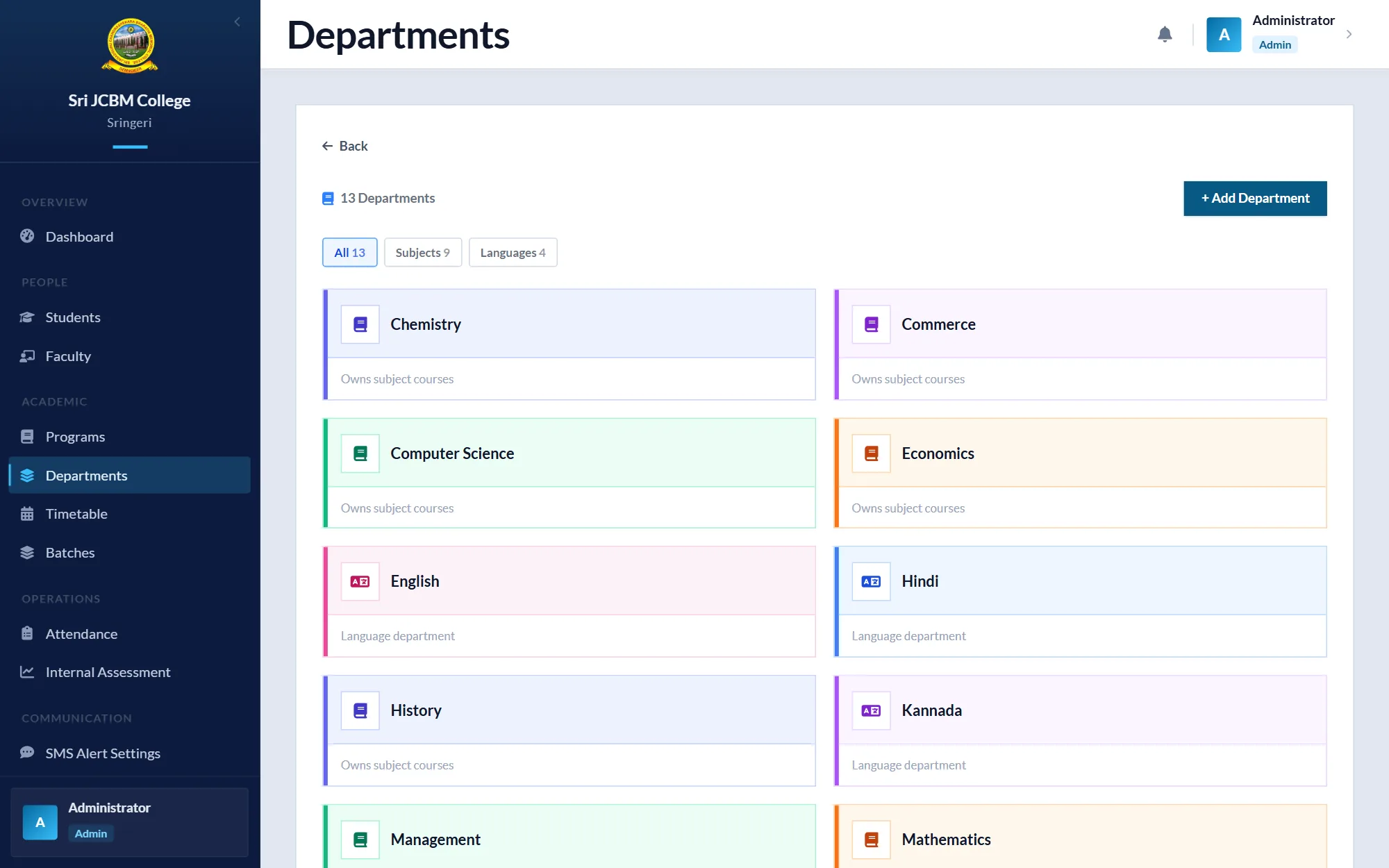
- Manage courses, class and lab batches, electives and timetables.
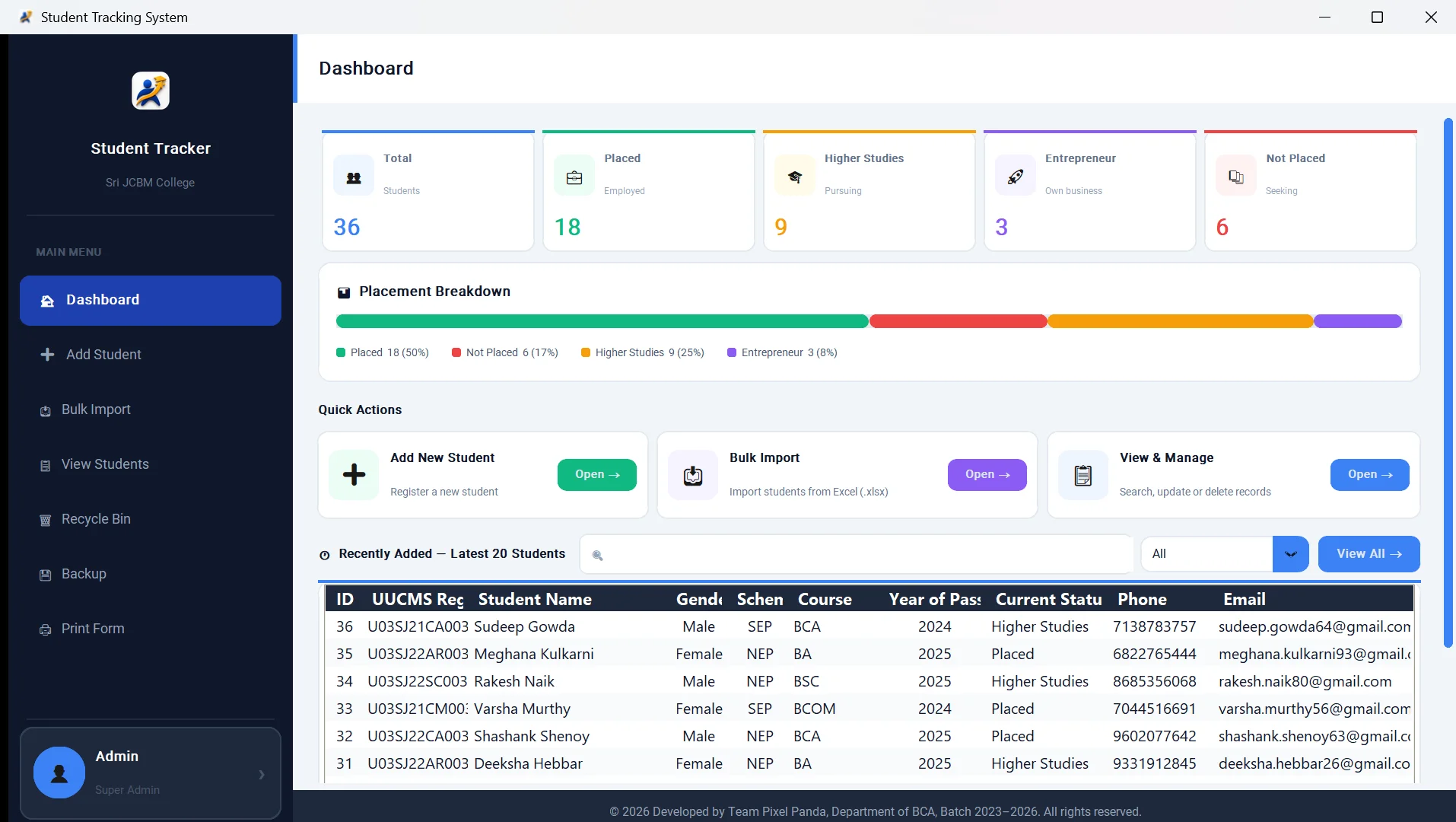
- Promote students from one semester to the next, and import student lists in bulk.
- Make the same records available on phones through a mobile app.
My role
Sole developer: backend, web app and mobile app, building on my internship project
- Extended my internship project into the ERP and planned its modules.
- Designed and built the Spring Boot API and the PostgreSQL schema, with Flyway migrations.
- Built the React web app for all four roles.
- Built a Flutter mobile app with Riverpod and go_router.
- Added notifications: in-app, web push, email, and SMS for absence alerts.
Approach
I built the ERP module by module, adding each role's screens as the module behind them took shape.
Business rules live in the API, not only in the screens. Attendance can't be submitted after its deadline or on a Sunday, for example, so the web app and the mobile app always follow the same rules.
The web app and the mobile app call the same REST API with JWT sign-in, so a change in the API reaches both.
Architecture
- Web app
- React 19, Vite, Tailwind CSS 4, Redux Toolkit and React Router.
- API
- Java 21 and Spring Boot with Spring Data JPA, organised into feature modules: attendance, IA marks, timetables, courses and batches, semester promotion, notifications and more.
- Data
- PostgreSQL, with every schema change versioned as a Flyway migration.
- Mobile app
- Flutter with Riverpod and go_router, with screens for each role.
- Notifications
- In-app, web push and email, plus SMS through a provider interface with a mock for development.
Challenges and decisions
Rules enforced in the API
Attendance can't be submitted after its deadline or on a Sunday. Because the API enforces this rather than each screen, the web app and the mobile app can't disagree about what is allowed.
One API for web and mobile
Both apps use the same REST endpoints and the same JWT sign-in. The mobile app needed no backend of its own, and a fix in the API reached both apps at once.
SMS behind an interface
Absence alerts send SMS through a provider interface, with an MSG91 implementation and a mock for development, so the alert logic can be built and tested without sending real messages.
Separating the ERP from the website
The ERP and the college's public website began in one codebase. In September 2026 I moved the ERP into a project of its own, so each can be deployed and maintained separately.
Outcome and status
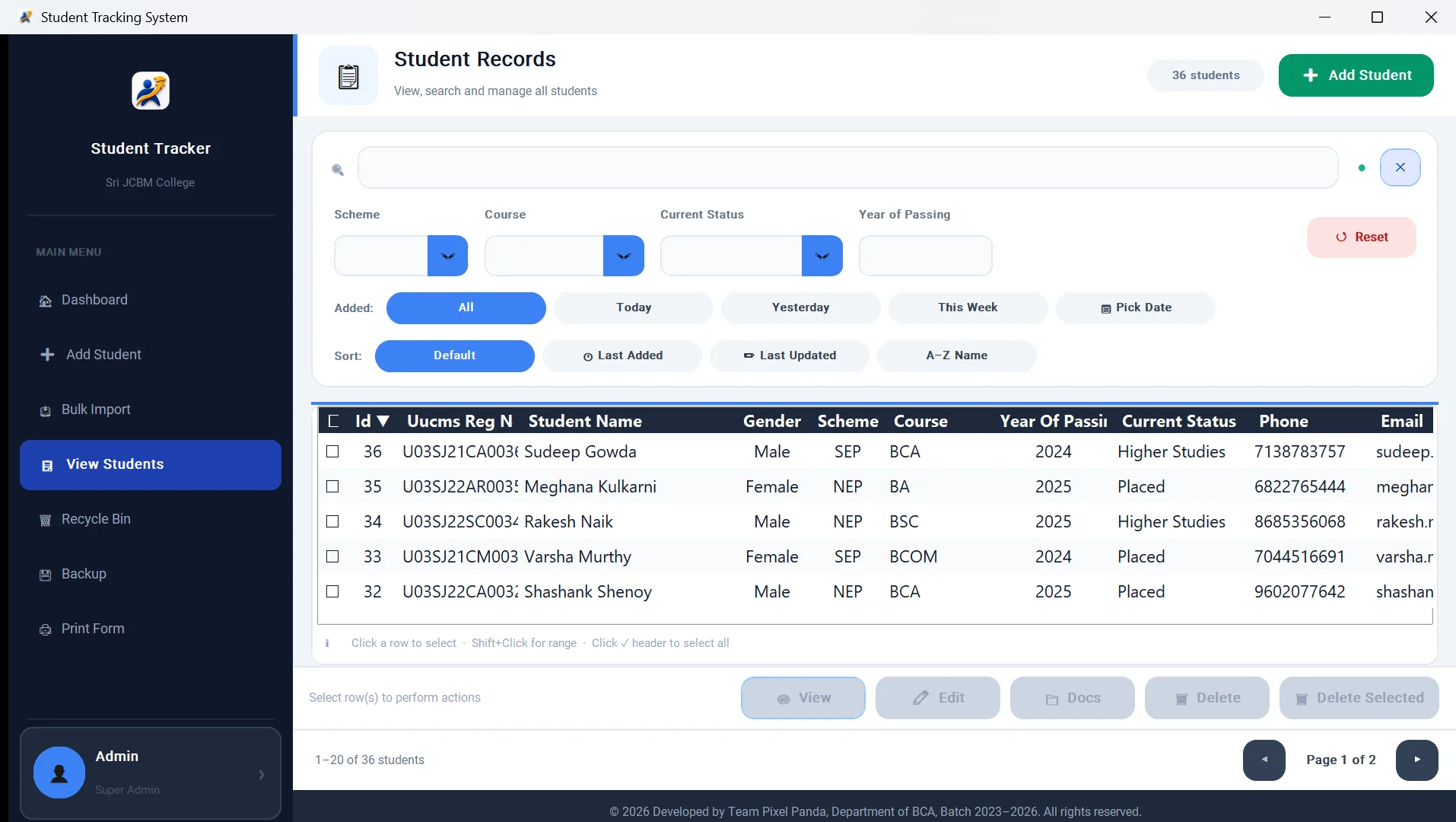
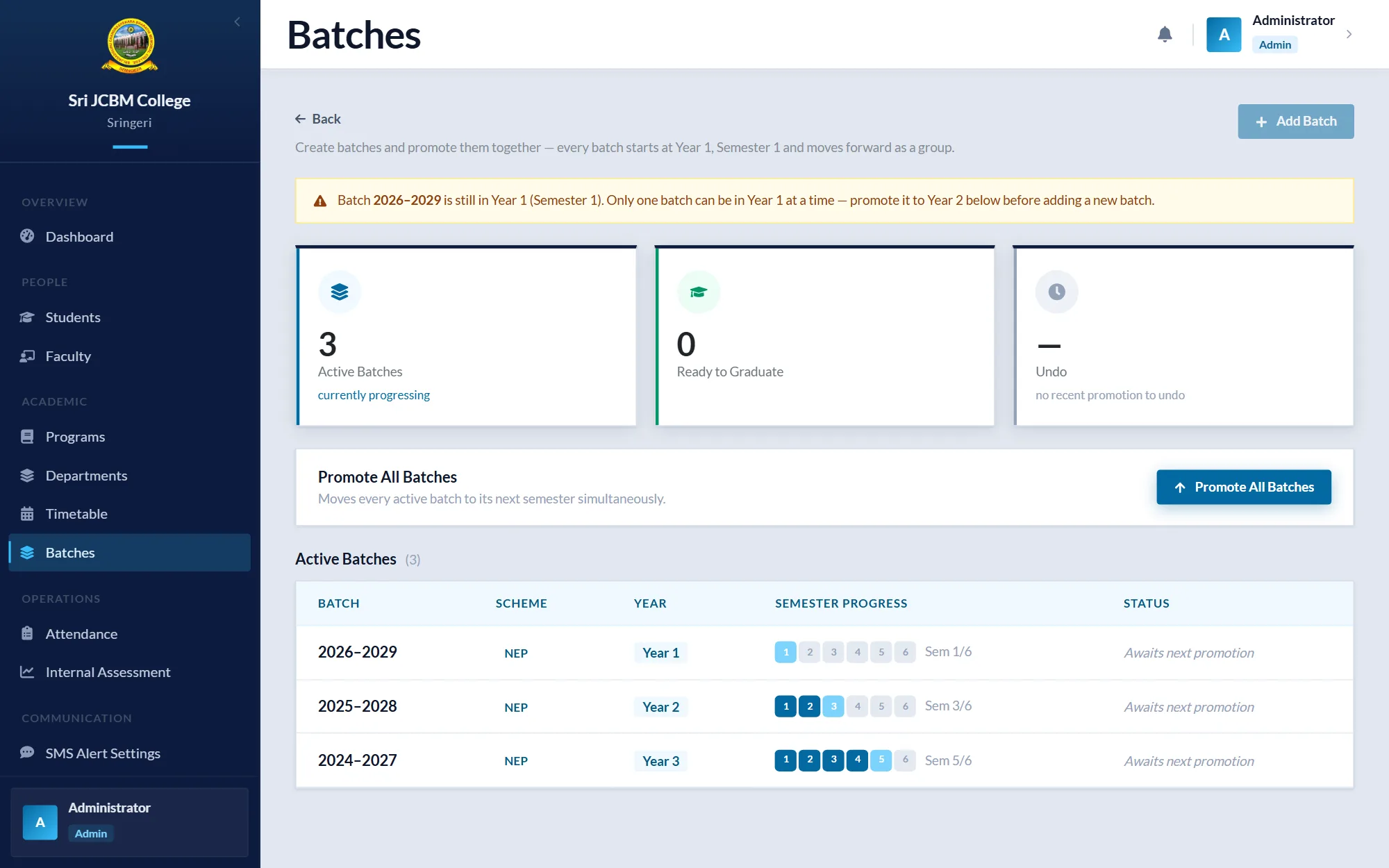
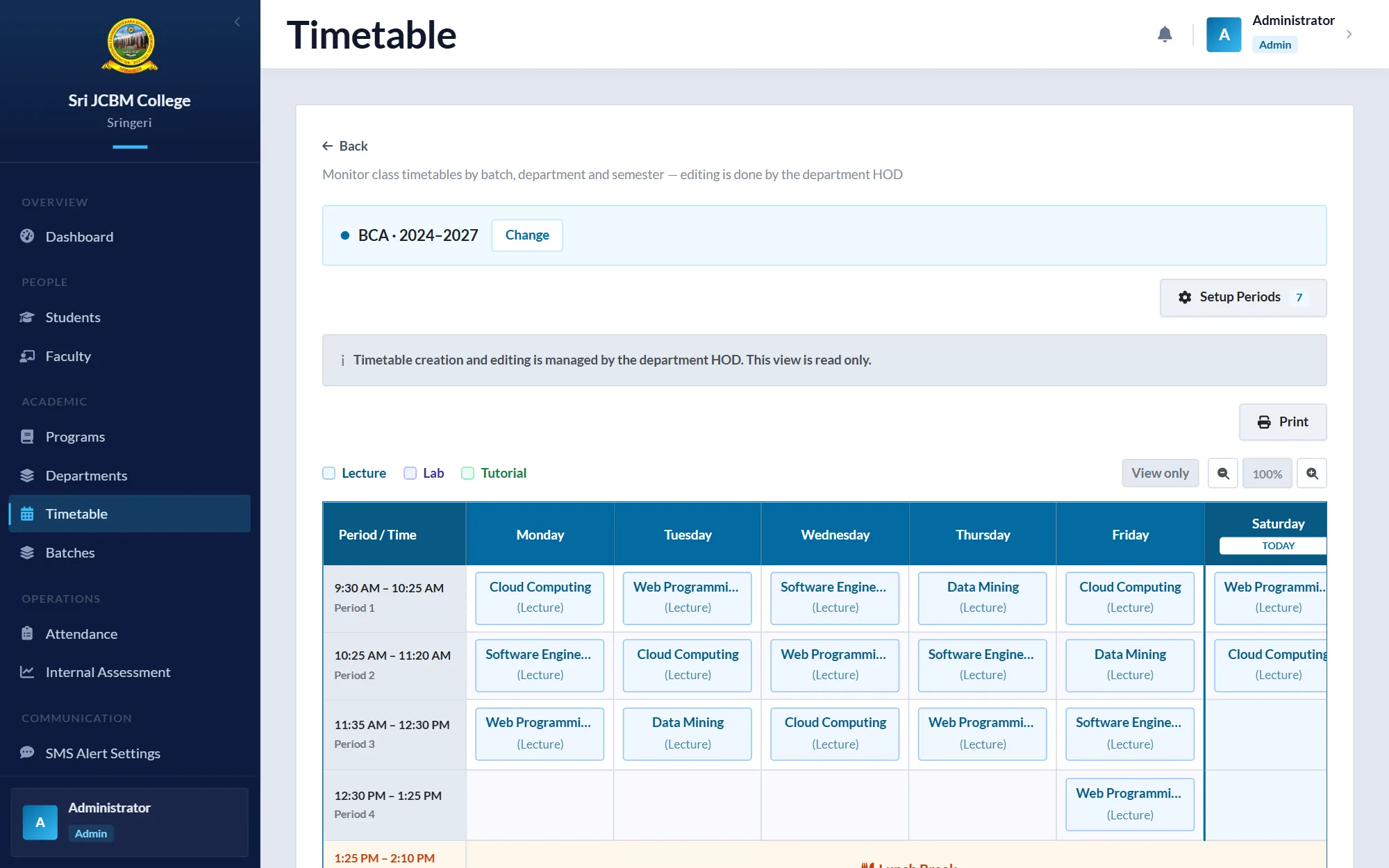
Completed in August 2026: roles for Admin, HOD, Faculty and Student; attendance marking with submission deadlines and combined sessions; internal assessment (IA) marks; timetables; batches, lab batches, electives and semester promotion; student import with a preview table; and absence alerts for parents.
Built solo, in about 150 commits between April and August 2026. I haven't measured usage, so no figures are quoted.
Built for internal use, so there is no public demo or repository.
Lessons
What I learned
Putting the rules in the API, rather than only in the screens, is what made adding a second app (the mobile app) cheap.
Splitting one codebase into two taught me to draw the line by who uses each part: the ERP's users all sign in, while most of the website's visitors never do.