2 min read · Updated 23 November 2026
What a college ERP should include, and how to plan one.
A college runs on a handful of records that everyone touches: who attended, what marks were given, which class meets when. When those live in paper registers and separate spreadsheets, they are slow to share and hard to check. A college ERP puts them in one system, with the right view for each person.
This guide covers what such a system should include and how to plan it, so you can judge any proposal, mine or someone else's.
Start with the people, not the features
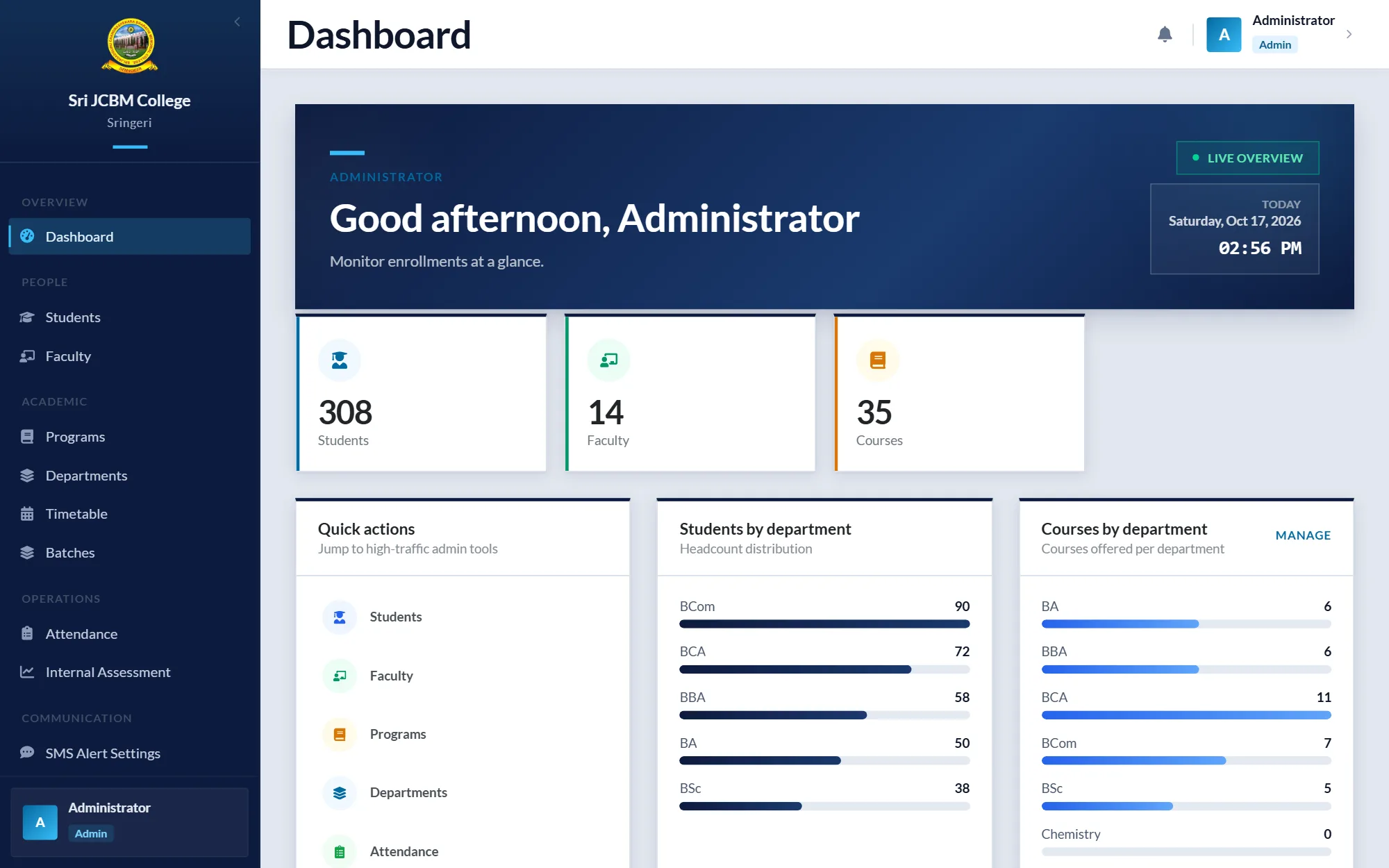
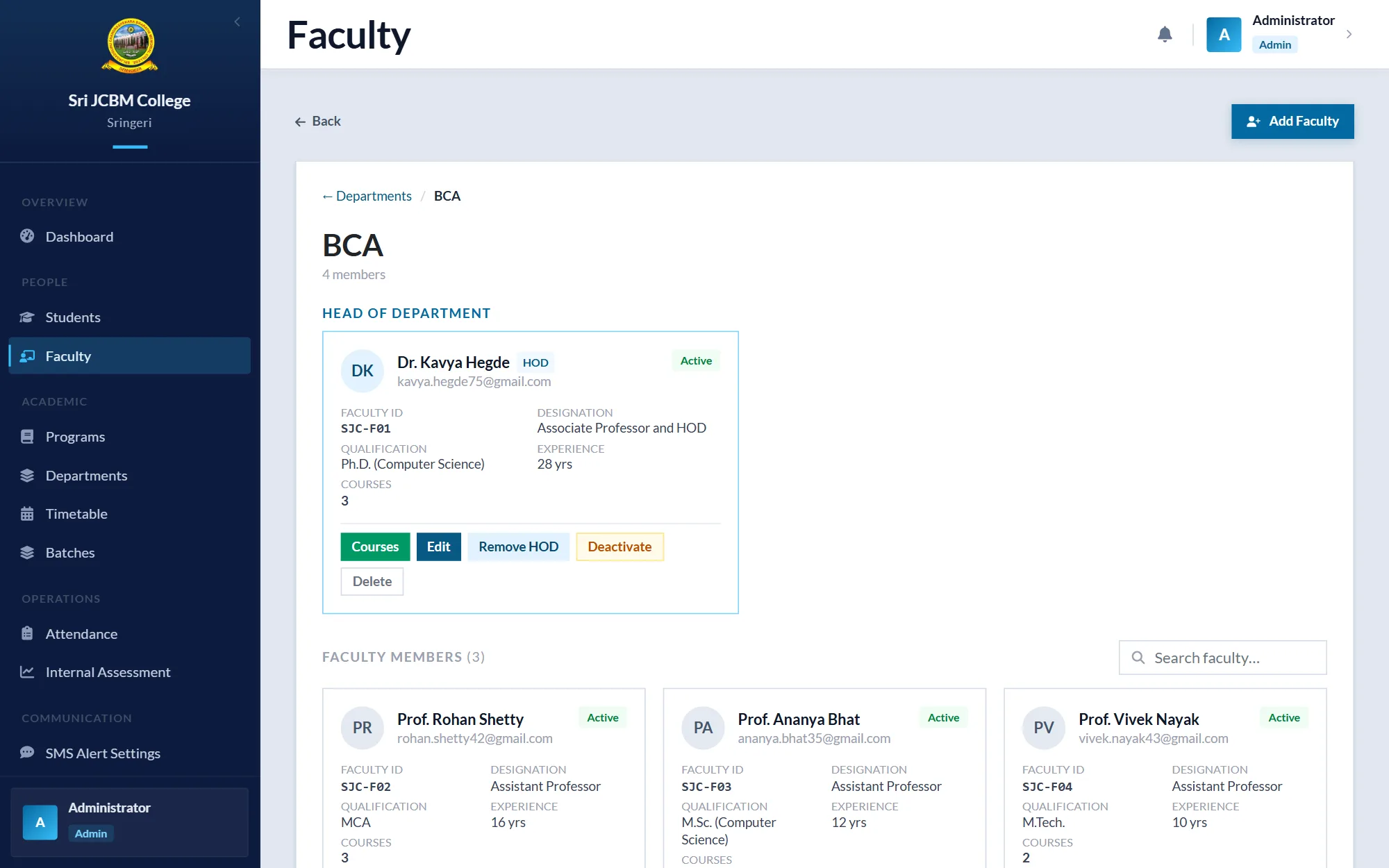
List everyone who will use the system and what each of them needs to do. In a typical college that is four groups: administrators who set up batches and semesters, heads of department who organise their classes, faculty who record attendance and marks, and students who need to see the result.
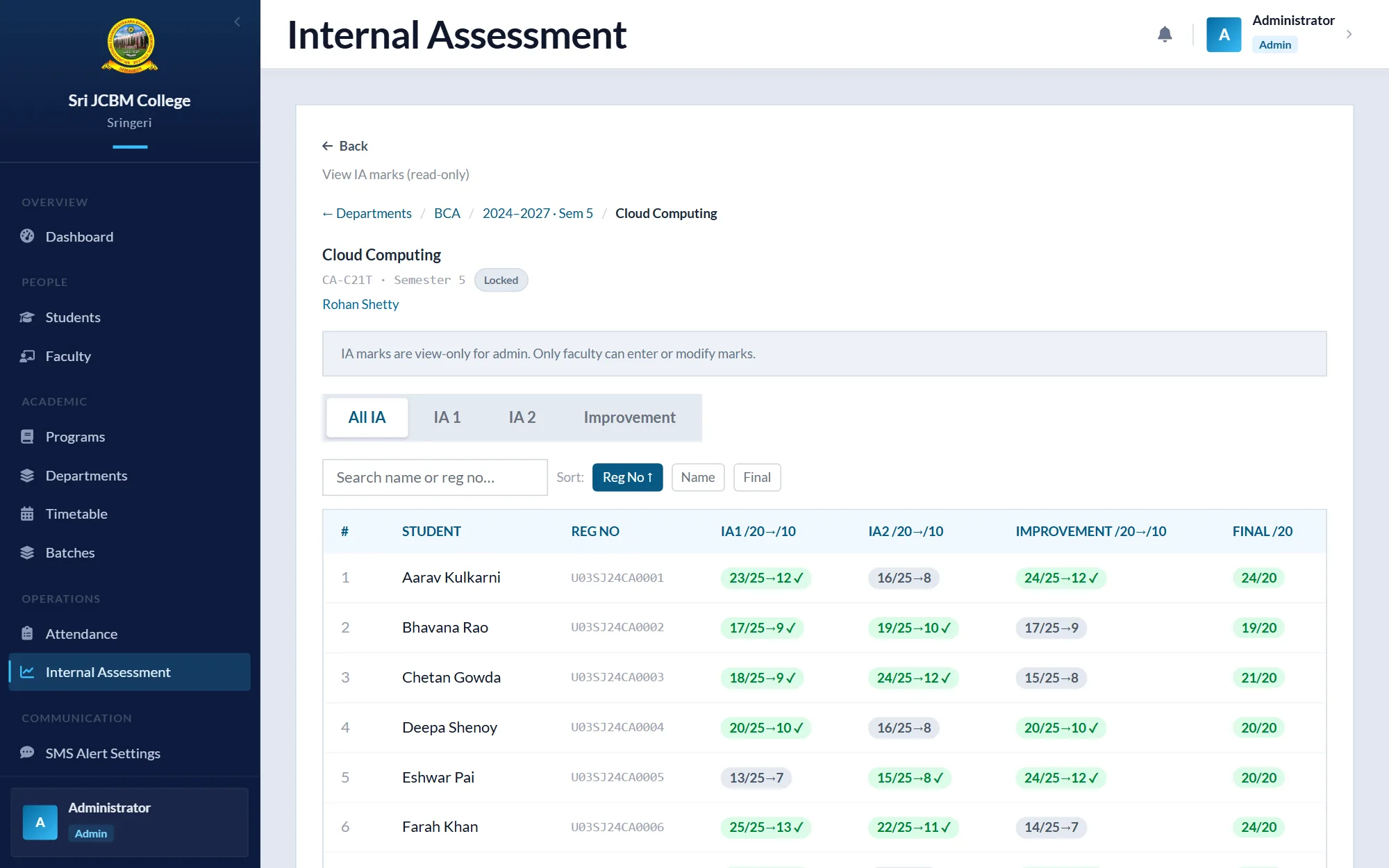
Each group should get its own screens and permissions over the same underlying records. Faculty should be able to edit marks; administrators usually only need to view them. Getting this wrong early is the most expensive mistake to fix later.
The core modules
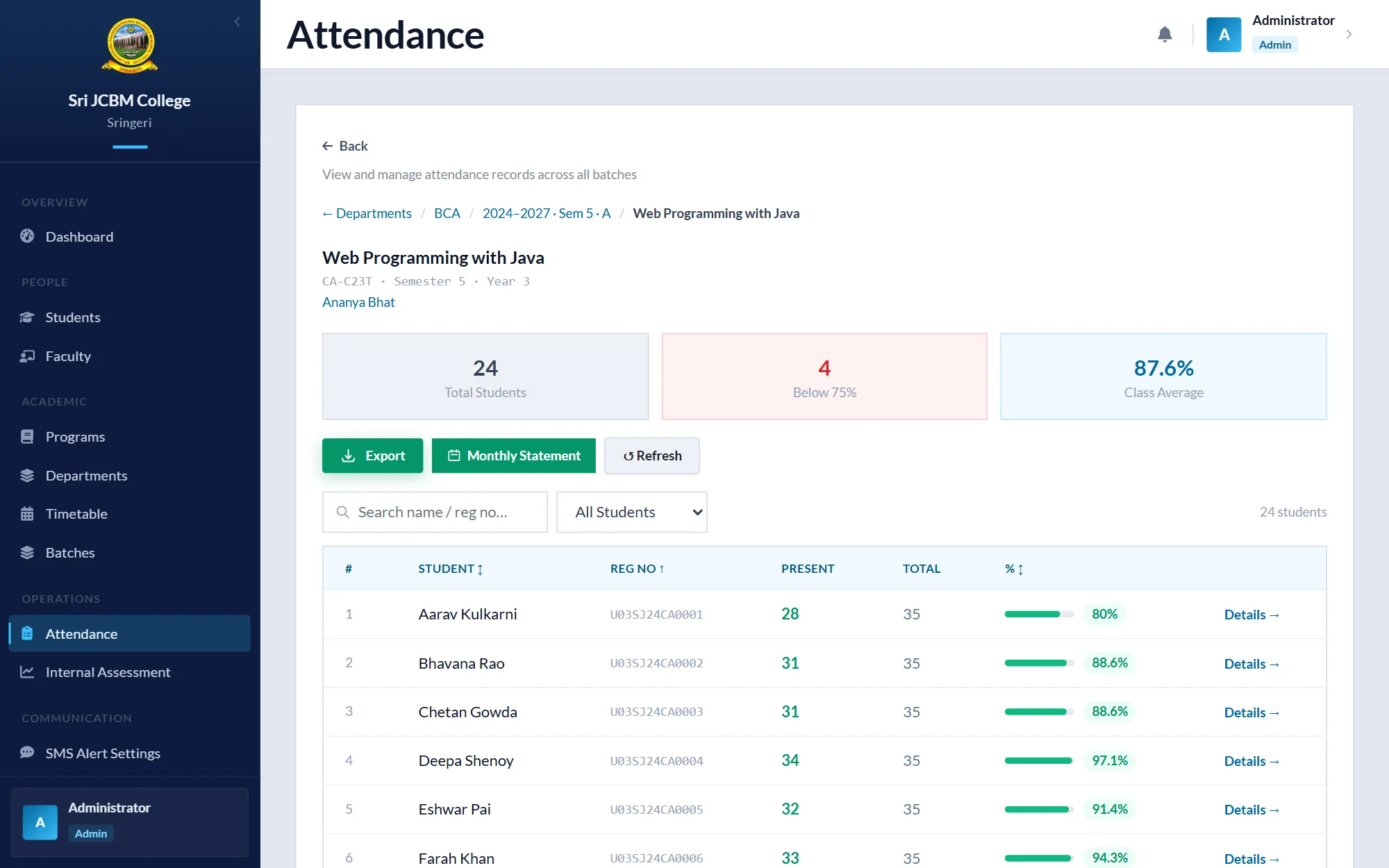
- Attendance, with a submission deadline so records are not filled in weeks later.
- Internal assessment marks, with the college's own rules built in, such as counting the best two of several tests.
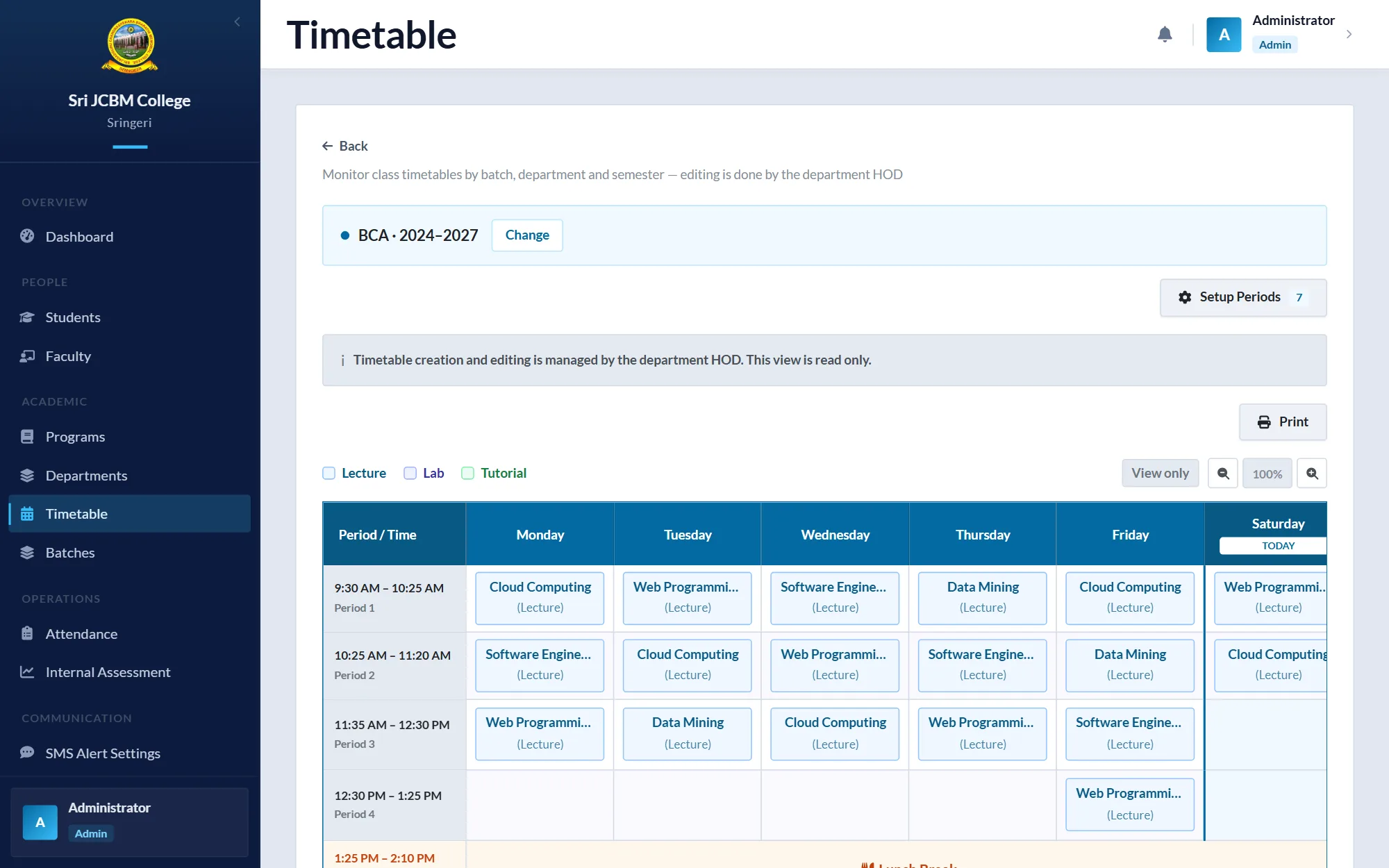
- Timetables for each class, editable by heads of department and viewable by everyone else.
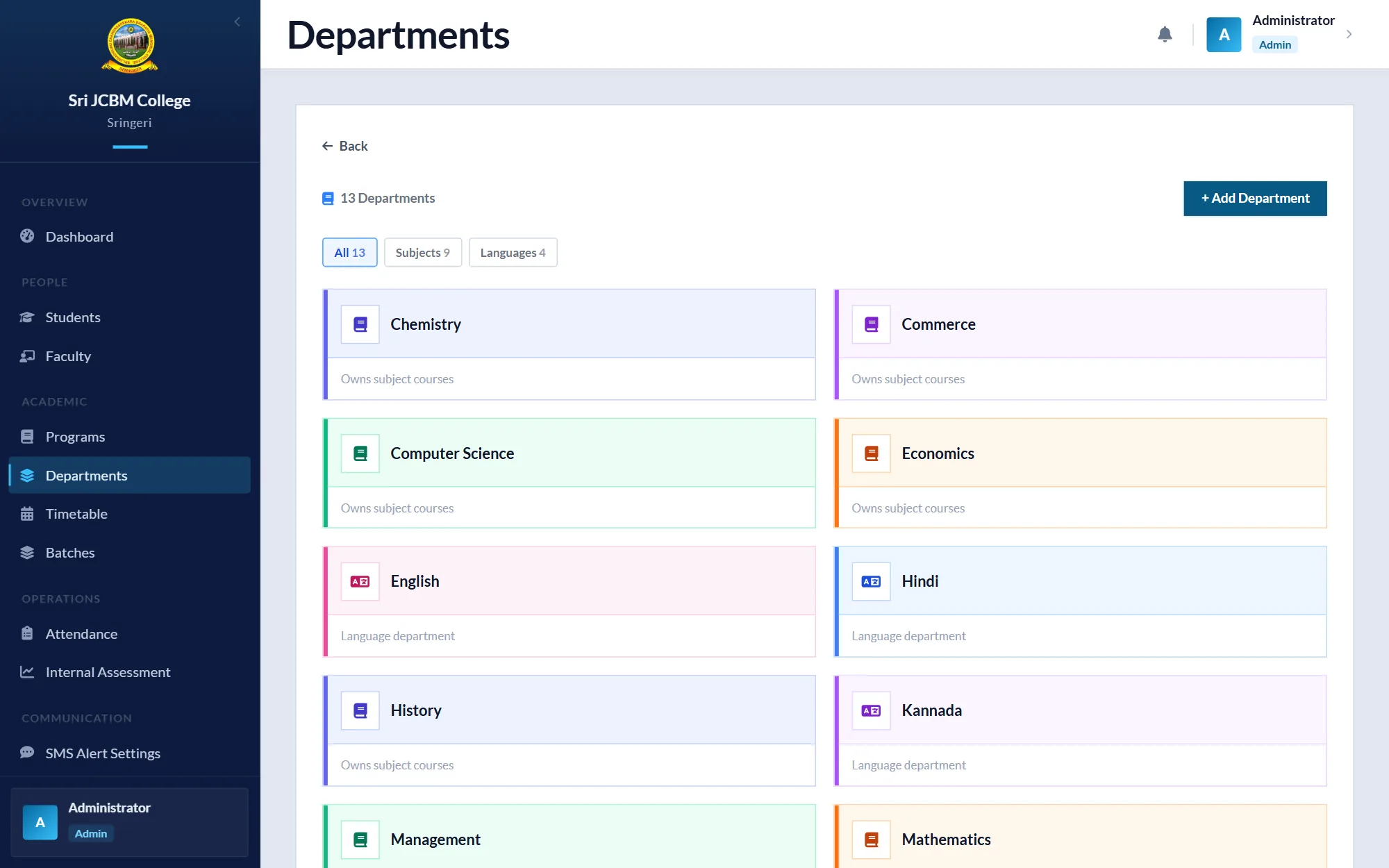
- Courses, class and lab batches, and electives.
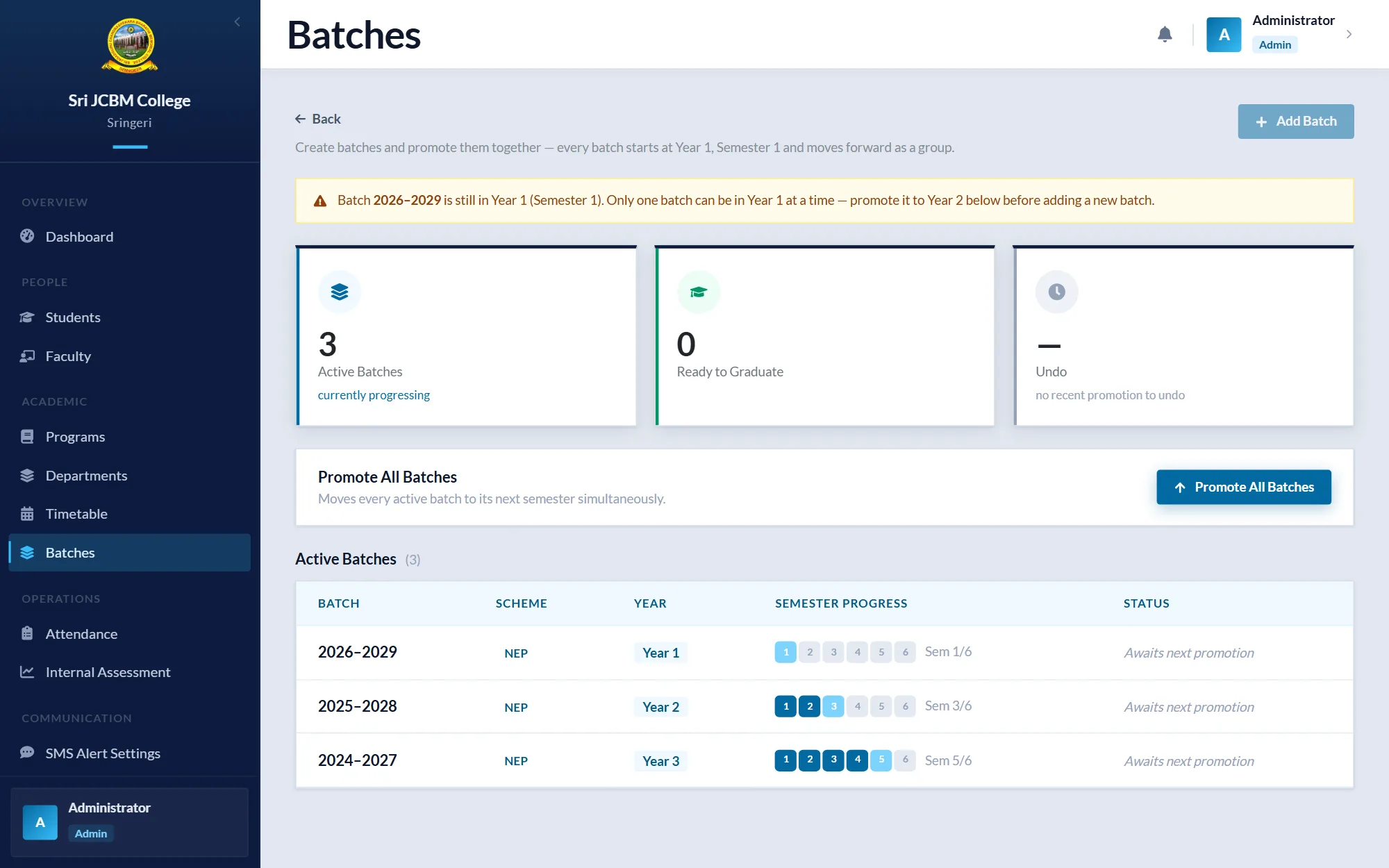
- Batches that move through their semesters together, with a single action to promote them.
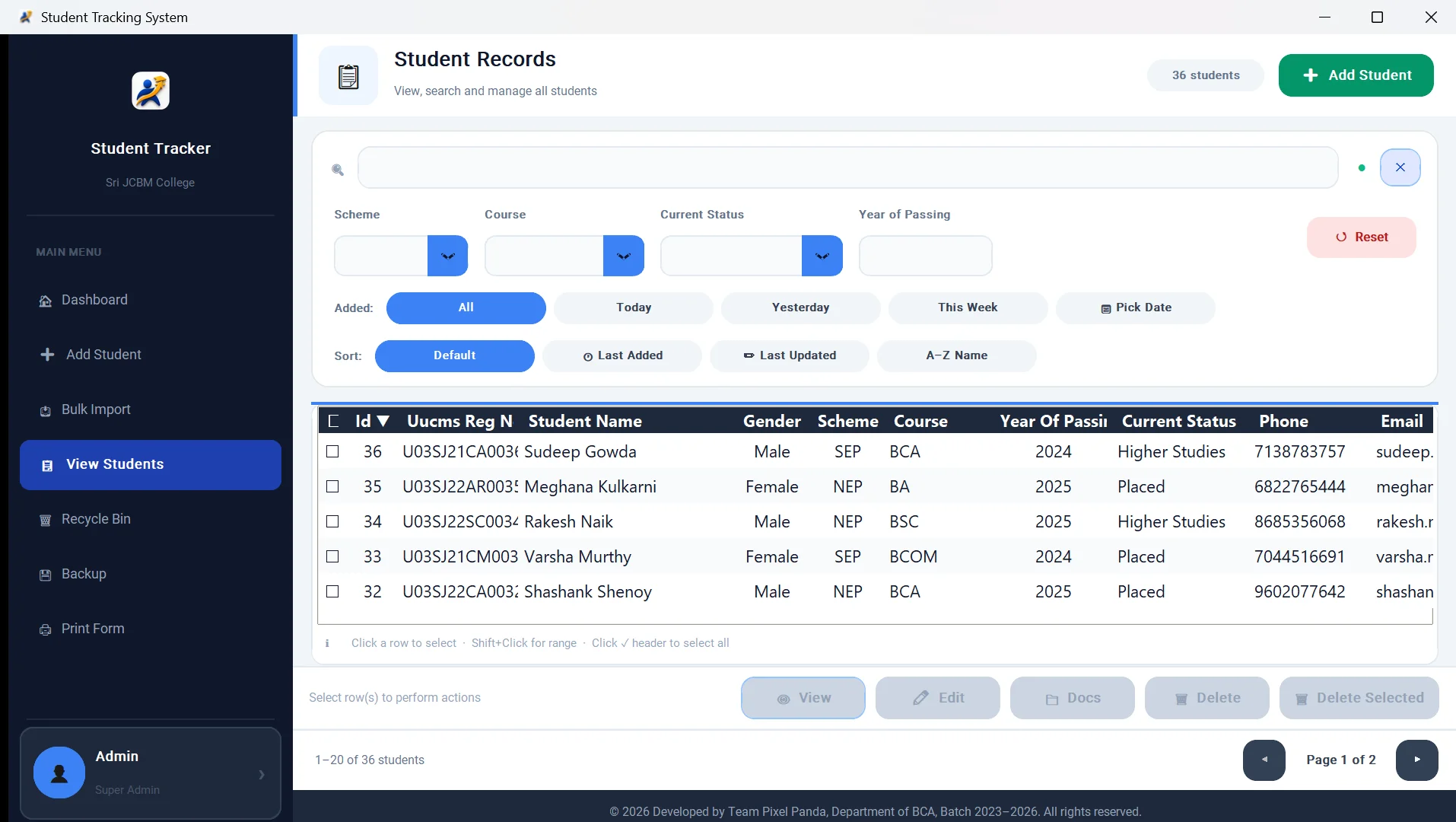
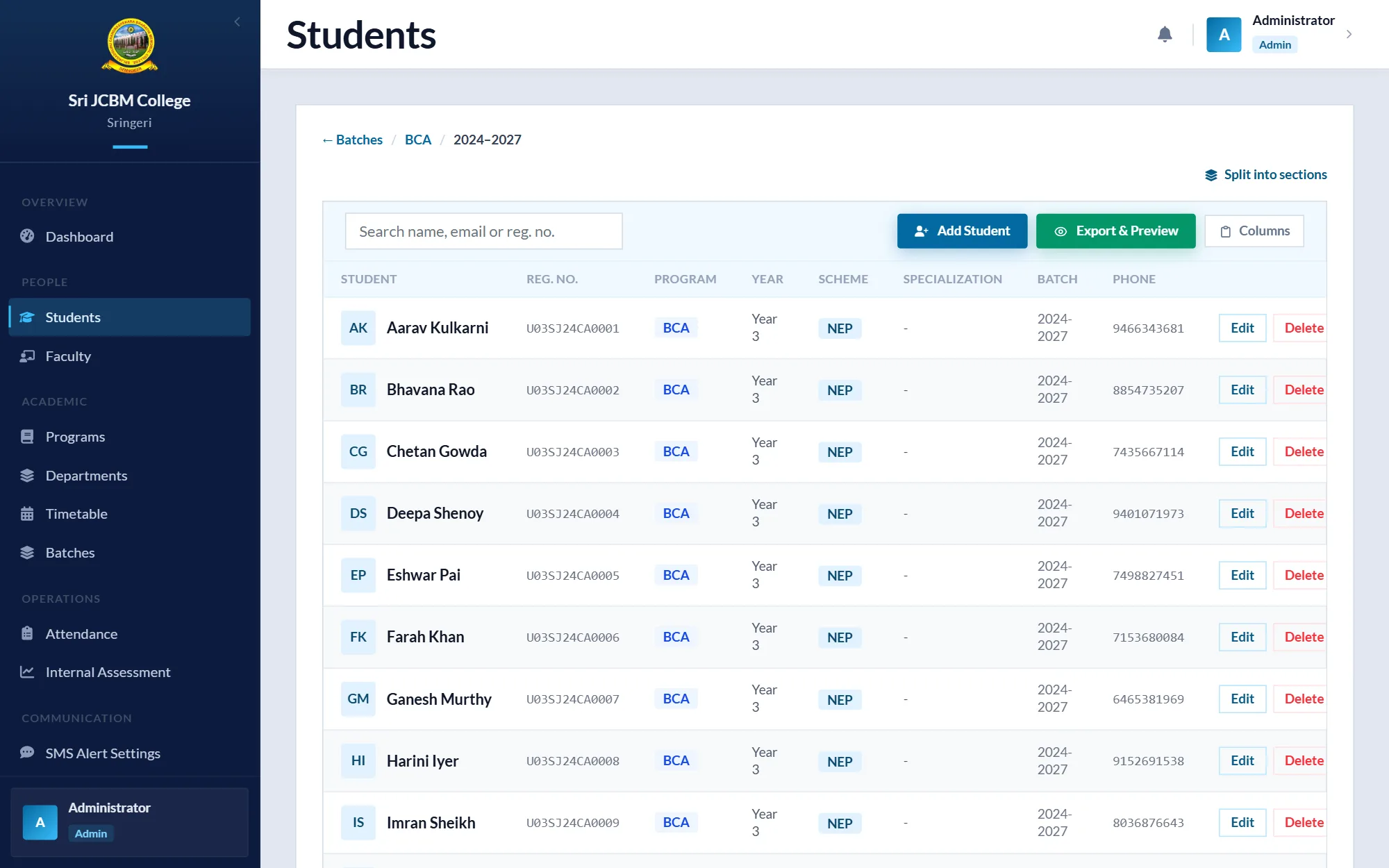
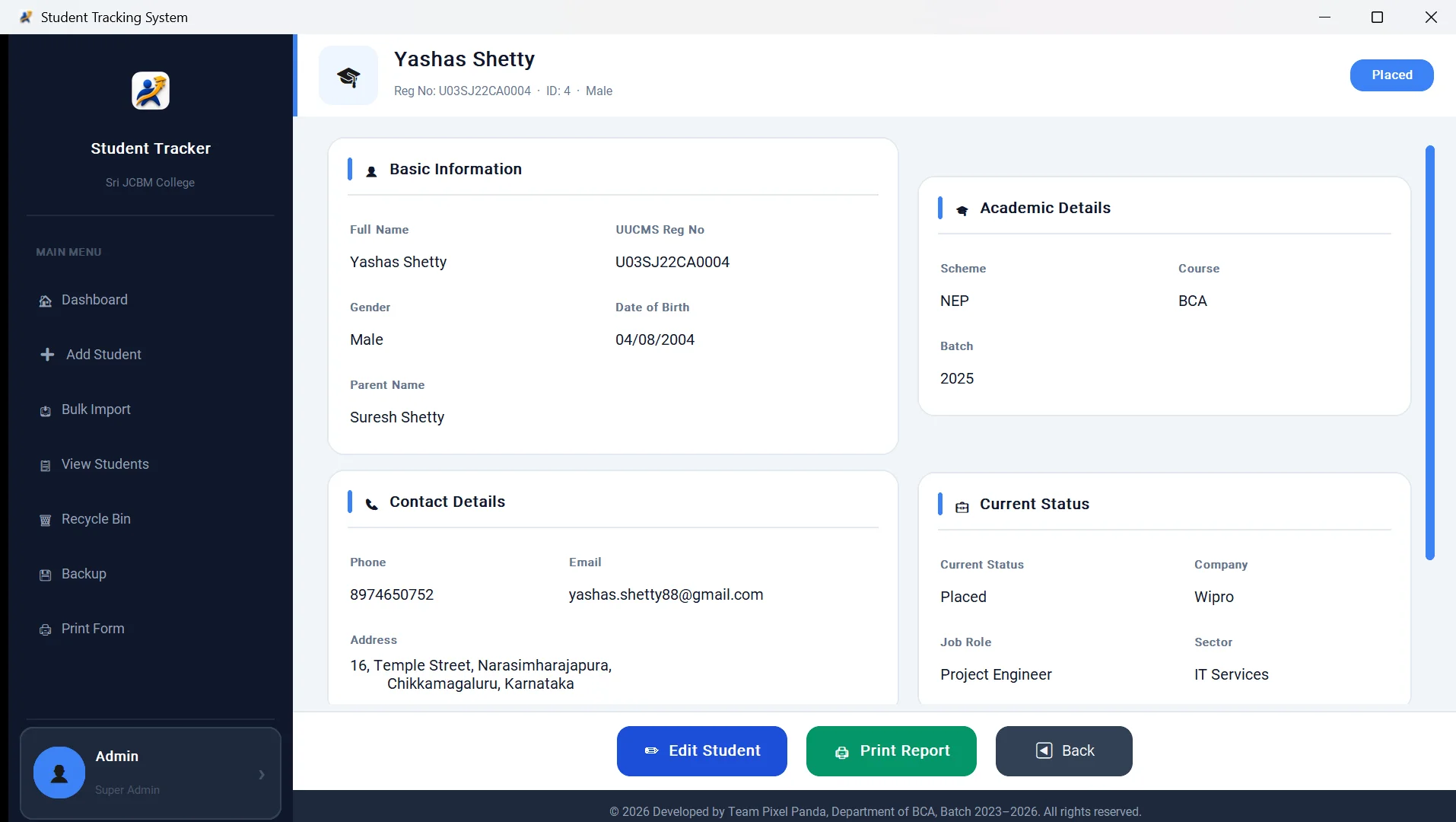
- Student and faculty records, searchable and exportable.
- Alerts, such as telling parents when a student is absent.
Put the college's rules in the system
A good ERP does not just store numbers. It enforces the rules your college already follows: the attendance threshold, how internal marks are combined, when a semester can be promoted. Write these rules down before development starts, and ask for them to be checked by the system, not by memory.
Web and mobile
Students and faculty are on their phones all day. Decide early whether they need a mobile app as well as the web version. Building both on one backend keeps the data identical everywhere.
Questions to ask before you commit
- Who can see and change which records?
- What happens when a mistake is entered? Can it be corrected, and is the change recorded?
- How are backups taken, and how is data restored?
- Who maintains it after delivery, and how are changes requested?