2 min read · Updated 23 November 2026
What a college website needs: a practical checklist.
A college website has to serve prospective students and parents, current students, accreditation reviewers and the office staff who keep it current, all at once. Most problems come from treating it as a brochure instead of a system the college runs.
Use this checklist to plan one, or to check the one you have.
Let staff update it themselves
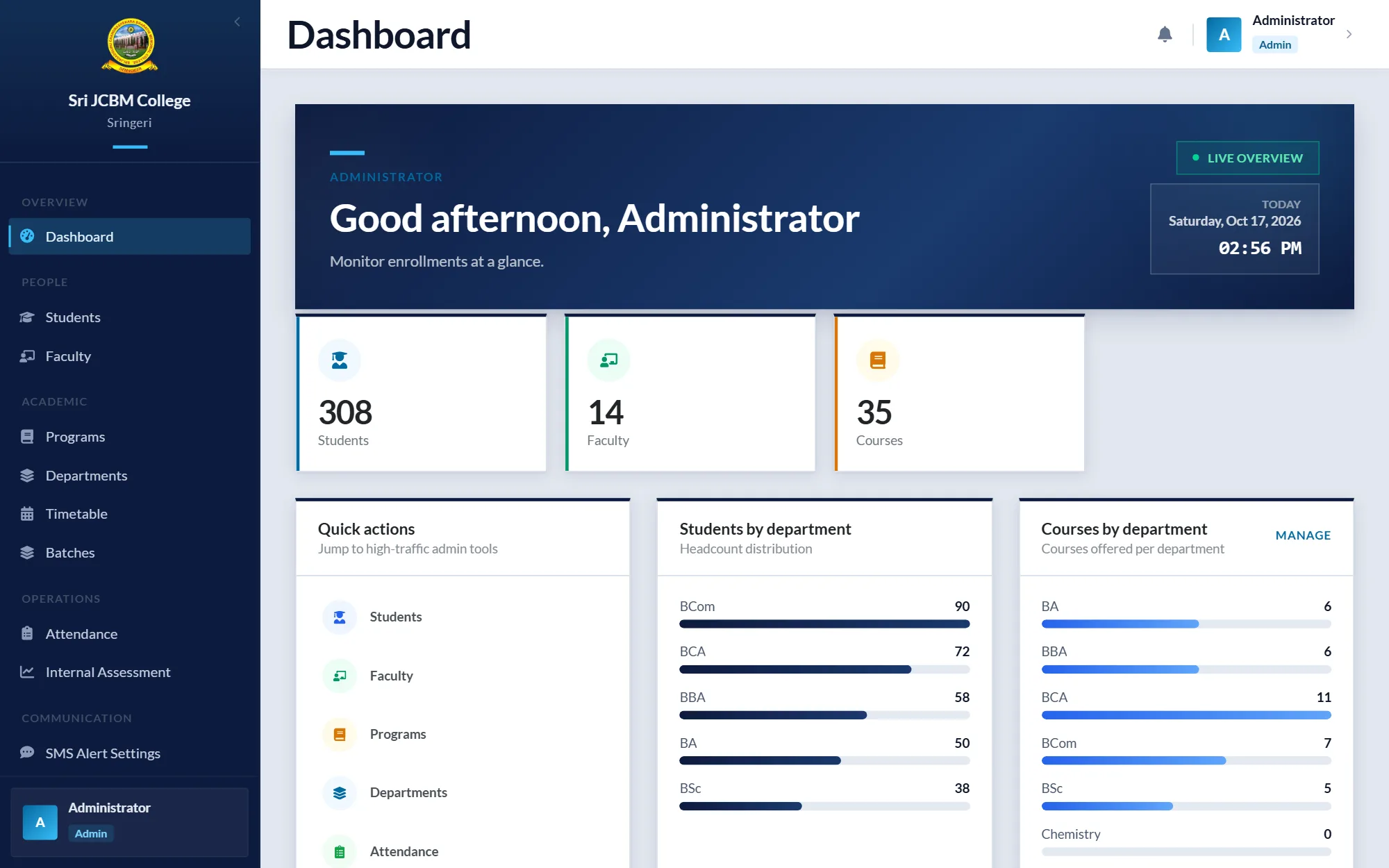
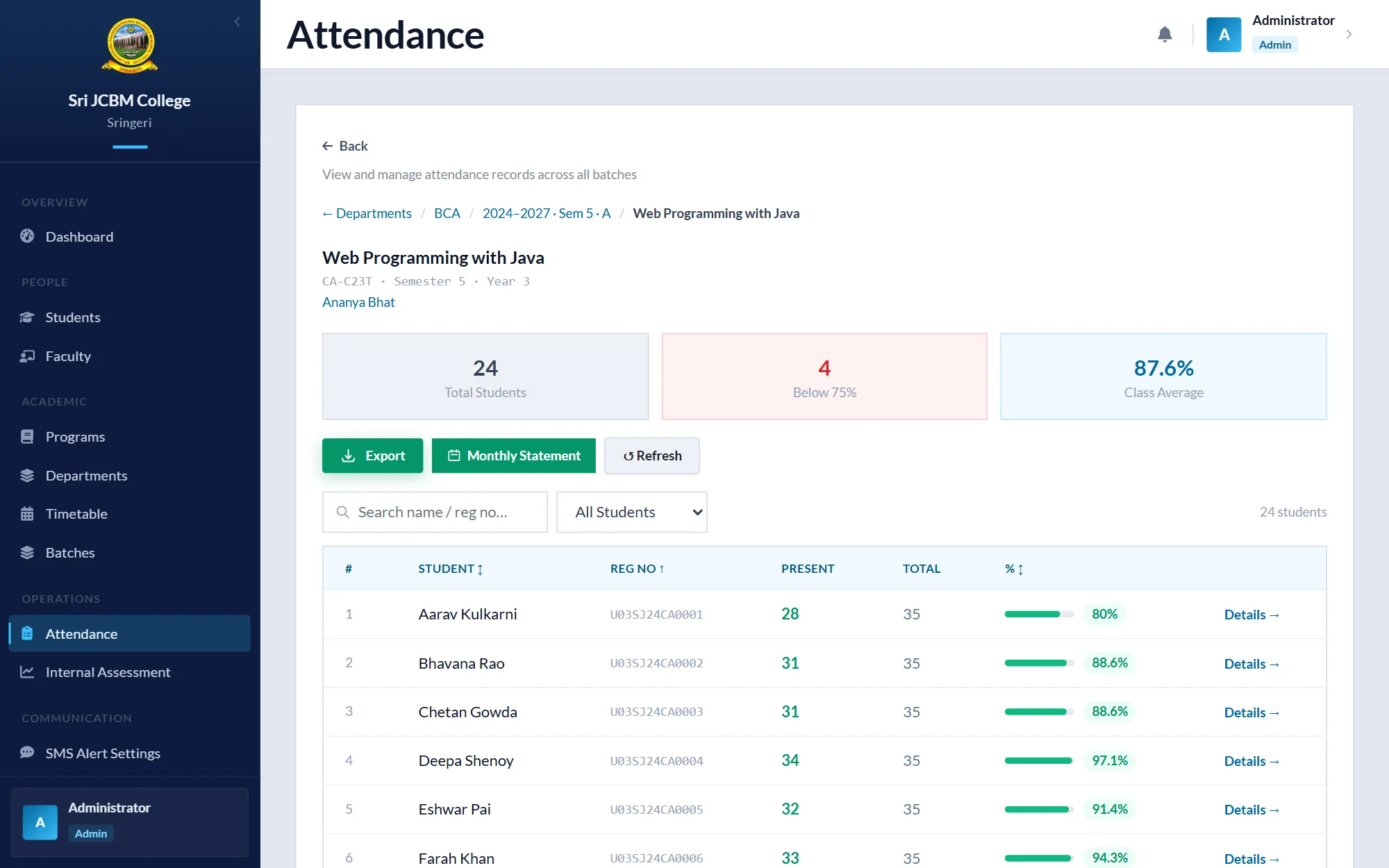
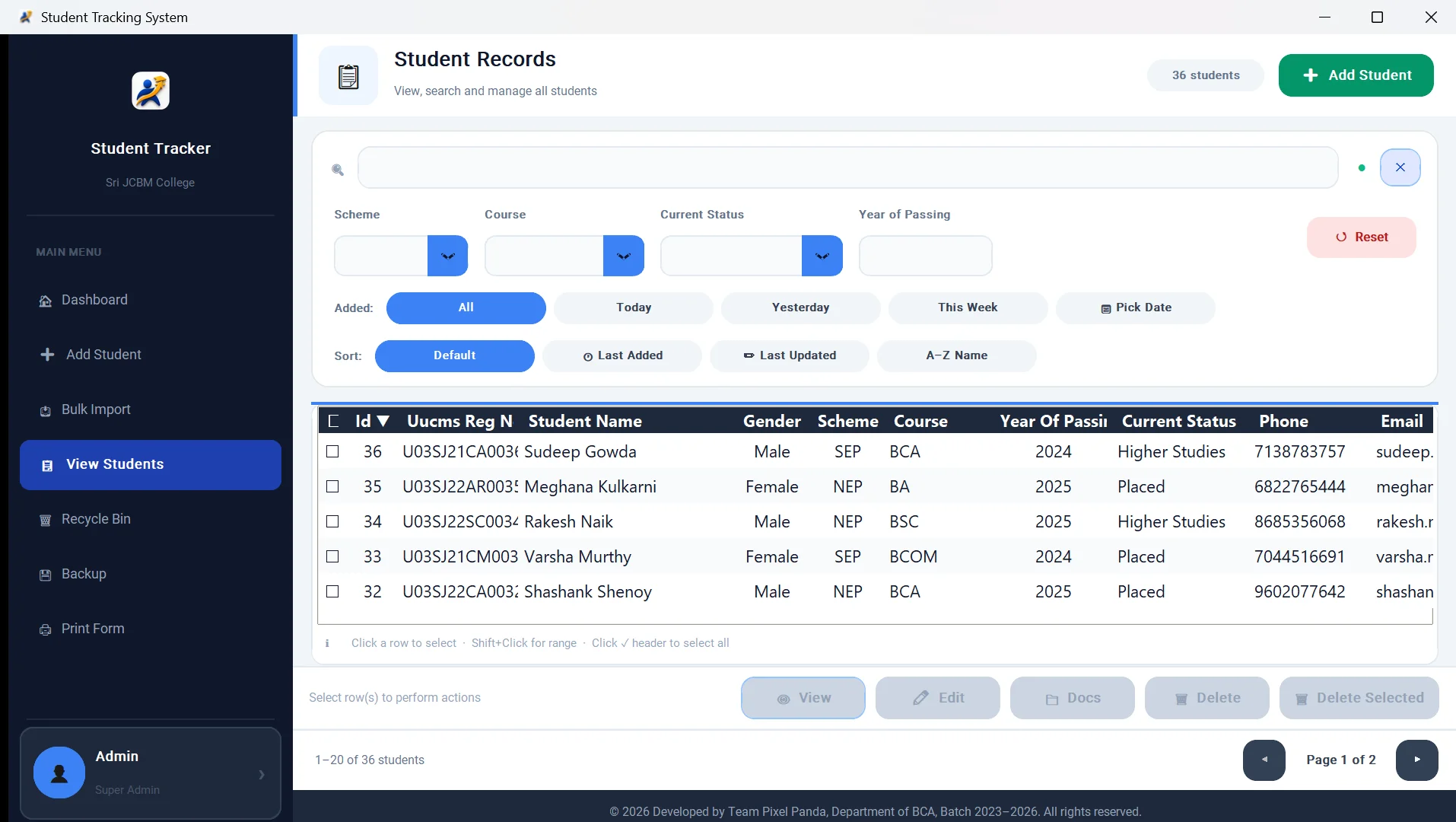
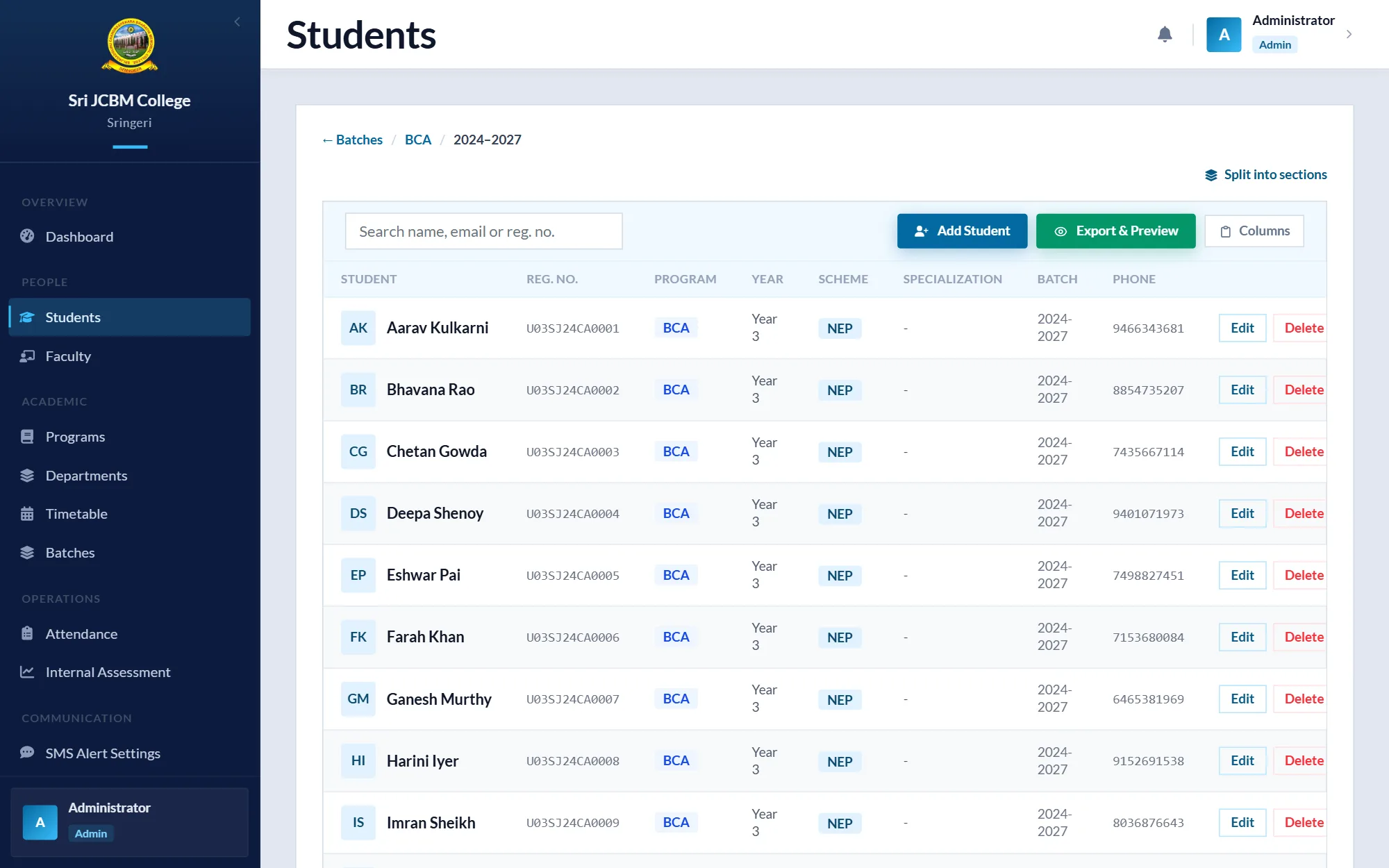
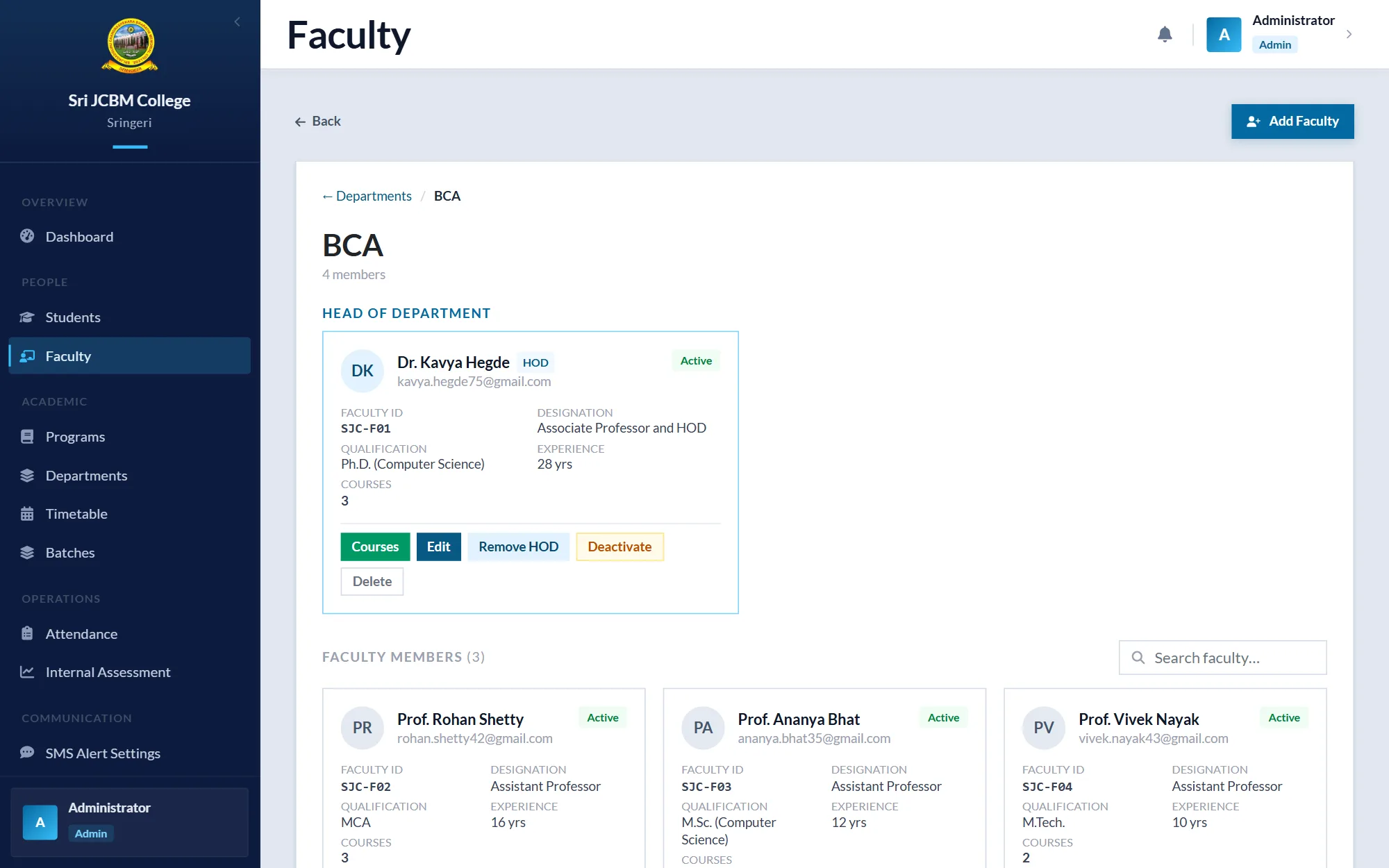
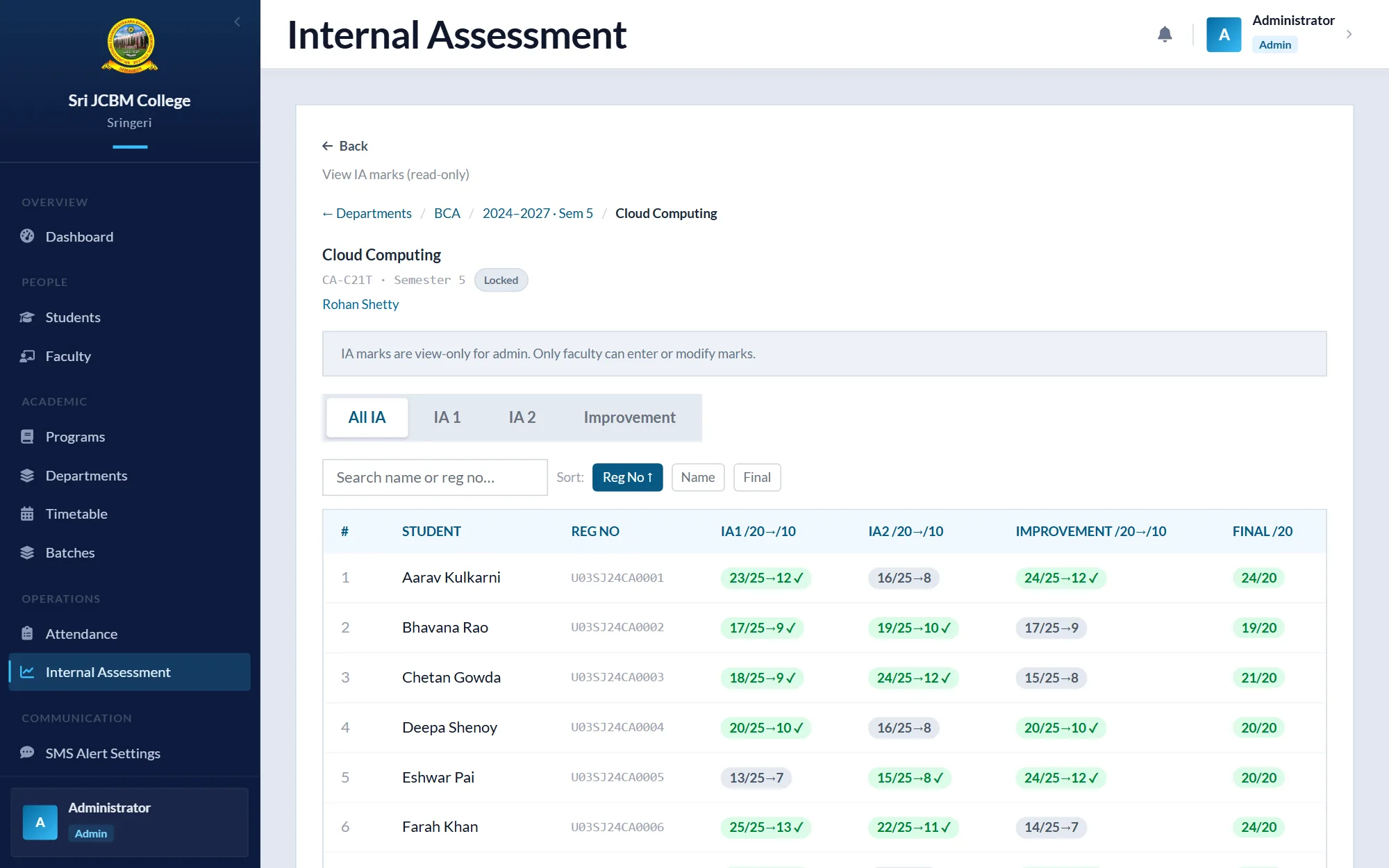
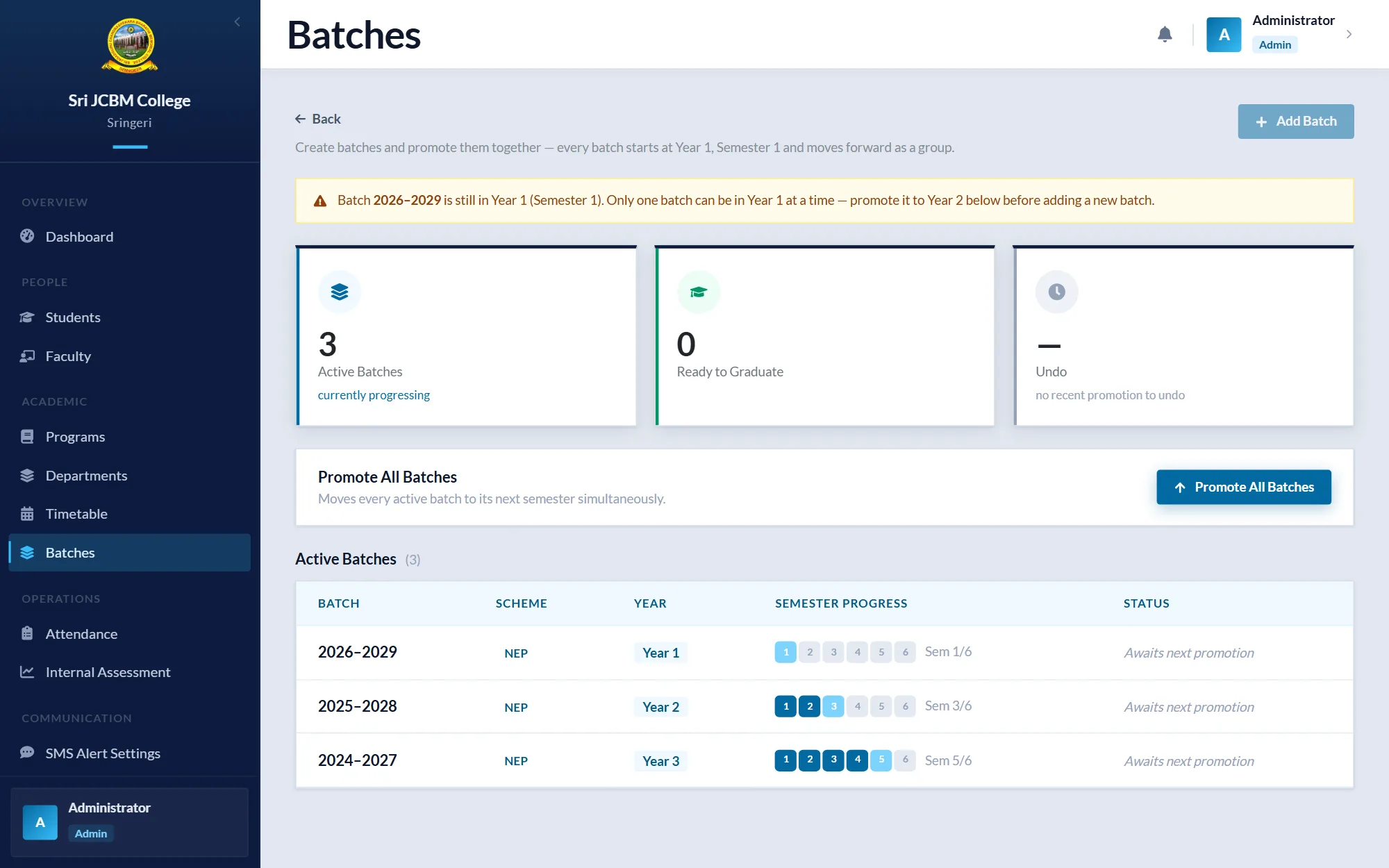
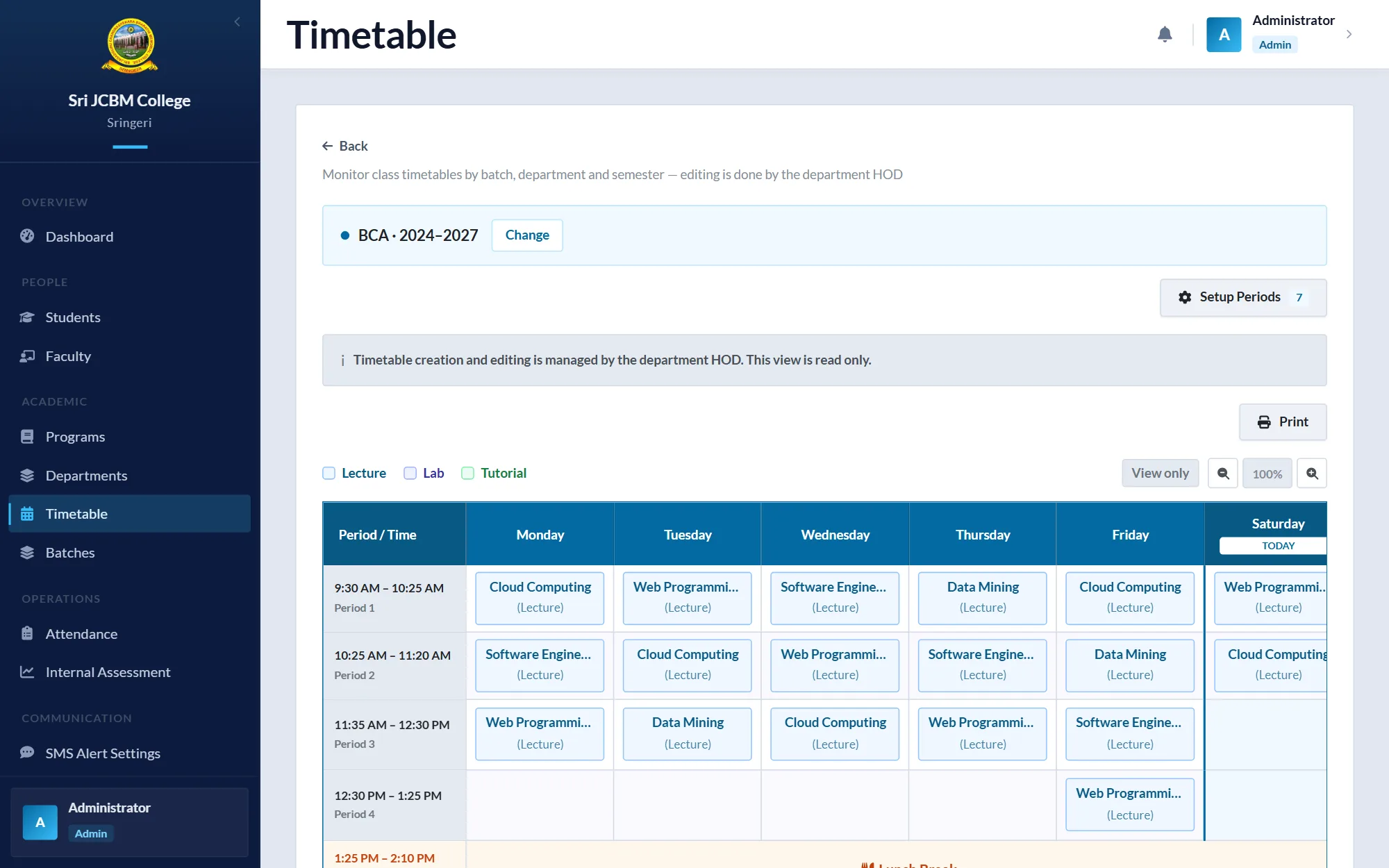
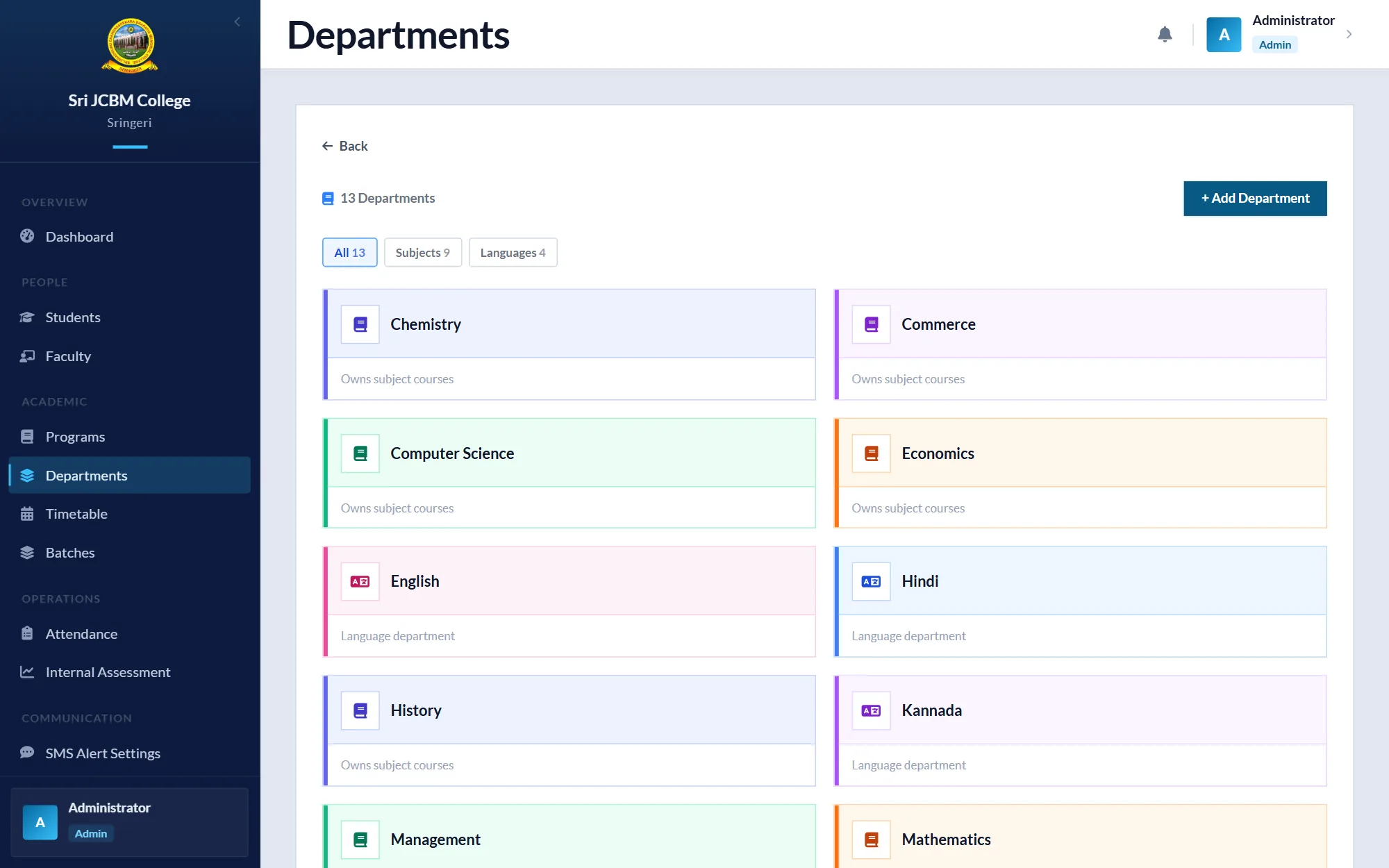
The single most useful feature is an admin panel. If every notice, photo or document needs a developer, the site goes stale. Staff should be able to edit pages, post news, upload documents and answer enquiries without writing code.
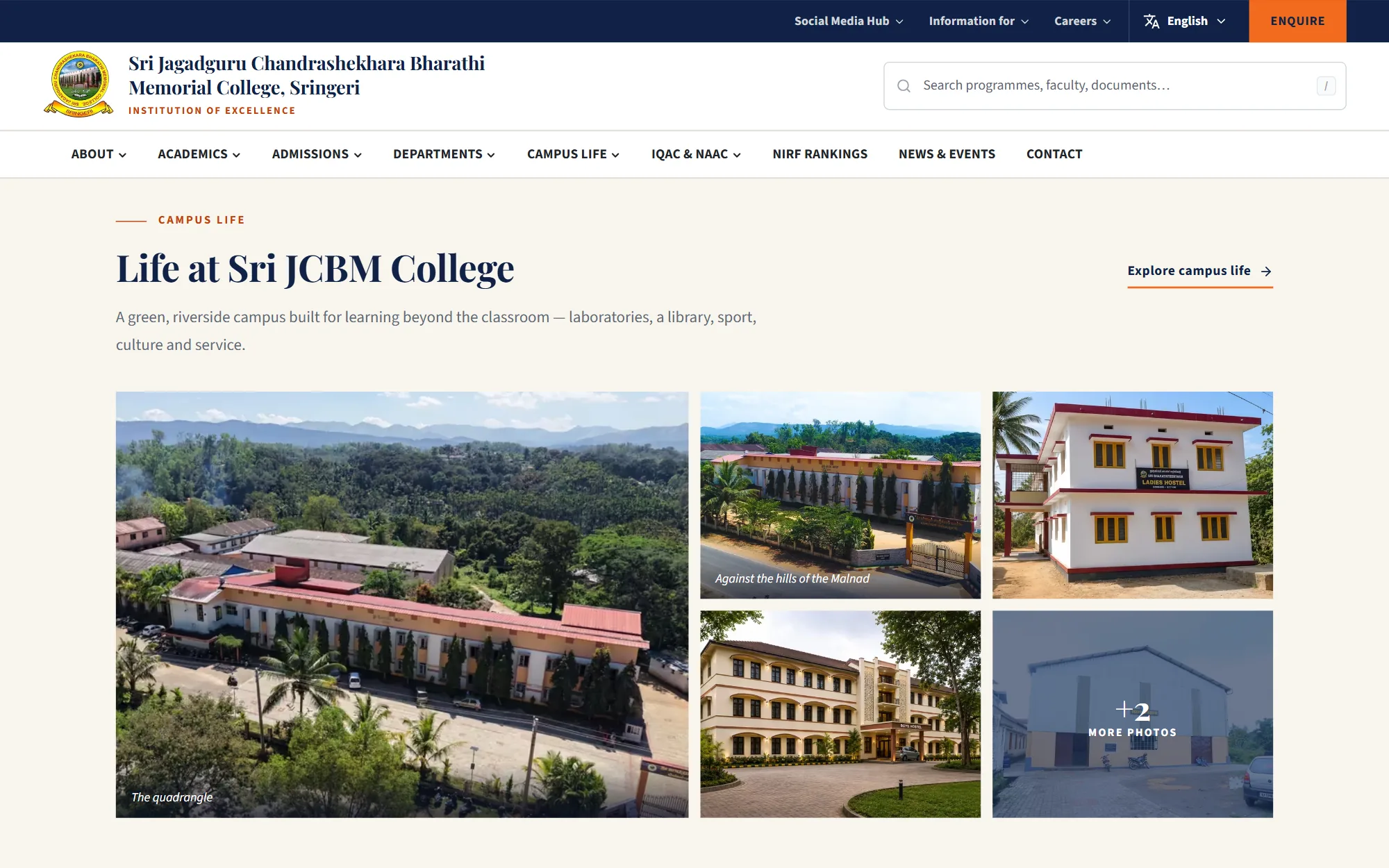
Pages every college site needs
- A page for each programme, with duration, eligibility and an overview.
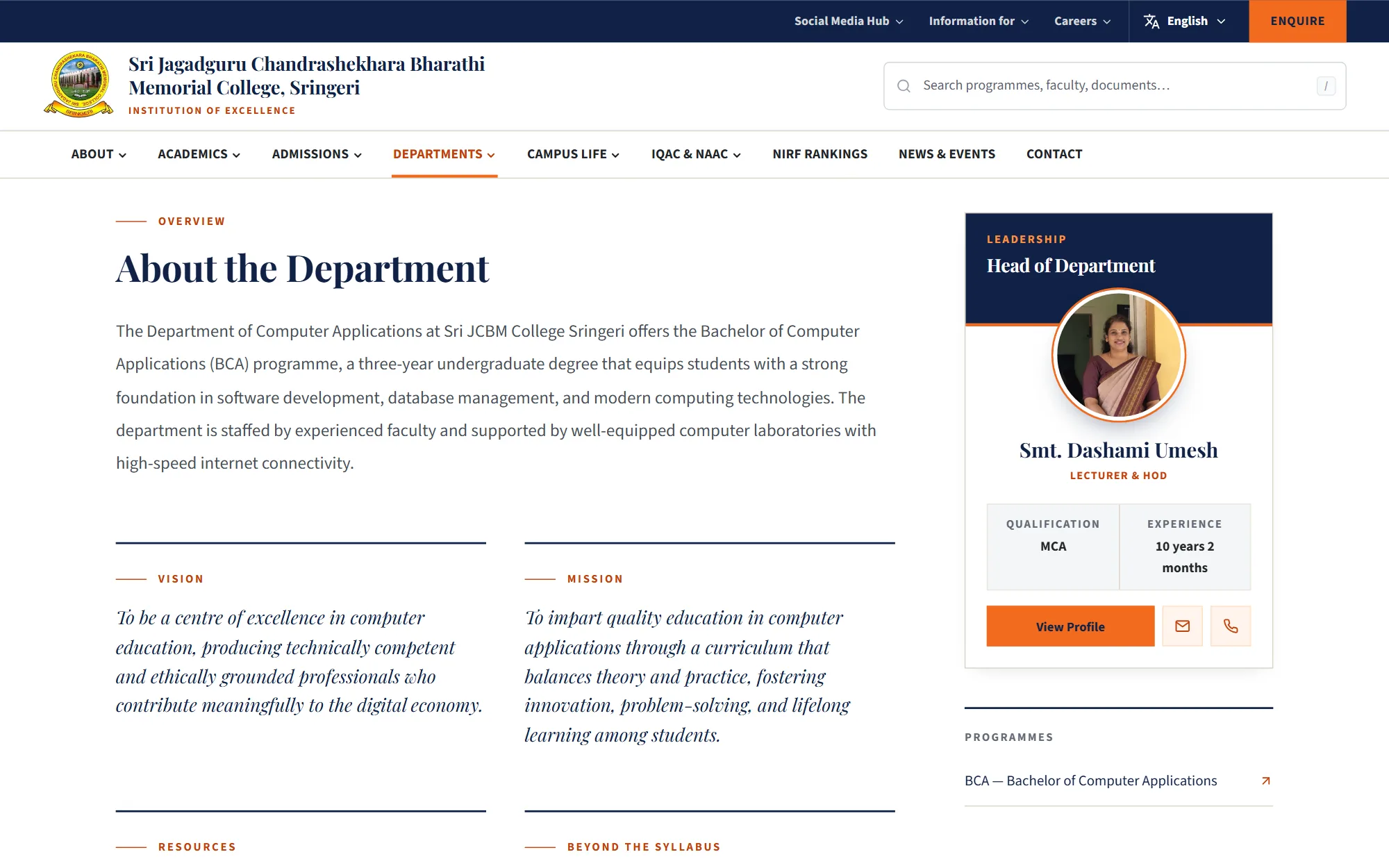
- A page for each department, with its head, vision, mission and facilities.
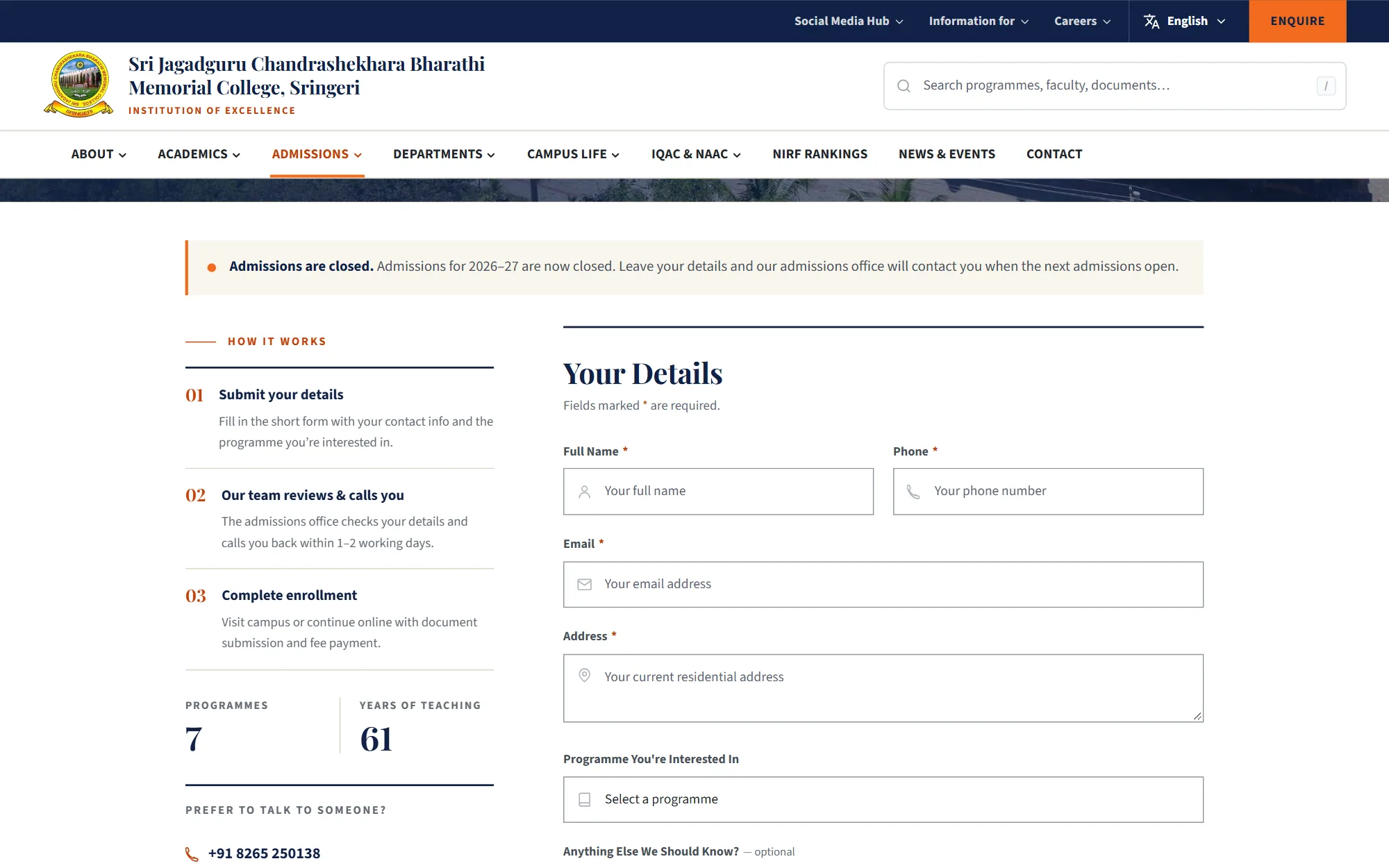
- Admissions information and an enquiry form that reaches a real person.
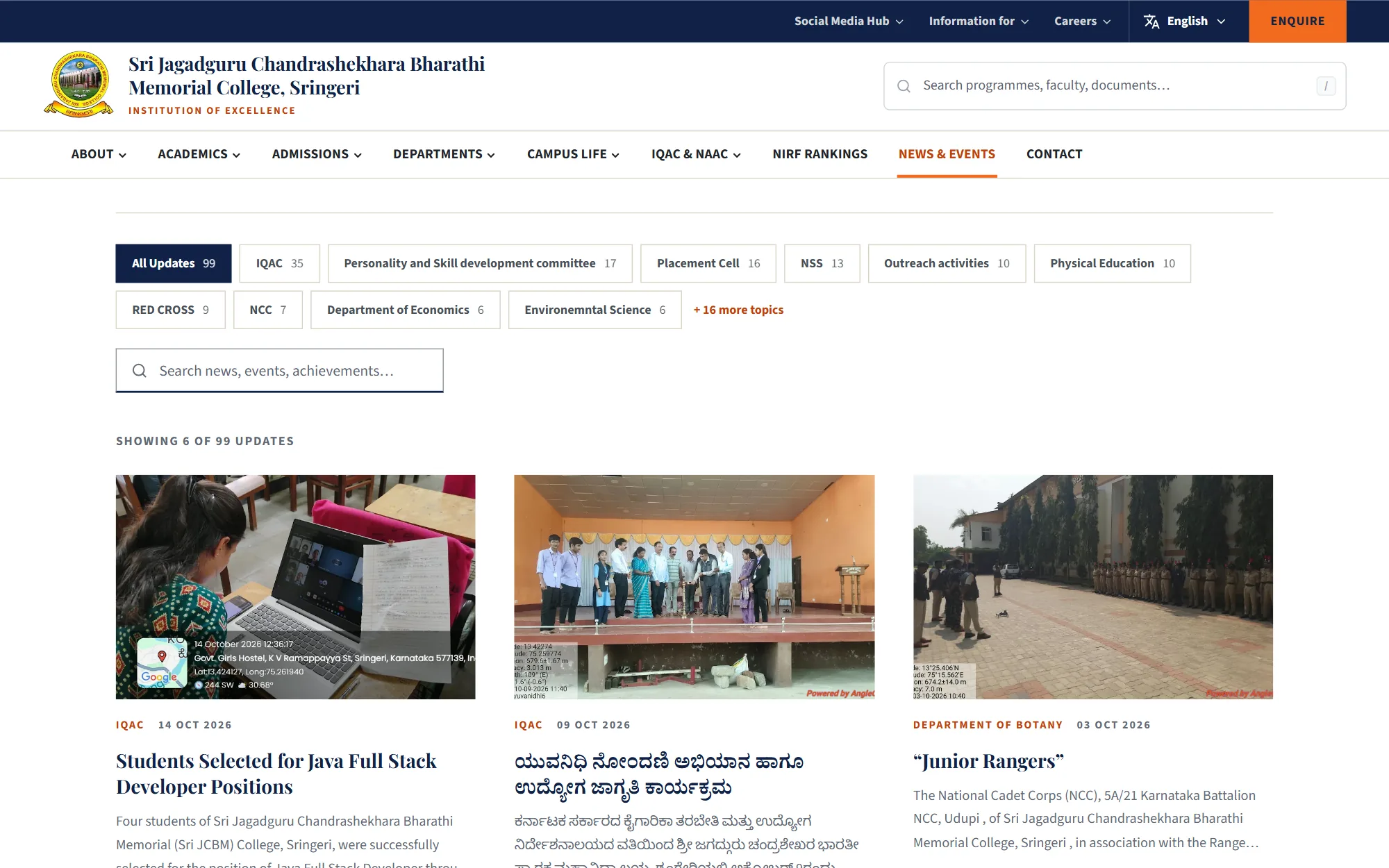
- News and events, filterable by topic.
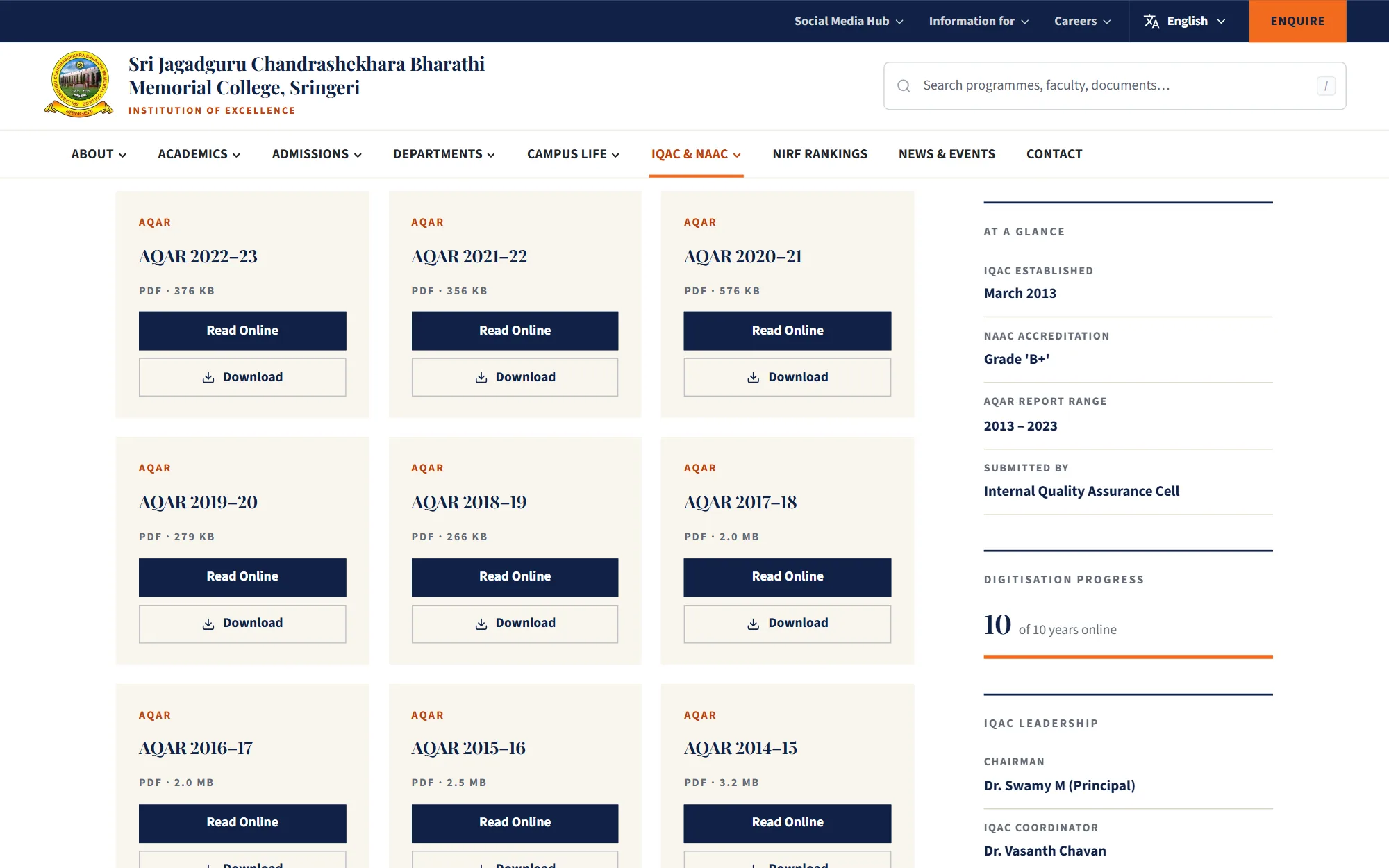
- Accreditation and ranking documents, such as annual quality assurance reports, readable online and downloadable.
- Contact details and a clear route to the office.
Make it easy to find things
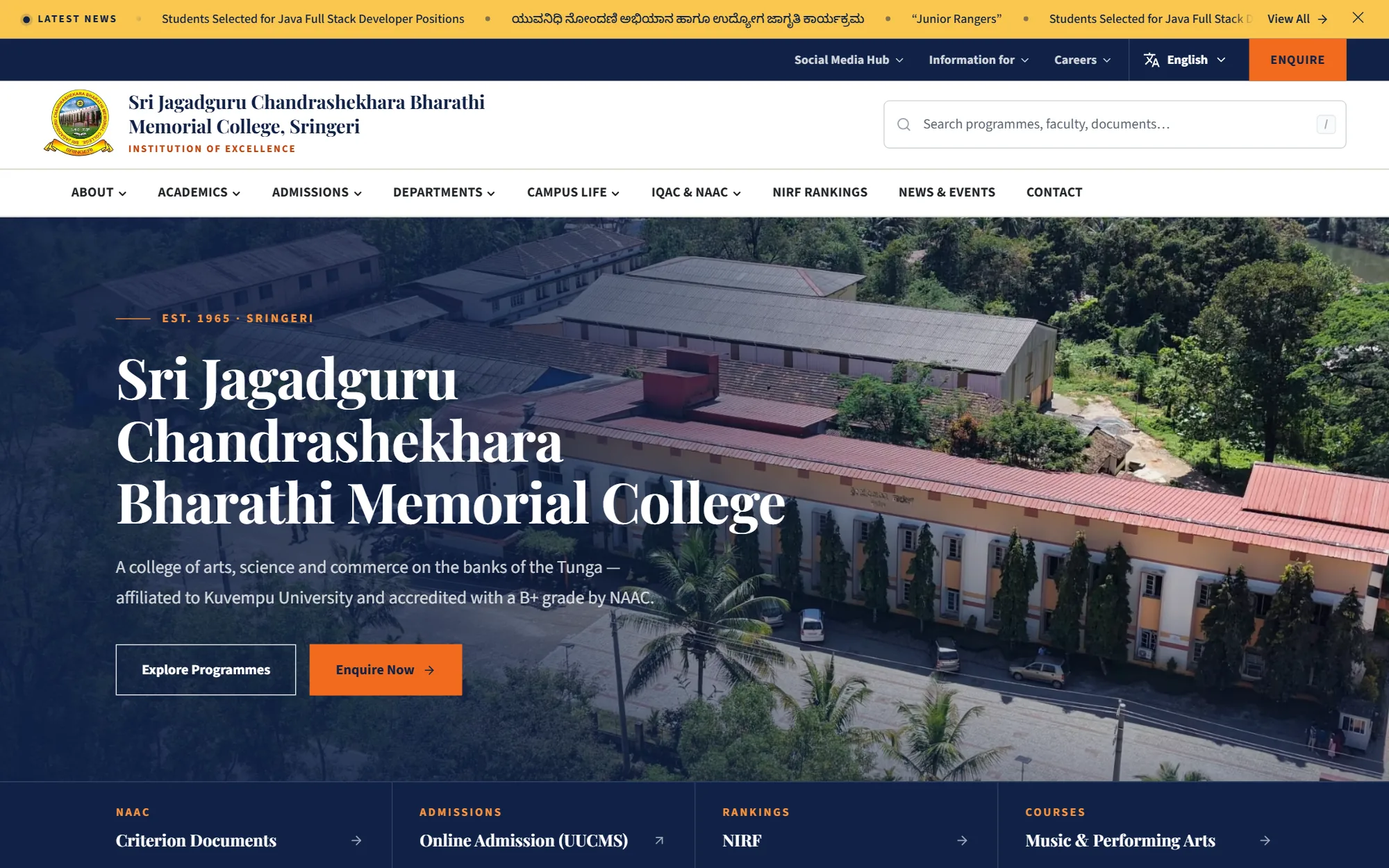
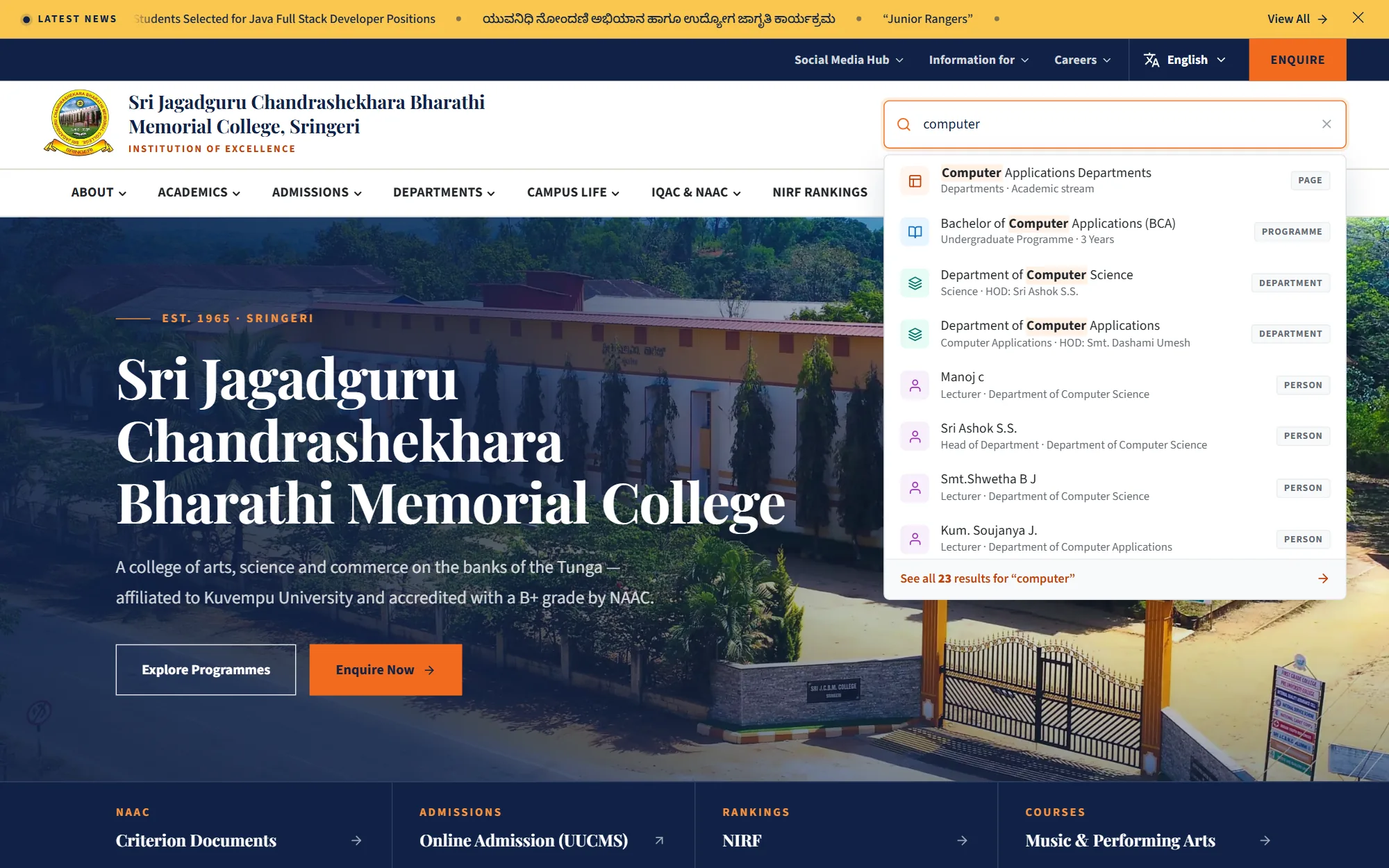
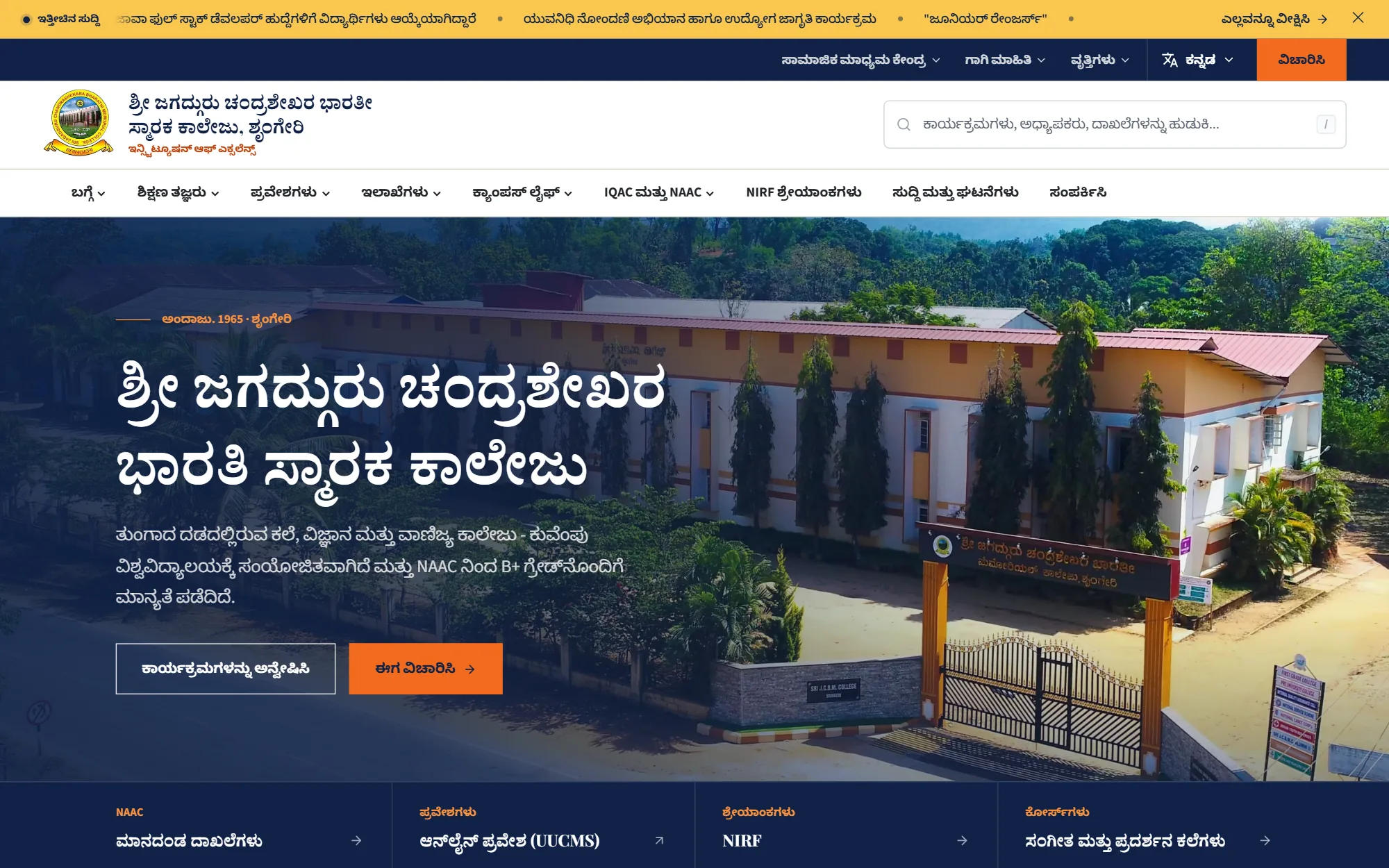
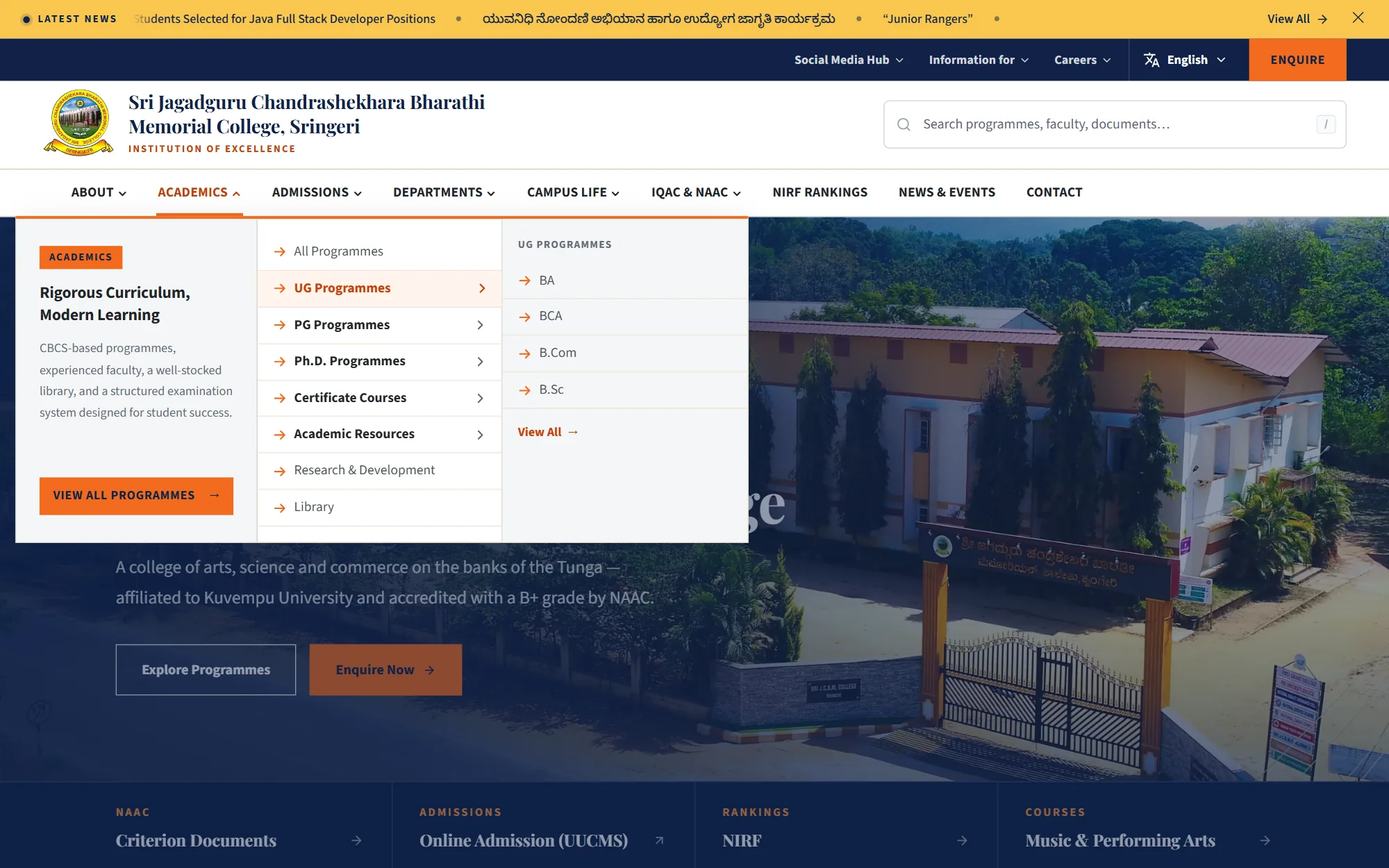
A large site is only useful if people can find their way around it. Group the navigation into clear sections, and add one search that covers pages, programmes, departments and people, with each result labelled by type.
Think about language
If your students and parents read Kannada, Hindi or English, say so on the site. A language switcher and news posted in more than one language make the college feel open to the community it serves.
Phones first
Many visitors will arrive on a phone. Check the menu, the search and the enquiry form at phone width before anything else.
Run it safely
- Back up the database and the uploaded files, and practise restoring them.
- Host it somewhere the college controls, or where a handover is simple.
- Keep the admin panel behind sign-in, with only the permissions each person needs.